
Clean Launcher (Clean Up & Fix Your Game)
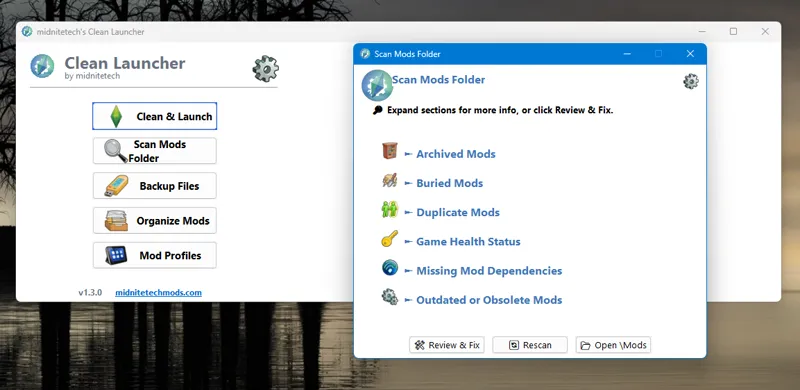
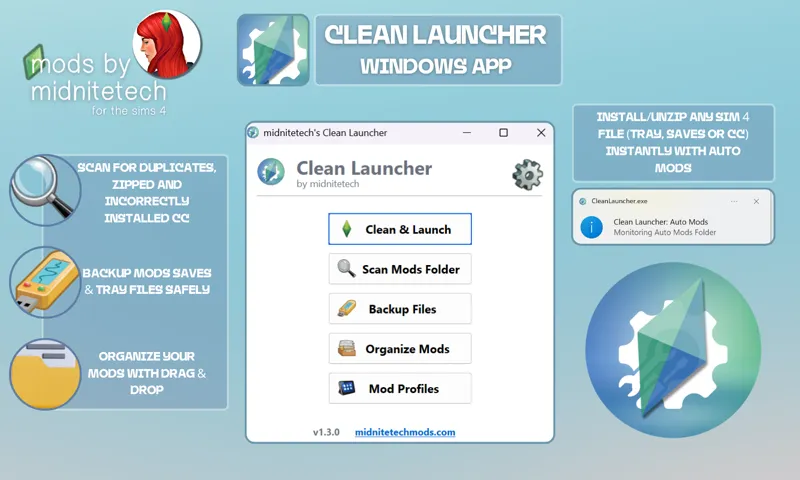
Clean Launcher is a Windows application created by a modder named midnitetech to help players manage their Sims 4 Mods folder, troubleshoot conflicts, and simplify the organization of custom content (CC)1. It is designed to act as both a utility tool and a game launcher that prepares your game environment before playing12.
Core Features and Functionality
The application provides several tools focused on game maintenance and mod management:
• Clean & Launch: This feature allows you to clear game cache files and error logs and then launch The Sims 4 with a single click23.
• Auto Mods Folder: When active, this feature creates a specific folder where any placed files (such as .zip archives, .ts4scripts, or Tray files) are automatically extracted and sorted into their correct locations while the app runs in the system tray45.
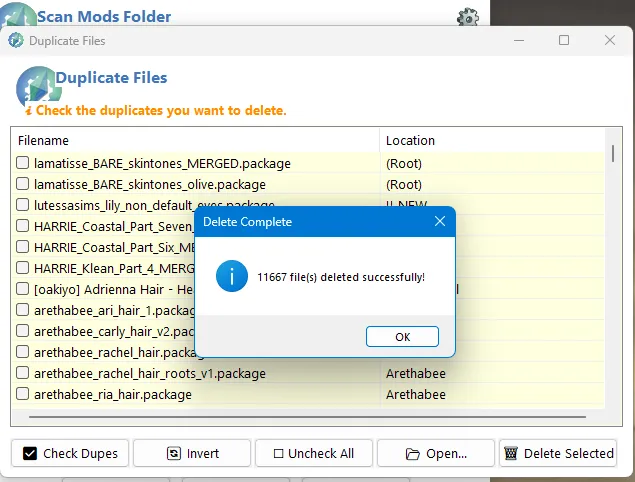
• Mod Scanning: The launcher scans your /Mods folder for common issues, including duplicate files, hidden scripts, zipped mods, and missing dependencies2.... It specifically checks for updates and dependencies for midnitetech mods, UI Cheats, and Lot 51’s Core Library23.
• Mod Profile Manager: You can create different profiles for various playstyles (e.g., a "realistic" setup vs. a "supernatural" one) and switch between them easily2....
• Folder Organization: It provides a live folder tree view of your mods, allowing you to drag and drop files, select multiple items, and create or delete folders to keep your CC organized27.
• Backup Utility: The app can create ZIP backups of your Mods, Saves, and Tray folders, which is recommended before updating the game or reorganizing your files27.
Important Considerations and Safety
While Clean Launcher is intended to be a helpful tool, the sources highlight several points for users to keep in mind:
• Backup Requirement: Users are strongly advised to manually back up their /Mods folder before using the program to make significant changes, as it is still a work in progress4....
• Portable Edition: For users who have trouble with file permissions or antivirus warnings, a Portable Edition is available that runs without a standard installation9.
• Reported Issues: Some community members have reported difficulties, such as the app accidentally deleting mods during organization or being difficult to fully uninstall from the system1011.
• Uninstallation: To properly remove the app, you should exit it via the tray icon first, then use Add/Remove Programs; however, some users have noted that "ghost files" may remain in the AppData folder or Task Manager12....
Comments (3)
This seems like a great concept, but does it organize mods that are already in your folder before download?
I believe so, you would have to back up your original mods folder
With this tool can I also fix broken mods?