
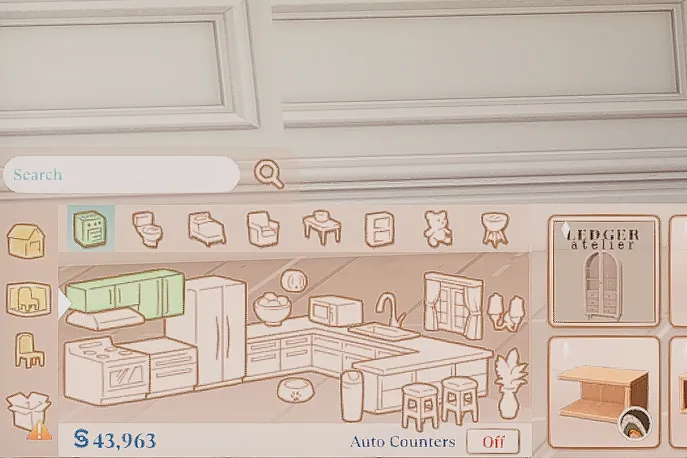

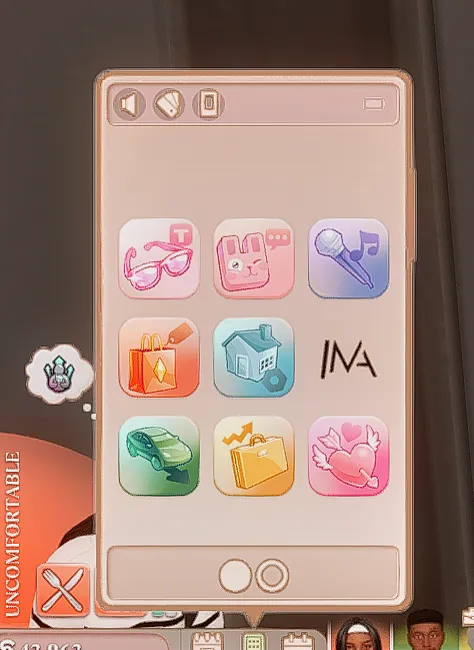
UI Recolor Override by Vyxated
Get rid of the boring blue UI color and add this cute override!
A UI recolor for The Sims 4 is a mod that changes the appearance of the game's user interface (UI). This includes elements like the color scheme, buttons, menus, and overall design. Players often use UI recolors to personalize their gaming experience, making the interface match a specific aesthetic or feel more visually appealing.
For example, popular UI recolors might:
Change the default blue tones of the game to pastel shades, black-and-white, or other color palettes.
Modify the icons or fonts for a cleaner or more cohesive look.
To install a UI recolor mod, you typically need to download it from a trusted creator, place the files into your Mods folder, and ensure that script mods are enabled in your game settings.