Custom Loading Screens
Custom loading screens in The Sims 4 allow you to replace the default blue loading screen with a design that matches your personal style. Here are some popular options for custom loading screens:
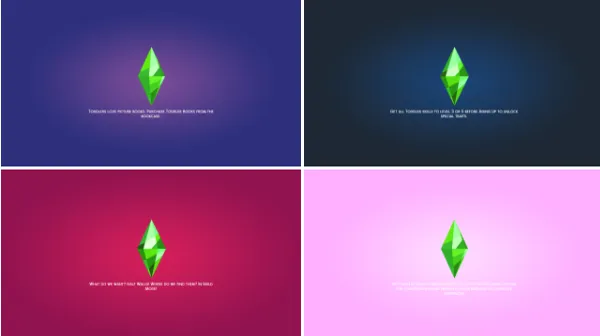
1. Pastel and Aesthetic Themes
Example: Ellcrze’s Pastel Loading Screens
Purpose: Offers a variety of soft pastel colors like pink, lavender, mint, and more to give your game a relaxing aesthetic during loading.
Style: Minimalist, soft colors, perfect for players who love cute and calming vibes.
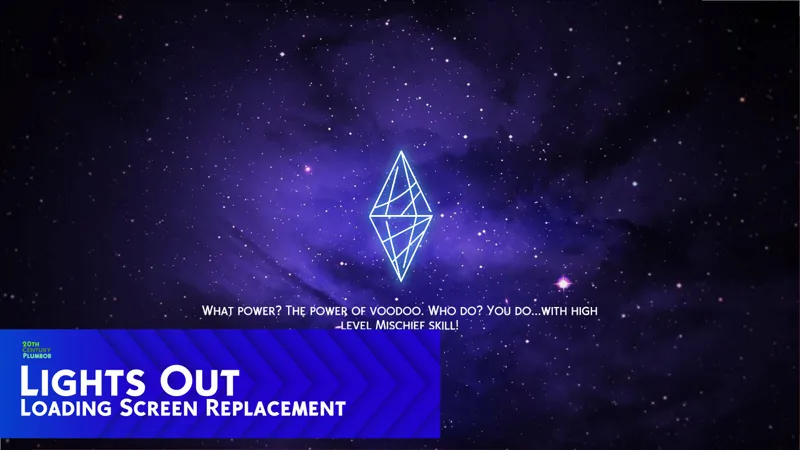
2. Galaxy and Space Themes
Purpose: Features stunning galaxy-themed backgrounds, with stars, nebulae, and cosmic clouds to make loading feel otherworldly.
Style: Celestial, vibrant purples, blues, and blacks with shimmering stars.
3. Nature and Landscape Themes
Purpose: Replaces the loading screen with serene landscapes like mountains, forests, beaches, and sunsets.
Style: Natural, calming, earthy tones, and breathtaking scenery.
4. Custom Sims-Themed Loading Screens
Example: Celebrities
Purpose: Displays Sims-related content, like iconic in-game objects or characters, adding a unique Sims twist to the load screen.
Style: Fun, lighthearted, and connected to The Sims universe.
5. Cartoon and Animated Loading Screens
Example: Annett's Sims 4 Loading Screens
Purpose: Adds a playful cartoon or animated design, often featuring custom art or graphics.
Style: Whimsical, colorful, and fun, perfect for players who love a pop of personality.
6. Dark and Edgy Loading Screens
Example: Simsiboy
Purpose: Offers dark, sleek designs with blacks, deep reds, and gothic or minimalist aesthetics.
Style: Edgy, sleek, perfect for players who prefer a moody and mysterious look.
7. City and Urban Themes
Example: City Night Loading Screens by Amelie
Purpose: Displays urban cityscapes, skyscrapers, or neon lights for a modern, urban atmosphere during loading.
Style: Modern, vibrant, city-themed, ideal for players who enjoy urban living.
8. Gradient and Color Block Themes
Example: Tiasha Loading Screen (Gradient)
Purpose: Features smooth color gradients or block patterns, giving a polished and clean look to your load screen.
Style: Simple, modern, with a variety of colors to choose from like pinks, blues, and rainbow gradients.
These custom loading screens can give your Sims 4 game a more personal and visually appealing experience. You can easily switch them out depending on your mood or aesthetic preference.