
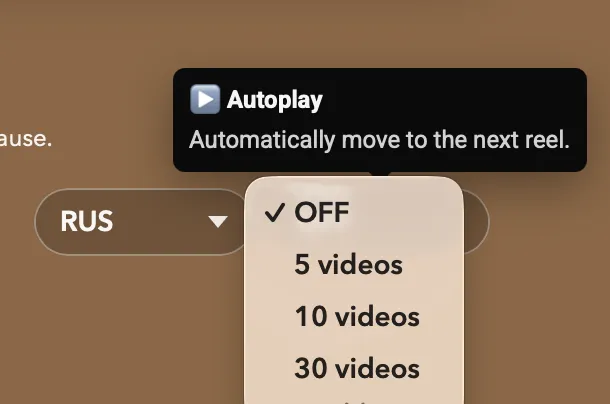
▶️ Autoplay Mode — Learn While Doing Something Else
I just added Autoplay to Reels, and it turned out to be surprisingly fun to use.
Now Playphrase.me can automatically move to the next reel after a chosen number of clips or after a certain amount of time. In other words, you can simply let phrases, words, and translations play one after another without touching the keyboard.
This opens up a nice new learning mode: background listening.
Turn it on while doing something else — cooking, cleaning, walking around the house — and let real spoken English keep playing.
One funny use I discovered myself: screen sharing to a TV.
Put Playphrase.me on the big screen, switch on Fullscreen, and it turns into a kind of language-learning TV channel that keeps showing phrases from movies — you literally didn’t forget anything.
So now you can:
• explore Common Phrases
• run Vocabulary
• or review your Favorites
—all in Autoplay mode.
Set it, listen, repeat, and let the language flow on Playphrase.me.