




How to fix the transparent texture overlapping issue in The Sims
In this tutorial, I will use Blender 3.6.
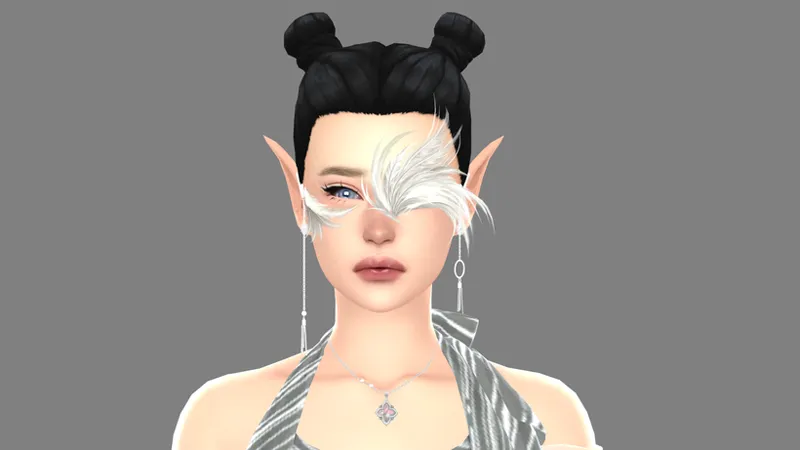
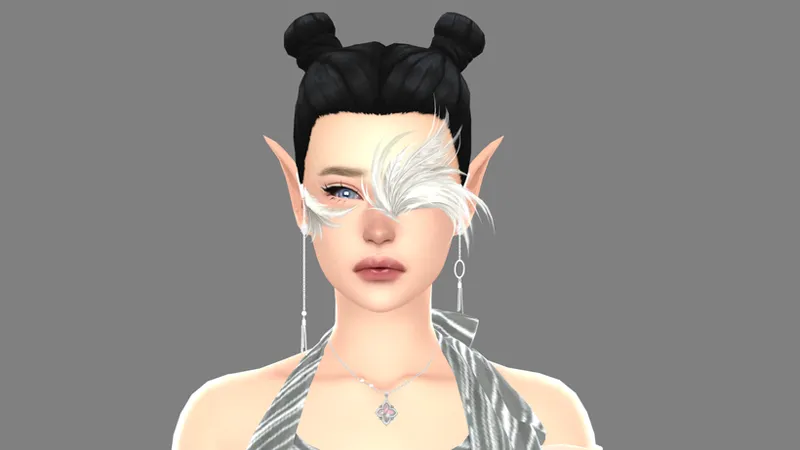
I will use this file as an example.
Unfortunately, I don't know how to properly explain what I did in the video, hahaha.
But here is what you need to know when performing a conversion involving multiple layers of transparency:
You have to be patient; working with The Sims files isn't easy—even now, I still have a lot of trouble with that type of file.
For those already familiar with it, the video might be easier to understand (or not), but for beginners, you need to have an understanding of what will be on top, in the middle, and in the back.
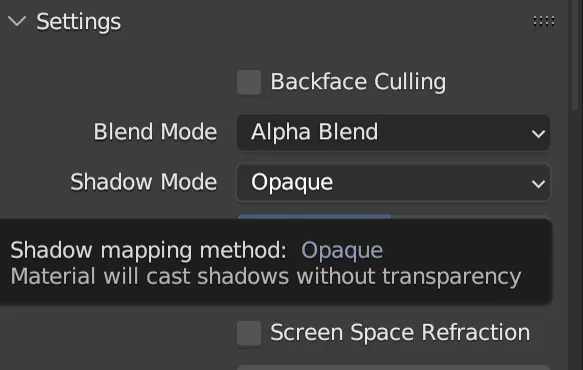
In The Sims, the transparency display mode is "BLEND", so when performing conversions, use "alpha blend" in Blender (as it most closely matches the look in The Sims).
In the video, I switch between "alpha blend" and "alpha hashed" to get an idea of how the parts should look correctly.
As I mentioned above, I don't know how to properly explain what I did in the video. You have to figure it out for yourselves—learning through trial and error over time—but the one thing you shouldn't do is give up at the first mistake.
Comments (4)
Would this method work for hairstyle? Wouldn't it take a lot of time to separate the layers?
Yes, it's the same method I use for MC's hair.
haii! are u going to be posting the feathers?
Yeah, to be honest, I should have posted it already, but I forgot. 😅It has been ready for months 😅😅😅