


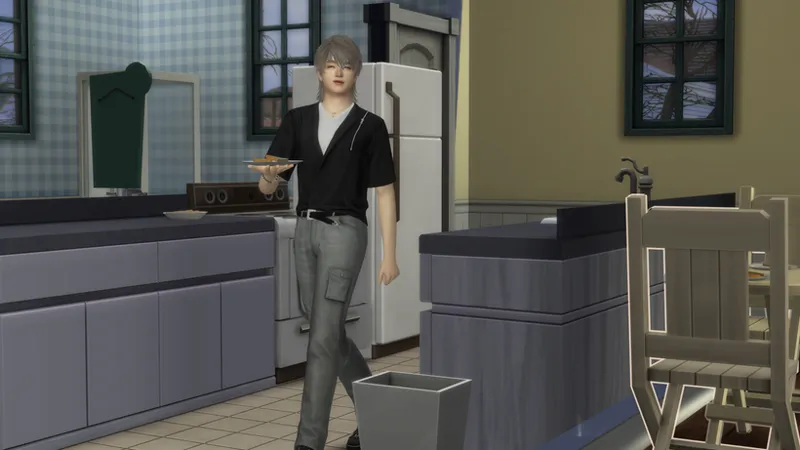

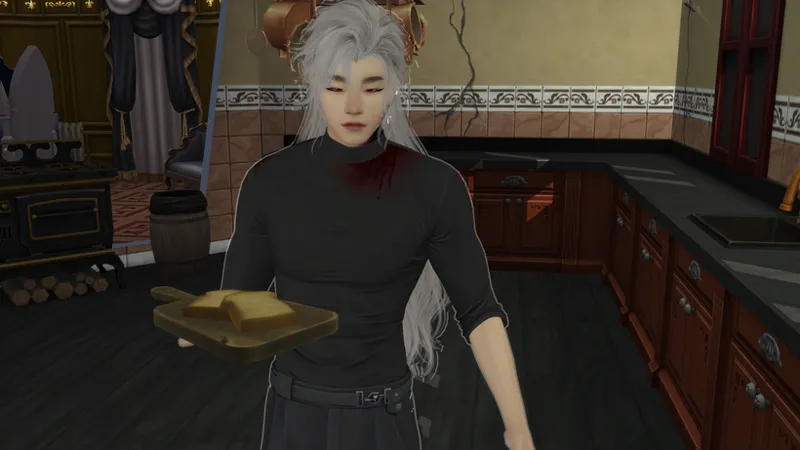


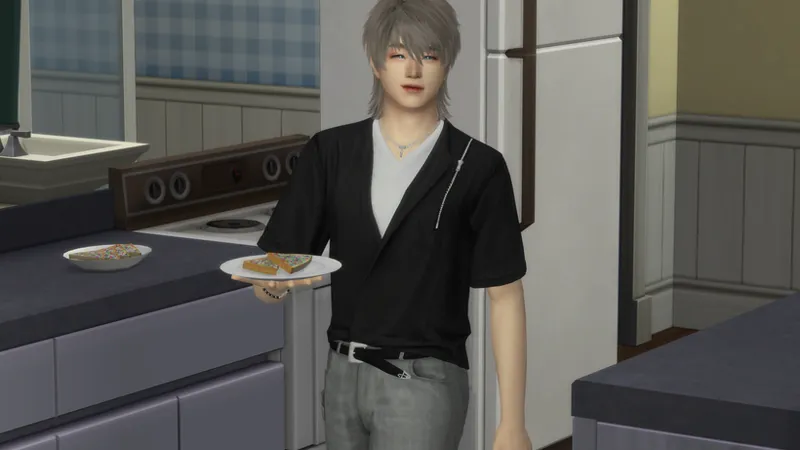

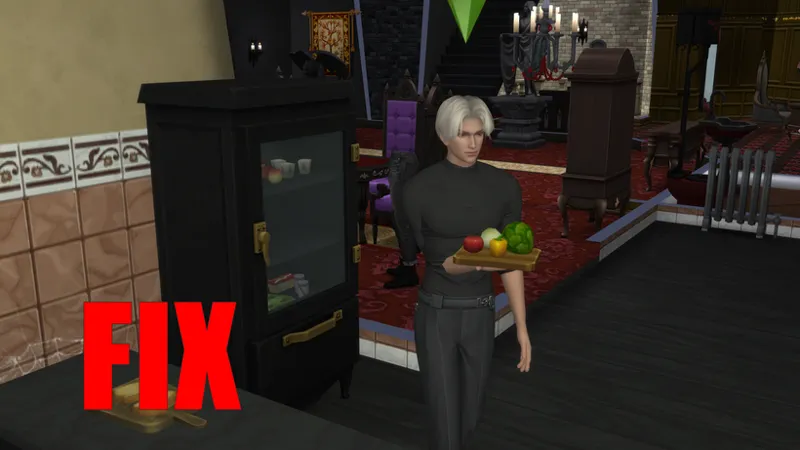
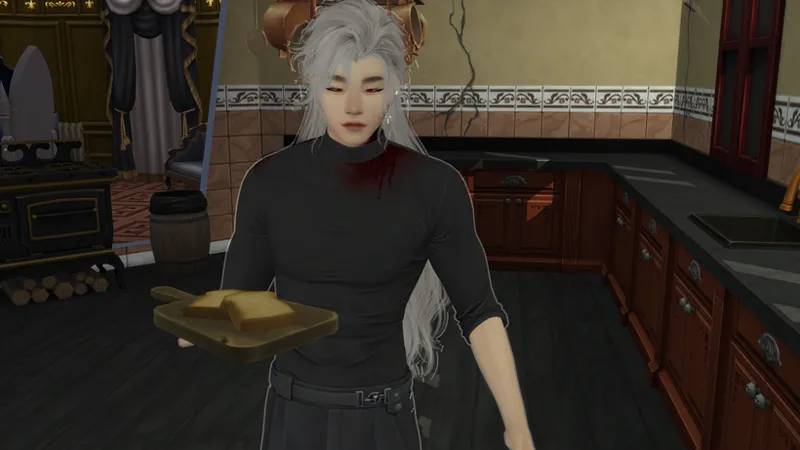

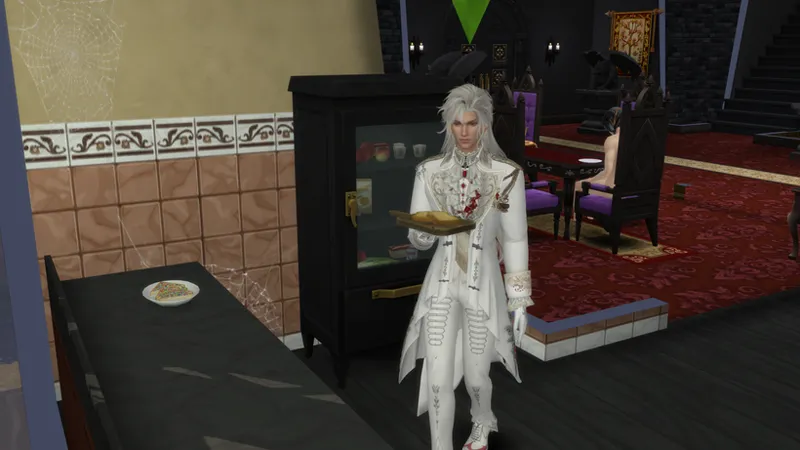


How to fix this animation problem pt2
First of all, I’m no expert in Blender or conversions. I’m just a poor peasant woman who struggled a lot before finally managing to solve a problem—all on my own, without any help at all, hahaha.
What I’m going to teach doesn’t always work on the first try; the important thing is not to give up and to try again.
OPEN SIMS4STUDIO:
Open your corrupted file and export it.
Then go to CAS and pick a mesh that we can use to transfer the weights (you'll understand why).
A tip: whenever possible, choose something similar to your file; it will be much easier to edit.
Now open whichever version of Blender you prefer. I'll be using version 2.70.
Open the file.
Append the mesh we will use to adjust the weight.
This problem usually happens to me because the "Lil's" bodies are larger than the base The Sims bodies.
So, I need to adjust the mesh—from which we'll derive the weights—to fit the body in our file.
some shortcuts I used:
G + scroll: increases and decreases the circle
G: Move vertices/faces
C: Select vertices/faces
S + Y / S + X / S + Z: HORIZONTAL / VERTICAL / TOP TO BOTTOM
Now I'm going to use Blender 2.76.
Save and copy it to the game, then test the file.
working perfectly.
But keep in mind, it doesn't always work the first time, especially with a very large or heavy file. For example, it took me three days to fix the problem with the ballerina outfit.
other examples:
Comments (2)
thanks for the explanation!!
welcome