

The Exact ChatGPT Prompts I Use | FREE Creator Strategy Guide
⚠️ Long post alert! You may want to grab a coffee before you begin! ☕🤎
Does this topic interest you? Explore the more detailed guides in my Shop, with step-by-step explanations, ready-to-adapt prompts, checklists and practical examples from my own workflow. [Discover the guides HERE] 🤎
Hello my dears! 🤎
As I mentioned in my September post, “🤎 Behind Dinha: The Programs I Use, What I Pay For & How It All Started,” one of the tools I currently use is ChatGPT. If you missed that post, you can read it HERE.
Since then, I have received some lovely interest in learning more about how I use AI behind the scenes, so today I wanted to share something practical that you can use yourselves.
However, I think it is important to explain that the work I am sharing today was not created in a single day or through one perfect prompt.
This process has been developing over several weeks and through many different conversations with ChatGPT. I explained my goals, shared information and screenshots, asked many questions, reviewed the suggestions, corrected assumptions, requested alternatives and gradually adapted everything to my work.
My objectives, content strategies, publication endings, monthly calendar, text updates and other organisational details were developed little by little. They required many interactions, decisions and a considerable amount of work from my side.
To make this process more useful and less overwhelming for you, I have summarised the ideas and prompt structures that I considered most relevant to my own work and organised them into a clear, practical guide.
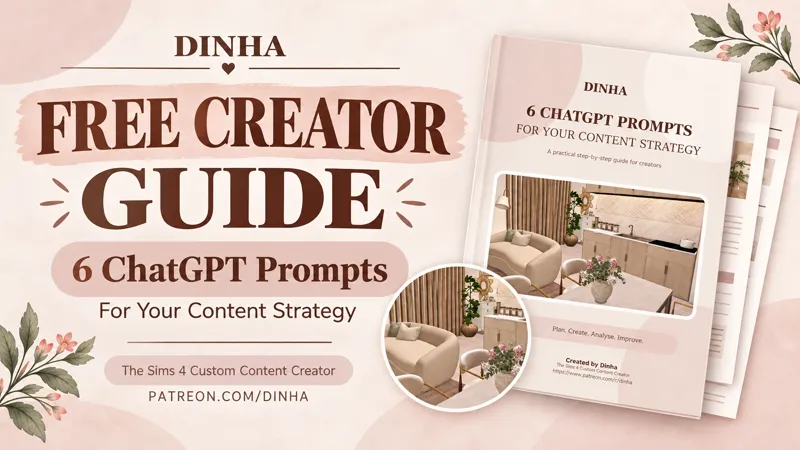
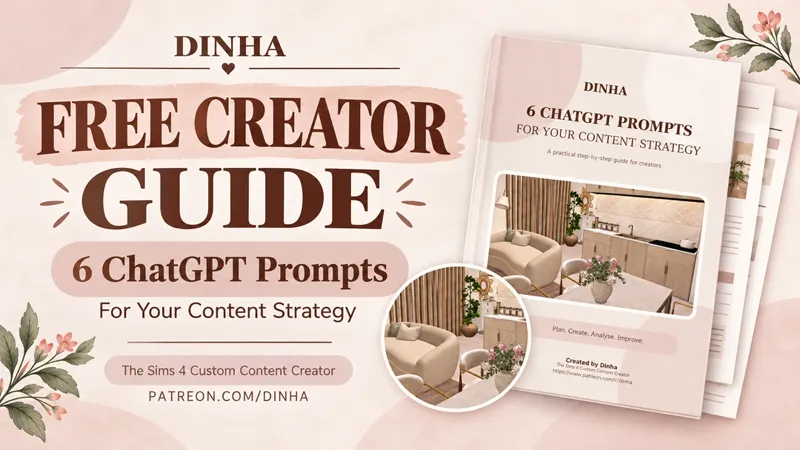
I created a FREE PDF containing six reusable ChatGPT prompts to help creators organise and develop their own content strategy.
Inside the guide, you will find prompts to help you:
Introduce your project and define your goals.
Request a realistic and personalised content strategy.
Create different endings for different publication goals.
Organise a balanced monthly content calendar.
Prepare complete posts for a specific platform, audience and purpose.
Analyse your results and decide what to retain, improve or test next.
These prompts are not “magic words” that will instantly produce a complete or perfect strategy.
They are intended to be used in order, as part of an ongoing conversation. You will still need to provide context, answer questions, correct assumptions and adapt the recommendations to your own voice, audience, available time and goals.
That is exactly how I work with ChatGPT: I begin with a clear request, read the answer carefully and continue refining it until the result genuinely makes sense for me.
The PDF gives you a structured place to begin, but the most valuable part will come from the information, questions, corrections and decisions that you add throughout the process.
I have also included some of my Sims 4 creations throughout the guide. This makes the PDF feel more personal and allows anyone who receives it outside Patreon to discover a little of what I create. 🤎
AI has also been helping me transform my images and ideas into short promotional videos for my content. It helps me organise the information, decide what to show on each slide, adapt the design to different platforms and create a clearer visual sequence. If you would like to see a practical example, you can watch one of the short videos I prepared with its help HERE. 🤎
You can download the complete guide in the attachment to this post.
Please feel free to save it and share the original PDF with other creators who may find it helpful. I only ask that you keep the document complete so that the prompts, explanations and creator credits remain together.
Which part would help you most right now: creating a strategy, organising a calendar, writing posts or analysing results?
I hope this little resource is useful to you.
Before you go, I would love to ask you something:
Did you already know my work as a Sims 4 Custom Content creator before finding this guide, or has this post just introduced you to Dinha? 🤎
If you are new here, welcome! Alongside these behind-the-scenes posts and creative resources, I have been creating custom content for The Sims 4 since 2020 — from furniture and decorative objects to complete rooms, walls, floors and much more.
My All CC Included ♥ tier gives you access to my complete Patreon archive: almost 2,000 Sims 4 creations, gathered and carefully organised in one convenient pinned post. This means you do not need to search through years of individual publications to find everything.
If you enjoy my style and would like to discover the complete Dinha CC Collection, you can explore the All CC Included ♥ tier HERE. 🤎
With love,
Dinha
Comments (4)
I've been with you for YEARS! lol
Hahaha, yes—you, Luigi and Mario have definitely been with me for YEARS! ❤️ You all knew Dinha long before this guide existed! Thank you so much for staying with me throughout all these years and for continuing to support my work. Having you here for so long truly means more to me than you know! 🥹🤎
That's really interesting, thank you, Dinha! I could actually apply a fair amount to my new business venture (nothing to do with The Sims or any digital content beyond marketing my products). :-)
Thank you so much! 🤎 It makes me incredibly happy to know that, even though your new business venture has nothing to do with The Sims or digital content, you can still adapt many of these ideas to help you organise and market your products. That’s exactly what I hoped—the same strategy can be useful for many different kinds of projects! I’m also very curious about your new venture! If you feel comfortable sharing, I would love to know what kind of products you’ll be creating or selling. I wish you every success with this new adventure! ✨