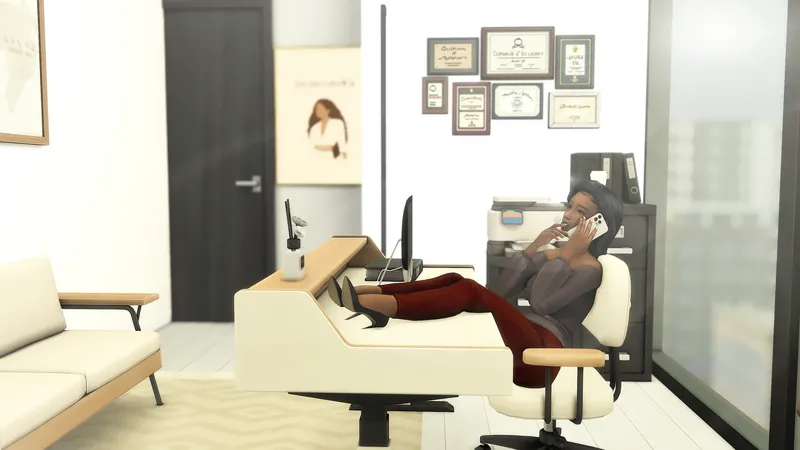
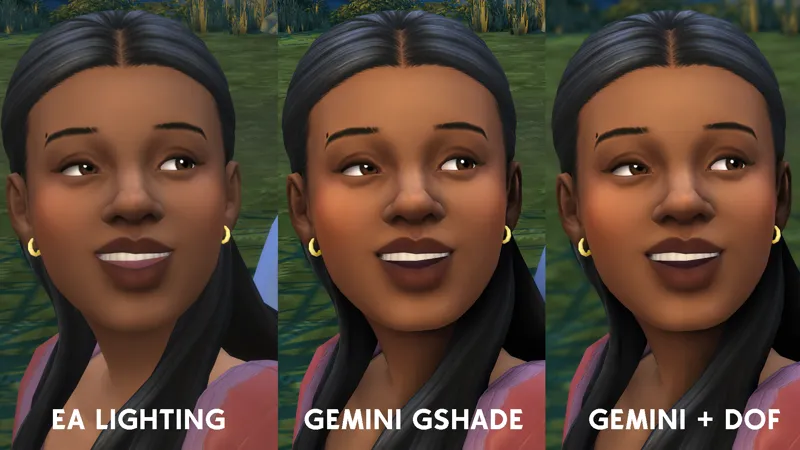
A: Sometimes I jump in CAS and create my own, sometimes I pull from the gallery & give sims a makeover (fyi, pls never re-upload someone else's original creation out of courtesy)
Q: Where do you get your CC?
A: I am a MM CC lover. I get my CC from most popular Sims 4 CC creators such as Sixam, MAX20, myshunosun, etc. Also, pintrest is your best friend!
Q: Will you ever make a CC finds blog or video?
A: Unfortunately, no. There are ample amounts of cc finds blogs around. I don't have the energy to do it, sorry :(
Q: Can I download some of your sims/lots?
A: I'm on the gallery missmani09. I upload some lots/sims but not a lot. I typically do not upload sims/lots very often as I feel my sims are near and dear to my heart.
Q: I miss your LP content. When are you going to update?
A: As a mother of two and a wife who works full time, life gets busy! Playing the Sims 4 is a hobby I have loved since I was a teen! That being said, life gets busy so I've diceded to switch to rotational current household gameplay.
Q: I love your channel. How can I further support you?
A: You simply watching my videos or sharing my content is support enough. However, if you'd like to go above and beyond and receive a million virtual hugs, you can donate to my Patreon. You can also support me thru March 2025 by entering my EA ID "missmani09" during checkout when you make a Sims 4 pack purchase. I receive a small commission for your support :)
Q: I want to start my own channel, but don't know where to start