
February 12, 2020
Runtime Unity Editor
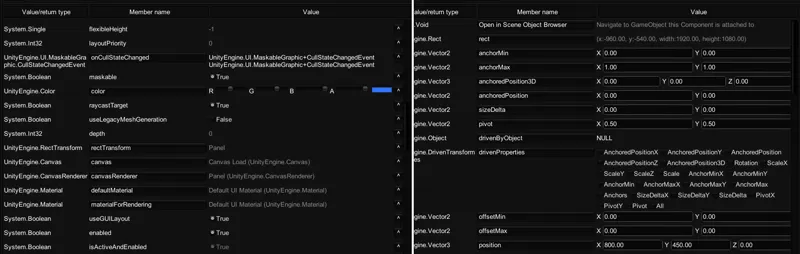
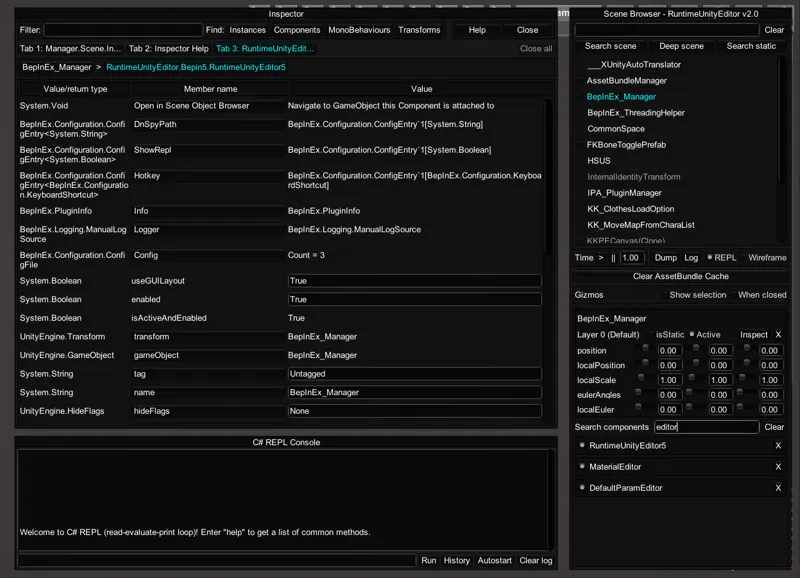
In-game inspector, editor and interactive console for applications made with Unity3D game engine. It's designed for debugging and modding Unity games, but can also be used as a universal trainer.
What's new?
How to use
Install BepInEx v5.0 or later if you don't have it already. You can download it here.
Download the latest build. Make sure to get the correct version for your BepInEx.
Extract the BepInEx folder from the archive directly into your game directory (you should already have a BepInEx folder there from previous step). Replace files if asked.
To turn on press the F12 key when in-game. A window should appear on top of the game. If it doesn't appear, check logs for errors.