
OrthographicCamera v1.1.2 for KK, AIS, HS2 and KKS
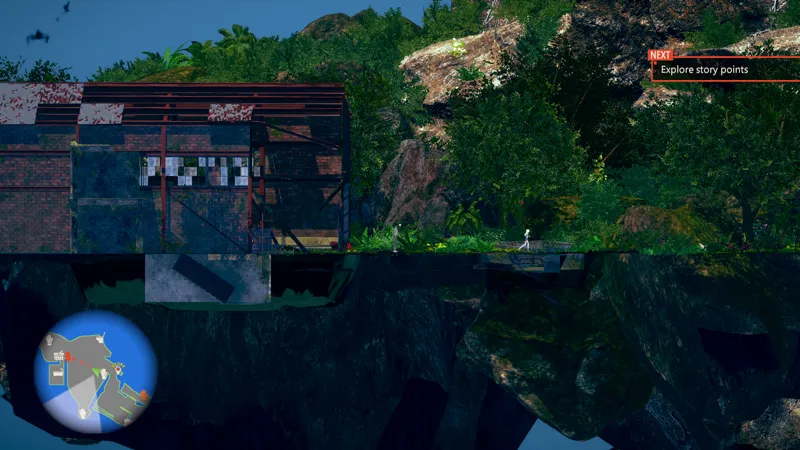
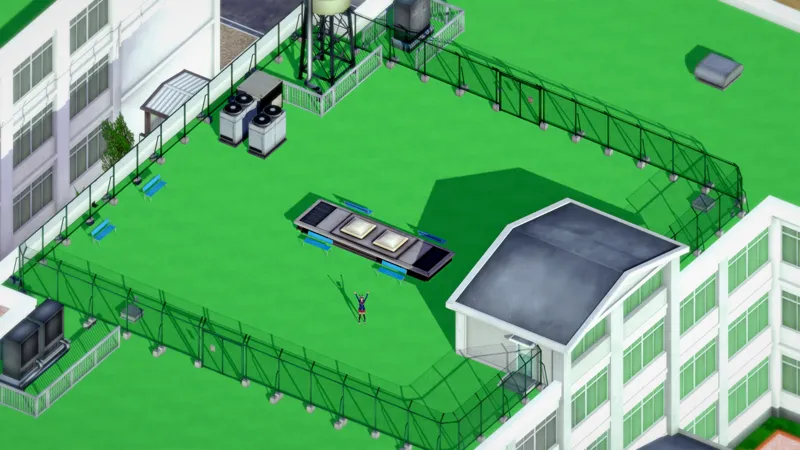
Plugin that allows using of the orthographic (parallel projection) camera mode. Works in both Studio and main game/maker (This is the effect that is used in isometric games like for example Diablo 2 and Fallout 2).
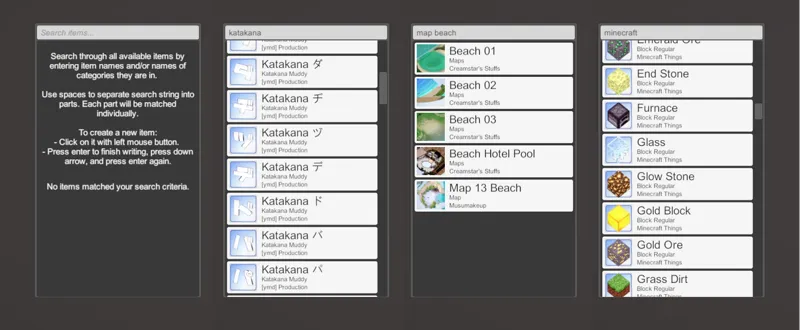
This plugin is required by QuickAccessBox to generate thumbnails for Studio items.
What's new?
v1.1.2
Added support for KKS
Changed default hotkey to none to avoid conflict with the StudioObjectMoveHotkeys plugin (need to assign a hotkey manually now)
v1.1.1(second edition) - Added support for HS2.
v1.1.1 - Fixed not working properly in AIS studio.
v1.1 - This release adds support for AI-Shoujo / AI-Girl, and improves performance in scenes with a lot of objects. Minor issues in KK main game with the orthographic size getting reset were also fixed.
How to use
Needs BepInEx v5.x
Extract the zip for your game in your game directory (the .dll should end up inside your BepInEx\plugins folder).
To toggle between perspective (normal) and orthographic camera mode press the I key (can be changed in settings) and then use your mouse scroll wheel to zoom in and out.
Comments (2)
I'm having trouble getting it working in charastudio. Any tips?
Go to plugin settings (F1) and check the hotkey.