
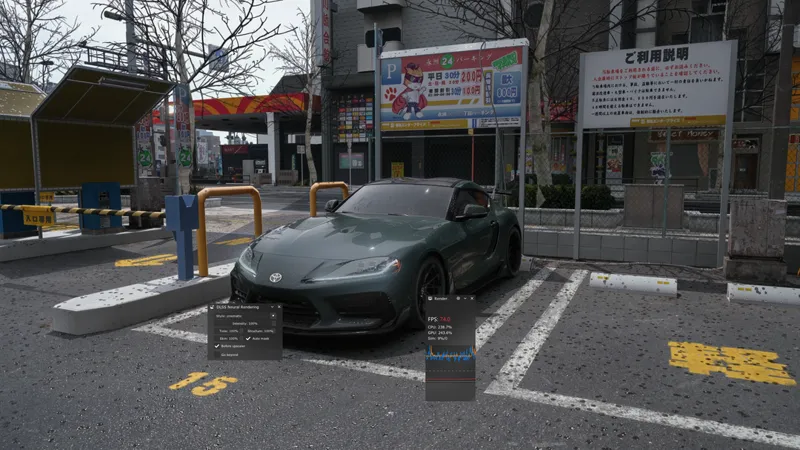


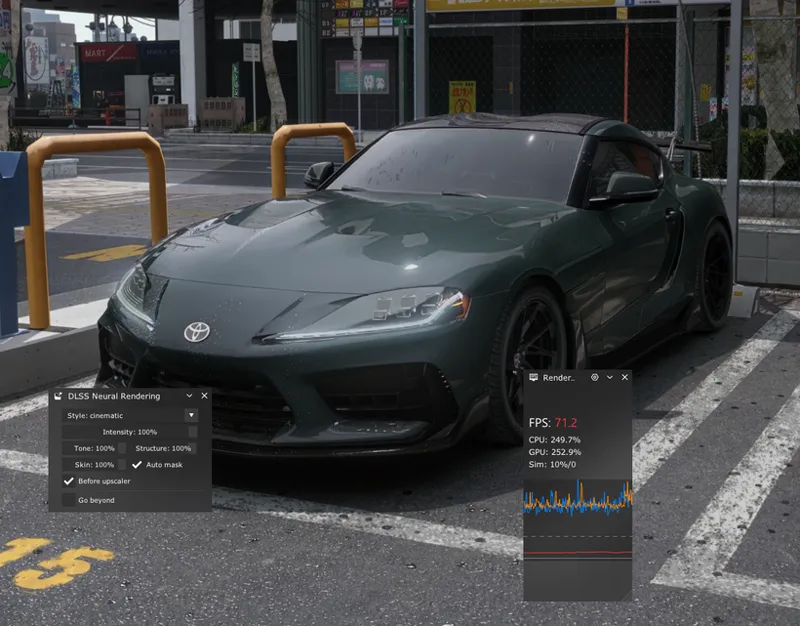

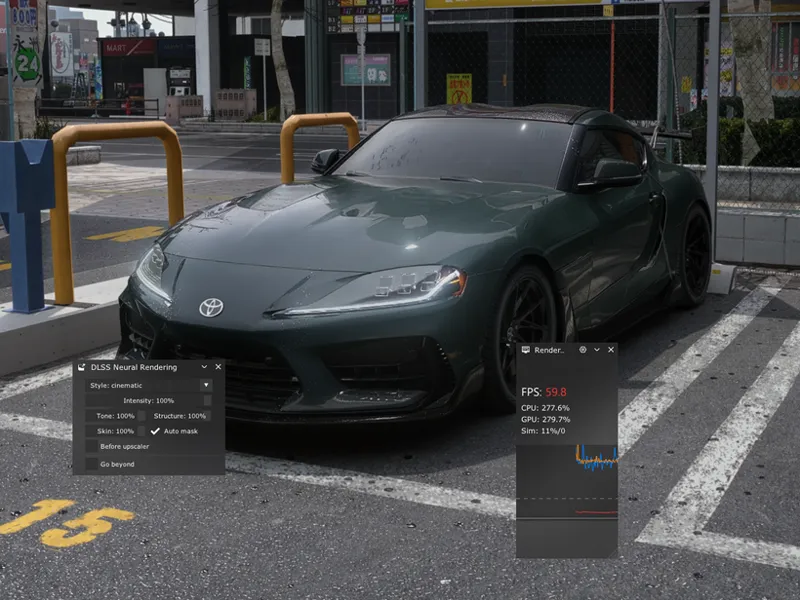
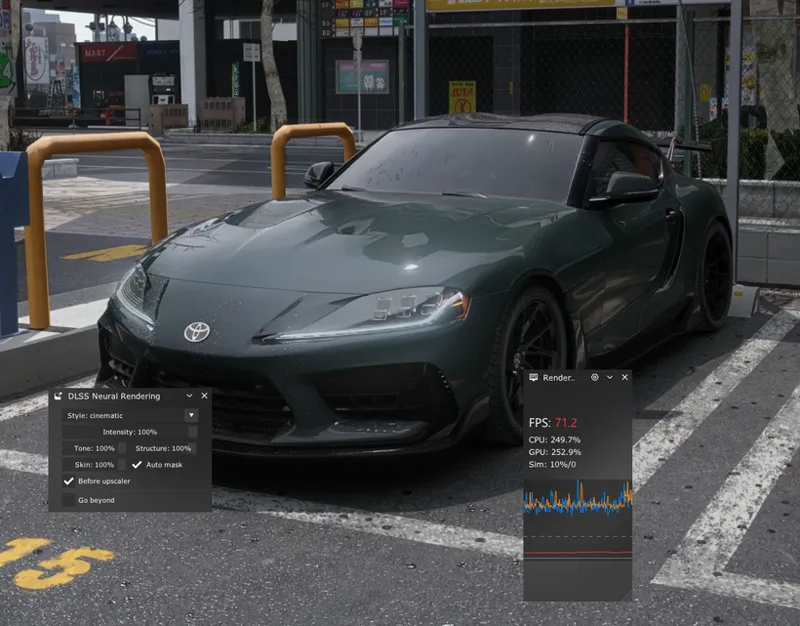
Frame Generation for DLSS 5.0 Assetto Corsa (Without ReShade)
With newest CSP update you can turn on Frame Generation before DLSS 5.0 which gives you extra performance.
What you need for it to work:
Content Manager (any version)
Custom Shaders Patch 0.3.0preview595!
DLSS files from Google Drive
CEVITEE ppfilter for the best look and ease of use: https://www.patreon.com/cevitee/posts/cevitee-ppf-v1-162798446/edit
INSTALLATION
1. Install latest CSP version from Ilya’s patreon
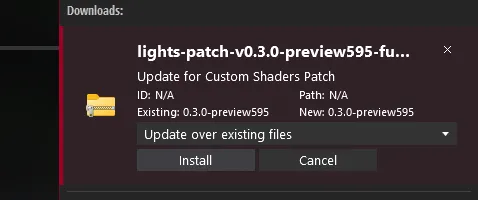
After installation just drag & drop this file to Content Manager and click "Install" in top right corner.
2. Install DLSS files (NO RESHADE AND BRIDGE FILES ANYMORE)
https://drive.google.com/drive/folders/1RafiWenWsiC5SJ1lD_MzTlUI7mdheXtG?usp=sharing
After installation copy the files from the "copy-to-game-root-folder" to AC root folder and replace them if needed.
3. Delete ReShade and bridge files
If you previously downloaded ReShade and bridge files before - delete them
How to uninstall ReShade:
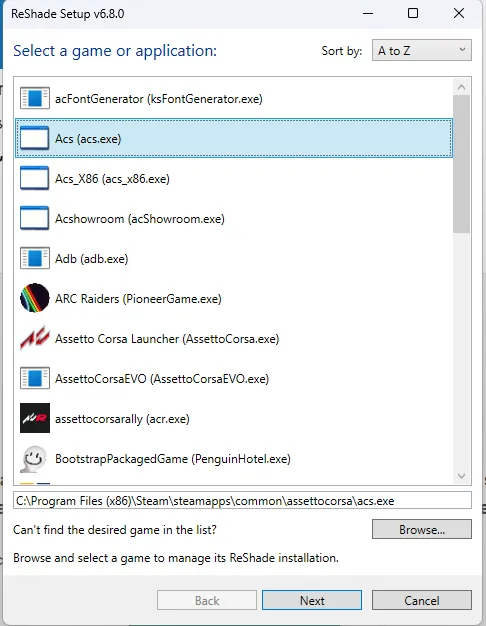
Open your ReShade_Setup file or download it on their website https://reshade.me/
Choose “acs.exe” → Click “Next” couple times until you see a window with “Uninstall ReShade” → click on it.
How to uninstall files:
Go to AC root folder
Delete these files: “renodx-dlss5.addon64” and “dlss5-dx11-bridge.addon64”
4. Update CSP settings
Open Content Manager -> Settings -> Custom Shaders Patch -> Adjustments
Make sure that "DLSS Neural Rendering" -> "Active" is set to "Always"
Click on three dots near to "Custom DLSS DLL" and choose "nvngx_dlss.dll" file
Click on three dots near to "Custom DLL" and choose "nvngx_dlssnr.dll" file
PLEASE DON'T FORGET TO TURN EXTRA FX ON IN CSP SETTINGS!
5. Load in game
Load in session
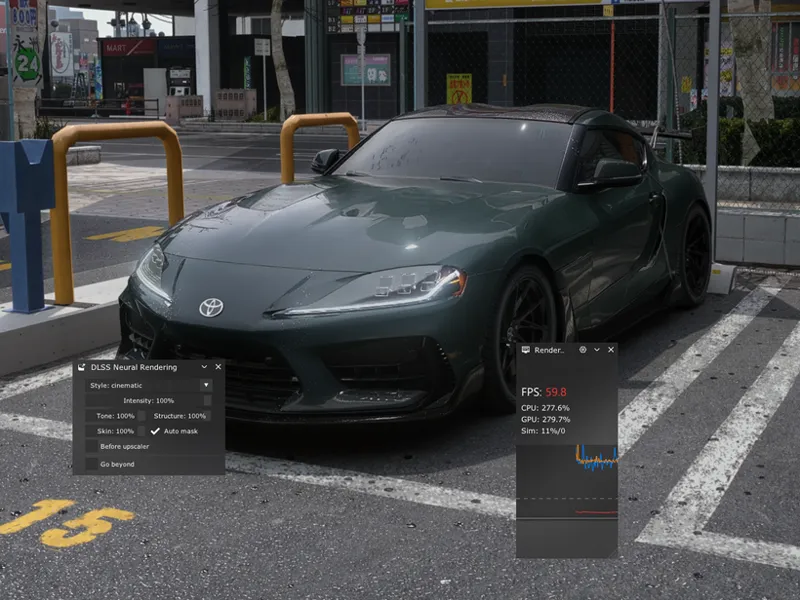
Go to right sidebar and find "DLSS Neural Rendering" app and open it
Check "Before upscaler" to turn on Frame Generation before DLSS 5.0.
How much FPS increases depends on your GPU, Resolution, Map and car you choose. Even on 5070ti I can play with 4k resolution on some maps with this feature.
That's it, if you like this guide please like the post 😜 ( and subscribe on YT if you want to support us: https://youtube.com/@cevitee?si=9abSuzSO7_AL9OIm )
If you have any questions, or you run into some problems while downloading - join our Discord server below and ask your question in #dlss-how-to channel!
Comments (11)
CSP SETTIGNS
IN DISCORD
very helpful guide can u share the map u took the screenshot in? thanks
It is Fukuoka - paid map by beast
Better not install the preview via Content Manager; instead, copy the dwrite. dll file into the Assetto Corsa root folder, and do the same with the extension folder. I just ran into the problem that, instead of installing the preview, CM fell back to a public version. Also, check the read-only box in the properties of the dwrite. dll file and apply, so CM can't change it back to an older version, like the public 0.2.7, that way. Checking the read-only box is an option to prevent the case of CM changing that file back to an older version against your will. Peter Boese also recommends manual installation of preview CSP files to prevent problems like CM jumping back to public versions of CSP. Just wanted to say that from my side ^^ also i had to put spaces between the dot and dll to prevent it from appearing like links
Thanks a lot for that info, mind if I share it on discord? Also, I remember Ilya himself told once you can install it via drag & drop (however Pure should be installed manually 100%) that’s why I always drag and drop preview files. Also, never had this issue before (changing back to public/previous version)
Does it work in VR?
DLSS - yes, our filter - not yet
Has anyone set this up for the RTX 3090? It installs fine, but the FPS drops from 80 (at 4K) to 8—even with the effect set to just 1%
i dont see before upscaler any solutions?
write about that in discord and I will try to help tomorrow