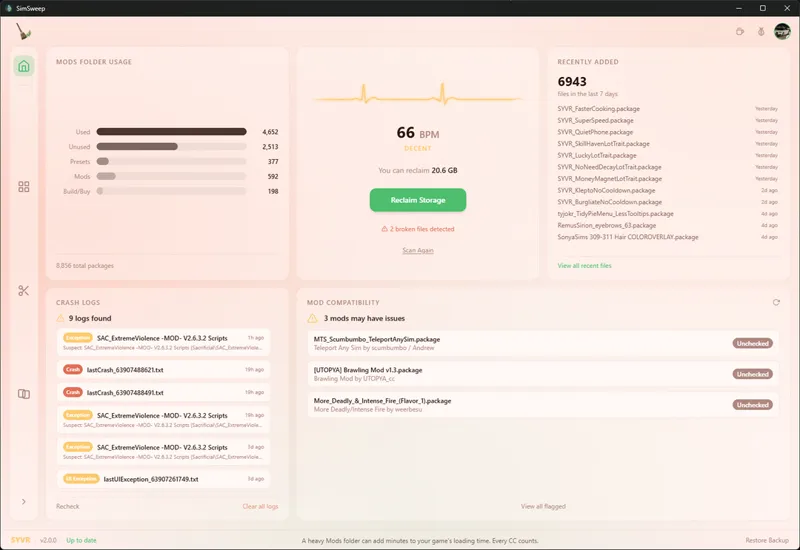


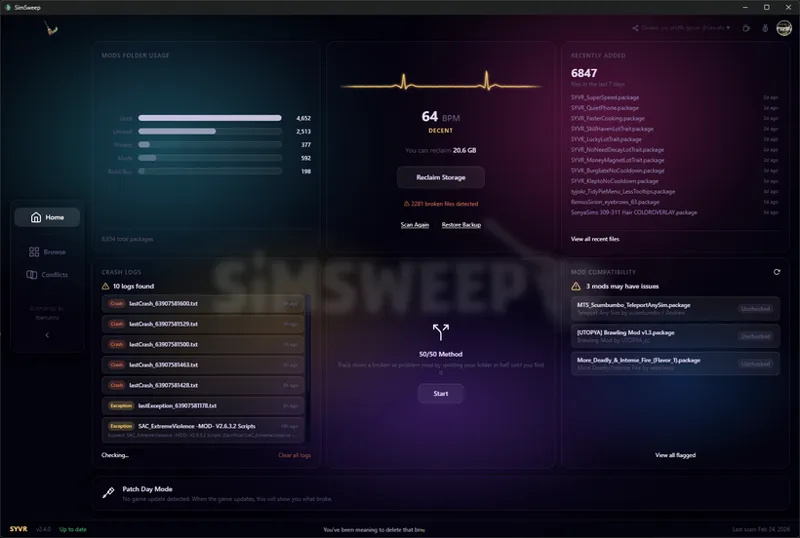


SimSweep v2.4.0 is live!
Been cooking for a bit so this one's a big catchup. Here's everything that's new since the last update.
30 Themes
SimSweep went from 18 themes to 30. Twelve brand new Operative-exclusive themes: Aurora, Noir, Retrowave, Nebula, Parchment, Prism, Twilight, Hologram, Darkroom, Glacier, Copper, and Overcast. These aren't recolors. Each one uses a completely different visual approach with unique gradient techniques so they actually feel like their own thing. Not just "dark blue" and "slightly different dark blue." The theme picker in Settings is now split into two collapsible sections to keep things tidy.
Broken CC Detection
The scanner got smarter. It can now catch CC with missing mesh references, not just corrupt files. If a CAS Part points to a mesh that doesn't exist anywhere (not in your mods, not in the base game), it gets flagged. SimSweep tells you whether a package is missing some of its meshes or if it's an orphaned recolor whose original was removed. The first scan builds an index of your actual game install so you don't get false positives on EA content. This was one of the most requested features and it's free for everyone. (Still in Beta)
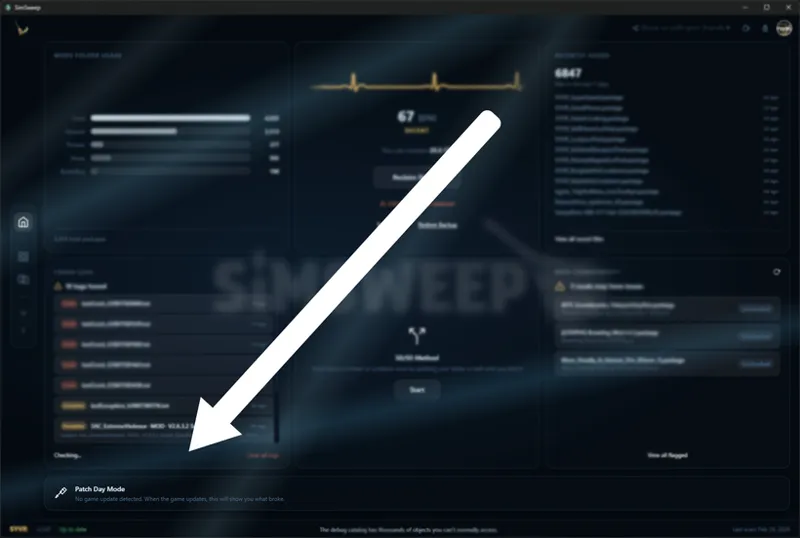
Patch Day Mode (Operative)
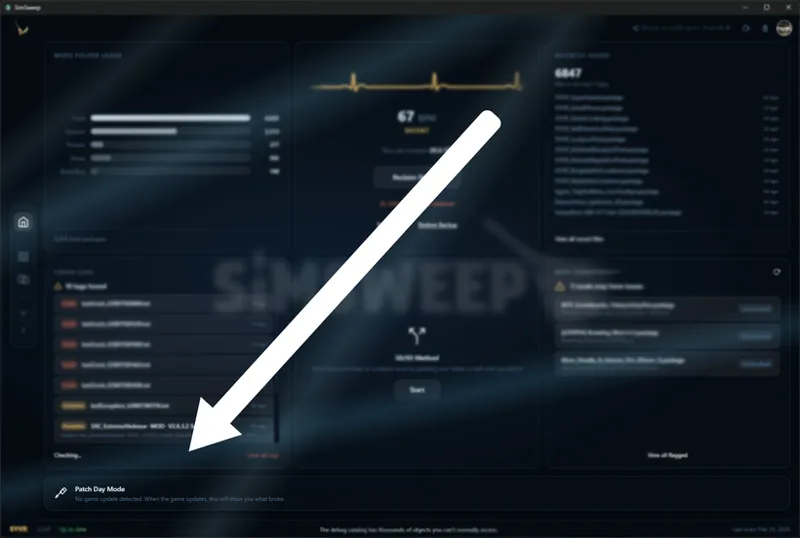
This one's for you guys specifically. When The Sims 4 gets a game update, SimSweep picks up on it automatically and shows you exactly which CC broke because of the patch. It compares your current scan against a pre-patch baseline so you can tell what's newly broken vs what was already broken before. Newly broken count, already broken count, how many got fixed. Lives as a slim banner on the dashboard and stays out of the way when there's no active update. No more guessing after patch day.
Live Crash Monitoring
SimSweep now watches your Sims 4 folder in real time for crash and exception logs. The moment the game crashes or throws an error, the Crash Logs card updates instantly and you get a desktop notification telling you the crash type and which mod likely caused it. This is the reason to keep SimSweep running while you play. No more manually checking files after every crash. It just tells you.
Supporter Spotlight
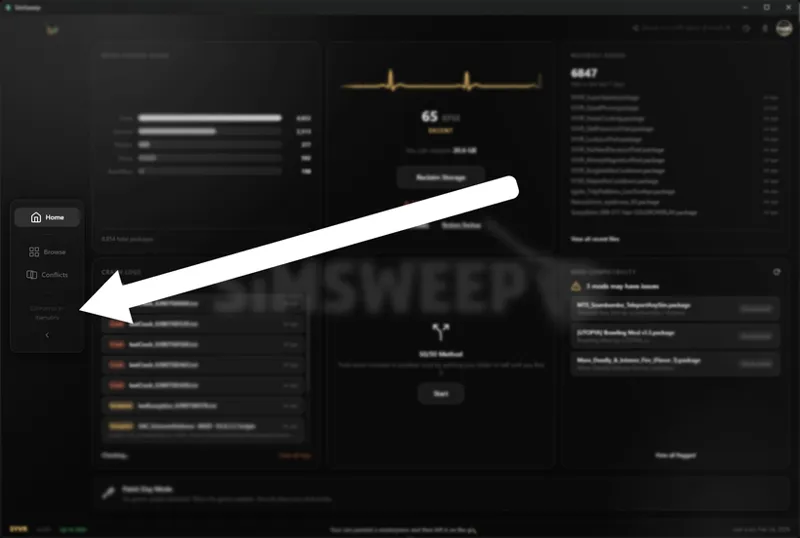
Your name is in the app now. The sidebar shows a rotating "Supported by" section that cycles through paying members. If you're an Operative, everyone who opens SimSweep sees your name. You helped build this thing. Felt right to make that visible.
Product Tour
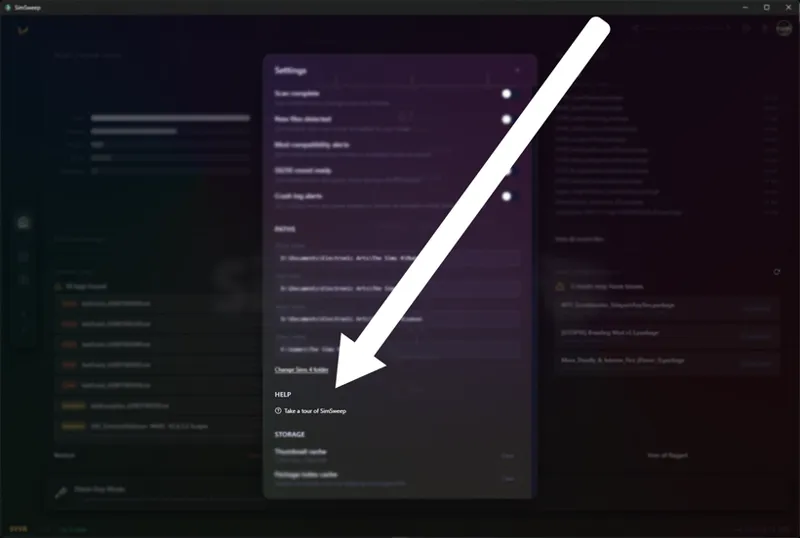
First-time users get a guided walkthrough that highlights each part of the app with spotlight overlays and step-by-step tooltips. Built it from scratch since the off-the-shelf solutions don't support React 19. Can be replayed from Settings anytime if you want to walk through it again after an update.
Desktop Notifications
Four types, all toggleable individually in Settings: scan complete, new files detected, mod compatibility alerts, and 50/50 round ready (fires when the game closes during a session). All use your system's native notification center. Enabled by default but easy to turn off if you don't want them.
Share Button
New share button in the header for spreading the word on X, Reddit, Tumblr, or just copying a link. Small thing but it helps.
UI Polish
Frosted glass effect now applies to Settings and the avatar dropdown. Toggle switches got completely reworked so they're actually visible across all 30 themes (this was driving me crazy). Glassmorphism buttons across the board, bigger default window, subtle SimSweep watermark on the home screen, and a cleaner sidebar with no count badges.
Smaller stuff: auto-scan on launch actually works properly now, Restore Backup moved to the Health Card right next to Scan Again, Browse page remembers your state when you switch tabs (no more losing your filters), conflict cards show resource type badges and prefer readable filenames over cryptic TSR GUIDs, and analytics got trimmed way down to stay lightweight.
If you're already running SimSweep it'll auto-update. If you haven't grabbed it yet, check the pinned post for the download link.
Thanks for being here. More coming soon. 🖤
(ps... that bug icon next to the profile pic is there for a reason, use it! I can't fix or improve any issues you may be running into if I don't know about them! Also if there's something that you really, really want that would be the place to add it)