

v5.9.5 "Open Invitation"
hey there :3
sorry for the wait. i'm still alive
(and i swear i'll get to the DMs asap ❤️).
it's been roughly a month since the last post. that's not because nothing happened, quite the opposite. v5.9.0 through v5.9.5 has been one long layered release stream, and tonight we're shipping the proper one:
quick recap of where we landed.
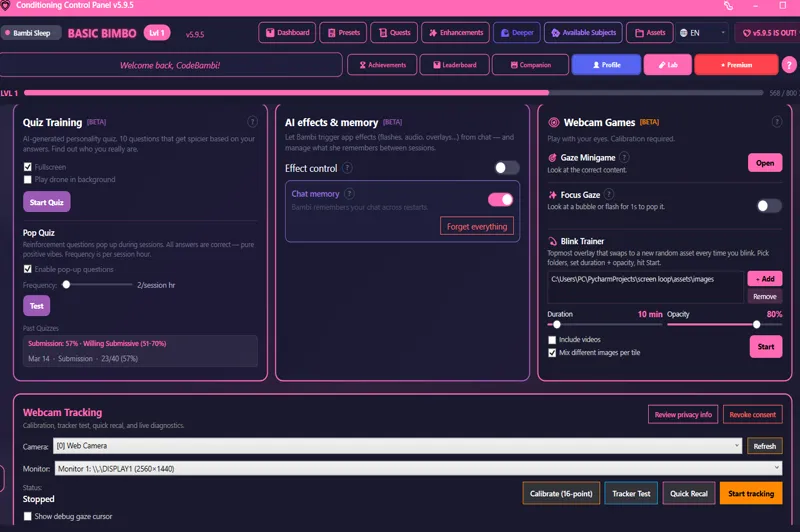
👀eye tracking and blink trainer (T2 Lab, in testing)
the webcam-based tracker has been live in The Lab for a few releases. gaze focus, blink trainer, the focus minigame, calibration that lets you pick which monitor to use. v5.9.4 spent a lot of its polish budget making sure flashes don't disrupt gaze rounds and the calibration is monitor-aware. still opt-in via Lab.
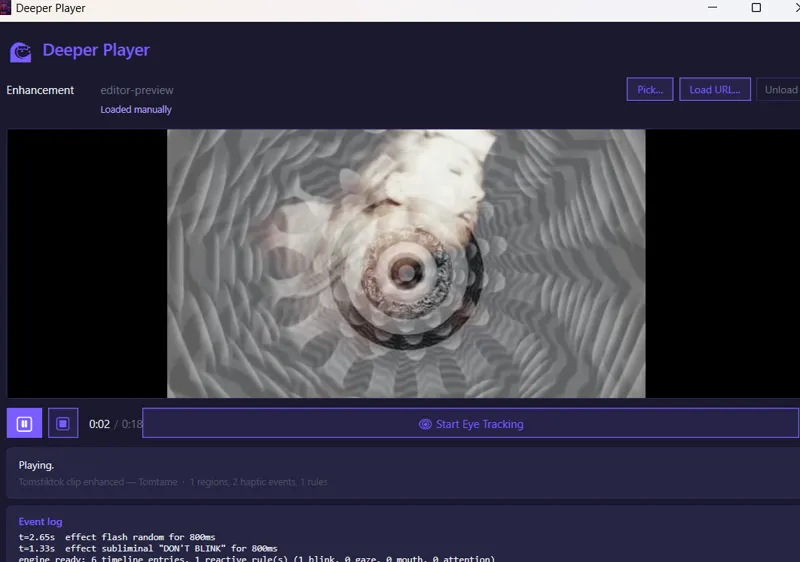
🌊 deeper editor & player (slowly becoming the thing)
the long-term vision: a free, easy way to take any media, your own files or stuff from compatible sites, and layer effects, rules, and haptics on top. flashes, overlays, spirals, screen shake, RULES (e.g. jump back to X point on the timeline if it detects the user blinking).
export as a classic MP4 or MP3. open them in a normal player like VLC or Media Player, and you get the classic media. the catch? play it in the CCP player and you get the... enhanced version. instructions get embedded in the metadata.
or just go build on top of an existing video on Hypnotube in the browser (still fixing a few mechanics on this one).
🔒sign in via web, dashboard at app.cclabs.app
we finally added a way to log in via only email at https://app.cclabs.app/. we'll slowly add the other OAuth methods too, atm we've got discord (patreon pending).
to link your account to the CCP, you use a 6-digit code that the CCP provides. the device-code login flow ships free for everyone. pair the desktop with your cclabs.app account in a few clicks, and your progress (level, achievements, streak, sessions) follows you. check your stats from your phone or any browser when you're away from the pc. small thing, big mood.
consider this one in testing for now. backend has taken most of the dev time, but better safe than sorry, so we did it properly.
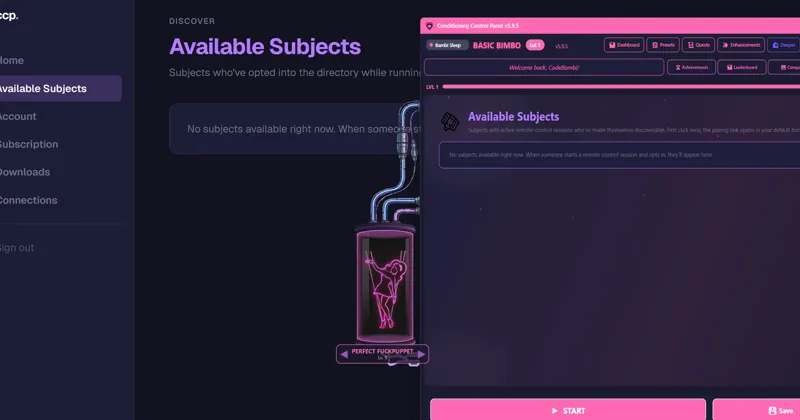
📡available subjects (the new one)
remote control has been around for a while, but finding people to control or be controlled by has been a discord lottery.
now it's a directory :3
opt in while running a remote-control session and you appear in a list, on the desktop in the new "Available Subjects" tab, or on the web at app.cclabs.app/dashboard/subjects (OPT-IN, obviously). controllers click connect, first one wins, the pairing link opens automatically in their browser. tag yourself, write a status, save your preferences for next time.
the web side is brand new. expect it to iterate. the dashboard has more coming, and /dashboard/subjects will refine based on how people actually use it.
this one was big. lots of polish, lots of small things that make the app feel right when you sit down with it.
thank you for being patient between posts. project is kinda big now, so i'd rather ship something solid late than something broken on time.
take care of yourselves out there.
https://github.com/CodeBambi/Conditioning-Control-Panel---CSharp-WPF/releases/tag/v5.9.5
- CodeBambi ❤️🔒