
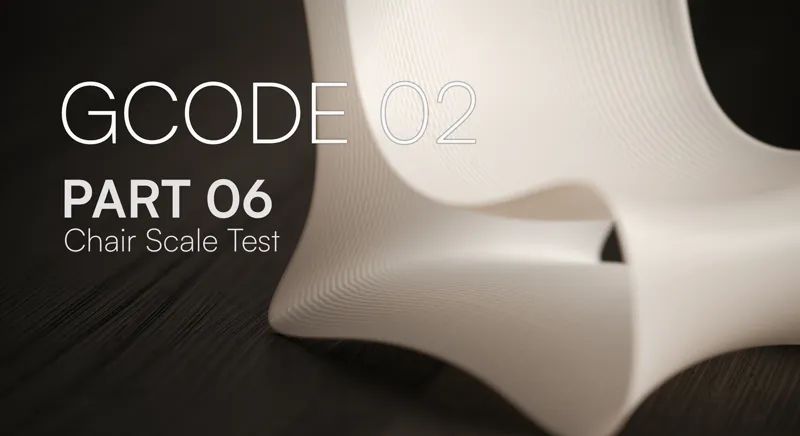

GCODE 02⏐ PART 06 ⏐ Rhino and Grasshopper
Welcome back to Part 6 of the series! In this video, we add non-planar functionality by using closed single surfaces and a new purge track right at the start. Then we put the entire definition to the test by designing and slicing a custom, non-planar chair prototype at small scale.
Here is what we cover:
Purge Tracks & System Pressurization: To start making this script adaptable for ceramics and large-format printing, we add a new toolpath option which is the purge track.
Open vs. Closed Loop Automation: We build a smart conditional check into our script to automatically differentiate between open and closed input geometry as well as the types of geometry themselves.
Modeling & Slicing Walkthrough: We bring everything together by designing a non-planar chair from scratch at a small scale, something you might test before moving to larger scale. Modeling workflows involving single surface designs with control point sculpting.
⏭️ What to Expect Next Now that our toolpath logic is prepared and tested against a physical design, in our next few episodes, we’re going to adapt this entire system to work for clay printing as well, we will also be diving into a whole new wave of toolpath design systems that you won't want to miss. Stay tuned!