


GCODE ⏐ PART 06 ⏐ Rhino and Grasshopper
Welcome back to Part 6!
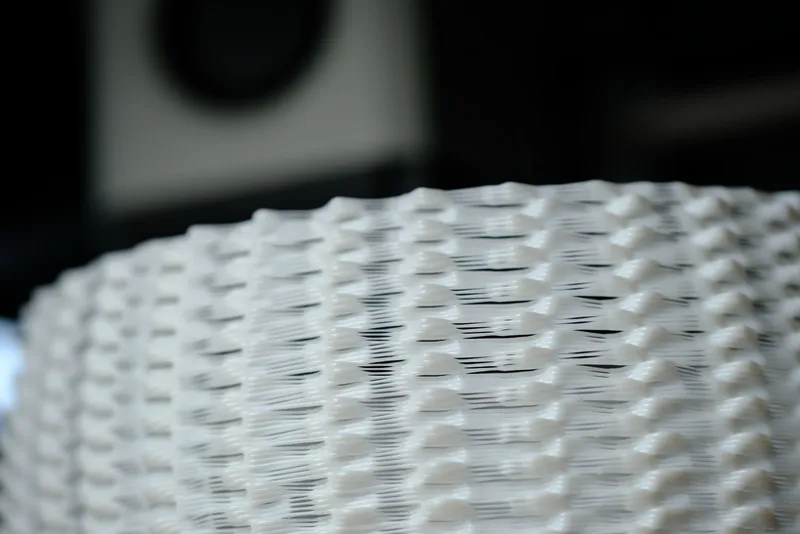
We are expanding our custom G-code logic. This time, we are taking control of the material volume itself. We are introducing Dynamic Flow Rate, allowing us to deliberately under or over-extrude at targeted moments along the print path.
This technique turns flow rate into a design feature, but it requires careful tuning. Through my testing, I found that using a low pattern frequencies paired with a low Minimum Flow Rate will cause localized adhesion los, leading to wobble and print failure.
I’ve added an on/off toggle for this feature in the print settings. If you like experimenting with material behavior, I highly encourage you to tweak these parameters as well as trying different formulas. This approach is the foundation for creating complex blob and droplet patterns, which we will tackle in the next video.