
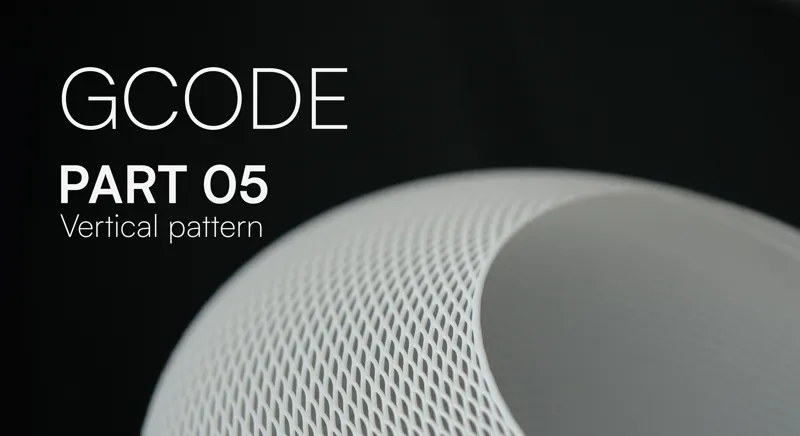


GCODE ⏐ PART 05 ⏐ Rhino and Grasshopper
Welcome back to Part 5! We are back with Patterns designs, but this time we are exploring a more unique type of pattern that requires vertical stepped movements at every layer.
This toolpath is highly material-efficient but requires a drastically slower extrusion rate to succeed. Unlike our horizontal weaves, this requires very serious fine-tuning. Through my own testing, I discovered that applying a forced layer compression is the best way to get a clean, structural result.
If you like experimenting with new patterns, I encourage you to tweak these parameters and see what you can create. I’ve attached my personal small testing log below so you can see exactly what worked. (tested on P1S)
🔎 My Test Results & Parameters
TDW 04 (PLA) Temp: 205°C Speed 2.5mm/s Flow Multiplier: 0.8
TDW 04.1 (PLA) Temp: 205°C Speed 2.5mm/s Flow Multiplier: 2
TDW 04.2 (PLA) Temp: 205°C Speed 3mm/s Flow Multiplier: 0.6
TDW 04.3 (PLA) Temp: 215°C Speed 3mm/s Flow Multiplier: 0.75
TDW 04.4 (PLA) Temp: 215°C Speed 6mm/s Flow Multiplier: 1.35
TDW 04.5 (PLA) Temp: 210°C Speed 2mm/s Flow Multiplier: 0.55 (path overlap forcing squish)
💡New Base design: Additionally we are also introducing a new parametric base design that also aims at improving material efficiency.
In the next episode, we will introduce variable flow. While the current project file already allows you to set distinct flow rates for the base versus the pattern, we will be exploring dynamic variability. This will enable us to precisely and continuously adjust the flow in a controlled manner. Stay tuned!