
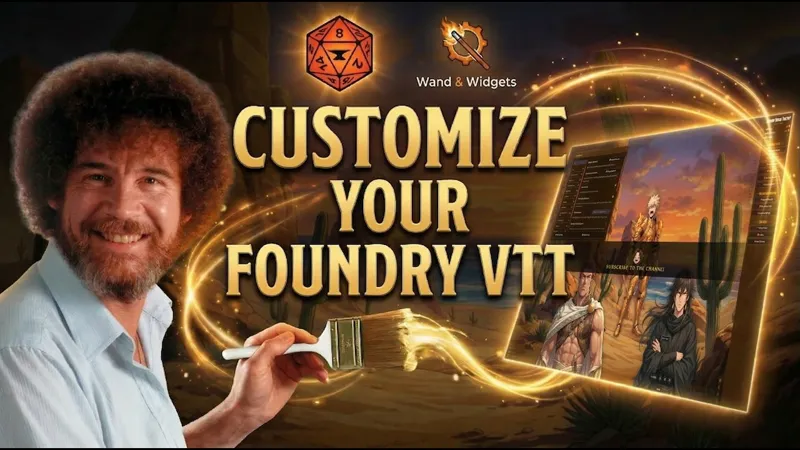
Your Flavor 3.0 is LIVE! The Ultimate Foundry VTT UI Customization
I am beyond excited to share this massive update with all of you. What started as a module to make your chat messages look cool has evolved into something absolutely crazy.
With version 3.0, you now have the power to customize your ENTIRE Foundry VTT interface!
I know I was hesitant before about breaking your setups, but you asked for this feature a lot. So, I decided to embrace the madness and give you total control over how your game looks.
What is new in 3.0?
Rolls & Cards Support: You can finally apply your custom chat flavors directly to rolls and chat cards with a simple toggle.
Total UI Overhaul: Change system fonts, window colors, header colors, highlight colors, and even the scrollbar.
Visibility Control: Don't need the macro bar? Hide it! You can now enable, disable, and reposition elements on your UI to fit your exact playstyle.
Custom Pause Screen: Completely redesign your pause screen. Upload new icons, change text fonts, add animations, and tweak opacities.
🛠️ Installation & Updating
Manifest URL: https://github.com/wand-and-widgets/your-flavor/releases/latest/download/module.json
To install: Open Foundry, go to Add-on Modules, click Install Module, paste the URL into the Manifest URL field at the bottom, and hit Install.
To update: If you already have it installed, Foundry will detect the new version automatically. Go to Add-on Modules and hit Update All or update it individually.
Thank you so much for your continued support. I can't wait to see the epic and unique UI setups you create for your tables. Have fun, and let me know what you think in the comments or on our Discord!
Transform Your Entire Foundry VTT UI in Minutes | Your Flavor 3.0 (YouTube)