
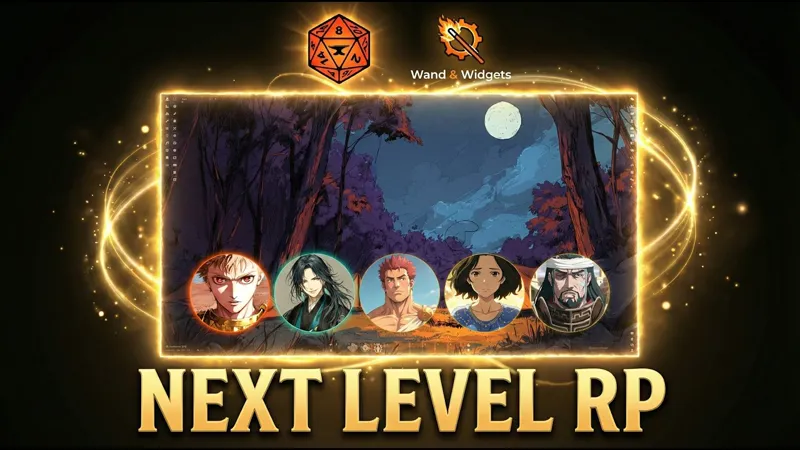
Exalted Scenes 5.0 is HERE! (Watch the Premiere)
The wait is finally over!
I am incredibly proud to announce that Exalted Scenes 5.0 is officially ready. This isn't just a regular update, it’s a complete rebirth of the module. We stripped it down and rebuilt it to be faster, more beautiful, and more immersive than ever before.
Watch the release video below to see everything in action!
What’s new in v5.0?
Complete Visual Redesign: A modern, professional "dark mode" interface.
14 Color Themes: Customize the look to match your campaign’s mood.
Narrator Jukebox Integration: Sync audio playlists and ambience directly to your scenes.
Player Music Requests: Let your players choose their own theme songs for dramatic moments.
Animated Portraits: Bring your NPCs to life with video support.
Widescreen Support: Finally, perfect layouts for ultrawide monitors.
⚠️ IMPORTANT: I am performing the final "sanity checks" on the build right now to ensure everything is perfect for you. The download post with the module ZIP file will be up in just a few.
Keep an eye on your notifications!
Thank you all for your patience and support. We made it!
- Gabú (Wand & Widgets)
Transform Your RPG Campaigns: Exalted Scenes 5.0 is a GAME CHANGER (YouTube)
Comments (3)
I have a question, is it possible to be able to just drag and drop character sheets in for quick set up for characters? I have 17 players in a campaign and most of them don't have fancy art beyond a basic token (if that), so just having a way to drag whats already set up and then let them customize it from there if they want would be nice.
Dude, I was gonna reply properly, but I got totally stuck on the “17 players in the campaign” part hahaha. Man, how are you not going insane But yeah, the truth is we don’t really have that yet. The closest workaround is to create the player characters with a placeholder image, then give edit permissions to the right players for each actor and let them add their own character art and emotions. Sorry about that. But your suggestion is solid. A quick setup flow for GMs, starting from the Foundry actor, would be really useful. We don’t have it yet, but we’ve got a big update planned for next week and I added your request to my list. <3
When I display an image, I can only see the top half. The other half is cut off. Is there a resolution setting I am missing?