

Devlog 11
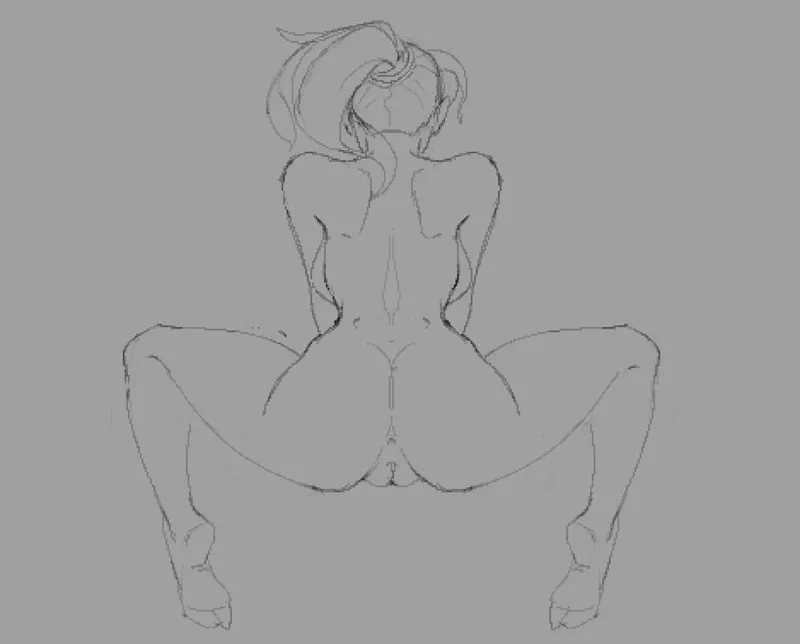
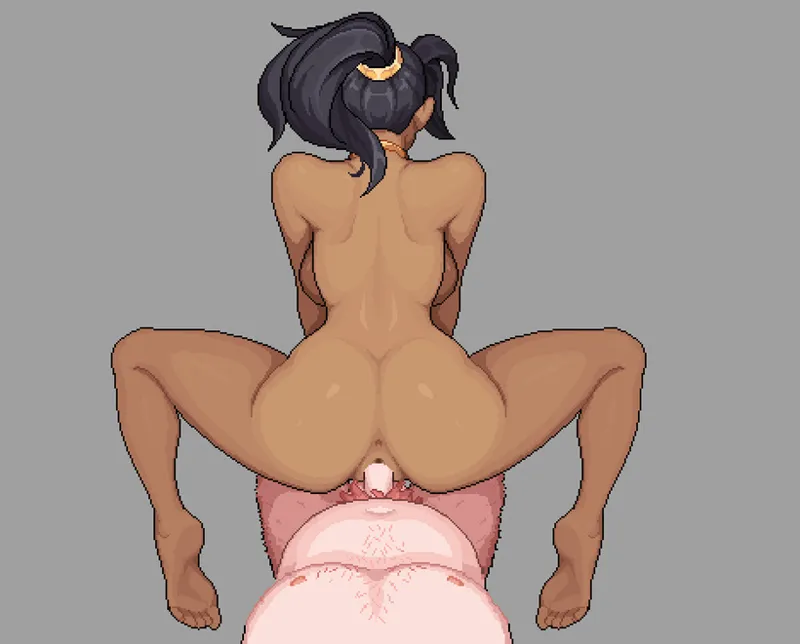
I've drawn the final base image for the animations (pictures attached below). Now we can move on to the next stage—animations.
For each scene, we need the following animations: idle outside, entering, idle inside, exiting, friction, and finishing.
Right now, I'm trying to remember what I did last time and how to use Aseprite. I'd really like to work in it exclusively, but it just doesn't have the functionality I'm used to in Photoshop. It's incredibly irritating—these small things make it impossible to use just one program, which really drags out the production process.
In Photoshop, you can't draw pixel-perfect lines easily, there's no dedicated pixel algorithm for rotation/scaling, and the timeline is bad. But at the same time, in Aseprite, it's nearly impossible to color and work with layers normally—there are no proper masks. It's convenient for animating… if you have 2–3 layers. If there are more, good luck even selecting them to begin with.
I might have 15 or even 20 layers. And even if you manage to select them, you can't really do much with them—you can't rotate, can't scale. And if you do manage to apply something, good luck figuring out what it applied to: the layer, the frame, or the pixels on the layer.
And this is just a tiny part of it.
Overall, all of this is wildly inconvenient—more than half the time is spent wrestling with the software, not creating animations. I need to try looking for another tool or check newer versions of Aseprite—maybe they've added some of the features I need.