
NFS World 2 x Assetto Corsa - Traffic Progress in Tri-City Bay
Hi all! I know the last update was back in February... But I promise I haven't disappeared!
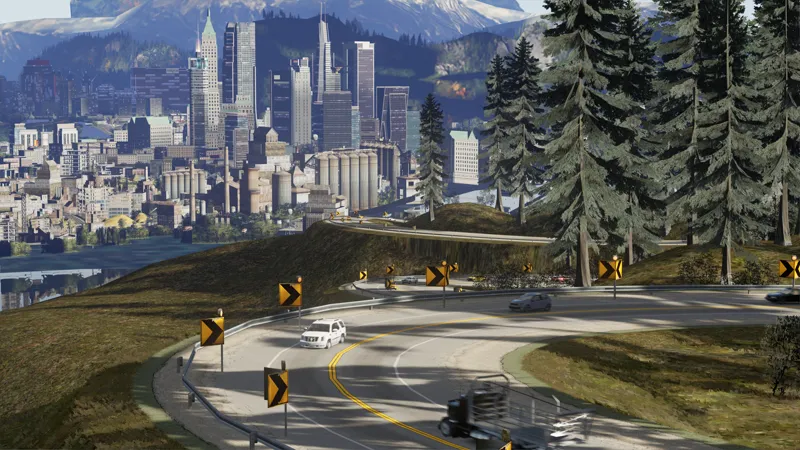
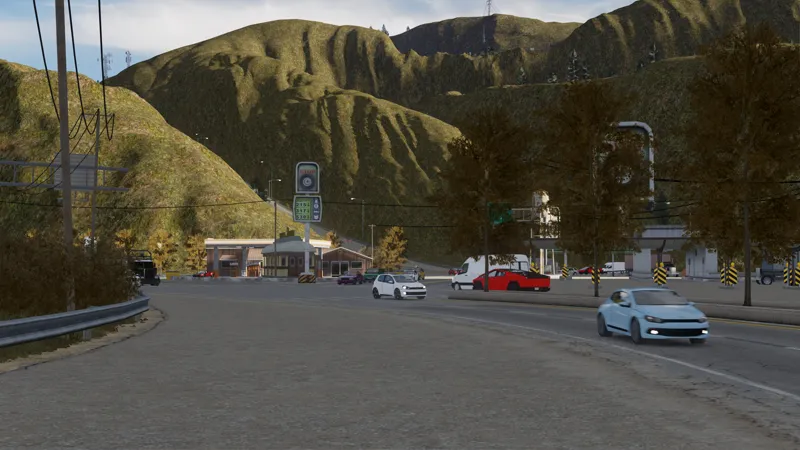
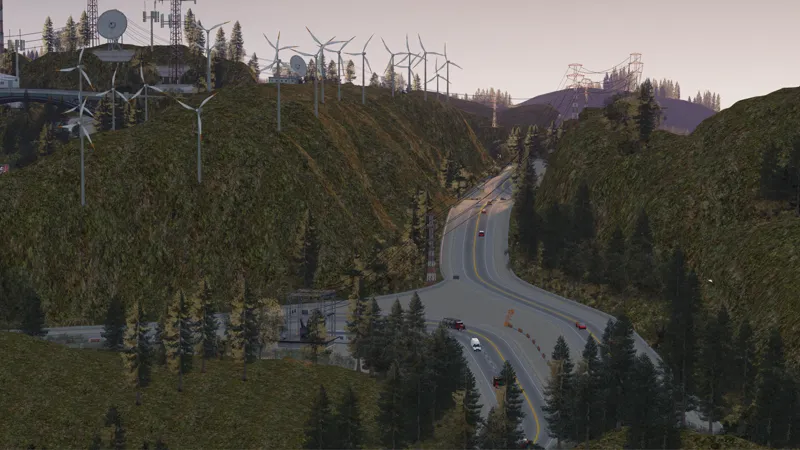
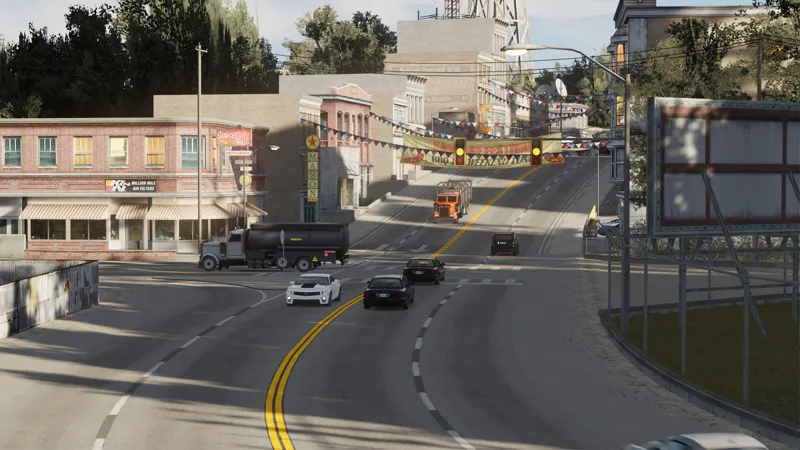
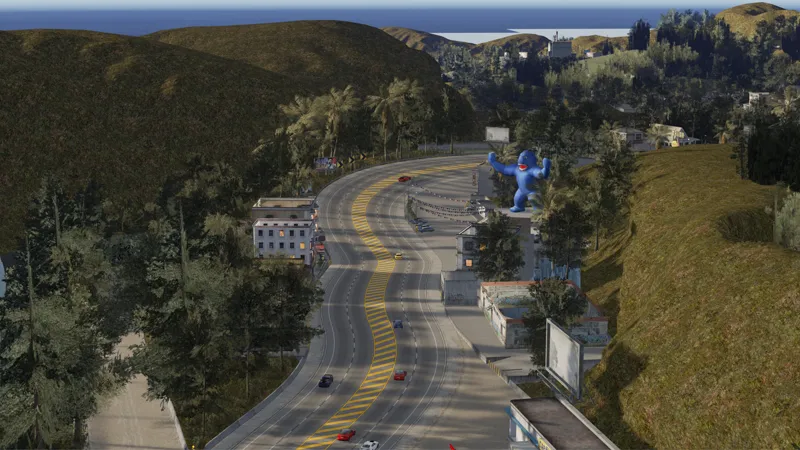
As a reminder, I'm preparing a map for Assetto Corsa containing the 3 cities (Rockport, Palmont, and Tri-City Bay) from the old NFS games: NFS Most Wanted, NFS Carbon, and NFS Undercover.
In this post, I'd like to share some progress updates:
Map Name
Instead of releasing this work as an update to the NFS World map, I plan to release it as a separate map, called "NFS World 2".
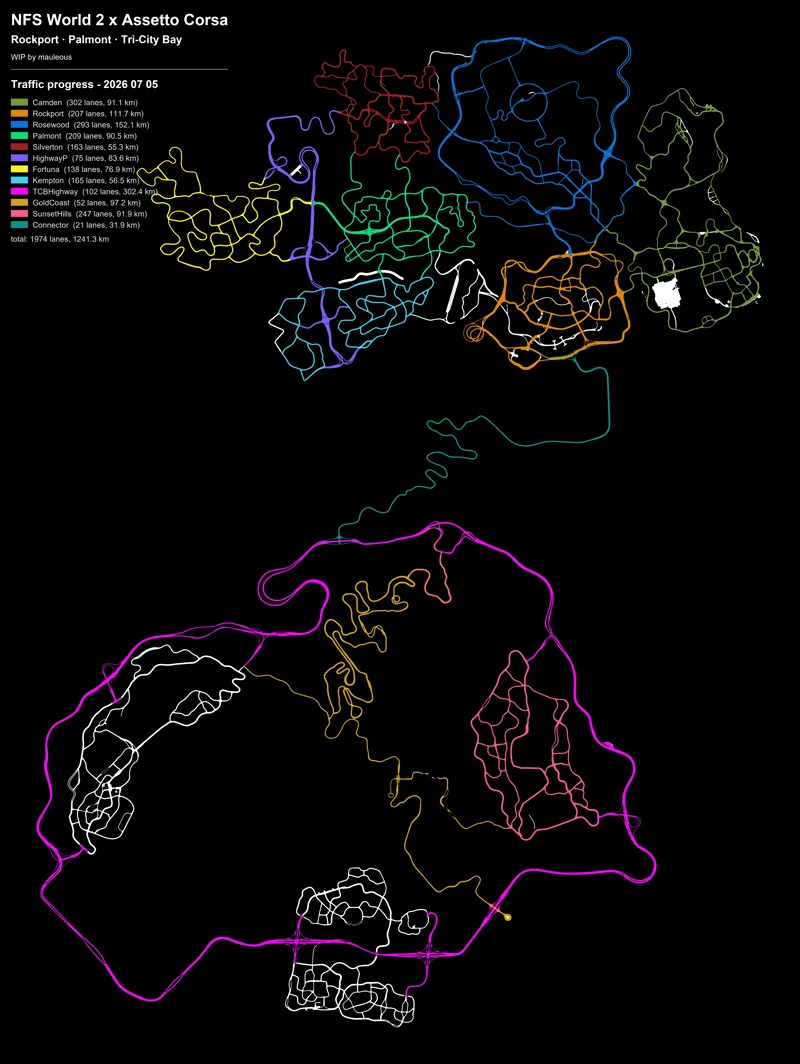
Traffic Progress
So far, I have prepared the traffic lanes on:
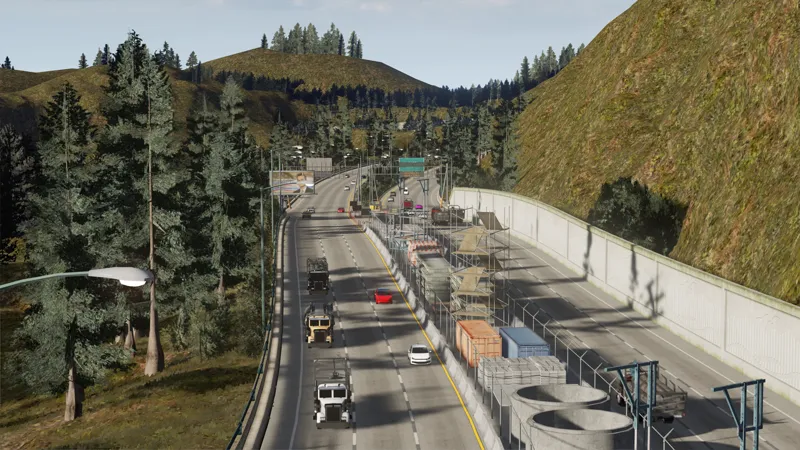
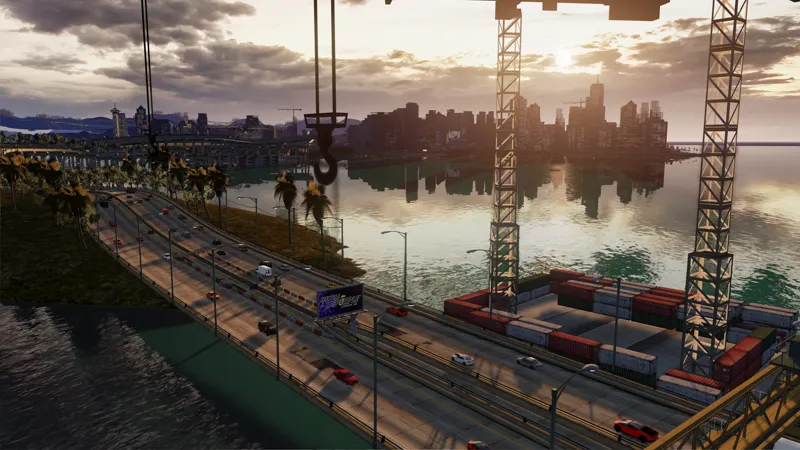
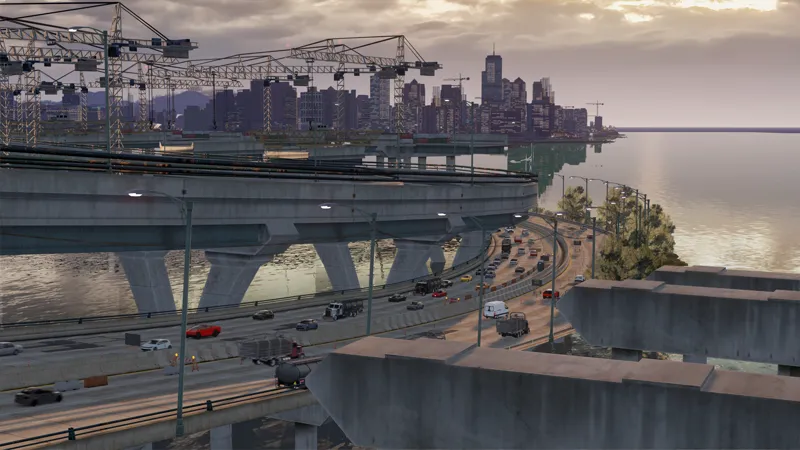
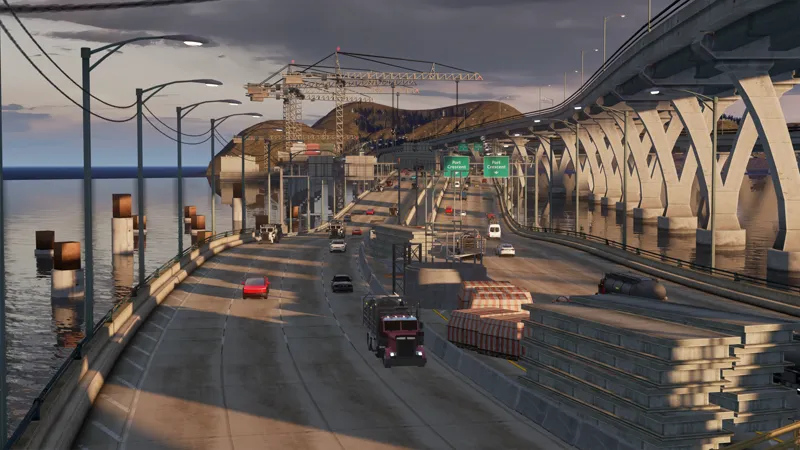
✅ Interstate Highway (that goes around Tri-City Bay)
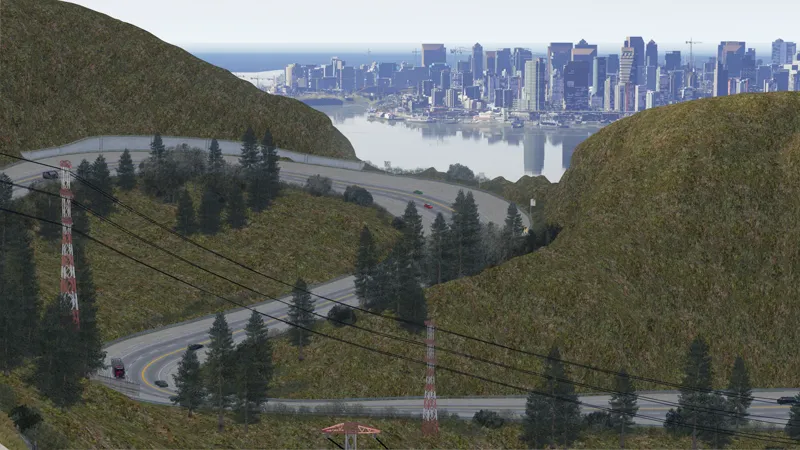
✅ Gold Coast Mountains
✅ Sunset Hills
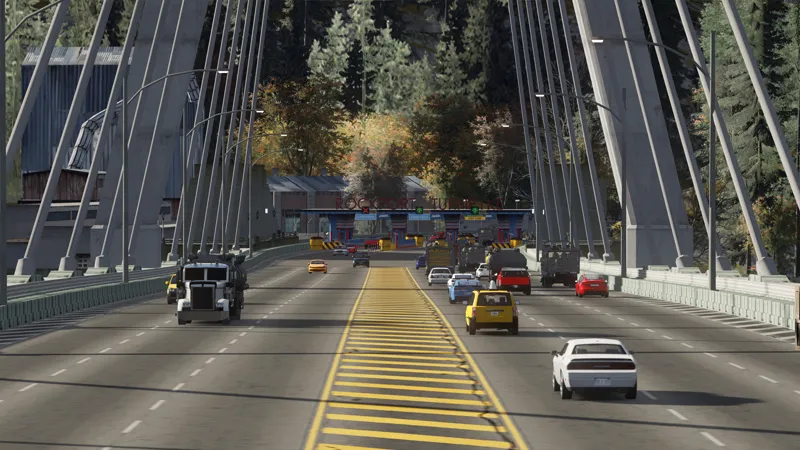
✅ Rockport Turnpike (that connects Rockport and Tri-City Bay)
Next, I'm adding traffic lanes to:
🚧 Port Crescent
🚧 Palm Harbor
Additionally, I also moved the whole map of Rockport and Palmont 4000m towards "north". Or in Blender's term, it's like "obj.location.y += 4000".
This is so that the map's center point (0,0) sits roughly in the middle of all three cities (Rockport, Palmont, and Tri-City Bay) instead of being off to one side. Keeping things closer to the center also helps avoid potential issues that might happen to objects being far from 0,0 in game engine physics.
Luckily, I was able to write a script to move all the traffic lanes in Rockport and Palmont too, so I didn't have to recreate them from scratch.
Remaining Work
After preparing the traffic lanes, there are still things that I want to do before releasing the map:
I need to figure out ways to improve the performance. It's currently even heavier on performance than the first NFS World map (which was already demanding).
Some spots need their textures fixed.
Add some cosmetics like smoke coming out of chimneys and lighthouse light beam.
I hope that I can have the map ready... this year (that is 2026, just to be more explicit).
Alright then~ For now, drive safely and responsibly... And wear your seatbelt :)
Comments (6)
This looks really good! I am wondering how it runs on your end? A little worried about optimisation, especially with something like traffic tool running
Thanks man! So far, my experience with traffic tool is like: - In Tri-City Bay areas: ~100 fps with no traffic, 70-80 fps with traffic set to 100 - In Rockport and Palmont areas: 40-50 fps with no traffic, 30-40 fps with traffic set to 100 My spec is RTX 3080 10GB, 32GB RAM, i7 11700k. And I play at 1440p. I find it interesting that driving in Tri-City Bay area gives way higher fps. I'm guessing because the districts are far away from each other, so fewer objects to render at a time. While in Rockport and Palmont, the performance is still super heavy just like in the first NFS World map I previously released. Even after adding many "track occluders", I still can't bring the performance higher in those cities. They're located just too close to each other maybe 🙈
This looks so damn good thank you for all ur hard work
thats crazy bro we all waiting for that
Absolutely impressive.
Cant wait!!