
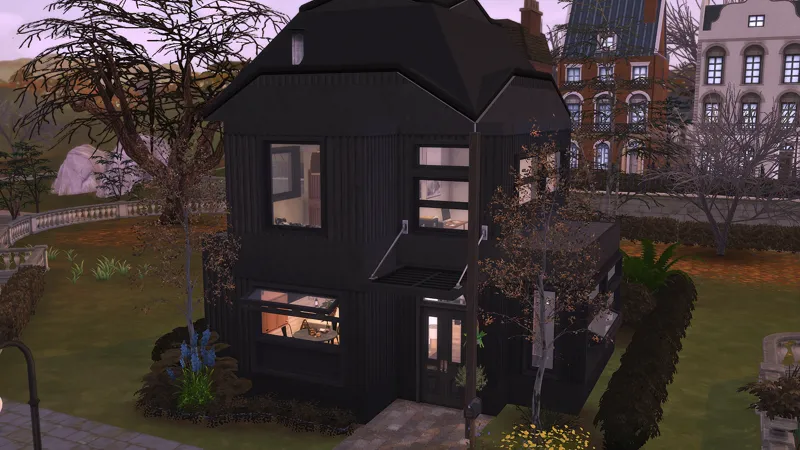
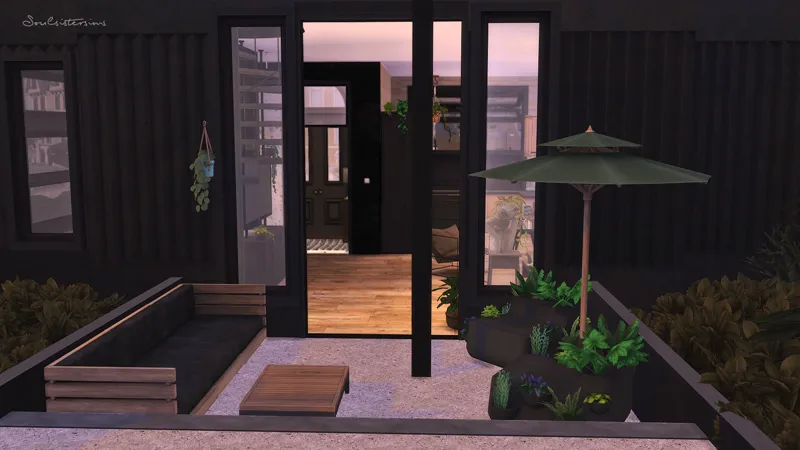
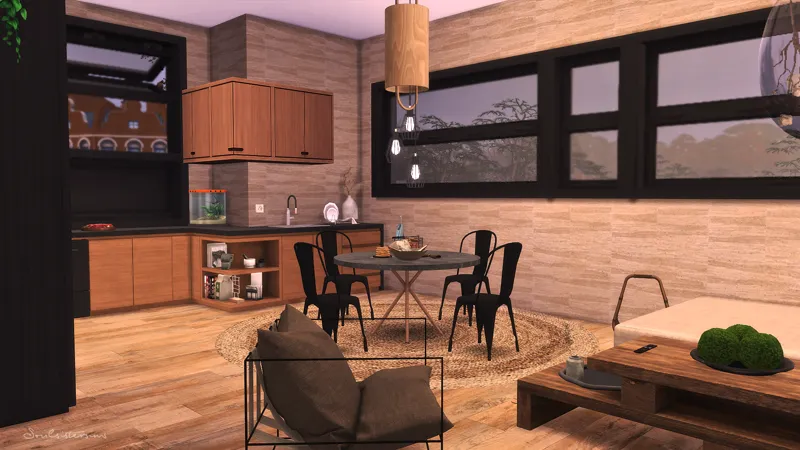
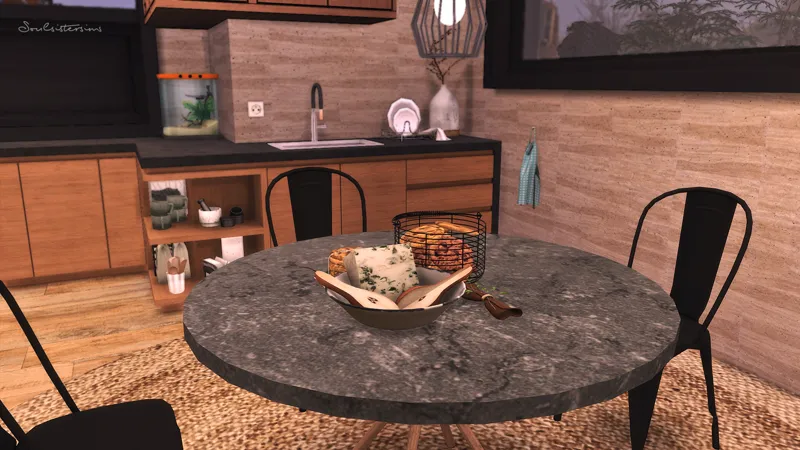
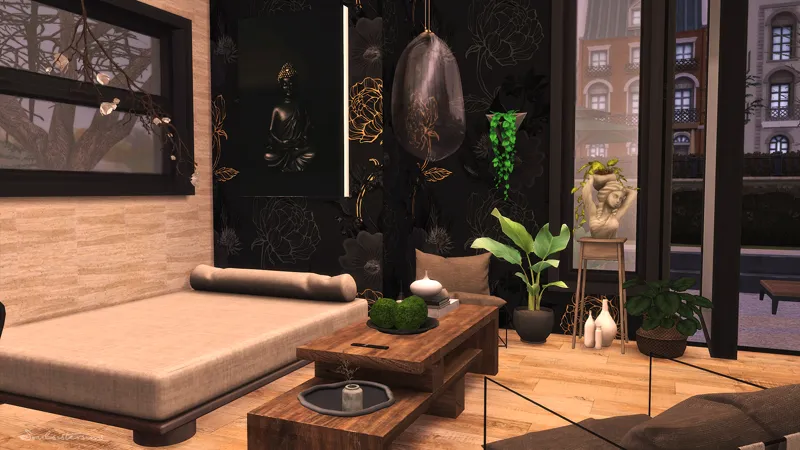
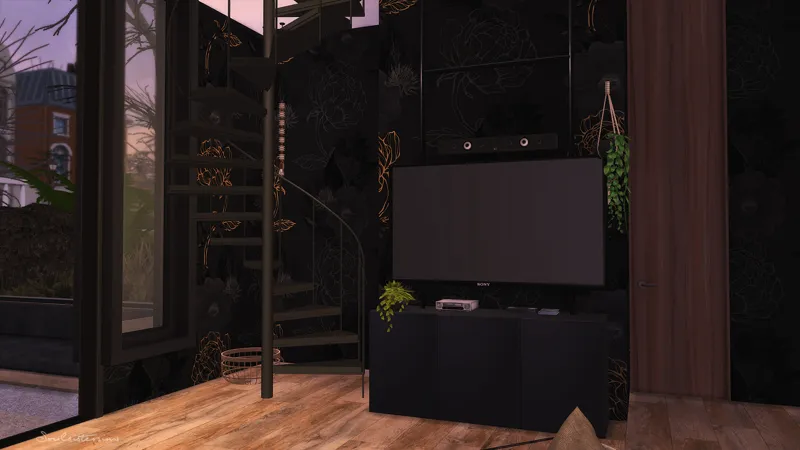
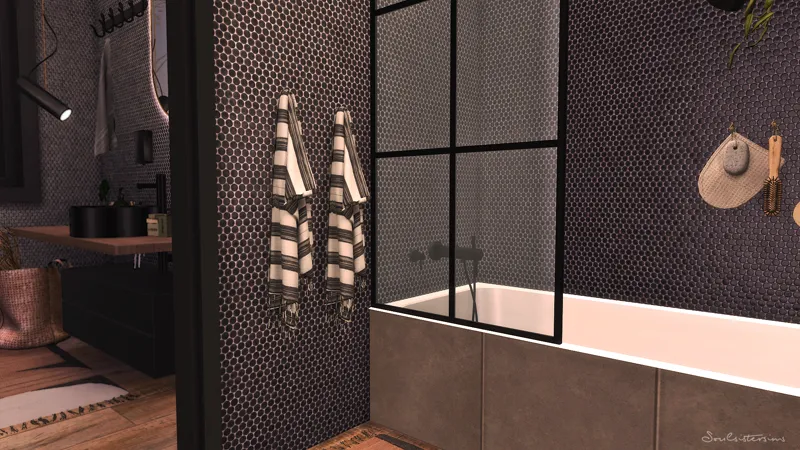
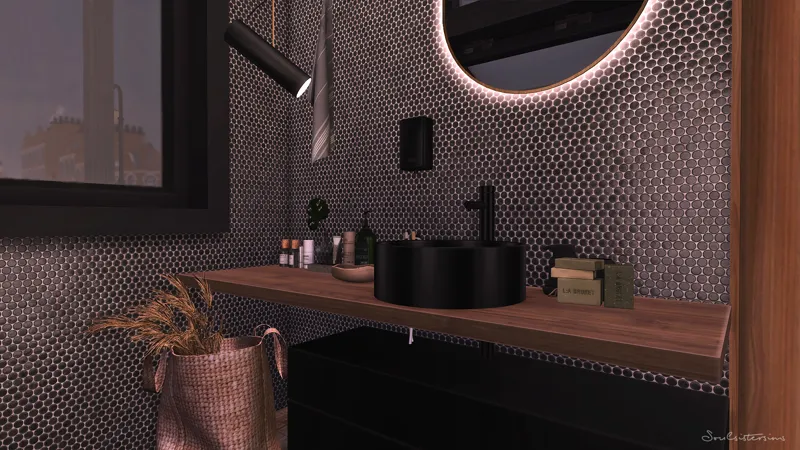
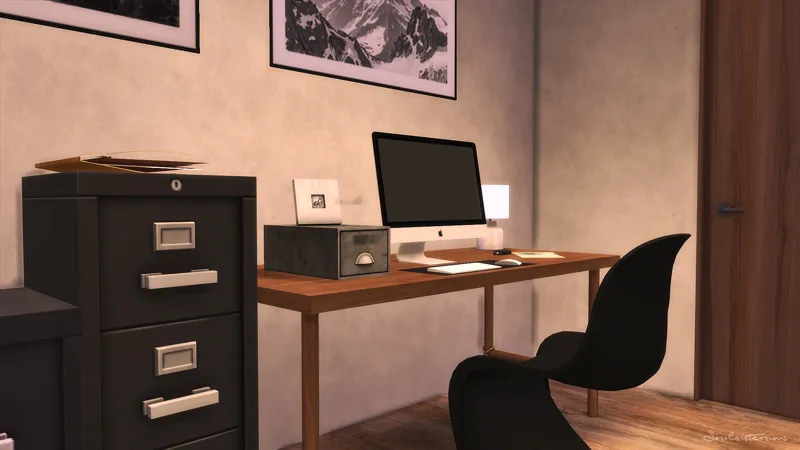
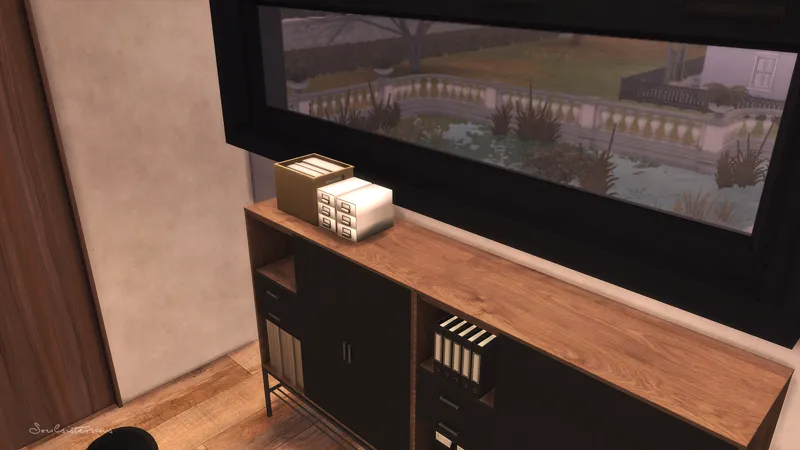
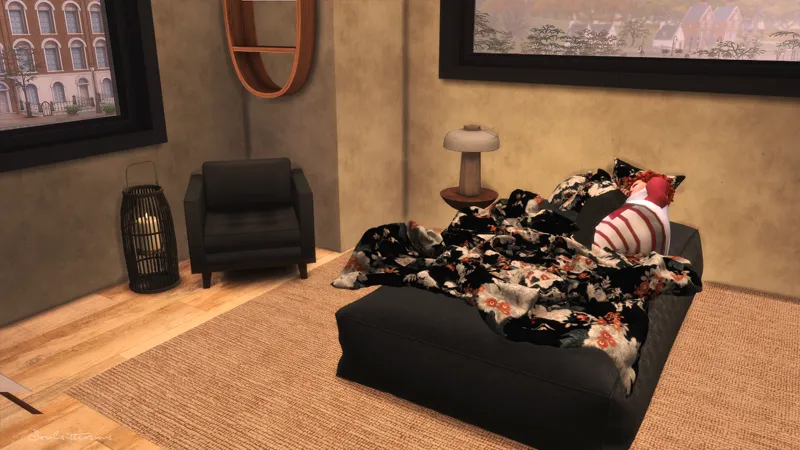
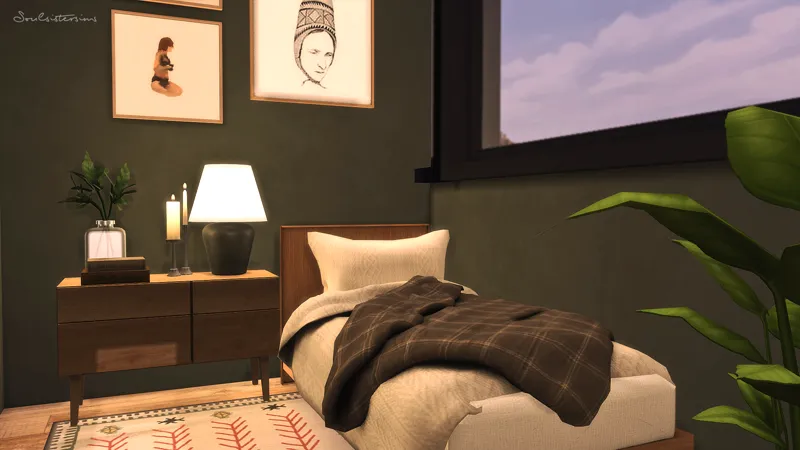
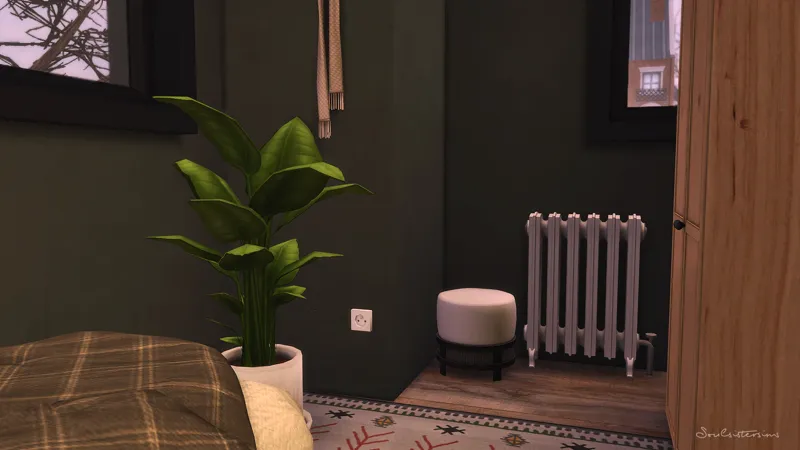

Aldin Townhouse
Just a small townhouse but with modern Interior !
_____________________________________________________
Packs i used
_____________________________________________________
Britechester| Mossy Lane
66.850
20x15
2 Bedrooms + 1 Bathroom
Reshade i used : HOME (couldn´t find the link)
The colors on the pictures or in the Speedbuild can be different because of the Reshade.
_____________________________________________________
For the Spiral Stairs read the : Syboulette
Note: there is a problem with the floors and walls from qolygonal, if you have only colorful questionsmarks instead of the walls/floors you need the 2k Texture. Please download the Floors and Walls again but delete th exist one first. >Link to the files<
Thank you so much for your support. If you have any questions, let me know.
Much love, Tara
_____________________________________________________
How to use Tray Files:
1. Download & unzip the .zip file below
2. Copy the files contained within this folder into the Tray Folder (C:\Users\*YourUsername*\Documents\Electronic Arts\The Sims 4\Tray)
3. Launch your game
4. Load the lot you wish to place the build in
5. Enable bb.moveobjects
6. Open the in game library
7. Check "enable custom content" in the advanced section located on the left hand side at the bottom of the filter options
8. Locate the build and place
Comments (1)
Love it, thank you very much <3