
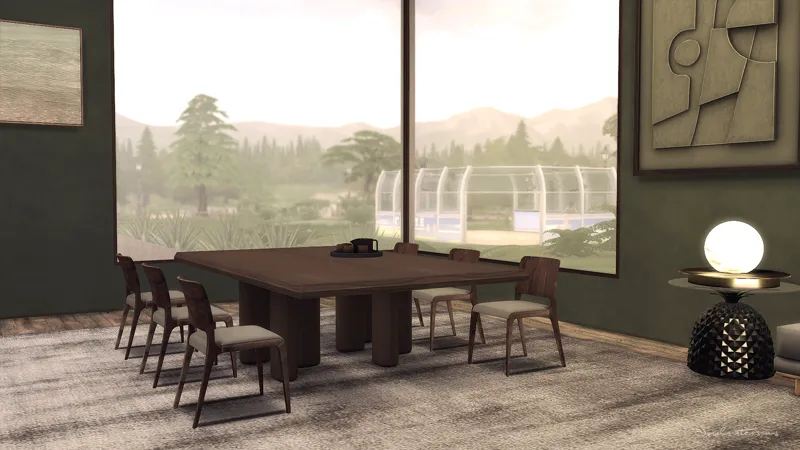
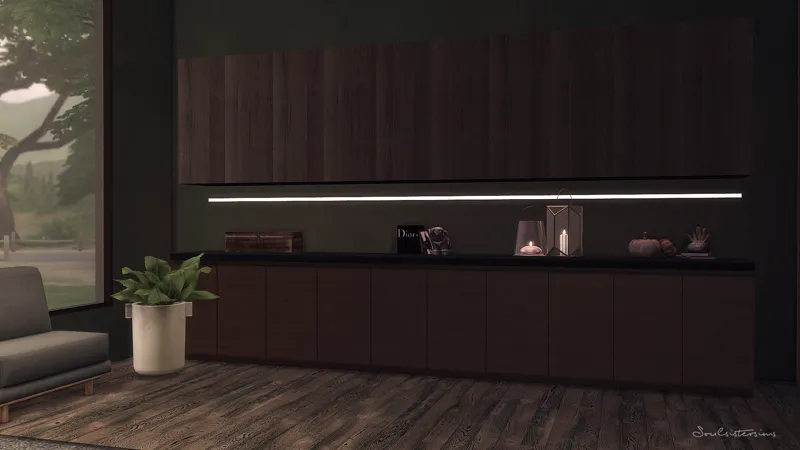
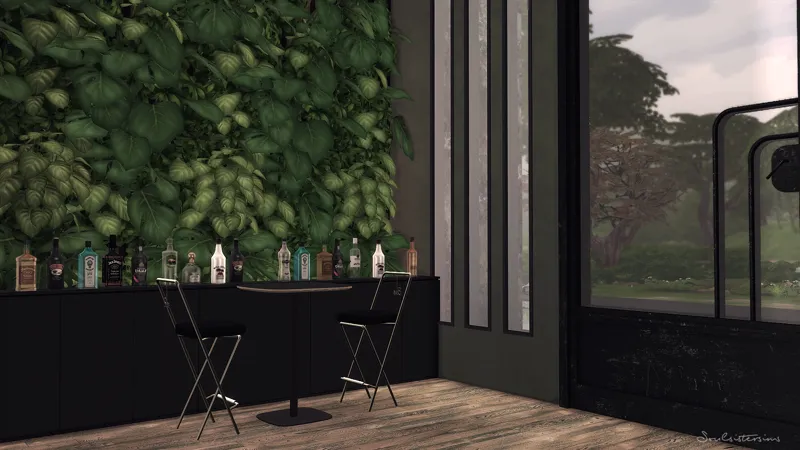
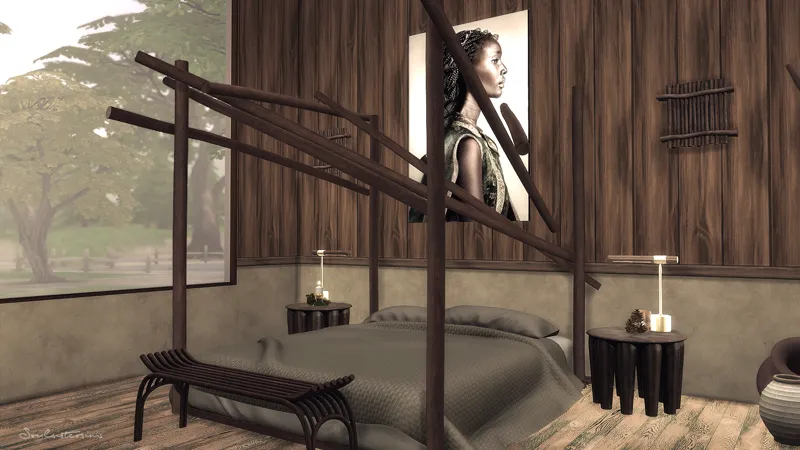
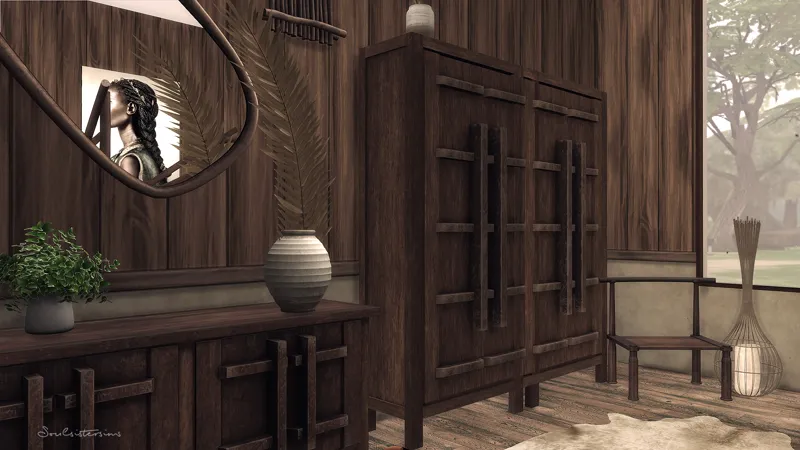
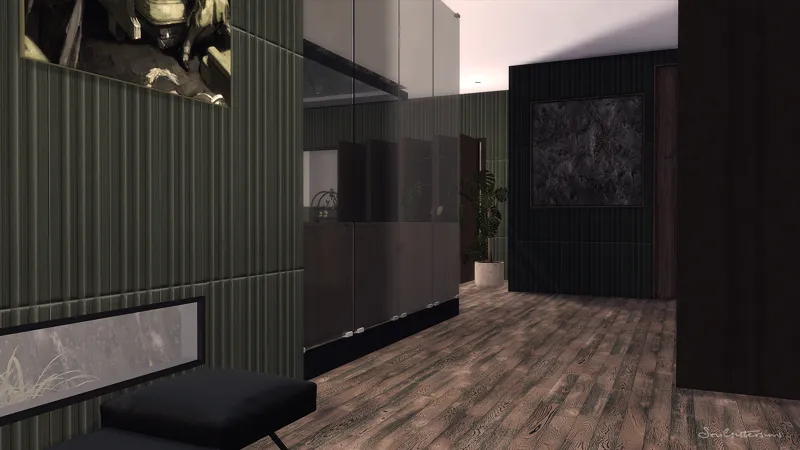
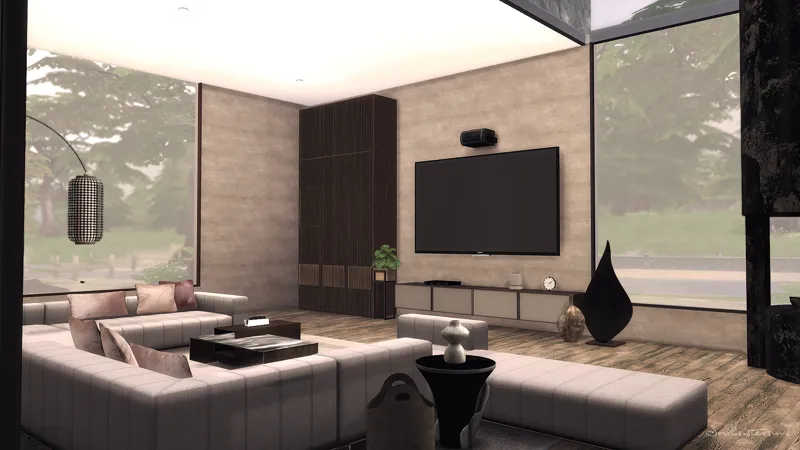
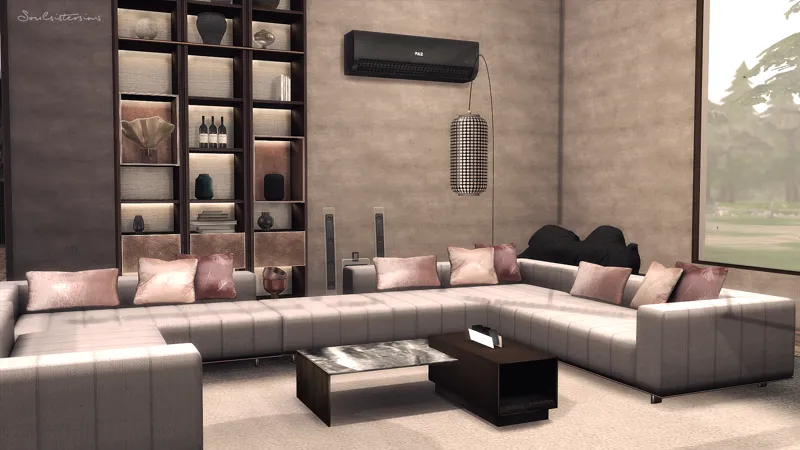
Organic
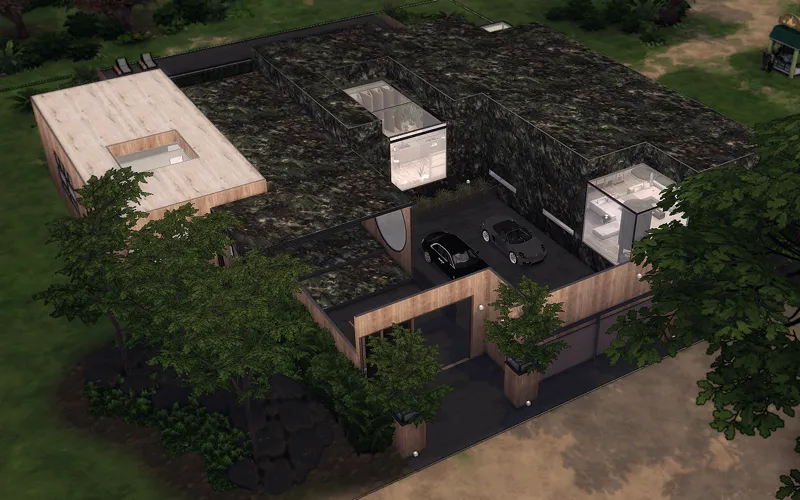
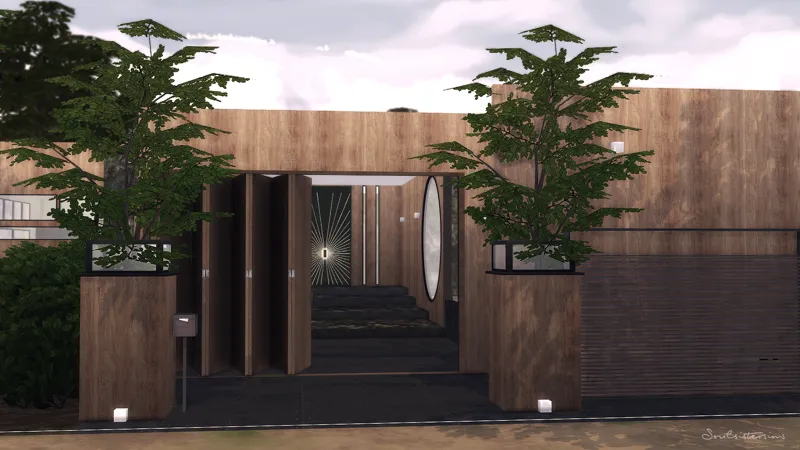
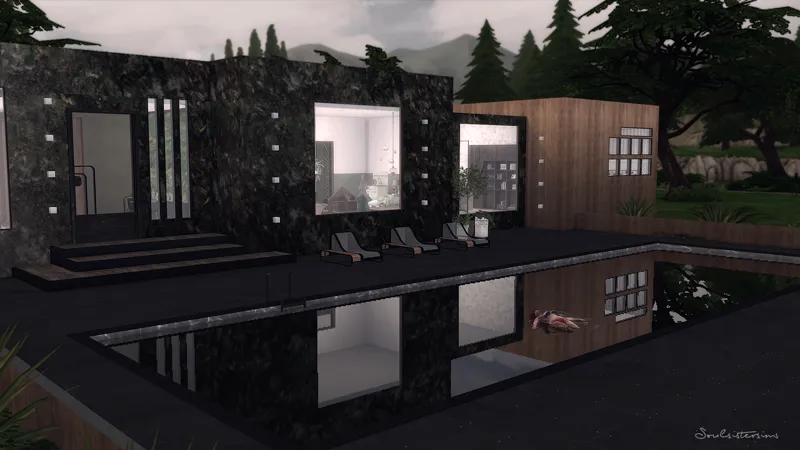
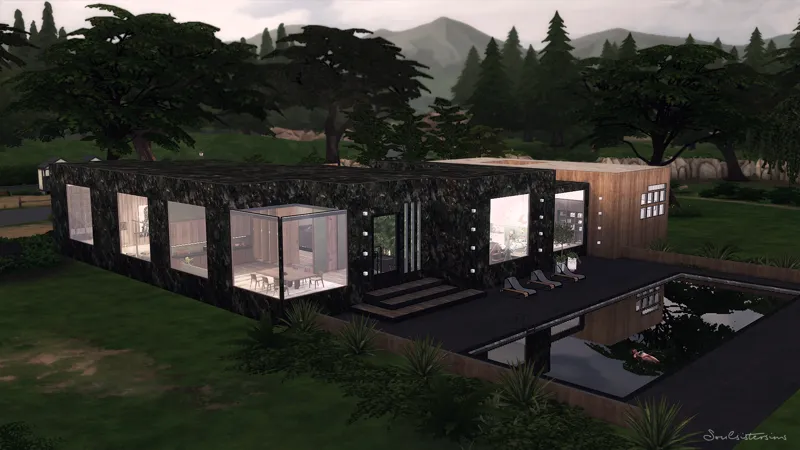
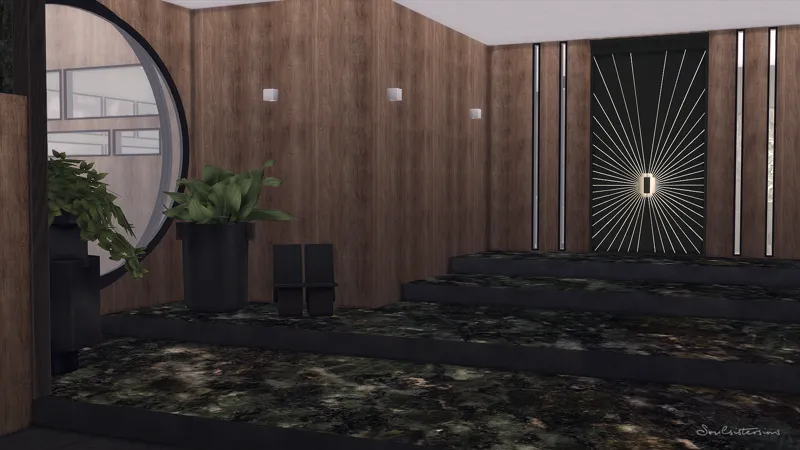
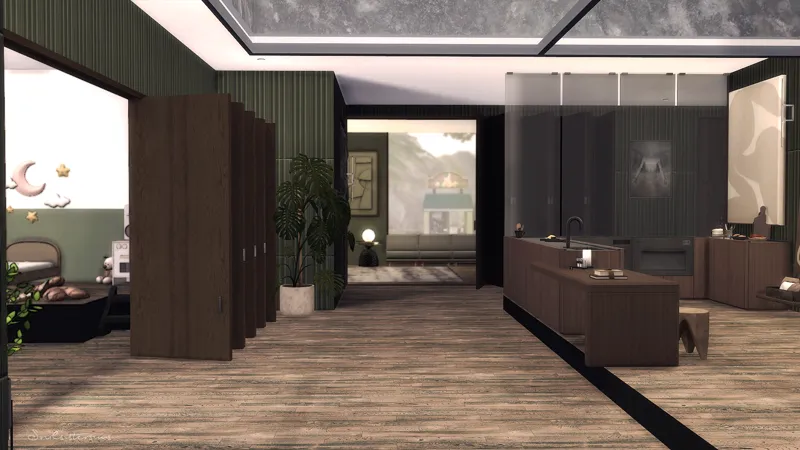
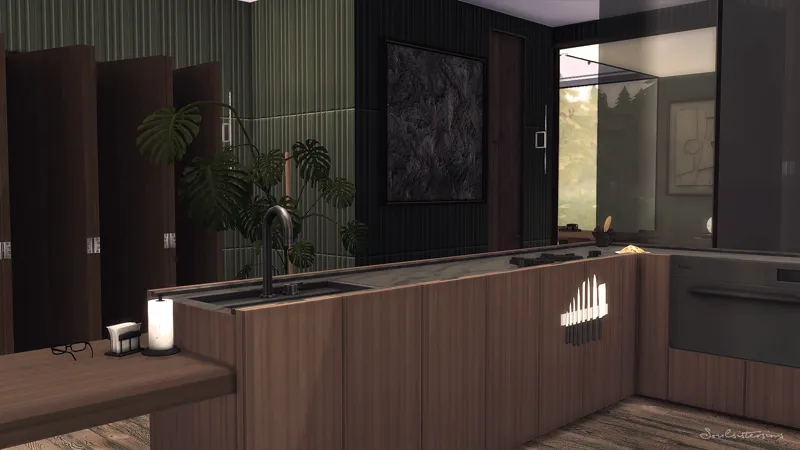
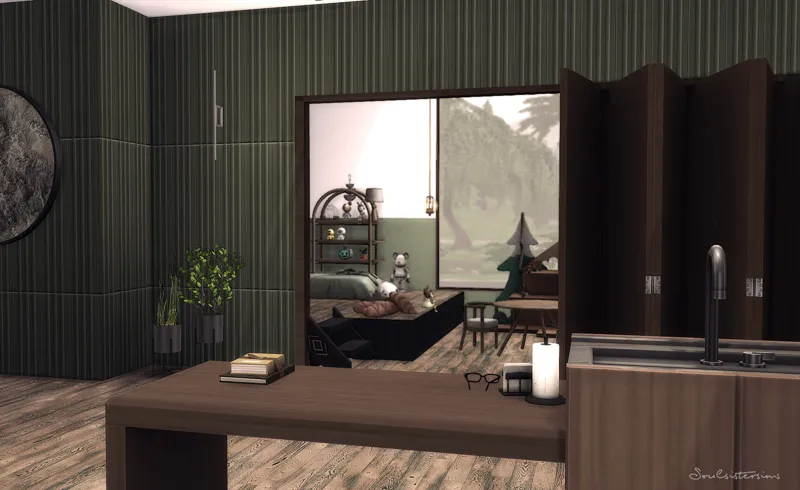
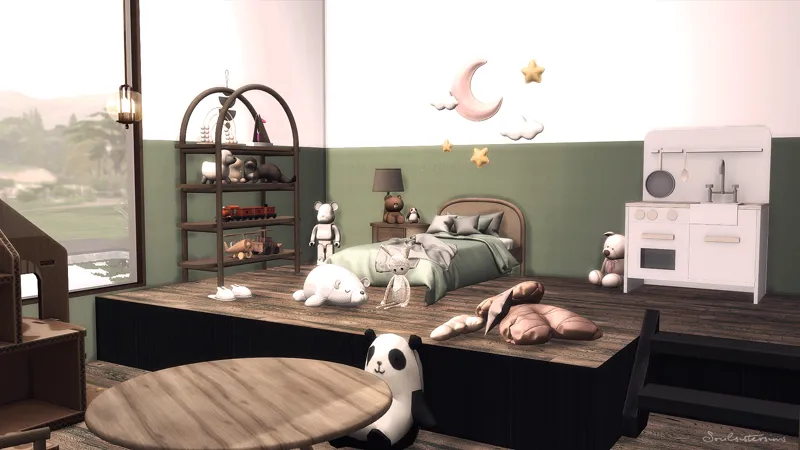
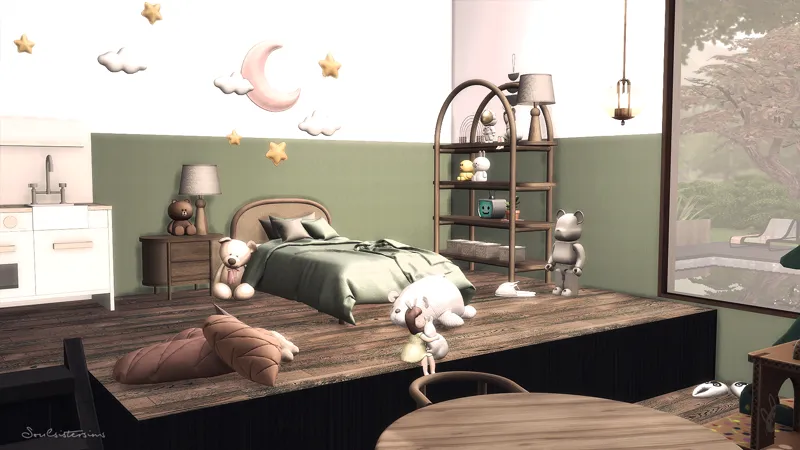
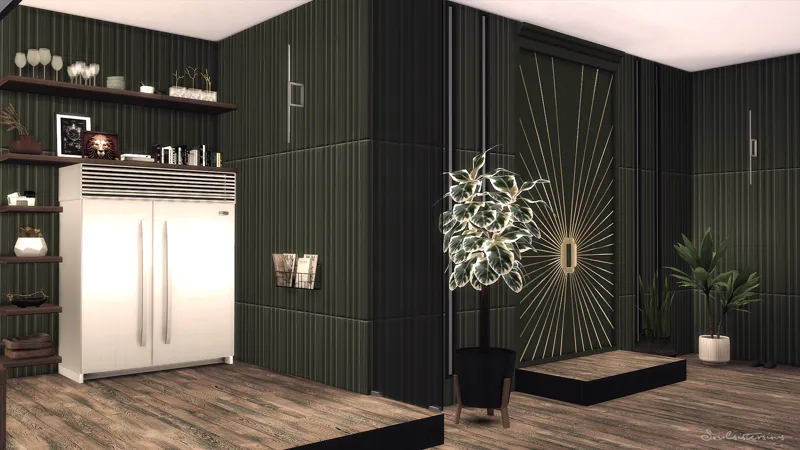
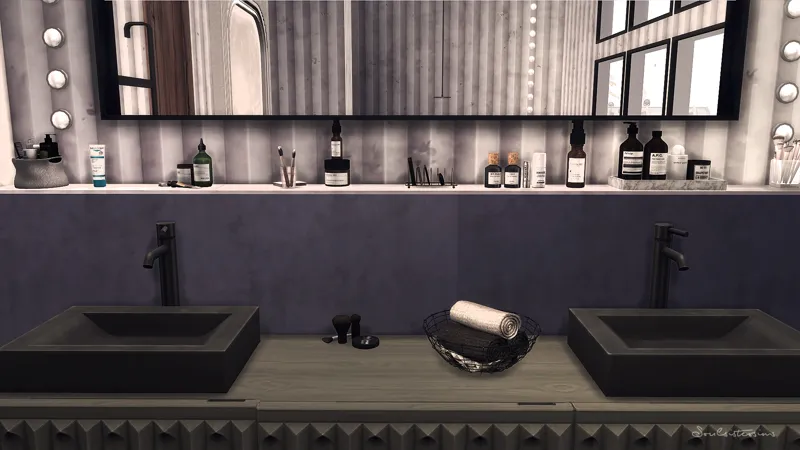
Modern House with green marble walls and big windows.
_____________________________________________________
Willow Creek
Magnolia Blossom Park (changed to a residential lot)
50x50
233.195
4 Bedrooms + 1 Bathroom
Reshade i used : Among the Pines
The colors on the pictures or in the Speedbuild can be different because of the Reshade.
_____________________________________________________
Download the Mods Folder (sometimes it happens that the server is overloaded. Since I pay for this monthly I can unfortunately offer no other link. Please be patient)
If you have colorful question marks instead of the marble walls outside pls download the 2 k version (otkhorPoliigonTexturesMarble_Separated_2k.zip ) of qolygonals Marble walls.
My game is not updated with the latest update. I start my game in offline mode
Thank you so much for your support. If you have any questions, let me know.
Much love, Tara
_____________________________________________________
How to use Tray Files:
1. Download & unzip the .zip file below
2. Copy the files contained within this folder into the Tray Folder (C:\Users\*YourUsername*\Documents\Electronic Arts\The Sims 4\Tray)
3. Launch your game
4. Load the lot you wish to place the build in
5. Enable bb.moveobjects
6. Open the in game library
7. Check "enable custom content" in the advanced section located on the left hand side at the bottom of the filter options
8. Locate the build and place