
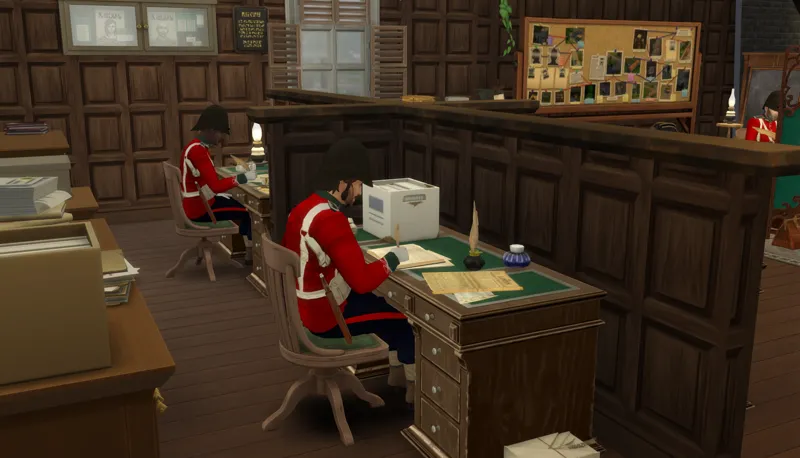
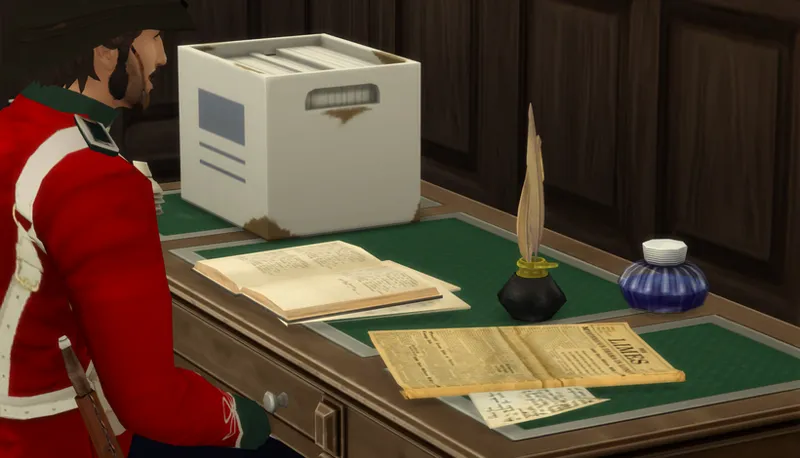
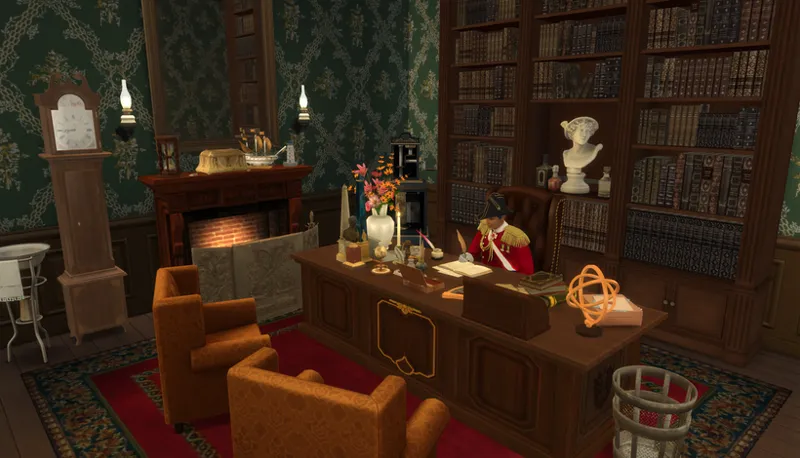
Book and Quill Computer (Off-The-Grid)
One I teased a little while ago, that I'm just bursting to release - I know you're going to love it!!
When I was making my Police Station, I started with typewriters as the computers - but pretty much all of them had some animation issue that I didn't like; then I changed to book computers and Jane's Parchment computer - and the book computers were worse than the typewriters! So for variety, I decided to adapt Jane's Parchment computer to be a BOOK computer.
Firstly, please ensure you have JaneSimsten's Parchment Computer installed - it uses the same animations.
This is Off-The-Grid, and has all the options a normal computer has, but instead of typing and clicking a mouse - the Sim is writing in the book!!!!
Perfect for the Police Station, as they have to keep records, and loads of different things in book format!
You could also imagine they are writing in a journal, or writing their book directly into a book!
I've used a new ink well, a 3d model made by Incg5764 via Sketchfab; the inkwell has four colours, and each colour has a silver or a gold cap; and each version has a swatch with papers under the book, and one without; 16 swatches in total!
I guess that's all to say about it!
JaneSimsten has been very kind to me, and has helped me with loads of things in the past - so go check her out if you haven't already! She has the BEST things for my historical saves - Regency social rules, beautiful dancing, ballet, lute, harp, harpsichord, cello, FLUTE, FRENCH HORN, CLARANEEETTTTTT (need I go on 🤣)
Don't forget to also download the Parchment Computer in order to make the book one function!
amusez-vous bitchesss
~~ Terms Of Use ~~

Comments (4)
Love more options for computer alternatives. I have a quick question that is probably outside your remit, but- I play a historical playstyle set in Japan. And when placing the book computer on low tables, the animation didnt match. I managed to fix the seating position in sims4studio, with a change to the animation masking, but the hands still target their original position. This can also be seen if you place the computer on a worktop, as it is slightly higher. I don't suppose you have any insight into how I might correct this? I tried adding rigslots but had no luck. No problem if not something you can help with. I just thought no harm in asking. Thanks again!
Helloo. yes, I noticed an issue on one of my desks, and I found that it was because the seat position and the slot the computer goes into had been changed from the EA "standard". If you clone a standard EA desk, then take your cc desk in Blender, you can adjust it to fit into the exact right spot. The animations are made with the EA sizes in mind; though, you can move the seat and desk slots slightly, in S4S, with minimal issues-- I just noticed the arm would bend unnaturally in the ones I've seen. It could get worse depending on how much different it is from the EA locations. As for a Japanese-style low table, I'm not sure it would work with this, I'm not an expert at animations; but I have one idea you could try - take your table (and desk) into blender, as well as the book/parchment computer, and adjust the height of the computer to sit exactly where the top of the table is (then delete the table); reimport the computer into S4S, and adjust the "computerDesktop_rig" slot to exactly the top of the table. You might also need to go into Warehouse in S4S and in each 'Object Catalog', de-select the "requires slot" box in each entry (about 3/4 away down the list). I hope you know how to do these things, otherwise let me know if you need any other help. Also let me know if what I suggested worked! Good luck 💕
A question for you...is there any way you would be able to make a curtained clothes closet like they had in Laura Ingalls Wilder's time? It was generally clothes hanging on pegs, covered by a calico curtain, with a shelf above it for hats?
That's definitely something I would be able to make - I'm just not really taking new requests right now, my list is too long already 🫠 I will keep it in mind, though!