
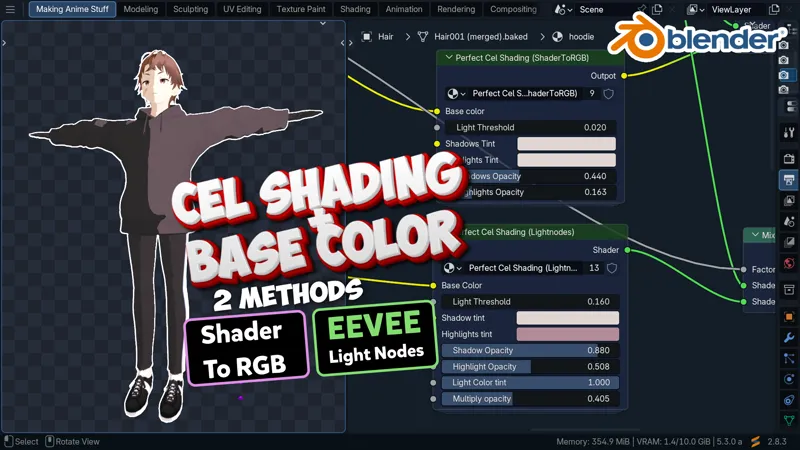
Start here: cel shading that keeps your character’s colors
If your character’s skin, hair or clothes lose their colors when you add cel shading, this is a good place to start.
My full lesson walks through two setups: Shader to RGB and the new EEVEE Lighting Nodes. We build both from scratch, then adjust the light threshold, shadow tint and highlight controls.
Watch the lesson inside Patreon:
https://mix3ddesign.com/posts/anime-cel-with-170549635
Under the lesson, download “Mix Base Color + Cel Shader_ver01.blend” to study both shader setups, or open “Raw Project File.blend” to follow the project. Start with Shader to RGB if your Blender version does not have the new EEVEE Lighting Nodes.
The full video and project files are included in every paid tier, starting with Student at $3 per month. Already a paid member? You can open it now. New here? Open the lesson and choose Student to follow along.
If you try it, tell me which setup you used and where you got stuck. Include your Blender version so I can understand the problem.