
See how your posts are converting fans
You can now see exactly how your posts are driving both revenue and audience growth. Head to Post Insights > Conversions for these new insights.
Here’s what you’ll see:
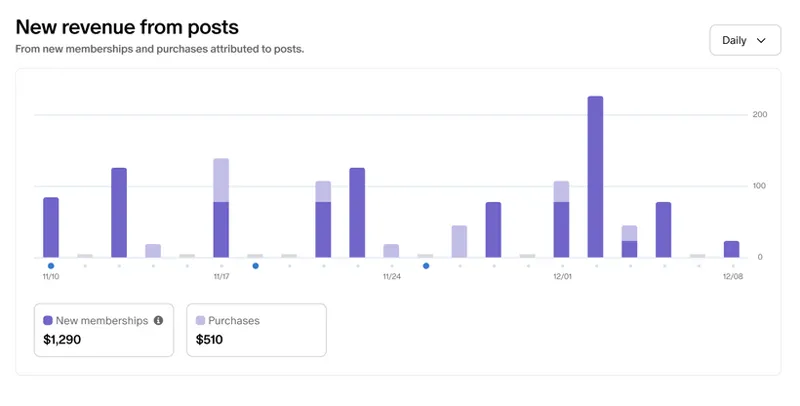
New revenue from posts: See the overall earnings from when a fan becomes a new paid member or makes a purchase through one of your posts.
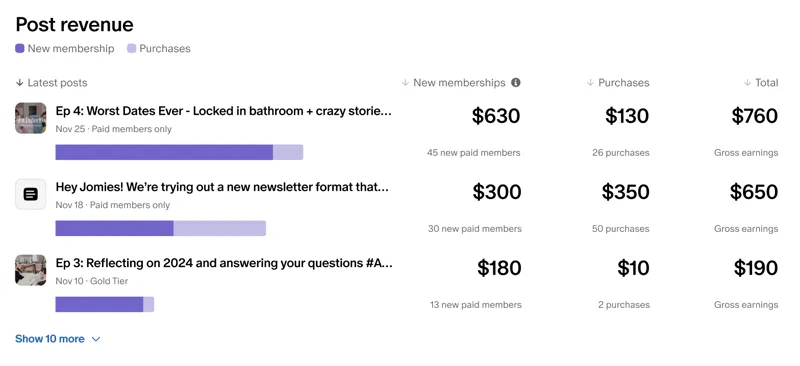
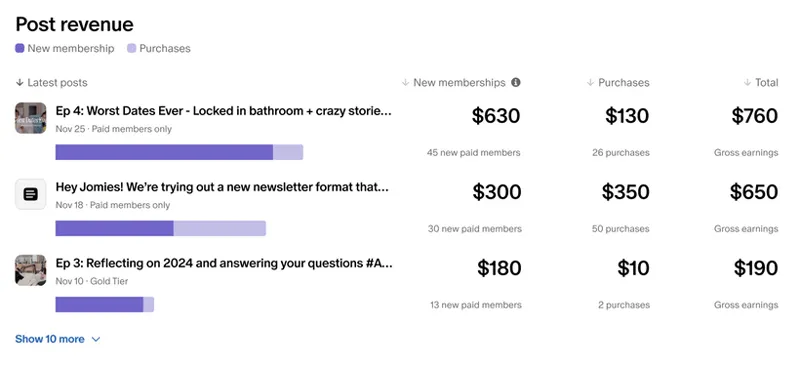
Per-post revenue: You’ll see earnings for new paid memberships or one-time purchases broken down by specific posts here. These totals include any currency conversions and upfront payments for annual memberships.
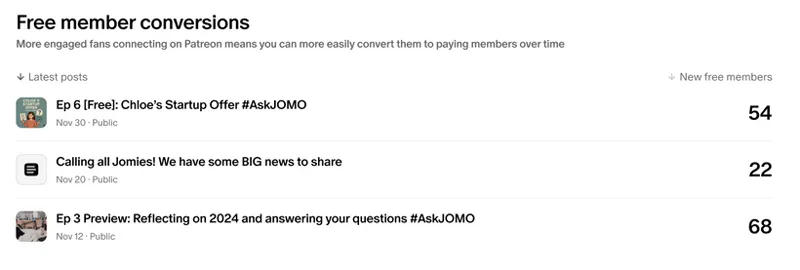
Audience growth: See how many people joined as free members through a specific post, giving you a chance to turn them into paying members over time.
Since these earnings are attributed to specific post pages, one or more of these may be empty if you typically promote your Patreon page link instead.
💡 Tip: Try sharing one of your top-performing posts on social to drive new paid memberships.
Comments (9)
has anyone cut off their free live content for Patreon?
I want to meet you
It's upsetting that this post makes it seem like Patreon has lots of users and there is lots of money coming in through Patreon, when really there are very few people donating through here and most of us are just working for breadcrumbs.
At this point we are praying for bead crumbs! I am new here but REALLY need to not lose our home!
Excited for this, thanks!
Speaking of Posts! It would be great if Library view also showed the tags/collections assigned to a post, and allowed for more effortless adjustment. Similar to adjusting on WordPress.
Please guide me too
Thanks, Patreon.
💕