
Time-saving tips to boost podcast revenue
You’ve got enough on your plate. Between recording your podcasts, managing your community, and keeping everything running smoothly, your time is valuable. That’s why we’ve rounded up five powerful tools on Patreon that are designed to save you time and help you earn more, with minimal lift. Let’s get into it:
1. Autopilot: turn free members into paying ones —automatically
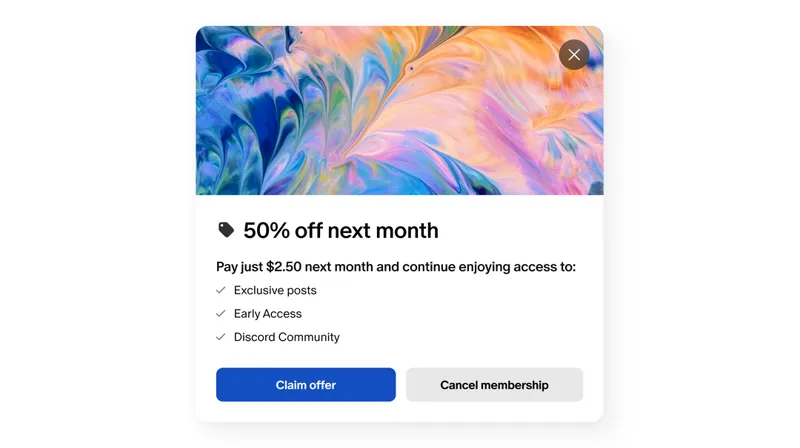
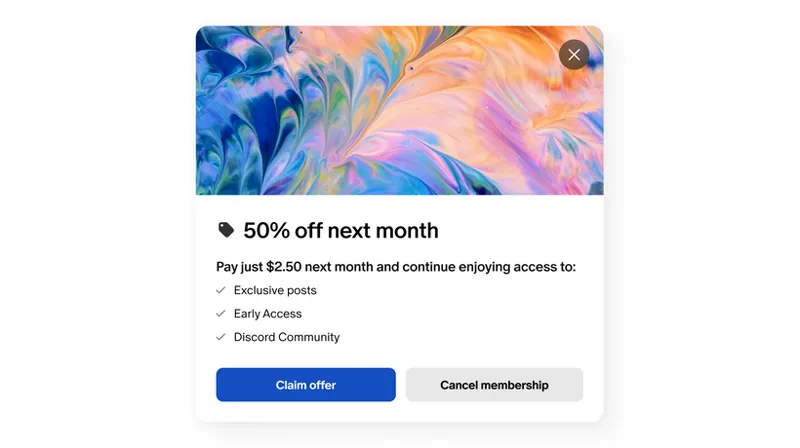
Set it and forget it. Autopilot helps convert your free members into paying subscribers by offering them one-time discounts, no effort required. You focus on creating; Autopilot handles the upgrade nudge.
💡 Pro tip: Creators using Autopilot have seen a 19% lift in free-to-paid upgrades. Turn on Autopilot in your Promotions tab and let the system do the rest.
👉 Visit your Promotions tab to turn on Autopilot
2. Spotify Synced Feeds: promote paid episodes without lifting a finger
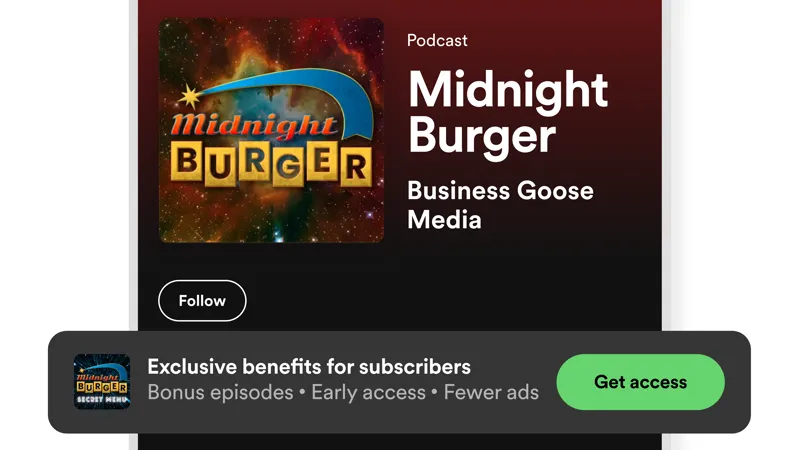
Make your exclusive episodes work for you. When you enable Synced Feeds, your paywalled podcast episodes appear as locked teasers on Spotify. Your biggest listeners see what they’re missing and can upgrade instantly.
Meanwhile, current members enjoy seamless listening right in Spotify.
🎯 Result: Some creators are seeing 15%+ conversion rates from Spotify alone.
👉 See how to set up Synced Feeds
3. RSS syncing: bring all your free episodes to Patreon
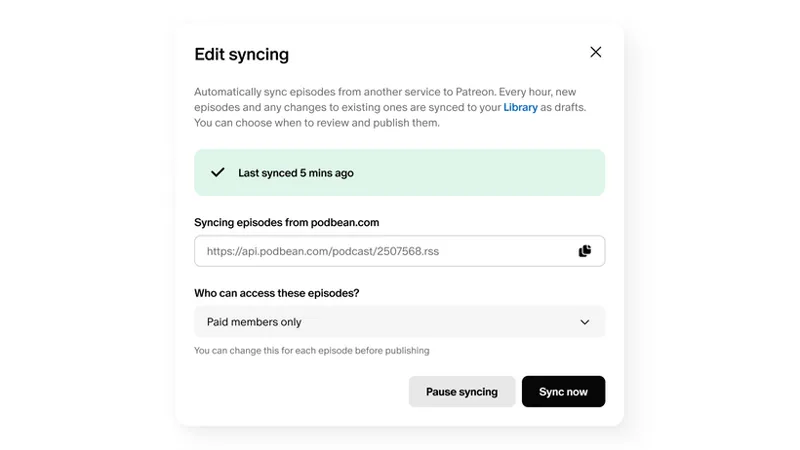
Host a free podcast outside Patreon? With RSS Syncing, you can automatically sync your public, ad-supported episodes to Patreon and share them with your listeners — no need to double-post or re-upload.
💡Pro tip: Give free members a taste of your podcast to encourage upgrades. This sets you up to offer exclusive episodes right alongside your public work, streamlining your listener funnel and boosting conversions.
👉 See how to set up a podcast sync
4. One-time purchases: get paid outside of membership
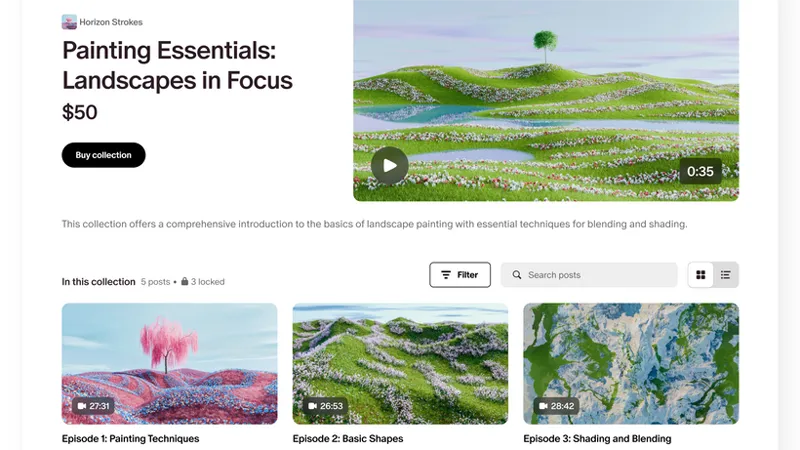
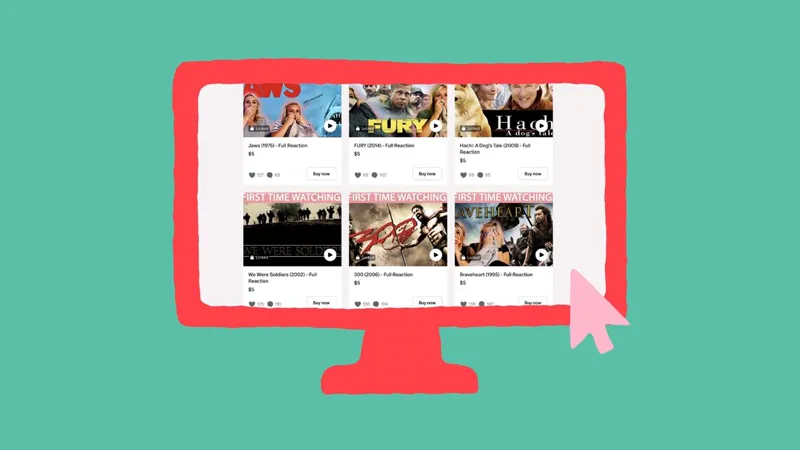
Not every fan is ready to subscribe right away — and that’s okay. Now you can sell individual posts, bonus episodes, or bundles directly to fans. No commitment needed.
📊 We’ve seen about 75% of one-time purchases come from first-time buyers, and nearly 80% of those fans stick around as free or paid members.
It’s perfect for fans who aren’t ready for a membership but still want to buy something specific. Just ask Cassie from Popcorn in Bed. She started selling individual movie reactions as one-off purchases, alongside her membership.
“At first I was hesitant… but this is a different audience looking for a lower price point or just a certain thing.”
Now she’s reaching more fans and growing her income, without changing what she makes.
👉 Learn more about selling posts
5. 🎥 Video teasers: let your work sell itself
Using Patreon Video? Great. Now let’s turn those videos into marketing magic.
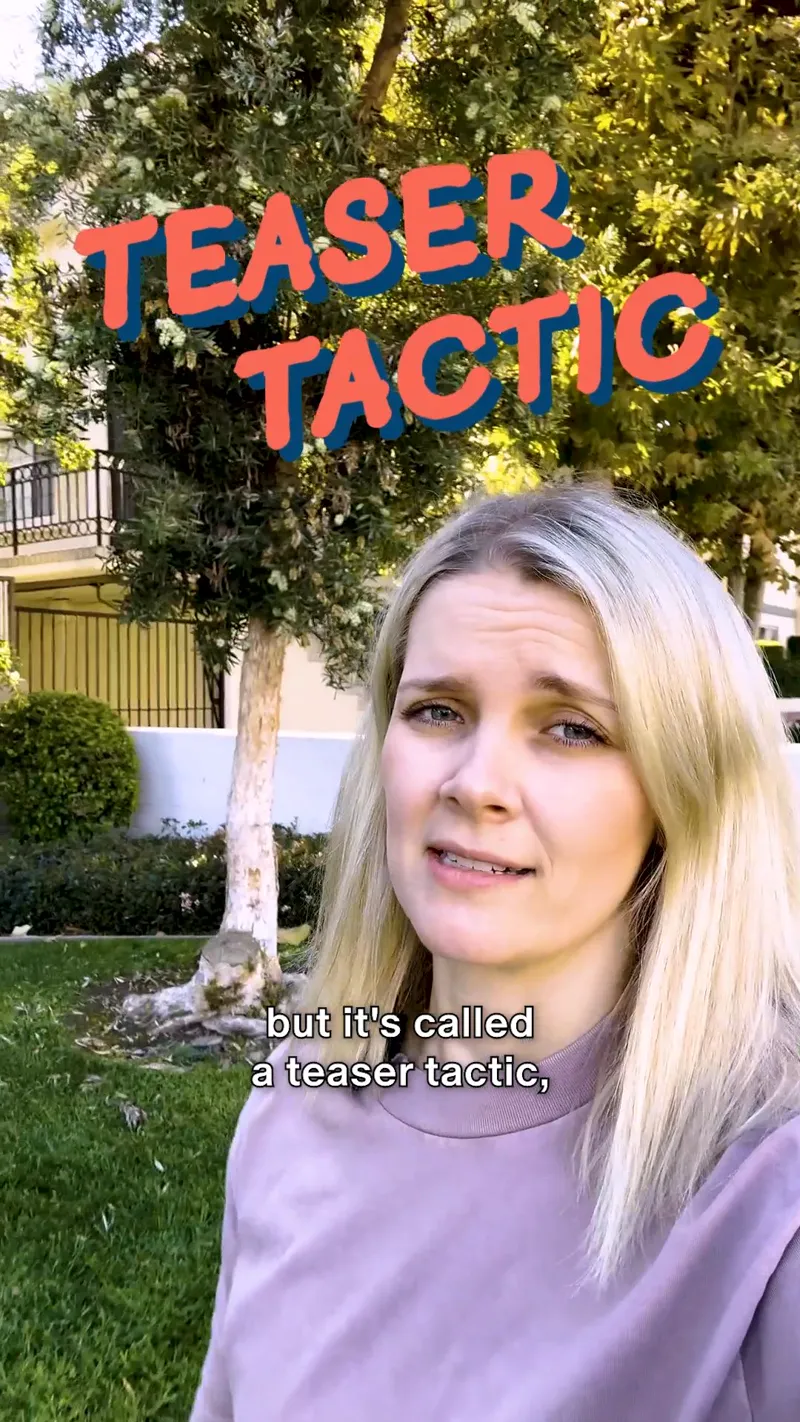
With video previews, you can tease the first few seconds of your paywalled video. Fans can watch the intro for free, and unlock the rest by joining your membership.
📈 Creators who use this strategy and then share those teasers to social media have seen up to a 197% increase in new paid memberships on teaser days.
TL;DR: Work smarter, not harder.
These five tools aren’t just features. They’re growth levers that help you earn more with less effort. Whether you’re promoting new work, converting fans, or saving hours on backend work, these are built to keep your momentum going without burning you out.
Pick one to try this week and let it do the work for you.
Comments (3)
Stunning work 🔥
What about adding something to make a post being visible from all members but only if Upgrade the Tier? Example: I place as creator a 54 Images set The first 4 are visible for all members The second 10 are visible for Tier 1 members (4+10) The Thirds 17 are visible for Tier 2 members (4+10+17) The Fourths 23 are visible for Tier 3 members (4+10+17+23) ... in my opinion would be WAY more fast to create posts instead of creating 3 or 4 or 5 posts every day for different Tier members
Not sure I understand what you've been trying to say but I guess you'd like to have different groups of images visible to different tiers and not only the first four?