

PC Update - Final Statement...
I wanted to give you a quick and honest update about my current PC situation, since it may temporarily affect the pace of my work.
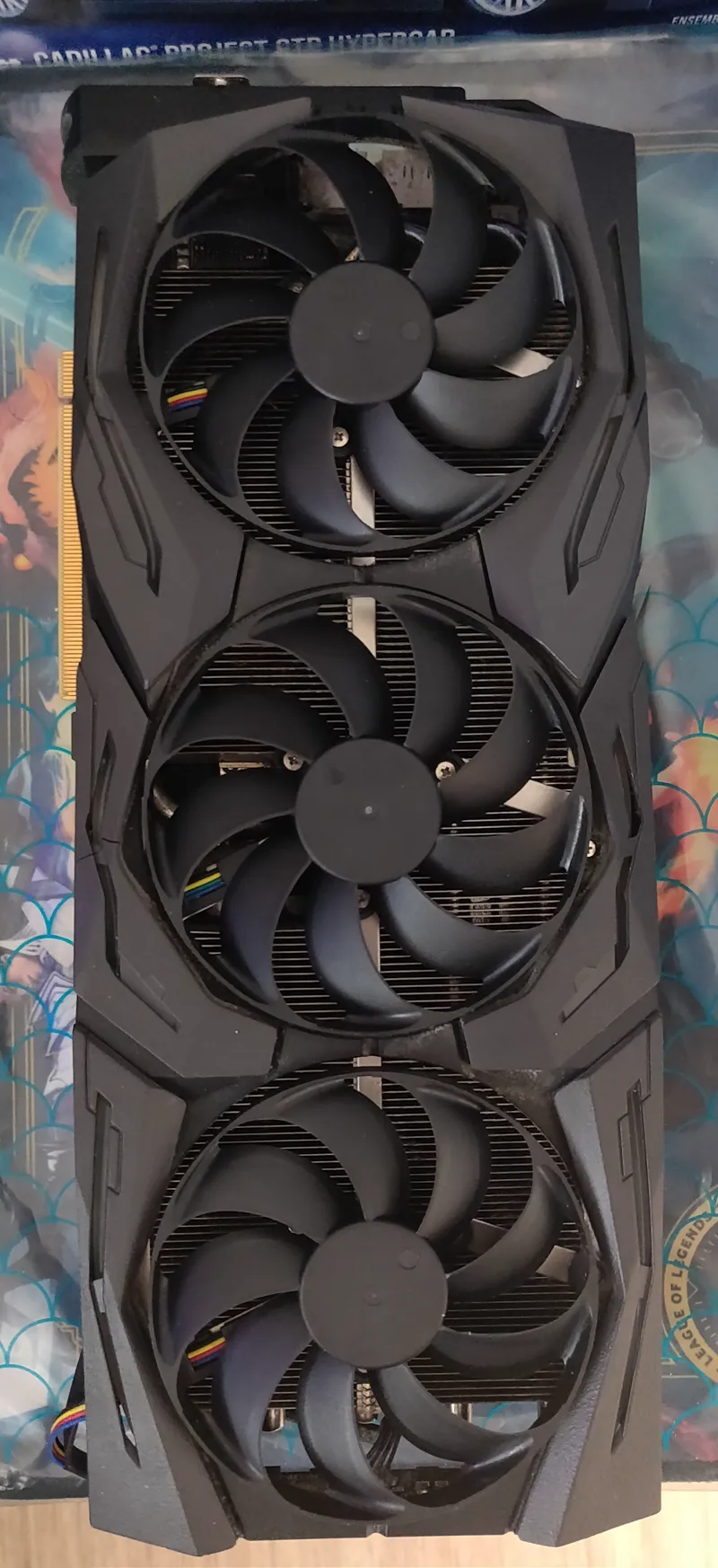
Over the last few days, I’ve been rebuilding and testing my new setup. Most of the new hardware is working properly, but I’ve been dealing with repeated crashes and sudden restarts whenever my RTX 2080 Ti is being used.
The PCIe riser cable does appear to have its own problem. However, after removing the riser completely and connecting the GPU directly to the motherboard, the crashes continued.
I also performed a clean Windows installation, tested different NVIDIA drivers, removed unnecessary hardware from the equation, and collected several crash reports. All of them are pointing toward the same area: the graphics card.
The good news is that the new PC appears to be stable when the RTX 2080 Ti is completely removed and the integrated AMD graphics are used instead.
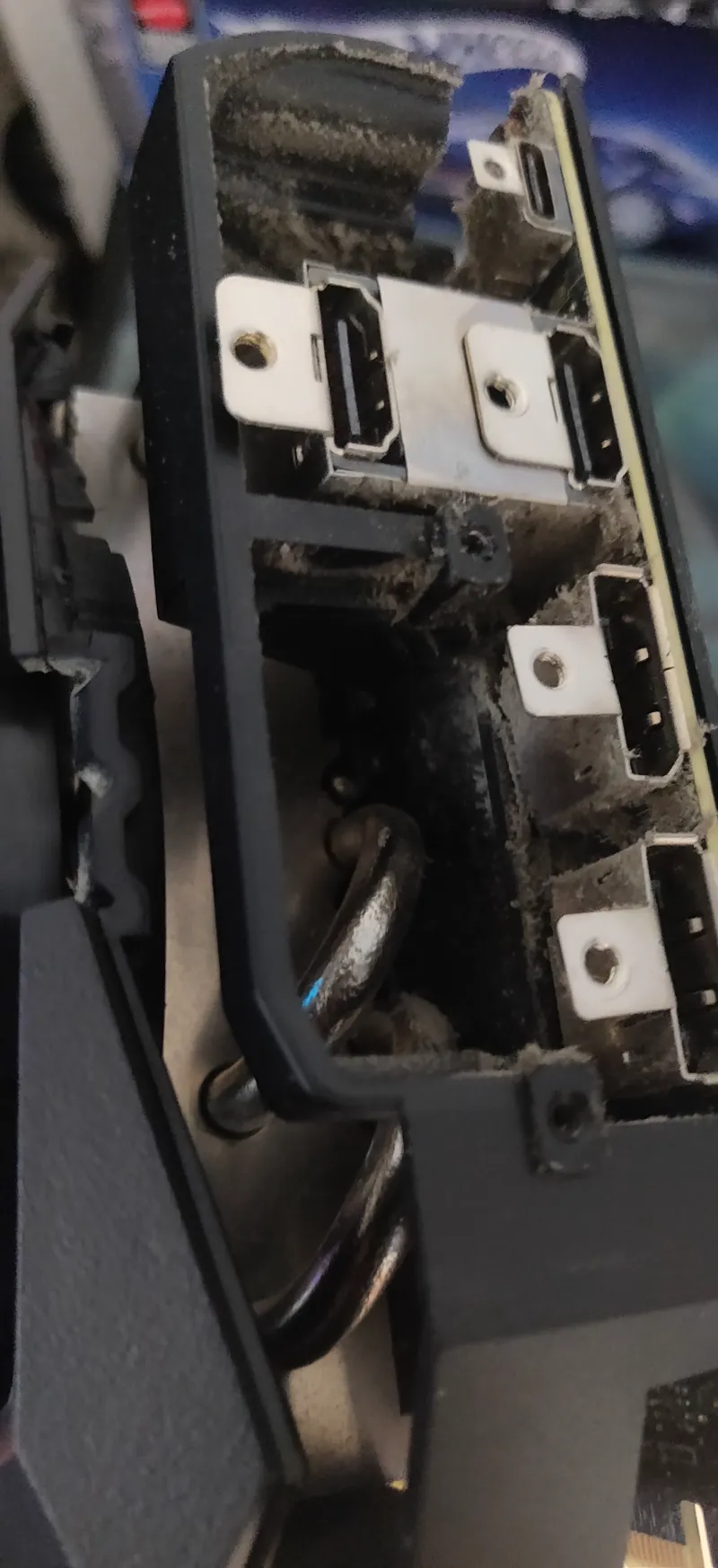
So at this point, the most likely situation is that my old 2080 Ti is reaching the end of its life...
What does this mean for any future projects?
Development is not definitely stopping, but some of planned project could be postponed to next months or years.
I could probably still work on coding, tools, probably "Blender work limited", using the integrated graphics (I hope). but that's not what I want...
However, some tasks involving heavier 3D workloads, game testing, GPU-intensive work, or certain modding tests may temporarily become slower or impossible until I have a proper dedicated GPU again...
For now, I prefer not to keep reinstalling the 2080 Ti into the new system and risk damaging something while repeatedly testing a GPU that is increasingly looking defective.
I’d rather protect the new machine and continue working with what I have.
I'll try to find some working solution to help me with the actual situation. like buying temporary AMD GPU
About support
I’ll also be setting up an optional donation system through my shop for anyone who would like to help me to buy latest RTX GPU.
I’ll make my PayPal available as well for those who prefer to support me that way.
There is absolutely no obligation to contribute beyond what you already do.
To everyone who continues supporting me normally through Patreon:
Thank you so much. Your continued support already means a lot to me, and I’m genuinely grateful for it
Any extra help toward replacing the GPU will help me get back to full development and testing capacity sooner.
This is obviously not the way I wanted the new PC build to start, but at least we are finally getting close to understanding what was causing all those crashes.
Issues caused by:
Old PSU (Now replaced)
Old GPU (No replacement so far)
Riser Hyte y70 (Will be replaced later with GPU)
Or maybe a full remplacement of the actual case
Thank you for your patience, your support, and for continuing to follow my work!
Comments (2)
Hey, if you’ve never replaced the thermal paste and thermal pads before, you could give it a try as a temporary fix. I did it on my 2080 Ti, and it started working again afterwards. There are probably some guides on YouTube that show you how to do it.
Thanks a lot for the suggestion! I’ve actually been considering that as one of the last things worth trying. The strange part is that the card doesn’t appear to be overheating at the GPU core level. During testing, temperatures were generally quite low, but I’m aware that old thermal pads can still cause problems with VRAM or the power-delivery components even when the reported GPU temperature looks fine. At this point I’ve already tested the card on a completely clean Windows installation, with different NVIDIA drivers, removed the PCIe riser, connected the 2080 Ti directly to the motherboard at a proper x16 link, and the crashes still happen. I also collected several crash dumps, and they repeatedly 0x116 crashes show the same "VIDEO_TDR_FAILURE" related to the NVIDIA graphics stack. Meanwhile, with the 2080 Ti completely removed and the PC running only on the AMD integrated graphics, the system has been stable so far. So I’m now fairly convinced that the problem is somewhere on the 2080 Ti itself. Thermal paste/pads are still a possibility, especially considering the age of the card, but since this particular card has also been repaired in the past (This is not a SUPER GPU Edition) , I’m being careful before opening it again.