
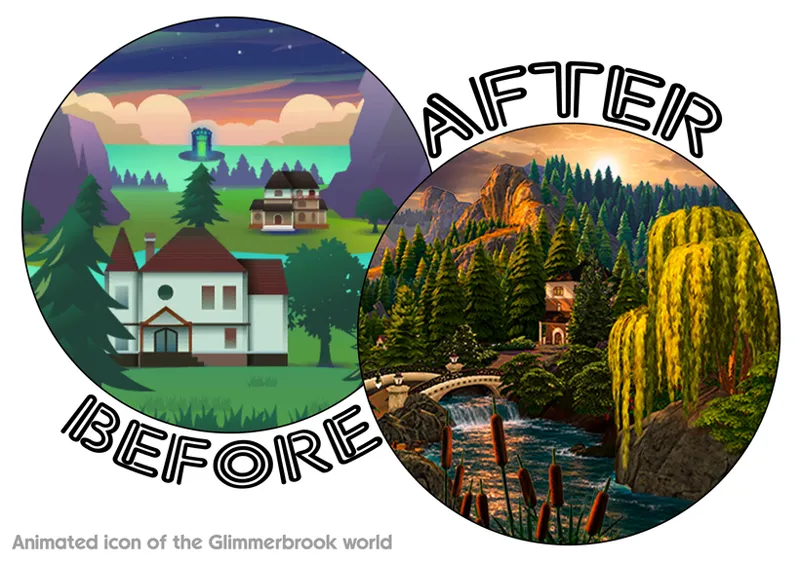
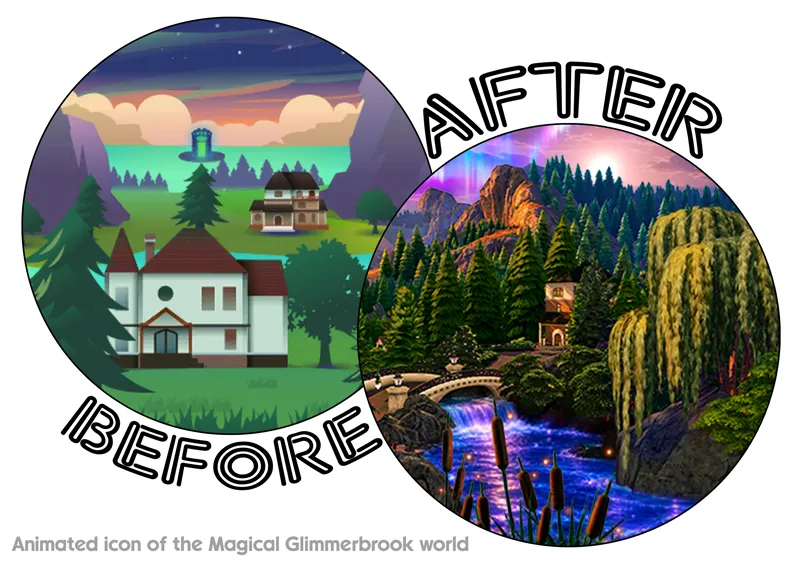
Animated icon of the Glimmerbrook world
Sul-sul, witches and wizards!
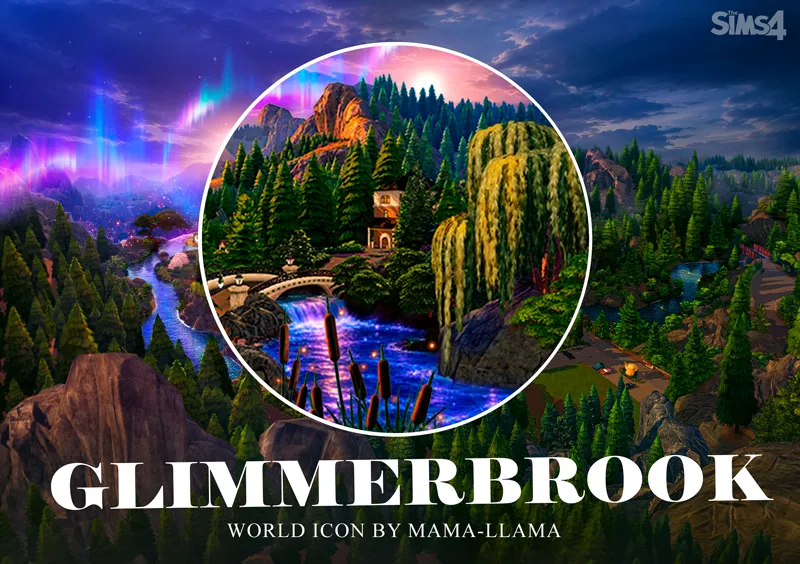
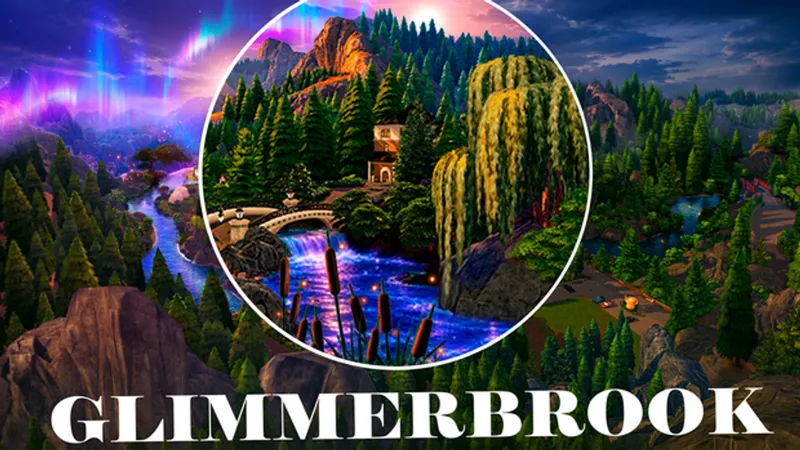
I’m excited to present the new Glimmerbrook icon for The Sims 4!
Just like the map, this icon is available in two variations — realistic and magical. Choose only one version and install it in your Mods folder — whichever one fits your game best.
Realistic icon
Magical icon
And I have some more good news! Thanks to your feedback, I’ve finally found a solution to the icon display issue. One of the previous updates affected the icons, causing them to display incorrectly when using lower graphics settings. I’ve already fixed this for the new Glimmerbrook icon, so it should now display correctly regardless of your game’s graphics settings.
I’ll gradually fix the remaining icons as well — their updated versions will be included in the next update!
Necessary expansion pack: Realm of Magic
If you have any questions about installation, check out article on how to properly install the mod
lots of love,
Mama-Llama

Comments (3)
Only this animated icon is working for me..the others don't work. Even when I only have the icons in my mods folder.
It’s most likely because you have your game graphics settings set to Low. After one of the recent updates, the icons stopped displaying correctly on Low settings and now only work properly on higher graphics settings. I’ve already found a solution for this issue and will be releasing an update for the icons soon! 😉
Awesome! Gotta go with the magical version, I think