
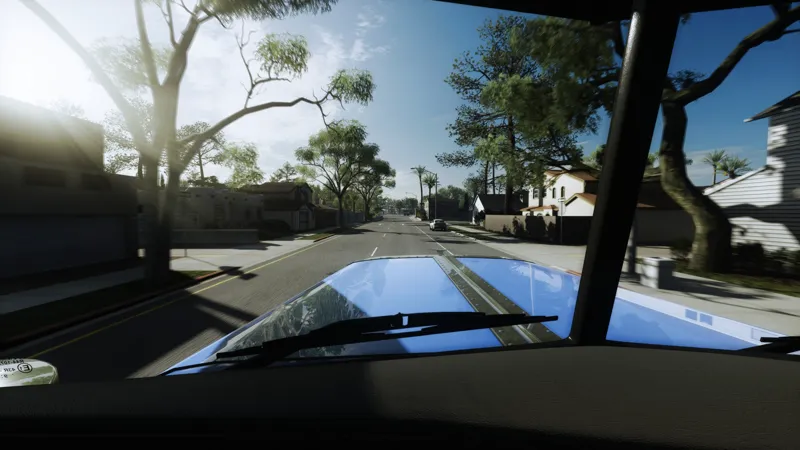
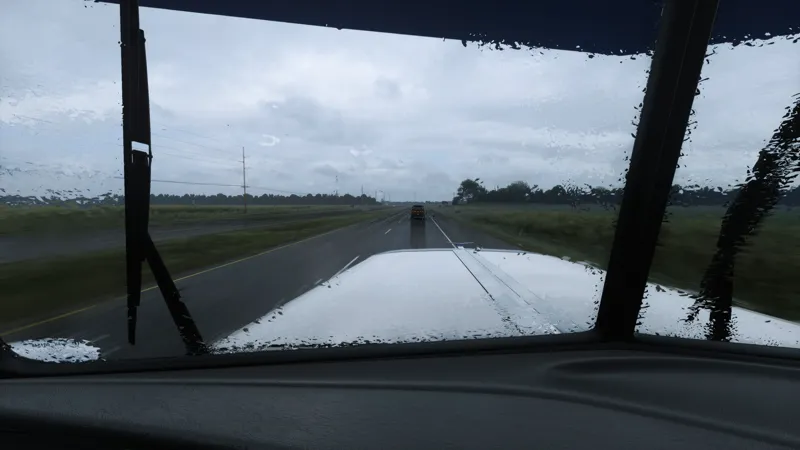
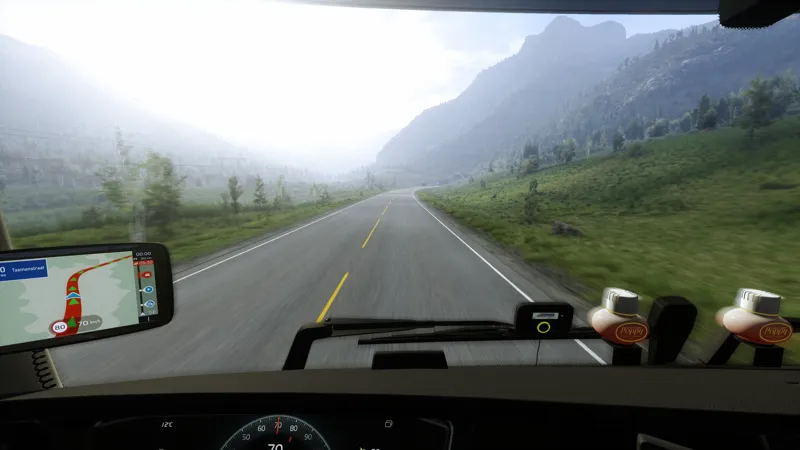
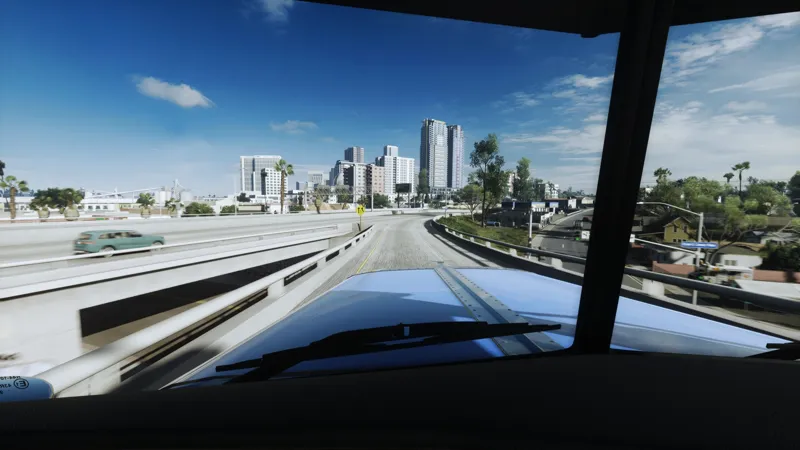
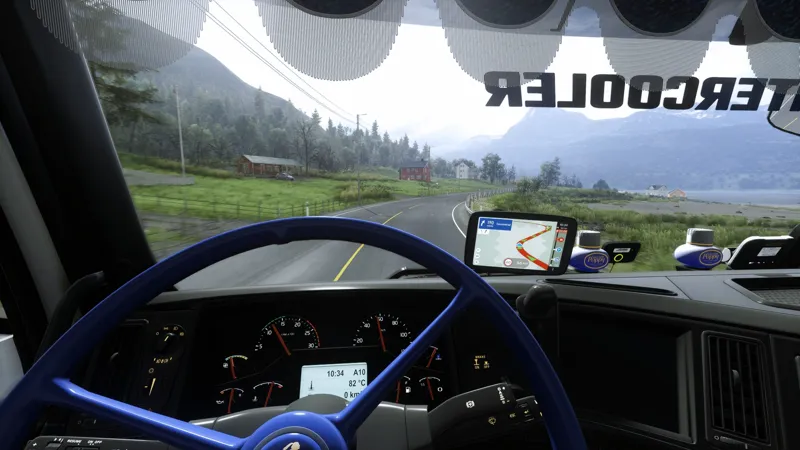
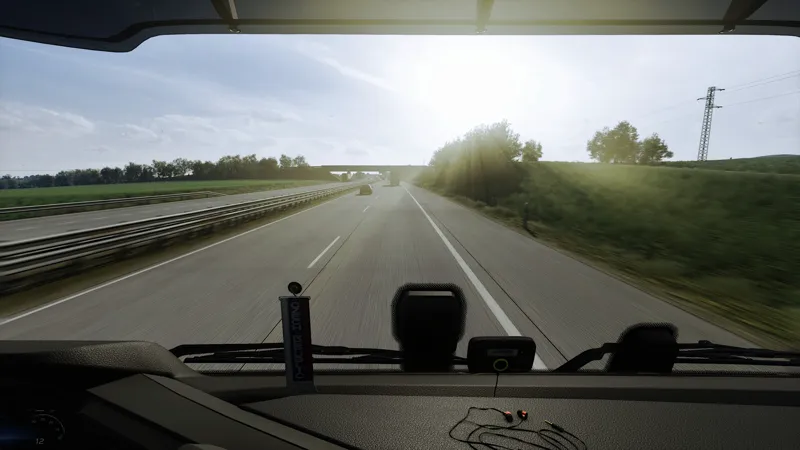
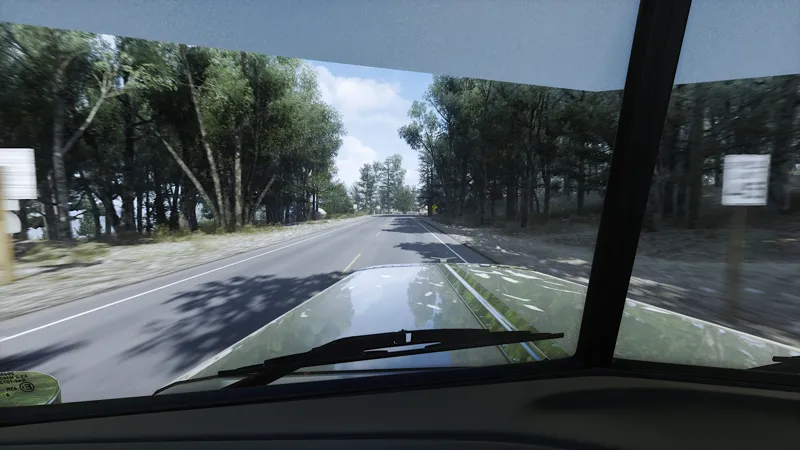
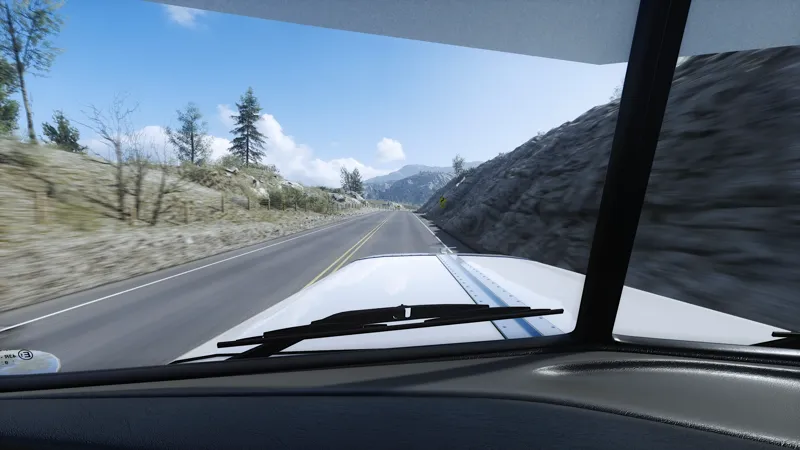
Quick Update – Snowymoon Settings for V1 & V2
Hi all,
I’ve updated the Snowymoon settings for both V1 Revised and V2. Just a small note: I personally use the same Snowymoon settings for both versions, so you don’t need separate configs for each preset.
The only thing you may need to adjust between V1 and V2 is exposure, depending on your monitor brightness and how you prefer the overall look.
At the moment, I mostly use the V1 presets for both ETS2 and ATS.
All the updated Snowymoon settings are now available in the download folders for both versions.
Thanks again for the support!
Comments (45)
I want to buy the reshed v3 for 6mnths but i dont see the option
Hey, at the moment there is a monthly or yearly option. I can have a look if theres a way to make a 6 month sub
Wgere is the folder to be downloaded
Hey, just trying to take a peek at your settings if I could get a message?
All sent
Hey bro, your work is so epic. If I have the PNG mod and Snowymoon, would there be a big change?
Hi, congratulations on your work. I'd like to know if you could share your mod settings? I have all of them, but my image doesn't look as realistic as yours. I think I have the wrong settings and view cam Could you please share them?
Hey ill drop you a message on dm
Hello! Nice work! Any configuration for Lightning B?
Hey, i only use D and C but with some brightness adjustment this will work on B as well
how can i re download ?? only see that form 11.sep but there was an update from 29 Nov?!?
Hey, you can download the files from the pinned release post
I subscribed, please the setup and tutorial. Thanks
Hey, all sent
do I need to install Snowymoon to use your reshade? Or can I install on stock ets2 with no graphics mods?
Hey, you could use it without snowymoon but i would advise a mod with a Weather Def like PNG or JBX for best results regarding lighting itself. But you can use it on base game as well if you wish
I subscribed and need all set up the tutorial please.
Hey, all been sent to you in the Welcome Message
I subscribed and need all set up the tutorial please.
Hey, all sent
Need the tutorial please.
hey, please see our welcome message, all in there :)
Hi, how are you? Your images are amazing, congratulations on your work. I'd like to know if you could share your mod settings? I have all of them, but my image doesn't look as realistic as yours. I think I have the wrong settings. Could you please share them?
Hey, ill send send you a DM
I subscribed and need the tutorial please.
Hey, all sent
i need tutorial :)
Hey, it will be sent on your welcome message when you become a subcriber of this project
I need a tutorial how to install it
Hey, are you a current subcriber? As you get them in the welcome message
Would I also be able to get the tutorial on how to set up just so I dont mess anything up, thank you
Hey, all sent to your DM
I need a tutorial, how I can install it and which optionns I must tick in the shader menu! Please help me
Hey, sent you full tutorial in the DM's if you need any further instructions let me know
does it work with VR (4090ti)?
Hey, im not sure how snowymoons plugin works on it. The reshade itself should work, but youd need to check tbh as i have never tried this in VR
Hi. How do I get this?
Hey, you can get it by subscribing to the Project
Albedo saturation settings?
Hey, 0.87
Were do I downloaded from
Hey, its available in the release post for paid supporters
Thanks for posting this, useful!
In Main release post?
Hey, yes. Need to redownload the folders