
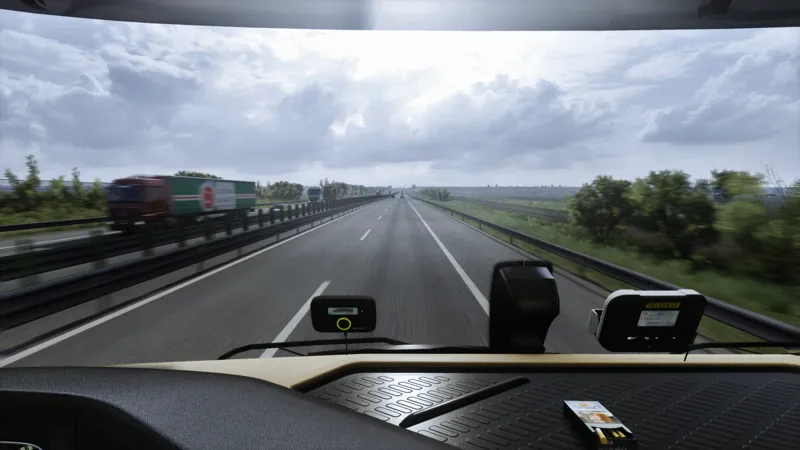
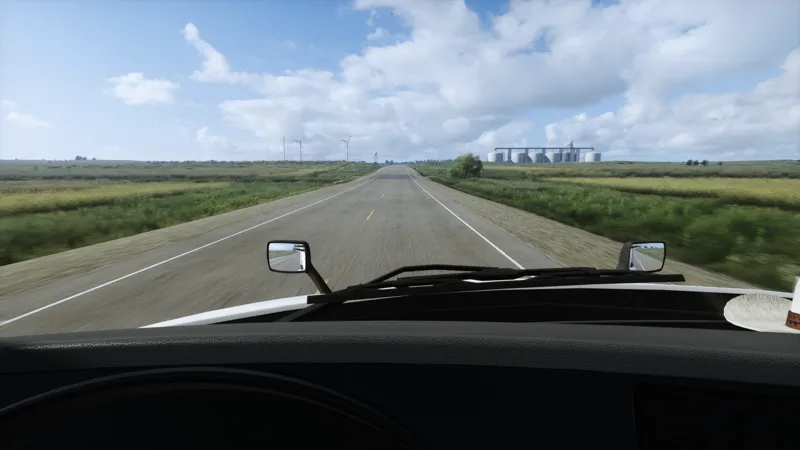
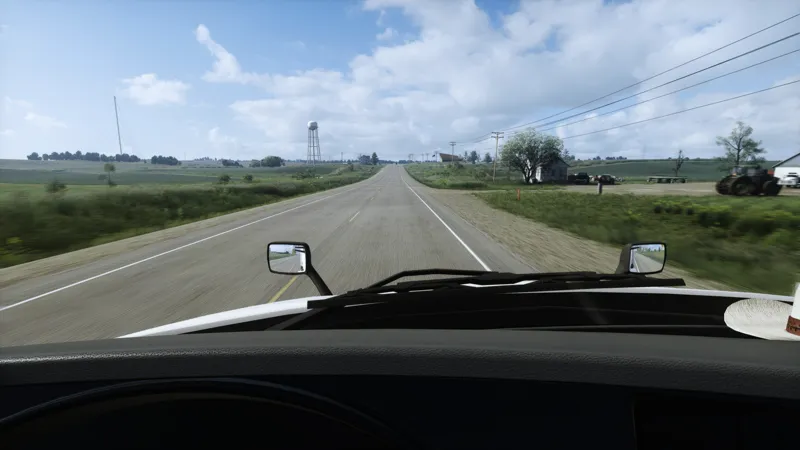
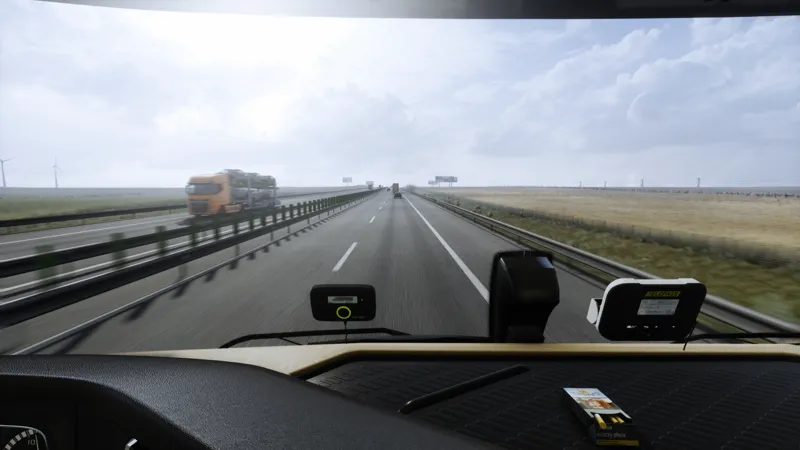
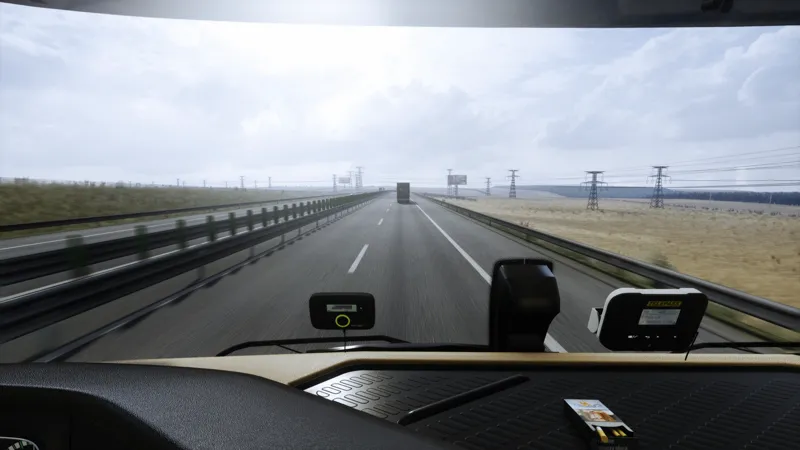
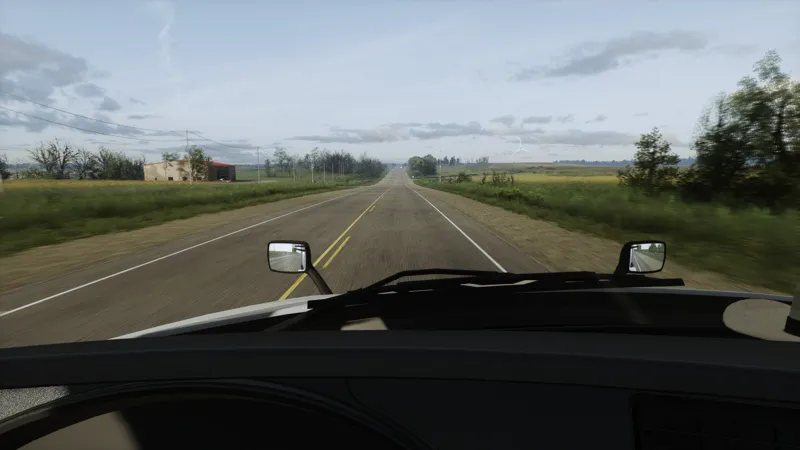
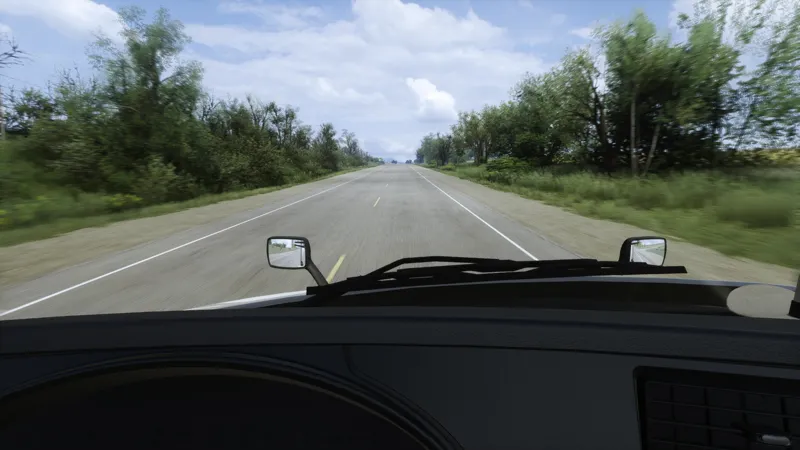
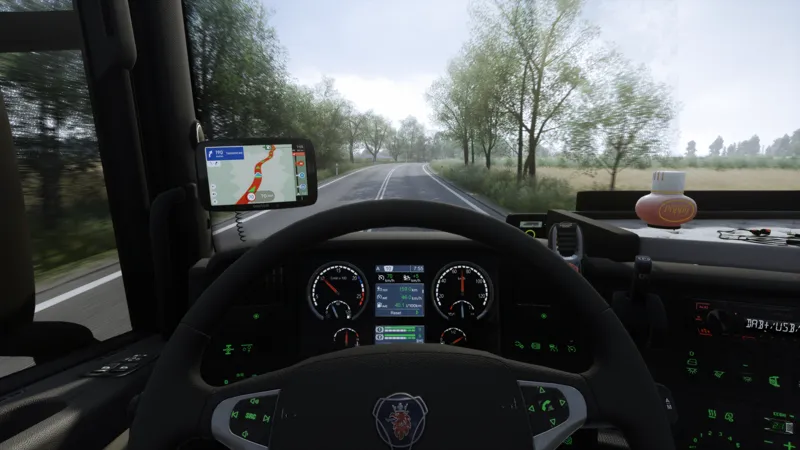
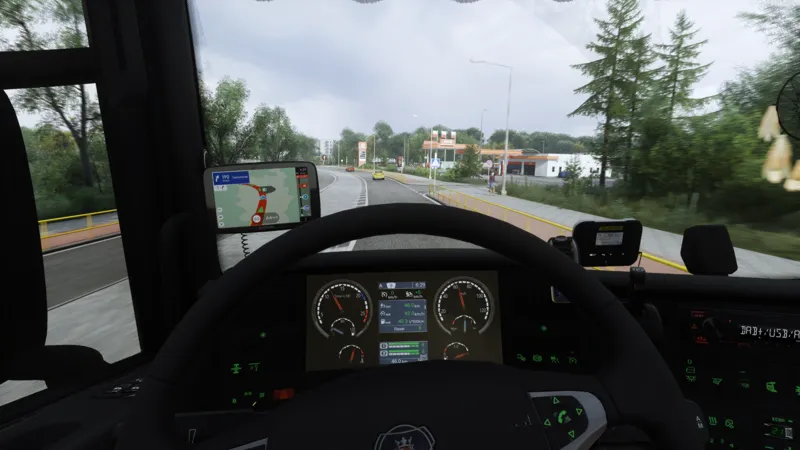
Project Ultimate ReShade – Main Release Post (Updated) 🌟
Hello everyone!
The Release post has been fully revised to give new and existing members a cleaner, easier-to-navigate overview of the project.
its Focusing on:
🔧 New Sharpness Presets
Inside the download folder, you will now find a new section called:
➡️ “New Sharpness Presets”
These include a limited number of carefully refined presets using an improved sharpening method.
The goal is to simplify your choices without overwhelming you with dozens of variations, while still giving you the best visual results.
📥 Download
All downloads are located at the bottom of the release post.
https://www.patreon.com/posts/138682219
With this small update now complete, I will be fully shifting my focus toward developing the Weather Def Mod. This will be the next major step for the project, and I’m excited to push the lighting and visual experience even further.
Thank you all for being here — and as always,
enjoy the drive.
Comments (52)
Hi, can you please tell me if I need to pay a monthly subscription to use your reshade or can I do it once?
Hey, the reshades do not have any expiration date, so you have got all acess to it with a sub and is yours to keep, and then you could keep the sub or sub on a bigger update
Hi, could you please explain how to make the game look like it does in your screenshots? I mean which settings, mods, graphics presets or reshade you are using. I already have everything installed that is required I’d really like to achieve the same visual quality in my game.
hey, you have got the whole setup on DM along with what skyboxes i use and other bits needed. You can also se this video for the camera setups. https://www.patreon.com/posts/149071337?utm_campaign=postshare_creator&utm_content=android_share
hello,how do i install this?
Hey, you recieve all of the instructions within your welcome message or on request. You also have a lot of youtube video on Reshade instalation🙌
hello! I am very interested in your reshade, it looks amazing. I just want to ask how it affects performance? I have a RTX 3070 and Im running ATS with JBX+PNG+Snowymoon, it would be ok to add the reshade and mantain a decent FPS?
Hey, i use to run this with PNG and Snowymoon in 4k with a 3080 and was getting decent results, those reshades are not as heavy as others when it comes to performance so should be fine to run it in 2k and with some adjustments in 4k
how can i install this
Hey, you would get all of the instructions in your welcome message🙌
How do i install? love your work man :D
Hey, you would recieve all of the instructions in your welcome message🙌
Hey dude, I'm sorry but I can't figure out how to install this and what is snowymoon?
Hey, instructions sent🙌
So how do I install?
Hey, all instructions and compatible reshade version would be available in your welcome message🙌. Or you could follow the tutorial on Snowymoons site
Hello! How do I use reShade with Snowy Moon V2 and your reshade presets?
how do i install this?
Hey, sending instructions now
How to install?
Hey, instructions sent to your DM
How do i install this?
hey, instructions sent
how to install it?
Hey, i send all of the instructions in the welcome message.
Can we get raw pictures without other mods.
Hey, i am currently working on a weather def which is going to be an overlay for scs weather, and also comparison pictures would most likely be shown as to how it looks on base scs weather and the improved def
Hello, how can I get the exact same graphics as in your screenshots? I already have PNG, Snowymoon, and your ReShade settings, else do I need? Do you have the full list of mods and settings you use? Thanks!
Hello, I wanted to Play PNG+Snowymoon and ur Reshade Settings. Is there any tutorial? Project NG wants Reshade 6.5 and Snowymoond/ur Preset need 6.4 or lower.
Hey, sent you tutorial in the DM😃
Hi, currently i use snowymoon+project nexgen for ets2. Does your project ultimate make graphics enhancement? My current version is 1.57 promods 2.77. Also, is it a one time purchase or should I need to purchase with every update? Thanks in advance
Hey, Project Ultimate Reshadr enhances the final look of you game, it is a Reshade Presets which is set to improve the rendering look along with lighting and otger corrections, it comes in two versions the v2 - heavy gloomy preset and v1 - a bit more direct lighting preset. You can subscribe to it once and get whatever is released. No need to sub every month unless you would like to support the project. You would need to resume subscription once more to gain access to newly released content
How can I get ReShade on ETS2?
Hey, you mean the Project Ultimate Reshade? You need to purchase it here😃
Hey this project looks amazing, do i need honeymoon to use this or are both things independent from each other
Hey, you can use it without snowymoon, but it is recomended to use it with snowymoon. For example when i was starting to make reshades Snowymokn v2 did not exist yet so 100% can use it without it
Hello. Is PNG mod needed for this to work?
Hey, not needed but i would highly recommend PNG to be used along with it due to its complex weather def, if not PNG than JBX would work as well. You can use it with any graphics mod but the results my vary and 100% a brightness adjustments would be needed for other graphics mods as most of them do not have a consistant weather def.
why isnt it free
Ich habe es installiert, aber ich weiß nicht, wie man es benutzt. Kannst du mir die Setup- und Grafikeinstellungen in deinem Video schicken?
Hi! After i updated my ATS to 1.57 the reshade makes whole screen on a blue tint. Also I cant see anything when i load my game. Just mirrors and hud. What's wrong? It works ok at 1.56.
Hey, this was an issue with Snowymoons DLSS files and has been reported already
Hey, this might sound odd, but are there screenshots of your reshade preset available anywhere, both alone, without Snowymoon/PNG and with Snowymoon only, no PNG? I've been curious as to how it would look as such, but I believe most if not all on your profile are using that combination.
Hey, not many of these screenshots to be found as i am mostly running PNG, but i couls make some available if youd want. Also to achieve these graphics few comonents must fall in place, Snowymoon + Weather Def + Reshade. I am also working on a weather def that will work with the scs skyboxes to improve the overall look. But in general i do not use base game graphics as the available tools are enabling us to look past all of the base games imperfections
Hi, I wanted to install Project Ultimate ReShade for ETS2. I’ve never done this before, so I followed a video tutorial. I watched several videos to make sure I did everything correctly, and according to the instructions, I did everything right. When I start the game, pressing the HOME key does nothing, and the ReShade overlay doesn’t appear at the top of the screen. Does anyone have an idea what could be wrong?
Hey, thanks for reaching out, i will send you instructions to your DM
Hi, I wanted to install Project Ultimate ReShade for ETS2. I’ve never done this before, so I followed a video tutorial. I watched several videos to make sure I did everything correctly, and according to the instructions, I did everything right. When I start the game, pressing the HOME key does nothing, and the ReShade overlay doesn’t appear at the top of the screen. Does anyone have an idea what could be wrong?
Should i pay every month ? Or one time purchase and it will still be working ?
Hey, you can sub for a month download the files and unsub if you wish or stay for longer to support the project.
If i have PNG already, what is the mod order i need for this to work with it?
Hey, those are Reshade Presets so they go into your reshade app
It just gets better and better