




✨ Marie’s Method CC Organizer v4.0✨*NEW Creators list & More!*
🚨 SCHEDULED POST 🚨
I am still on a break figuring things out right now — please read this full post 💗
If you have any issues, report them in the MM-BugReports channel and I’ll review everything when I can 🫶🏽
OMG READ THE POST BEFORE ASKING QUESTIONS😭
✨ Expand your window!
When you first open the app, make sure to maximize or expand the window so you can see all buttons and features clearly.
💖 What’s new in v4.0:
✨ FULL UI GLOW UP
The entire layout has been redesigned — cleaner, smoother, and a more modern look😌
🧠 Smarter Creator Recognition (BIG upgrade)
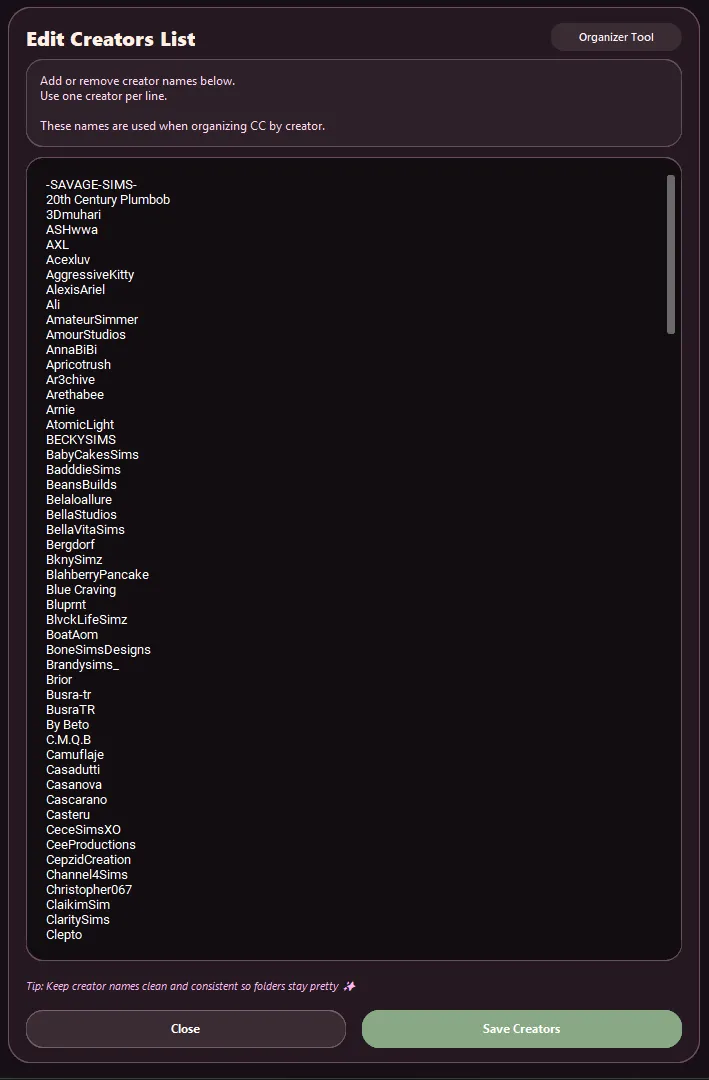
Massive updated creators list (200+ creators 👀)
Cleaner + more accurate aliases
Better matching (handles prefixes, chunks, messy filenames, etc.)
👉 Less files going into Unknown = less stress
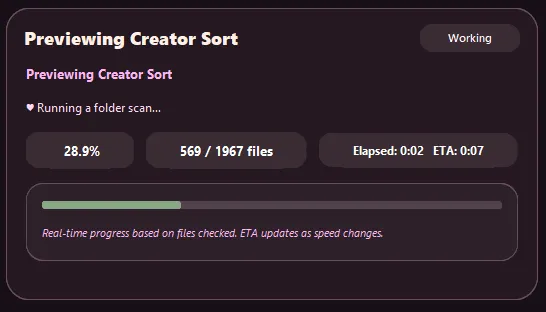
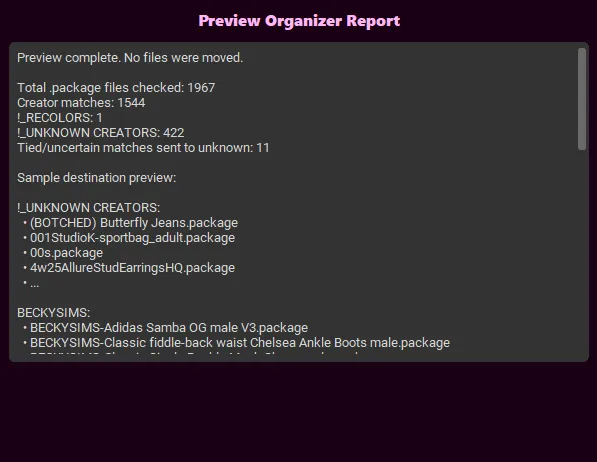
🔍 Scan Only (Preview Mode)
Want to see what will happen BEFORE organizing?
Now you can 👏🏽
No guessing, no surprises.
🛠️ Manual Fix Unknowns
Easily fix files that go into Unknown Creators
👉 Move them where they belong without re-running everything
After organizing:
Click “Manual Fix Unknowns”
Then select the same main folder you just organized
🚫 Do NOT click directly into the “_UNKNOWN CREATORS” folder
If you do, it may show 0 files even when there are files inside
👉 Always select the main folder — the app will automatically find the Unknown folder for you.
💖 Adding Aliases While Fixing Files
When moving files in Manual Fix:
You can type a creator name into the box
Check the box underneath to save it as an alias
✨ This means next time, those files will be automatically recognized
📂 The dropdown list shows creators from your Edit Creators List
📁 Pinned Folders (finally 😭)
_UNKNOWN CREATORS
_RECOLORS
Now stay at the TOP so they’re easy to find
🎨 Recolors Detection System
Recolors are now separated automatically when no creator is detected
💾 Backup System (safe & clean)
Backups are created outside your game folder (Desktop) — keeping your Sims files safe
💖 NEW: Leave a Review Button
You can now leave feedback directly from the app
👉 Help improve future updates + share your experience
MORE INFO HERE: https://www.patreon.com/posts/maries-method-cc-150545416
💡 Best Results Tip (IMPORTANT):
Put ALL CC you want organized into ONE folder (no subfolders), then select that folder in the app.
This program is for CC only — keep gameplay mods out of it 🚫
This update was all about making the app:
✨ smarter
✨ easier
✨ less annoying to use
and honestly… she eats now 😌💅🏽
📌 How to Open Maries Method (IMPORTANT)
Please follow these steps to make sure the program works properly 💻✨
📂 1. Unzip the folder
Right click the downloaded file
Click “Extract All”
🚫 2. DO NOT move or delete anything inside the folder
Everything inside is needed for the program to run correctly
📁 3. Keep all files together
Do NOT drag the .exe out
Do NOT separate files
▶️ 4. Open the program
Go inside the folder
Double click the .exe application to launch Marie’s Method.
🚫STILL NOT FOR MAC USERS
💡 If you move files out of the folder, the program may not open or work correctly!
Thank you for all the support, feedback.
