


CDimagined Graphics Pack 2026 - July Update
Download Here
Pure 3.51 and CSP v0.3.0-preview445 are required.
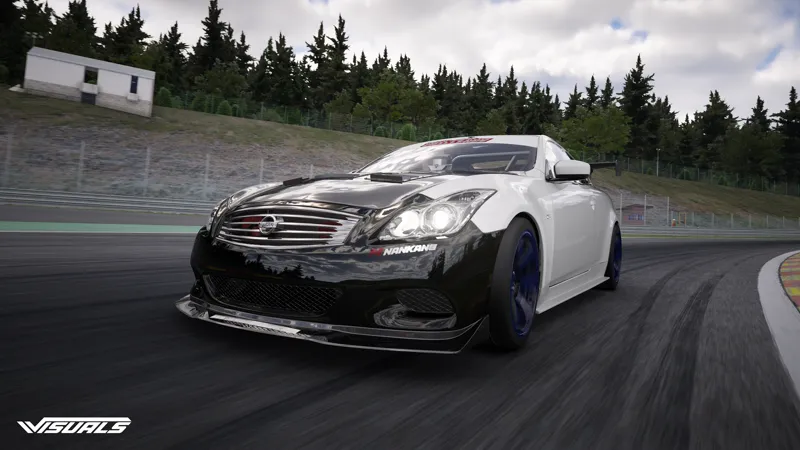
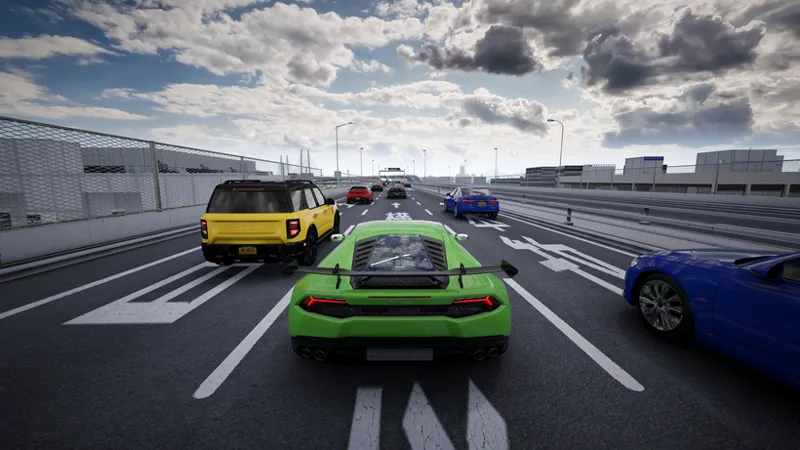
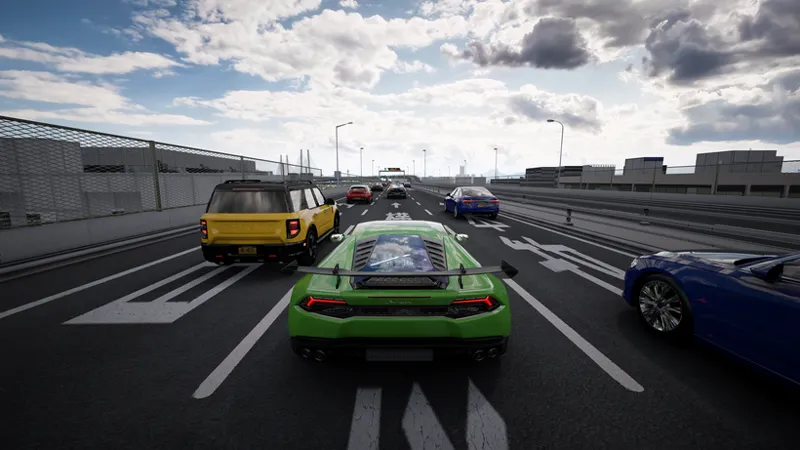
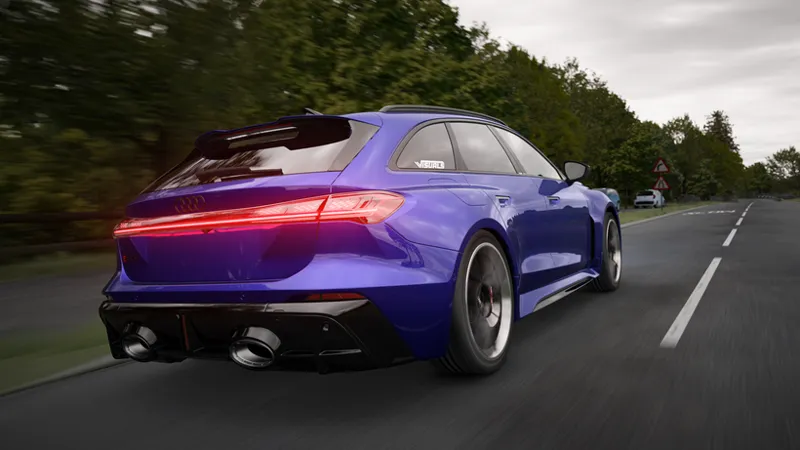
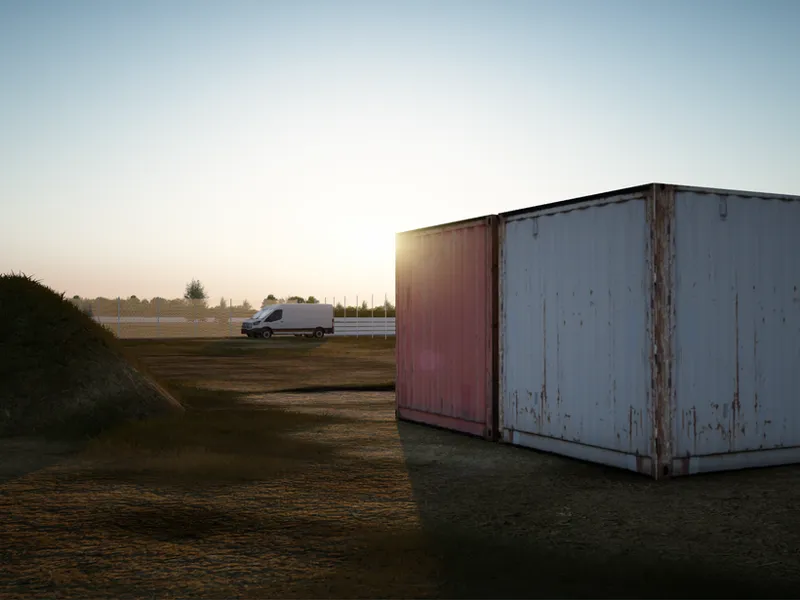
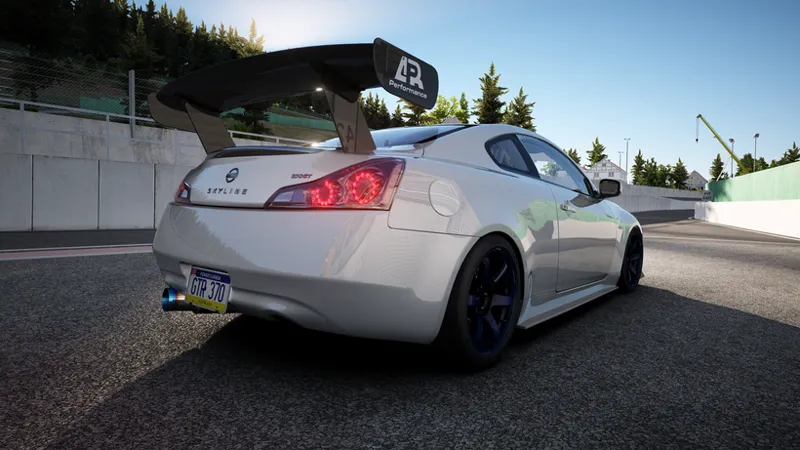
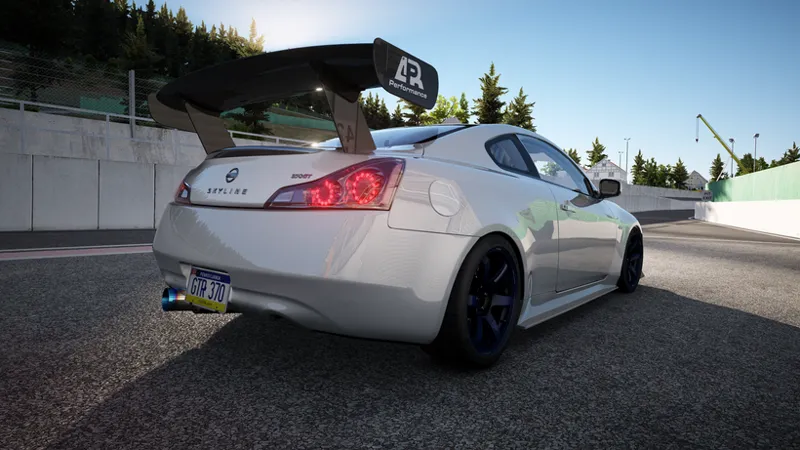
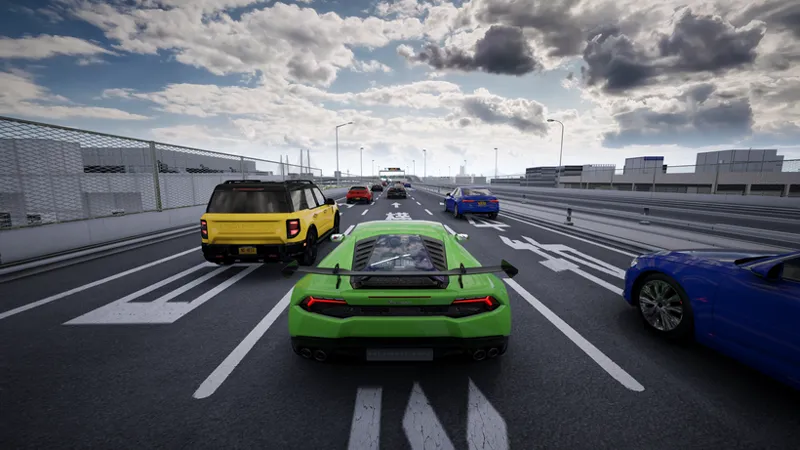
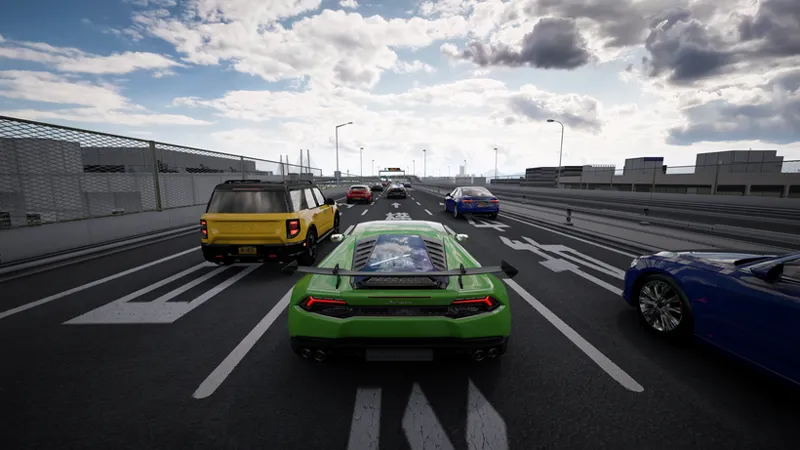
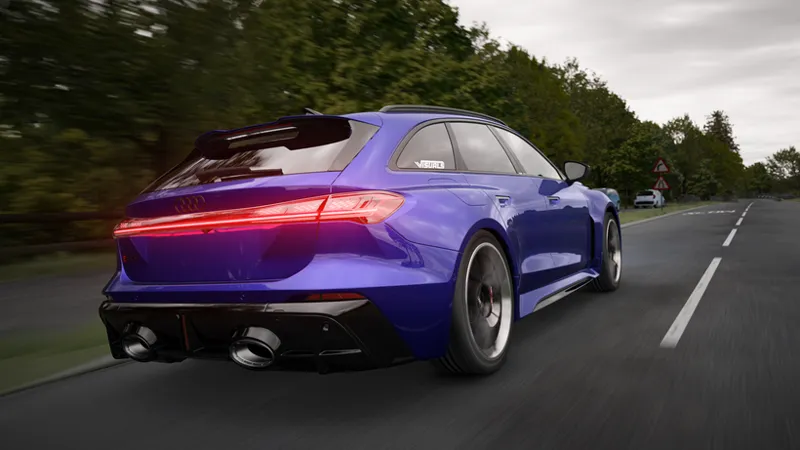
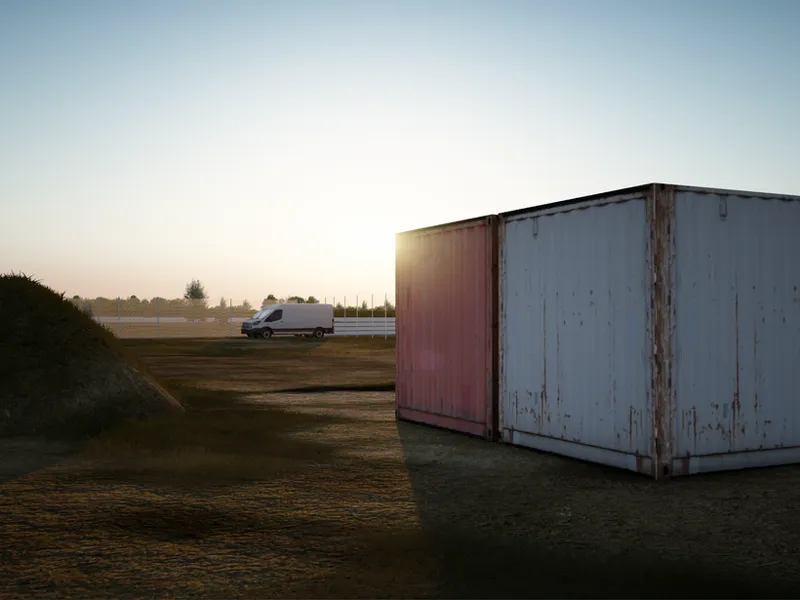
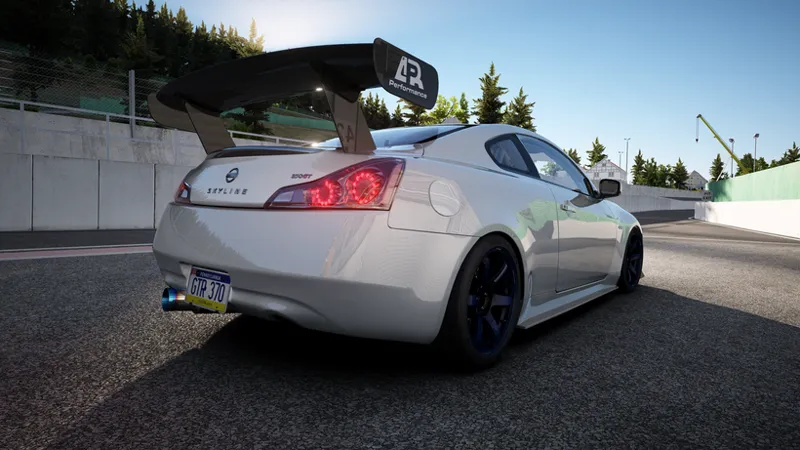
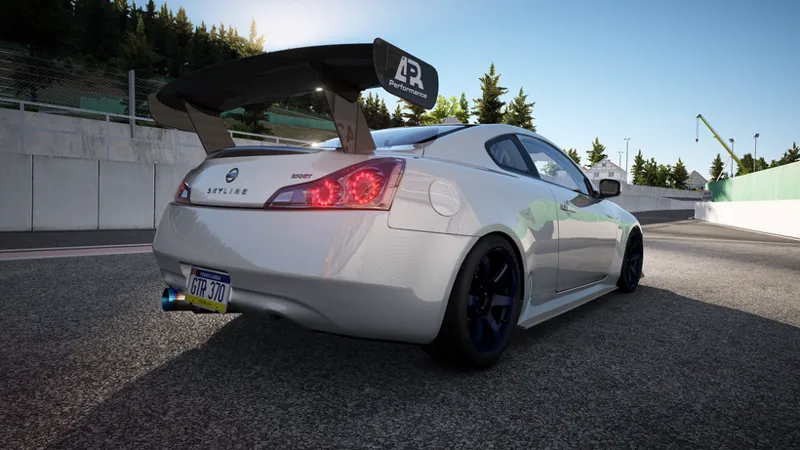
The July update overhauls cloudy weathers with improved tuning, smoother transitions, new raymarched-cloud controls, and enhanced atmosphere, fog, sun, and godrays. Exposure, tonemapping, glare, bloom, and lens flare have also been retuned for cleaner, more consistent visuals. The LCS skydomes script has also been modified for better cloud blending and is available in our Graphics Pack as the Skydomes Brightness Fix.
Weather System Rework
Reworked the weather definitions.
Added separate clear-sky, cloud amount, and cloud-density values for different weather types.
Improved the progression between Few Clouds, Scattered Clouds, Windy, and Broken Clouds.
Reworked Overcast, Haze, Mist, and Fog conditions.
Increased the fog strength used by the dedicated Fog weather.
Retuned light, standard, and heavy rain, drizzle, snow, and sleet.
Heavy weather now uses stronger pollution, cloud, fog, thunder, and overcast values.
Thunderstorms, tornadoes, and hurricanes now have more detailed weather-specific tuning.
Dust, Sand, and Smoke conditions were also adjusted.
Modified the LCS skydomes script for better cloud blending.
Exposure and Tonemapping
Completely reworked the exposure LUT.
The exposure LUT now focuses on saturation response, Uchimura contrast, and global gain.
Glare brightness is no longer controlled through the exposure LUT.
Completely retuned the CBE curve used by auto exposure.
Reduced the maximum CBE range used by the exposure system.
Removed the additional sun-facing boost from the final exposure target.
Adjusted the Uchimura white point for the new tonemapping setup.
Interior and exterior exposure behavior continues to use separate targets.
New Cloud Controls
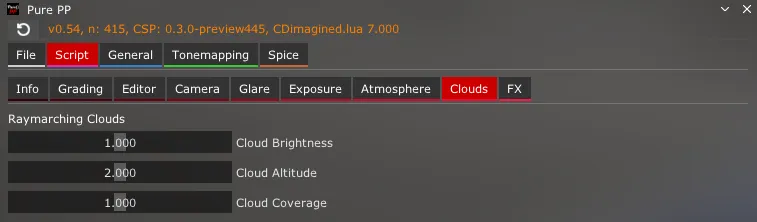
Added a new Clouds page for raymarched clouds.
New controls include:
Cloud Brightness
Cloud Altitude
Cloud Coverage
These controls directly adjust the brightness, scale, and coverage of raymarched clouds.
Sun and Godrays
Increased the godray strength used by the sun-property LUT.
Increased the sun/moon size multiplier while the sun is below the horizon.
Enabled a stronger sun-specular multiplier.
Kept the existing FOV-based godray length behavior.
Sun hue still changes depending on sun elevation.
Atmosphere and Lighting
Increased atmospheric fog.
Increased sky fog.
Kept distance fog adjustable through the Fog Distance control.
Changed ambient-radiosity saturation from cloud-shadow-based behavior to a fixed value.
Reduced directional ambient lighting.
Increased the moon appearance value.
Removed the forced VAO dynamic-exponent setting.
Rain and thunder audio adjustments remain active.
Improved fake shadows opacity in Gamma mode.
Glare and Bloom Rework
The glare presets have been rebuilt around fixed values instead of changing with exposure.
Lens Flare Changes
Lens flare strength is now handled separately inside each glare preset.
Lens flare strength now uses a -0.5 offset.
Disabling Lens Flare explicitly sets ghost luminance to 0.
Glare brightness is now taken directly from the UI control.
Horizontal lens flare can still be enabled or disabled separately.
As always, thank you for your continued support and see you soon!
Comments (2)
where do i dowload
queria saber tambem