
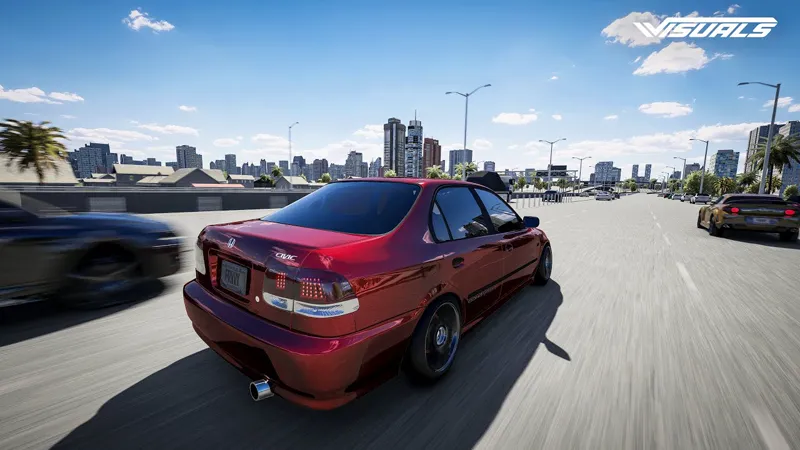
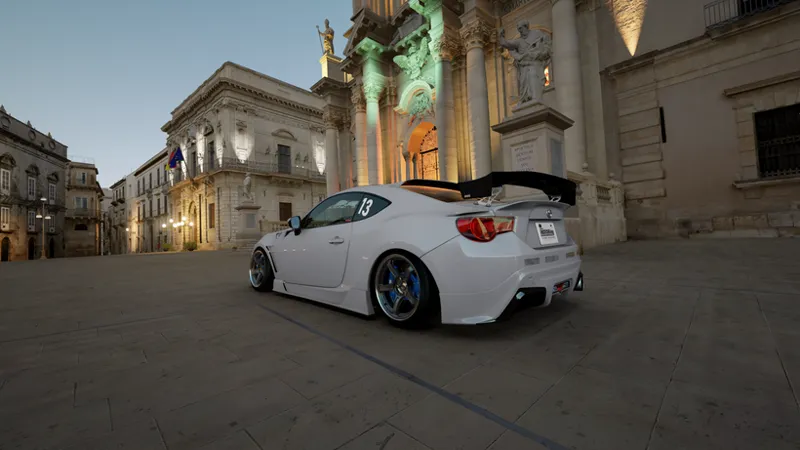
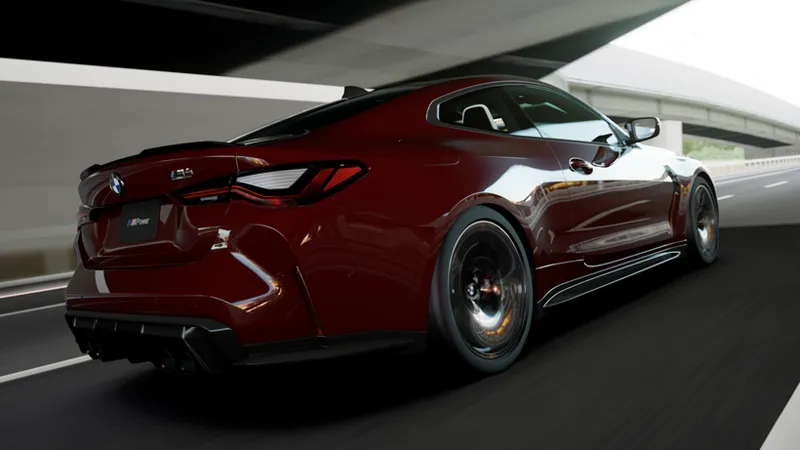
CDimagined Graphics Pack 2026 - January Update
The year starts strong with our new update. Read below to discover what’s new and what’s changed.
Download Here
LCS & Gamma Updates
Integrated HDR support (experimental).
Improved VR support.
Daylight/Midday brightness has been rebalanced and reduced.
Added a couple of new options in the Pure PP app: Glare Boost (LCS-only) and Dashcam Effect.
LCS exposure is overall less aggressive (the Auto-Exposure measuring area has been resized).
Exposure limits have been widened, making exposure more accurate and dynamic depending on conditions, stronger or weaker based on the scenario.
Fixed clouds appearing darker than intended.
More organized script structure and optimizations.
UI fixes
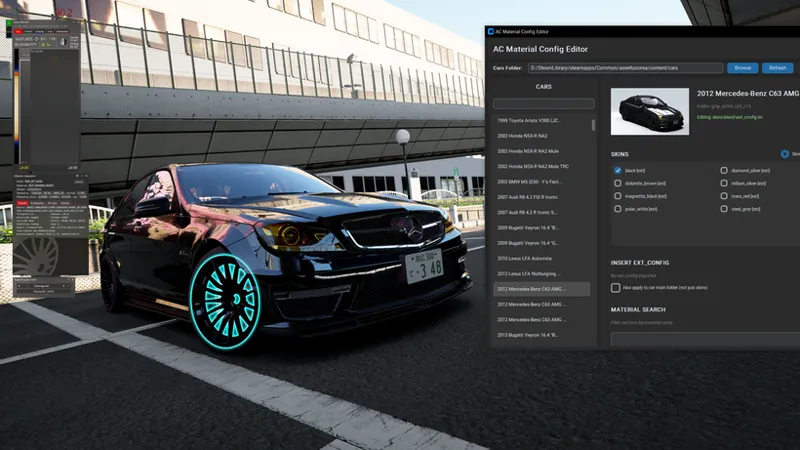
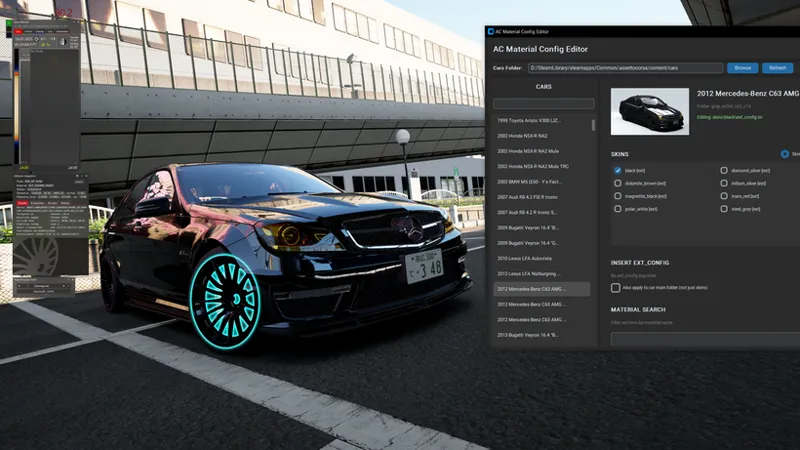
Our first app – AC Material Config Editor
Made in association with Walking Mod creator Russozl, this new standalone app lets you edit car material configs in Assetto Corsa much more easily. You can now apply our paint and material configs directly through the app, without having to rely on Notepad. A short guide on how to use the tool is available on our Discord server, with a more detailed guide coming soon.
Video & CSP Settings Updates
We’ve made several optimization and quality improvements to our Video and CSP settings presets, which are available through our Graphics Pack.
We are incredibly thankful for the amount of support and feedback we’ve received from you all over the past couple of weeks. As always, all of our content is accessible through our Discord server. We have huge plans ahead with even more content, and we’re super stoked to have such an amazing community like this. Enjoy the update!
Comments (12)
where can i find the cd imagined pp filter]
you need to connect your discord account to patreon and you have to upgrade in patreon, until then the download section won't be visible log into Patreon. Click your profile/account icon. Open Settings. Go to Connected Apps. Find Discord and click Connect. Log into the same Discord account you use for the Imagined Visuals server. Click Authorize. Thank me later
i cant see it in dis cord
Is there a preset/setup I could use for my laptop with 4GB RTX 3050?
I Got Your Member, but still i can't access your CDimagined Graphic Packs???
Link your Discord account to Patreon and you'll have the access.
Thank you so much for all your hard hard work . You have made this game even more Beautiful!😁
Thank you!
how do i get these recently subbed
Content is accessible through our Discord server.
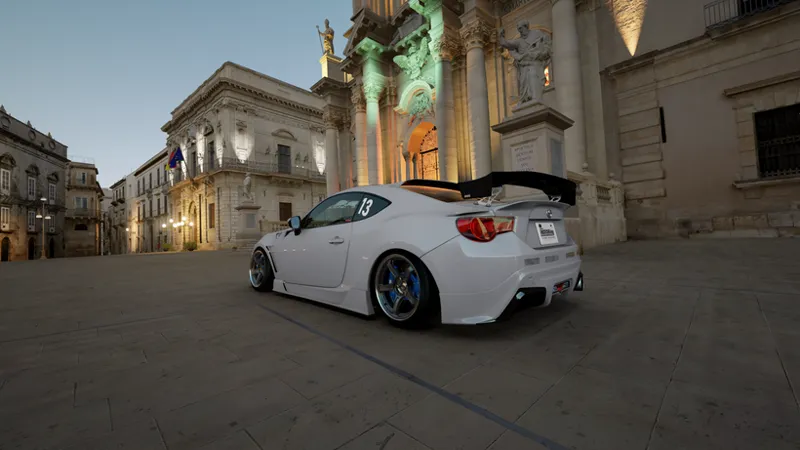
Wich map is that in the picture with the gt86
Shutoko