

Cluttered viewport in Blender?
Hey, Crash here!
I have this bad habit of letting all my objects clutter my view space and it gets to a point where I get quickly overwhelmed and…
I end up losing so much time trying to navigate all the objects hanging around ( ꩜///꩜;)
BUT! Luckily Blender includes features that allows you to temporarily hide objects!
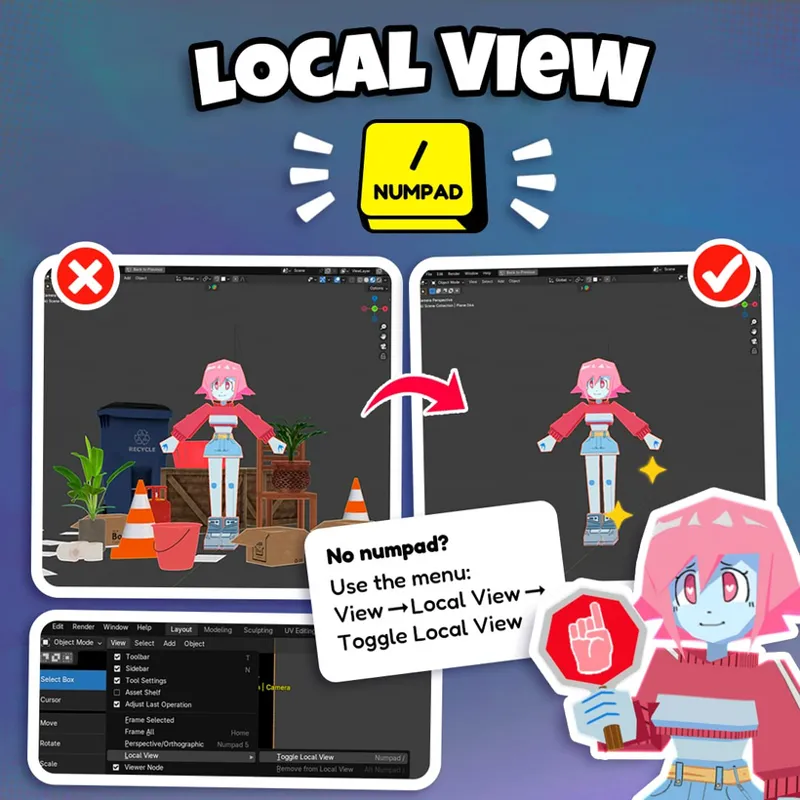
🔍 In the View menu, under “Local view” you can “Toggle Local View” to only show your selected objects.
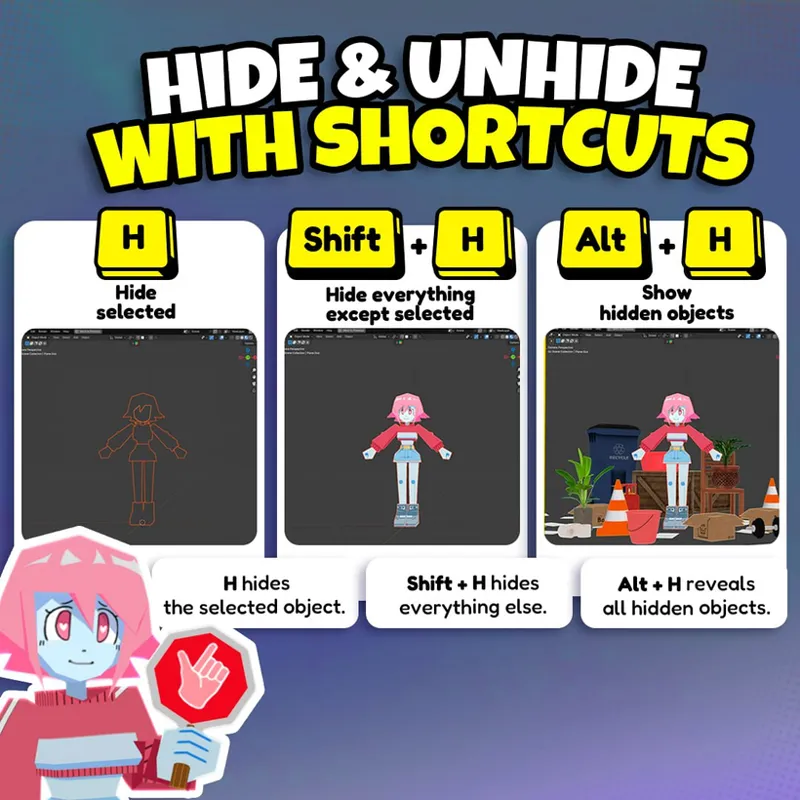
✂️ OR while selecting an object, press H to hide from view
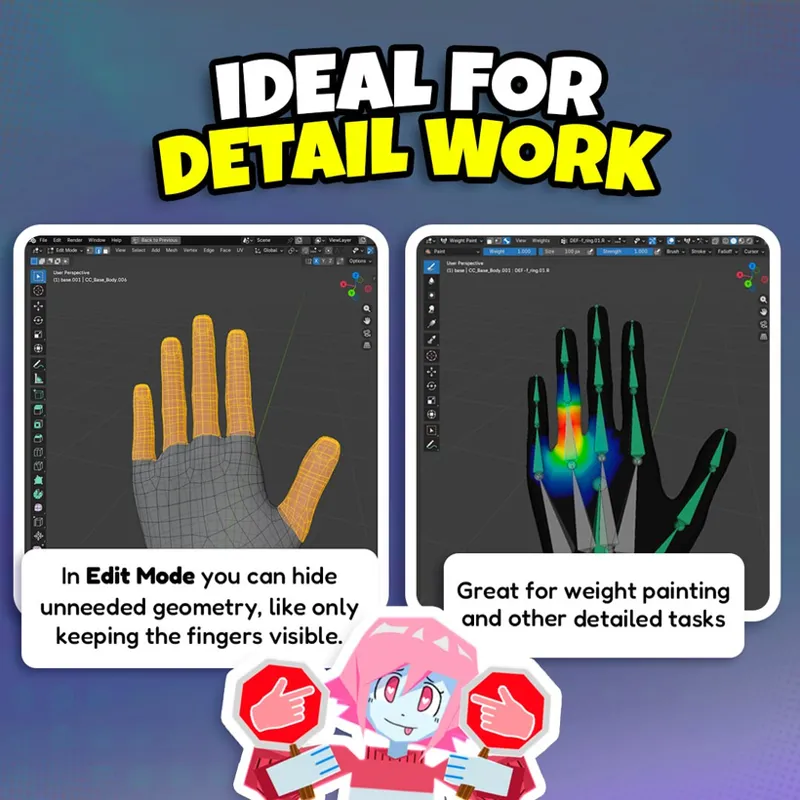
🙈 AND in edit mode you can also hide selected faces with H, hide all other faces with Shift + H or reveal everything that was hidden with Alt + H (Alt+H can also be used in Object Mode!)
Using these shortcuts will make your blender process so much more manageable, ESPECIALLY when working on a difficult part of a model (Like the parts between fingers and stuff) or when you’re weight painting! ✨
P.S: Keep your desk and workspace clean, too!