
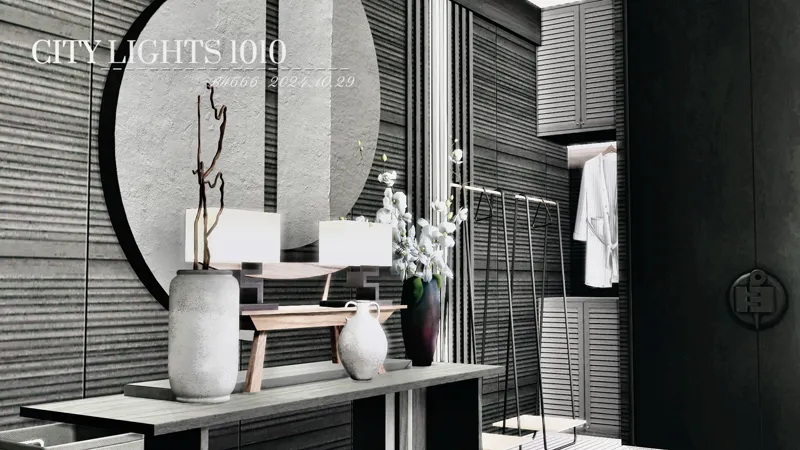
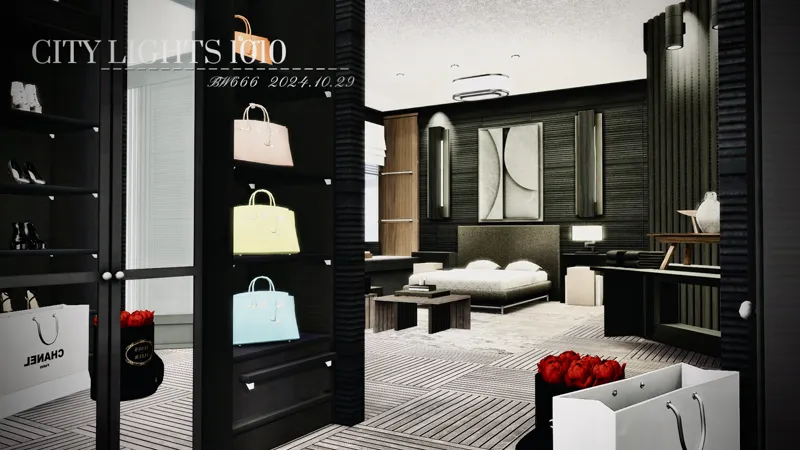
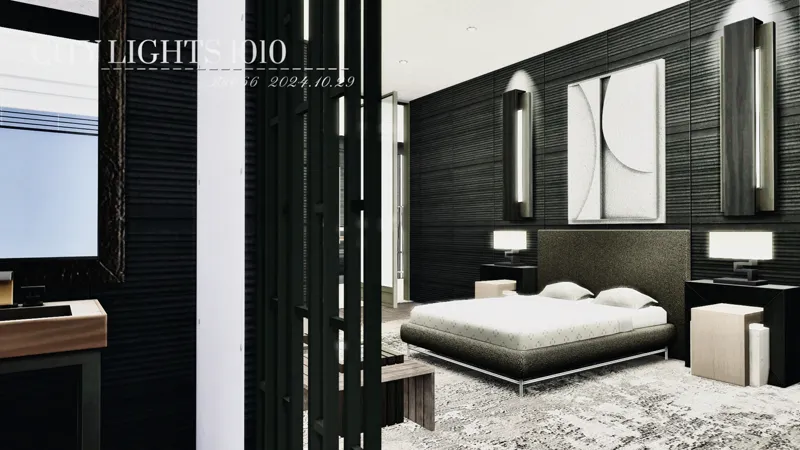
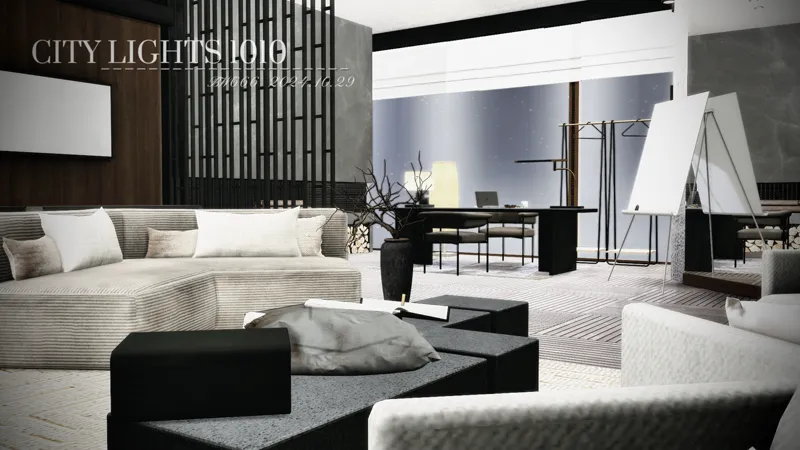
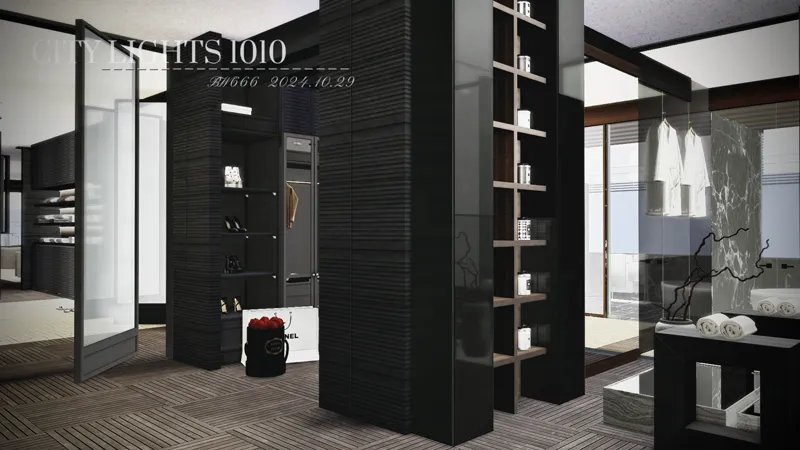
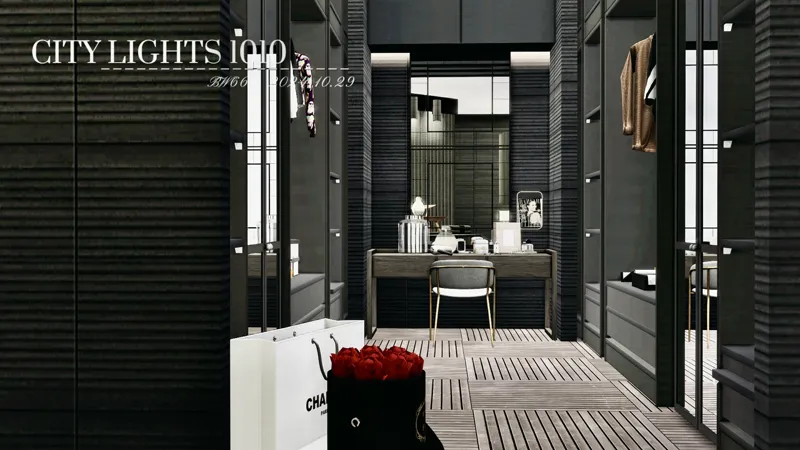
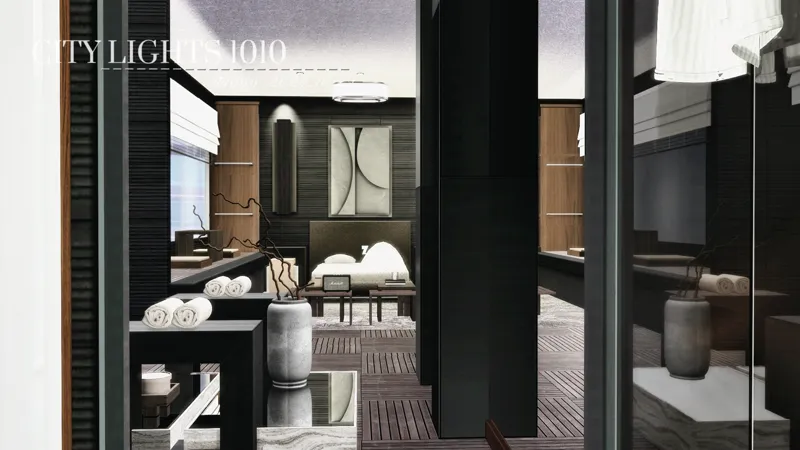
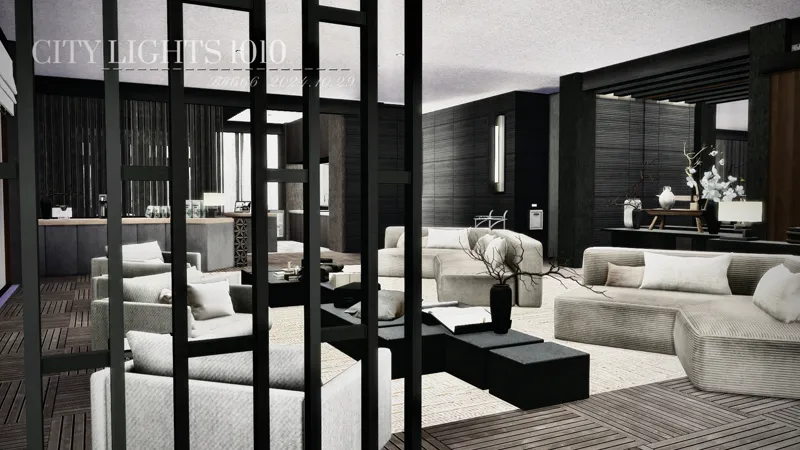
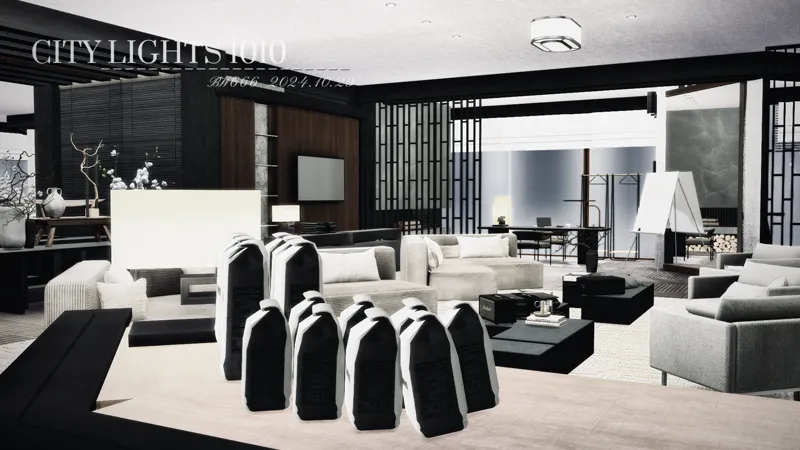
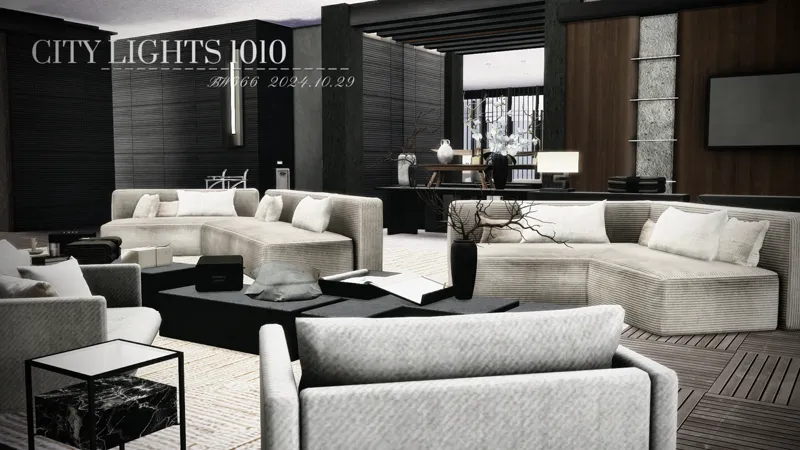
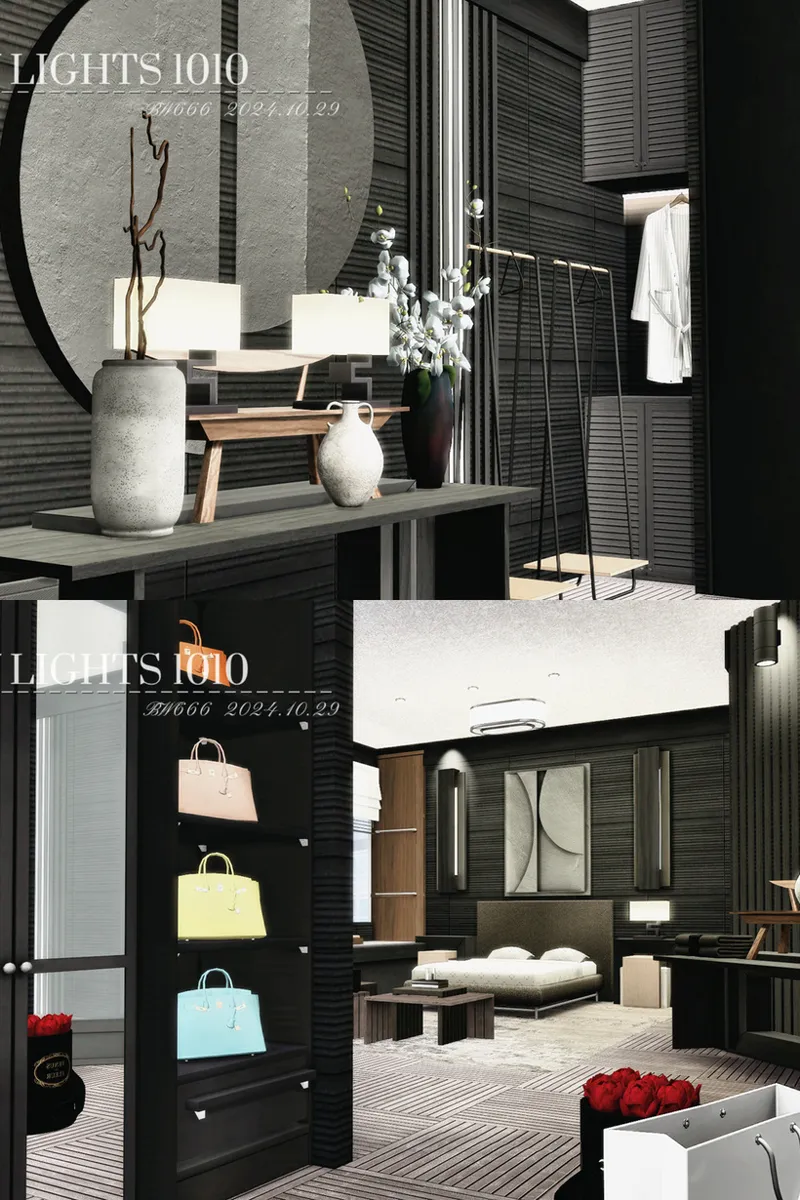
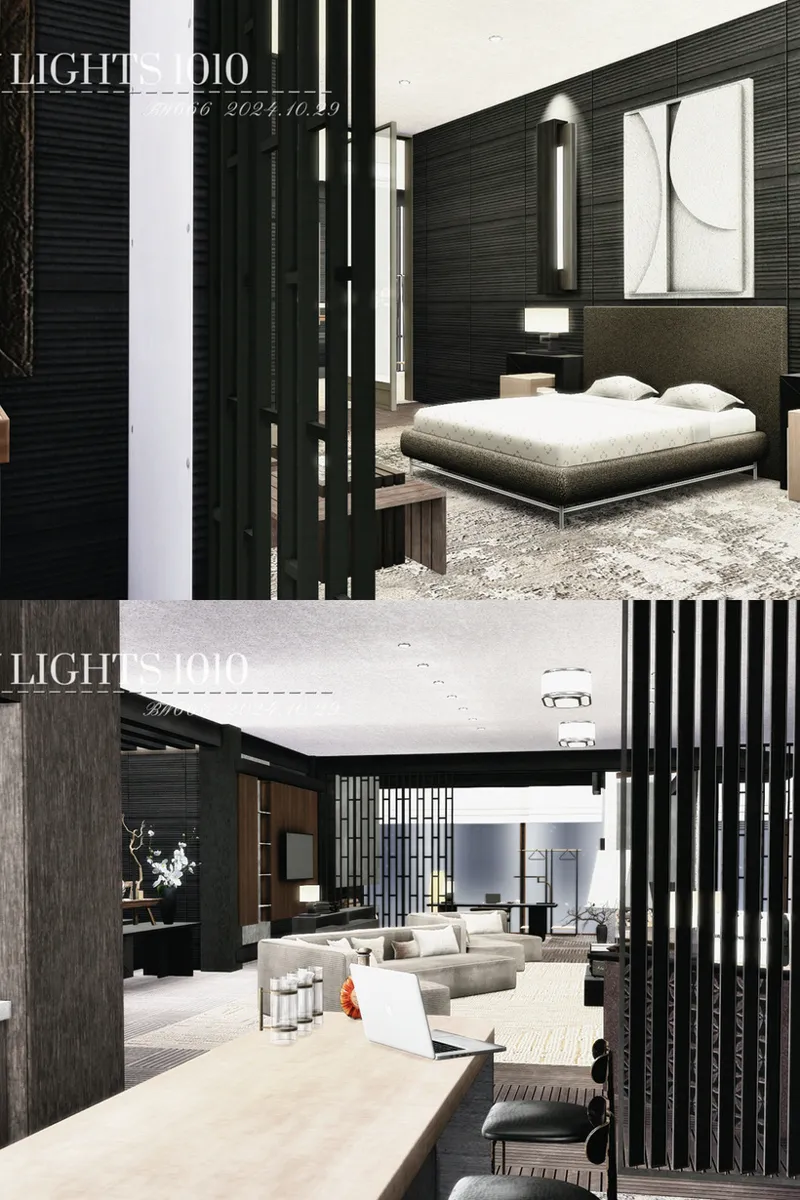
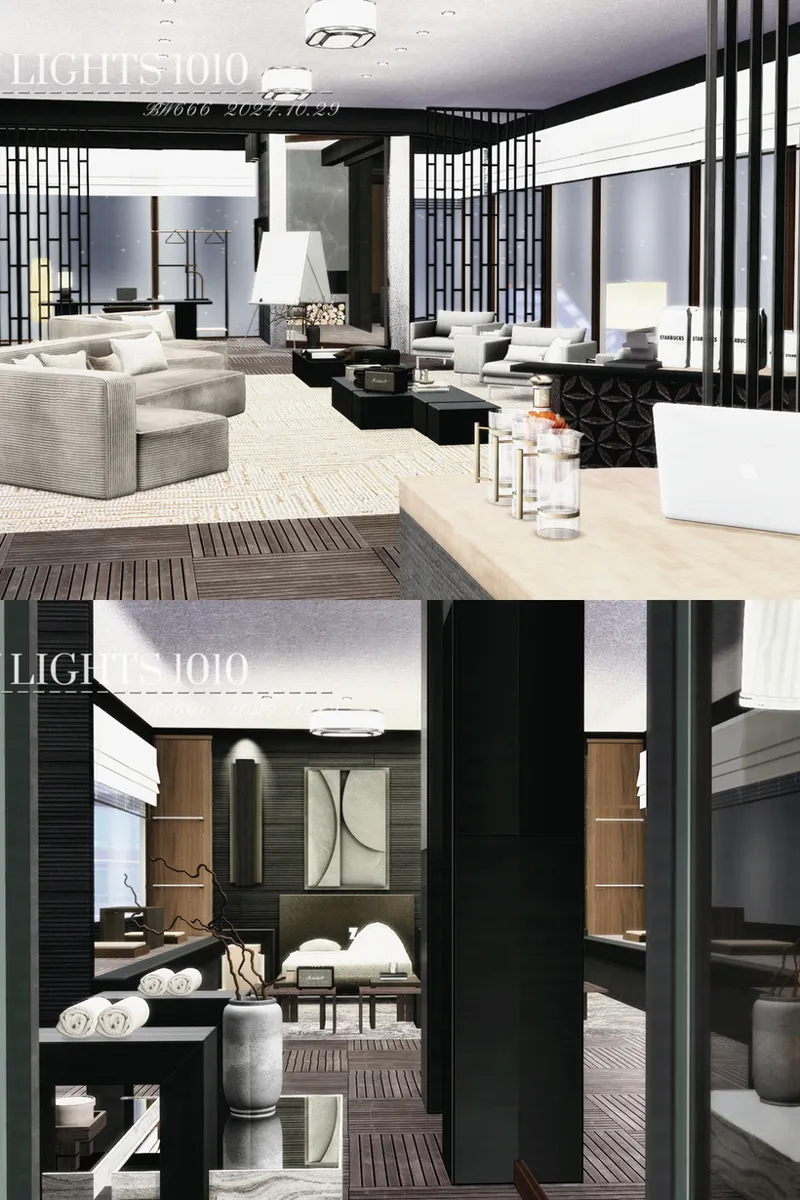
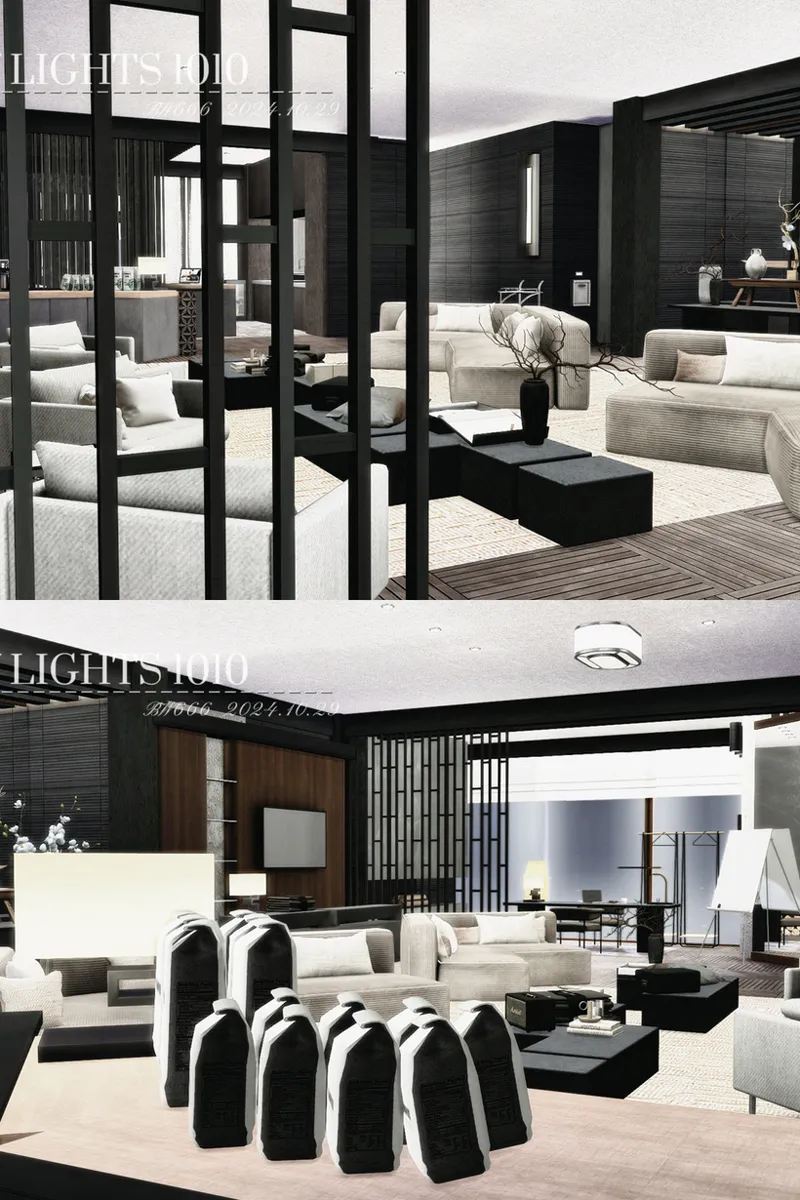
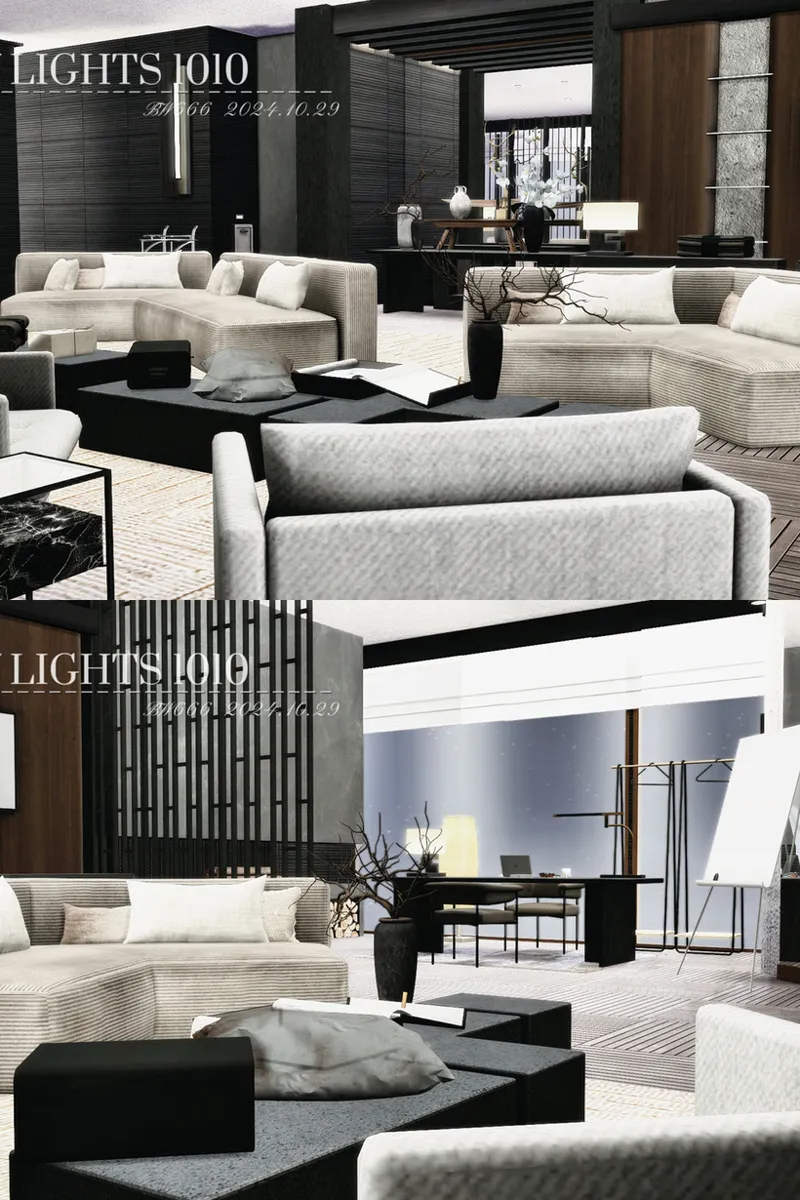
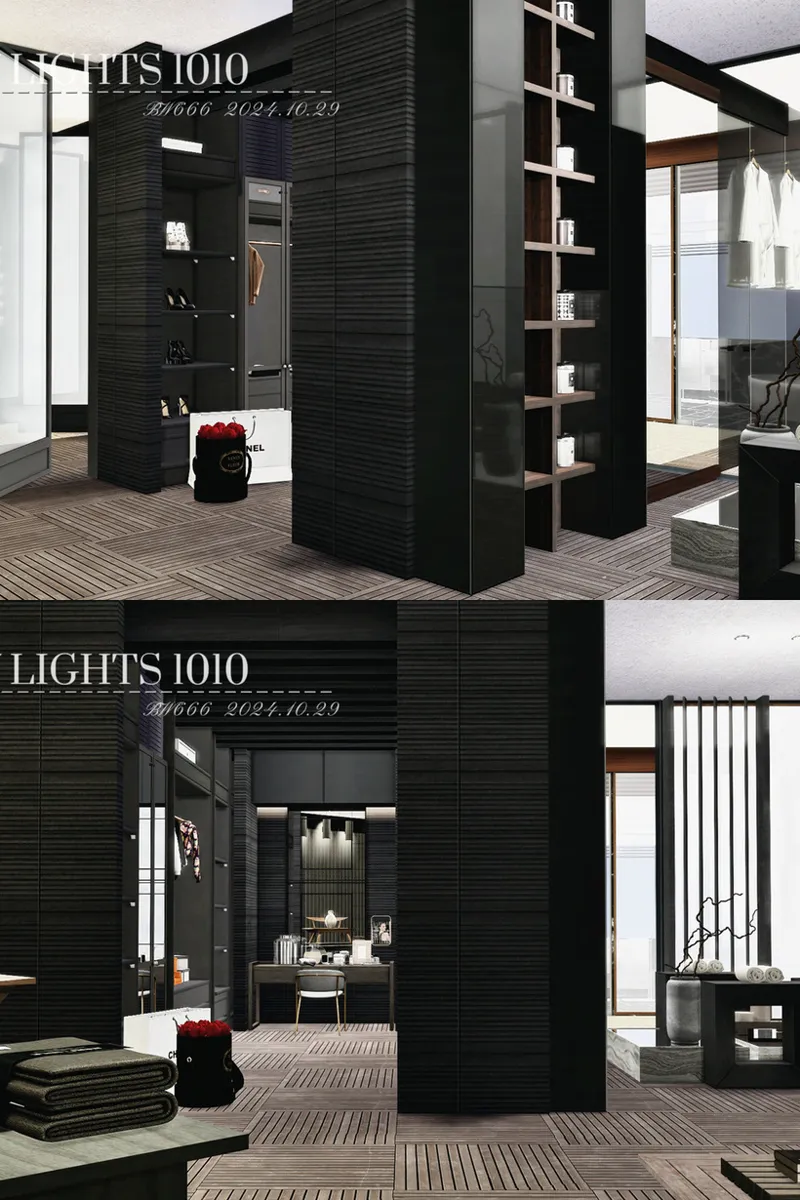
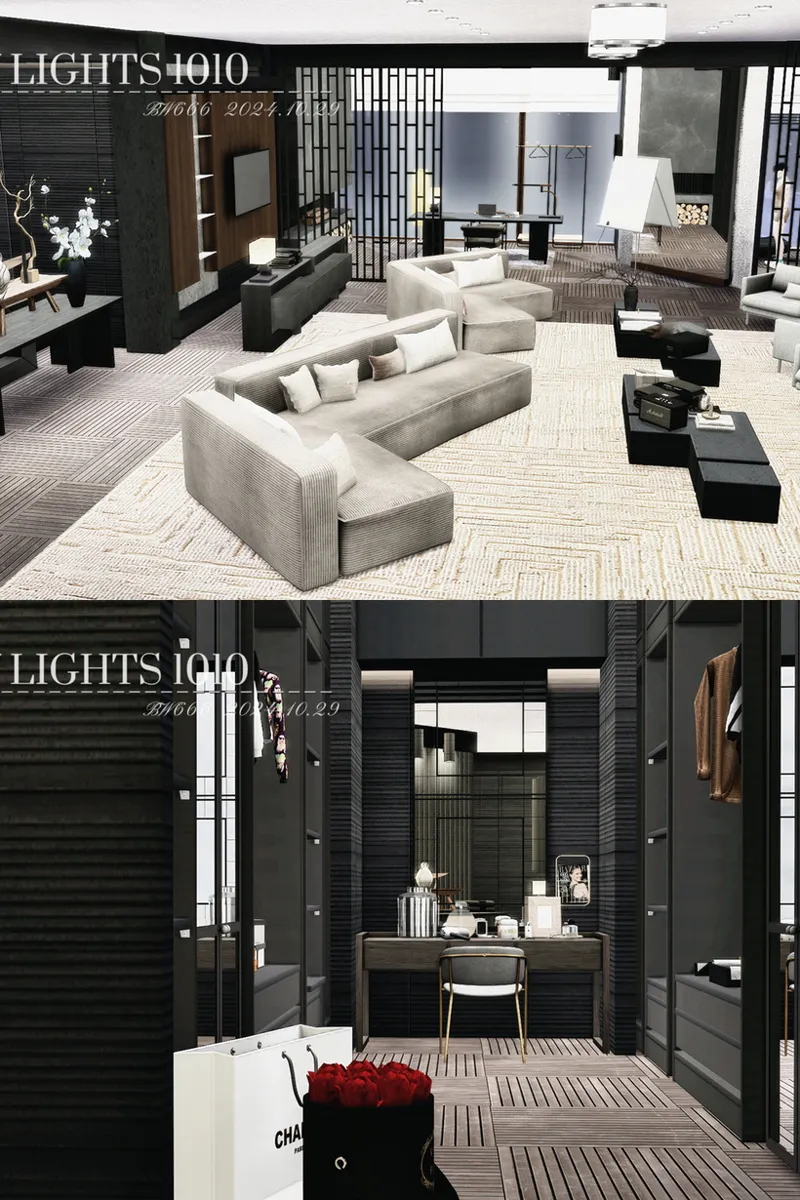
PREVIEW: 1010 ALTO · CITY LIGHTS 1010 — NEW CHINESE CITY APARTMENT
𝐁𝐔𝐈𝐋𝐃 𝐃𝐄𝐓𝐀𝐈𝐋𝐒
CITY LIGHTS 1010 is a two-bedroom, two-bathroom apartment at Alto 1010 in San Myshuno. The interior takes a lighter approach to New Chinese design, using square patchwork and geometric constructions to structure the space while keeping the overall apartment bright and open.
• Apartment Address: Alto 1010, San Myshuno
• Bedrooms: 2
• Bathrooms: 2
• File Size: 1.74 GB
• Game Version: 1.110
𝐋𝐀𝐘𝐎𝐔𝐓 & 𝐅𝐄𝐀𝐓𝐔𝐑𝐄𝐒
The layout is arranged for two Sims, with one main living room and separate workstations for each resident. Fitness and spa facilities, a water table, laundry area, and a walk-in cloakroom connected to the primary bedroom extend the apartment beyond its main living spaces.
𝐃𝐎𝐖𝐍𝐋𝐎𝐀𝐃 & 𝐀𝐂𝐂𝐄𝐒𝐒
🔓 CC PUBLIC – The complete CC package or public CC access for this build is available here.
🔒 FULL TRAY – Members can access the complete Tray file in the download post.
🥂 𝐈𝐅 𝐘𝐎𝐔 𝐇𝐀𝐕𝐄𝐍’𝐓 𝐉𝐎𝐈𝐍𝐄𝐃 𝐘𝐄𝐓, 𝐈’𝐃 𝐓𝐑𝐔𝐋𝐘 𝐋𝐎𝐕𝐄 𝐓𝐎 𝐖𝐄𝐋𝐂𝐎𝐌𝐄 𝐘𝐎𝐔 𝐈𝐍. 🥂
Comments (4)
Hi! I purchased your post but the file shows as unavailable/missing. Could you please resend the download link? Thank you!
I’m so sorry for the late reply and the trouble! The download link has now been updated. Please try it again, and if you still have any issues, send me a message and I’ll help you right away. 🤍
hello, i just bought this apartment i have put the Tray files into my tray folder and the apartment is not showing up in my game as a lot nor as a room. i feel like i am missing something. can you help me please? thank you
Hi Melika! Thank you for your message. If the apartment is not showing up, it usually means one of these two things is missing: 1. Please make sure “Include Custom Content” is turned ON Gallery → top left filter → check “Include Custom Content”. Otherwise the lot will not appear at all. 2. My apartments are saved as a LOT, not as a ROOM So you will find it here: Gallery → My Library → Lots (not in Rooms) 3. Make sure all CC is installed correctly • TRAY → Documents / Electronic Arts / The Sims 4 / Tray • Mods/CC → Documents / Electronic Arts / The Sims 4 / Mods After placing the CC + Tray files, please restart the game once. If it still doesn’t appear, feel free to send me a message again — I’ll help you fix it! 💙