
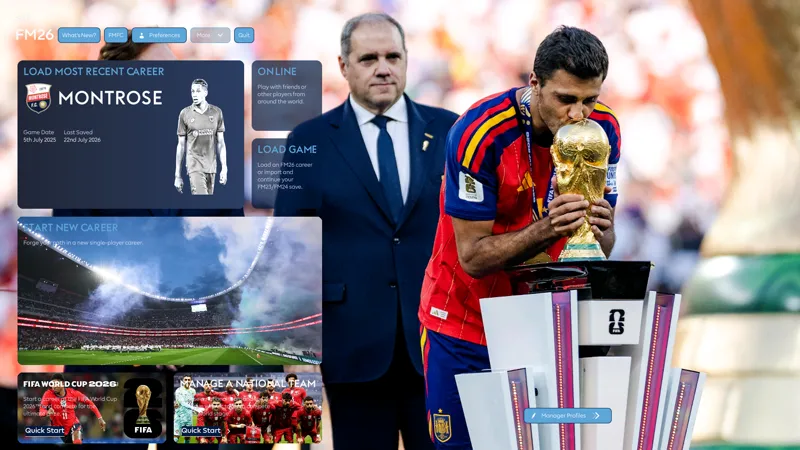
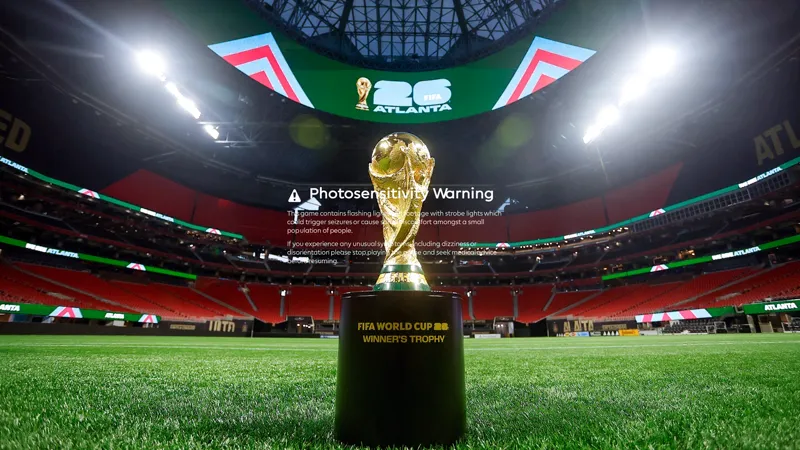
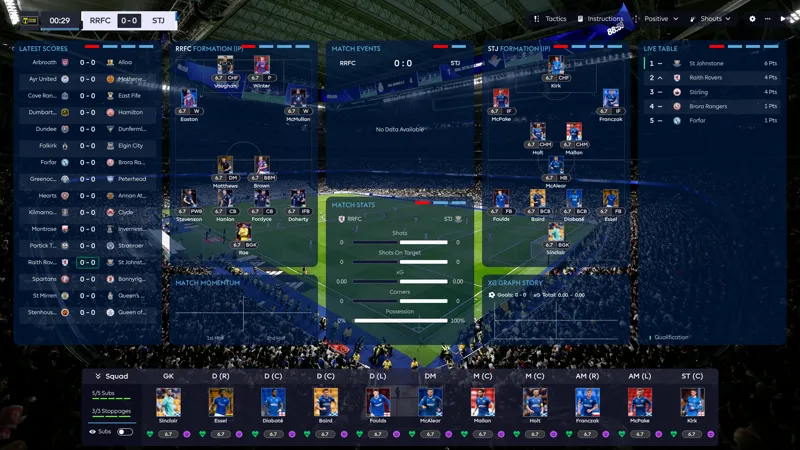
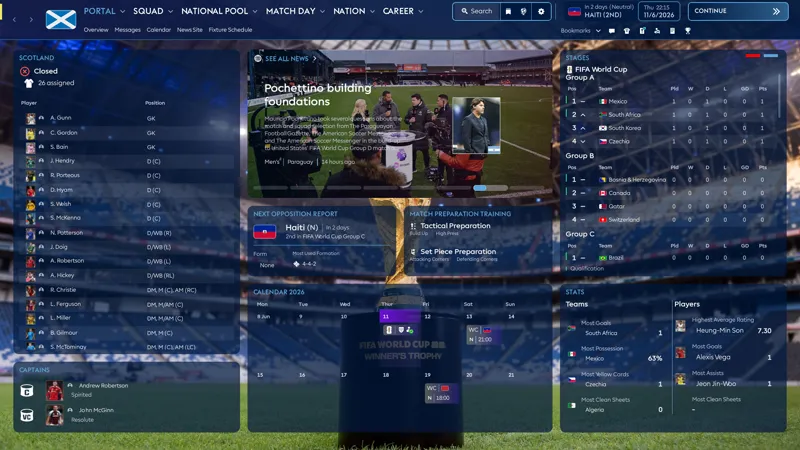
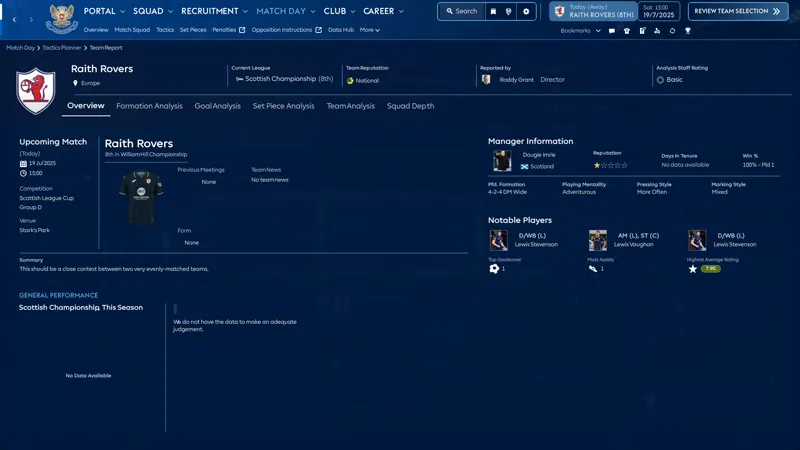
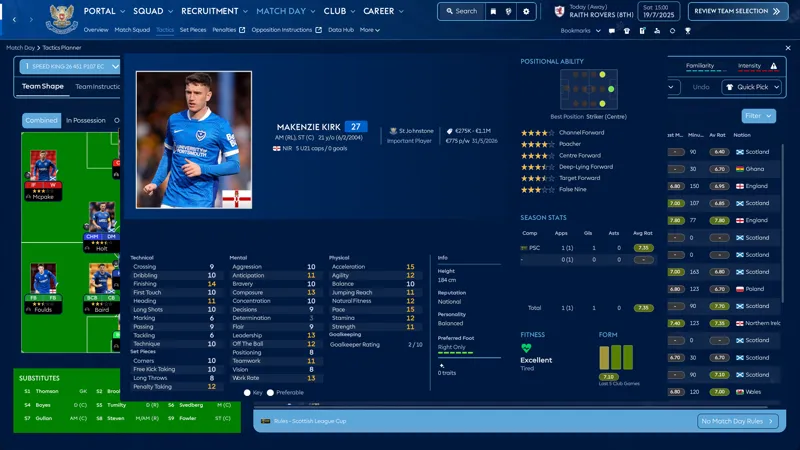
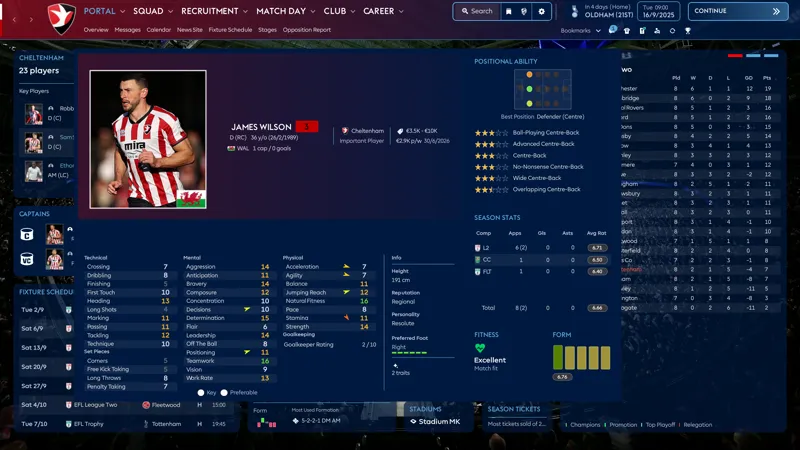
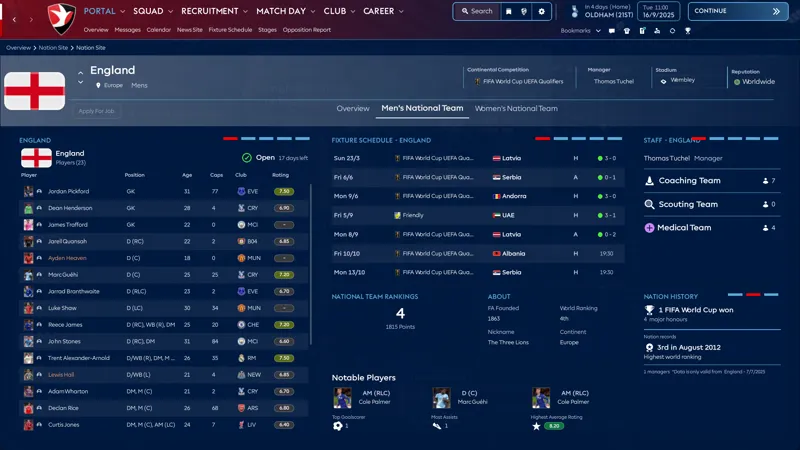
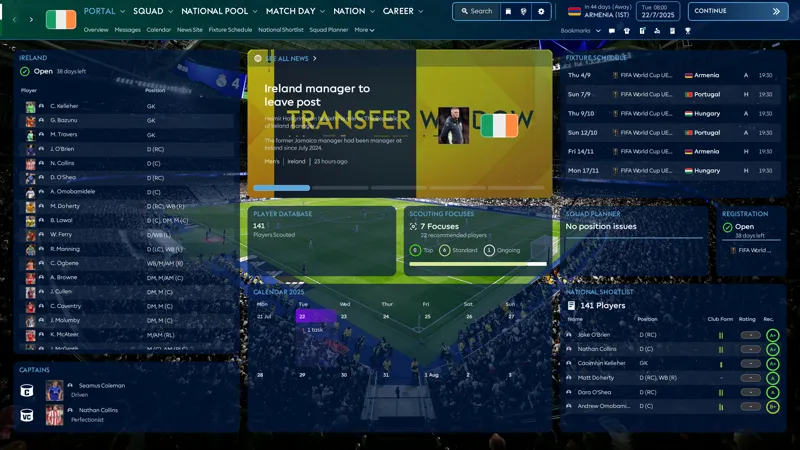
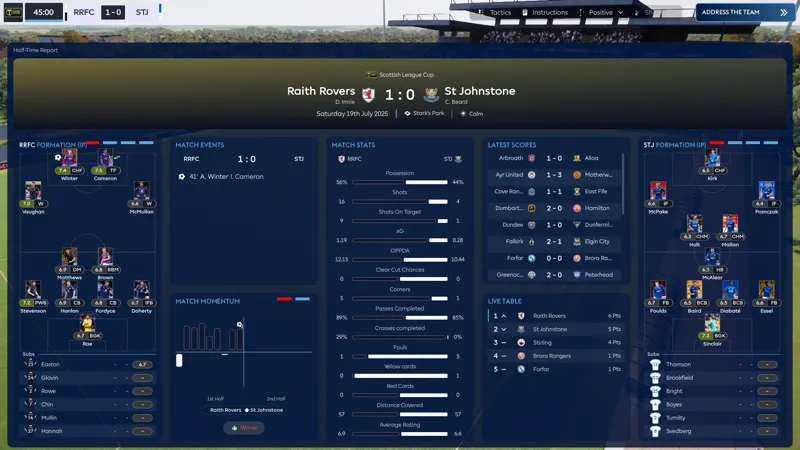
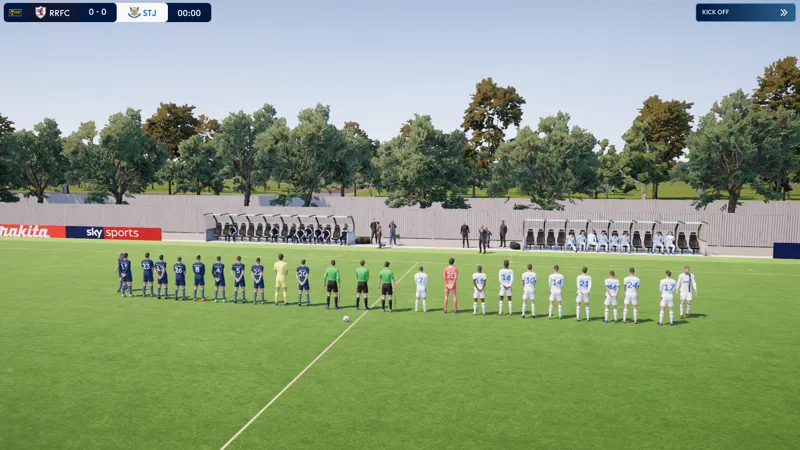
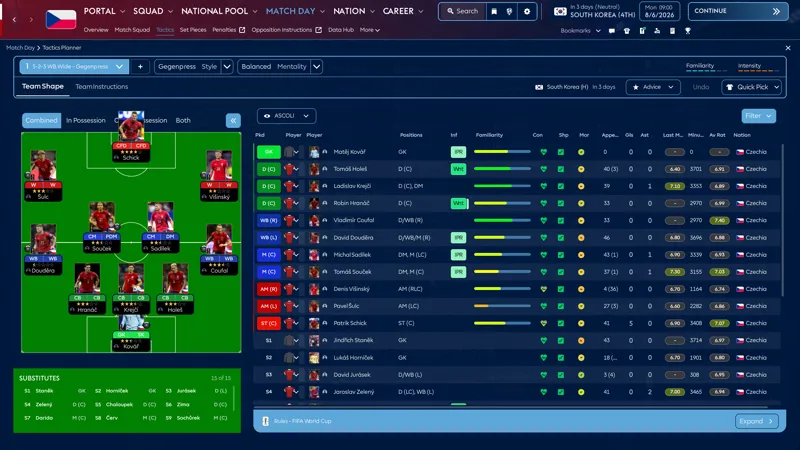
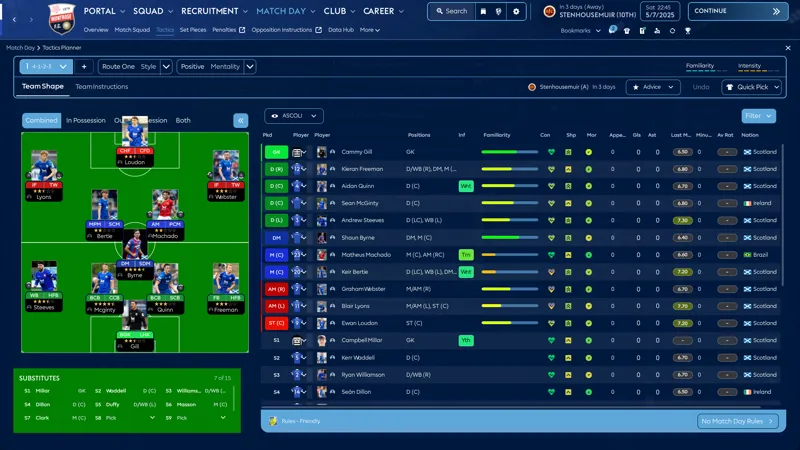
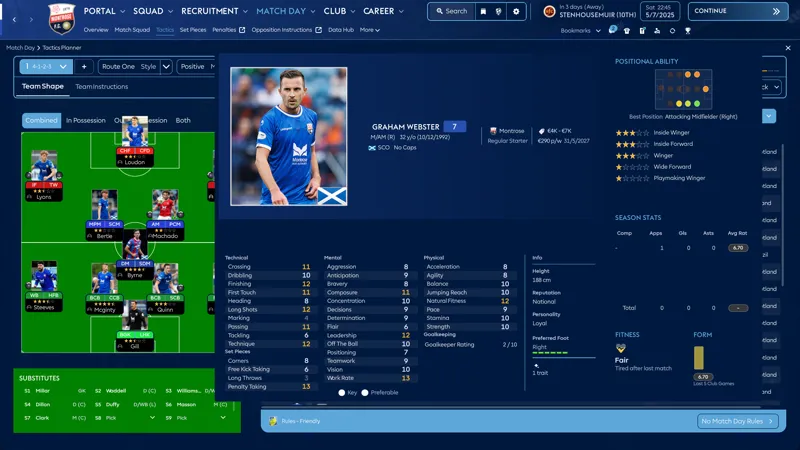
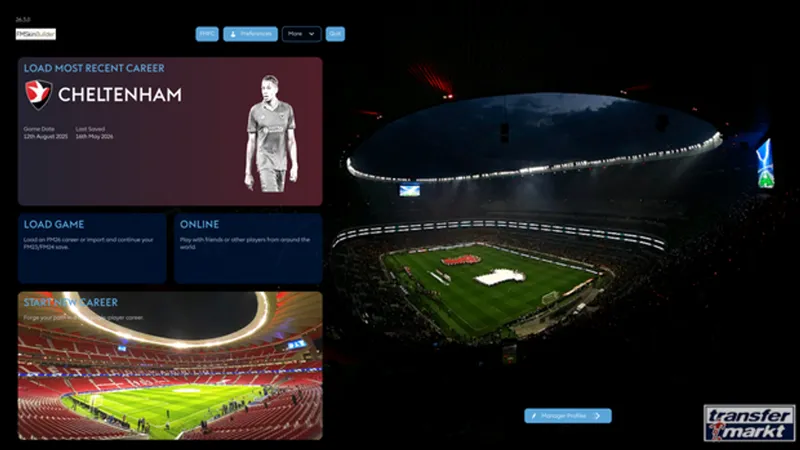
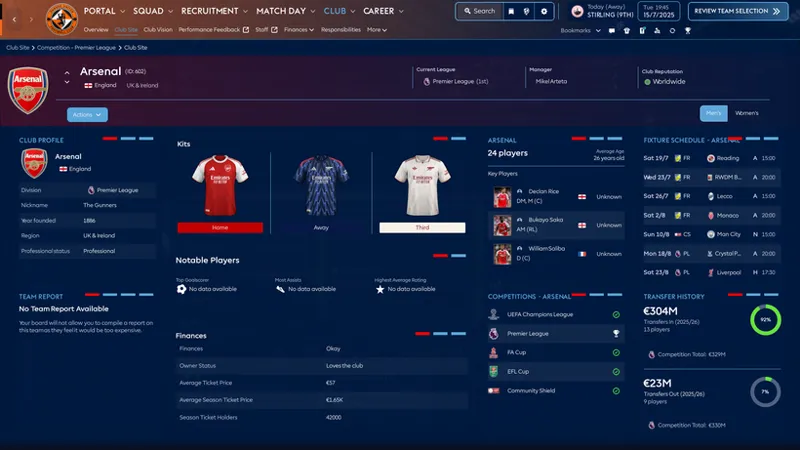

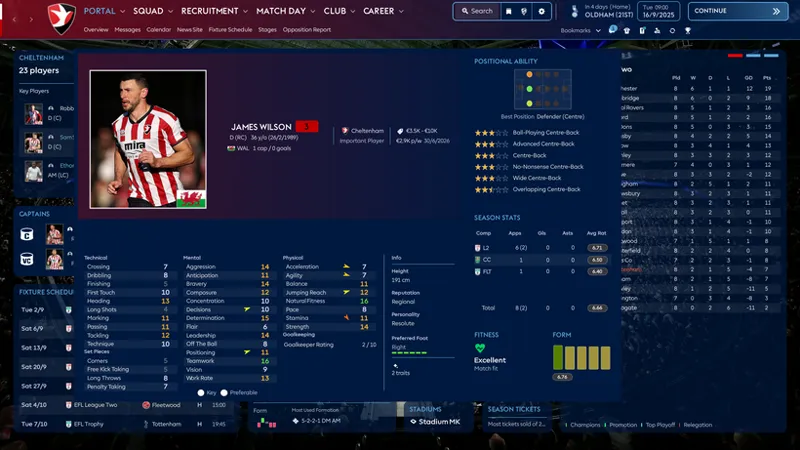
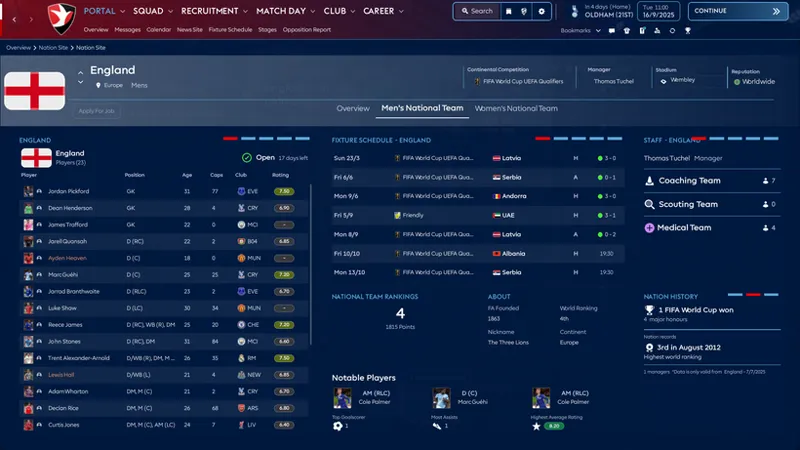
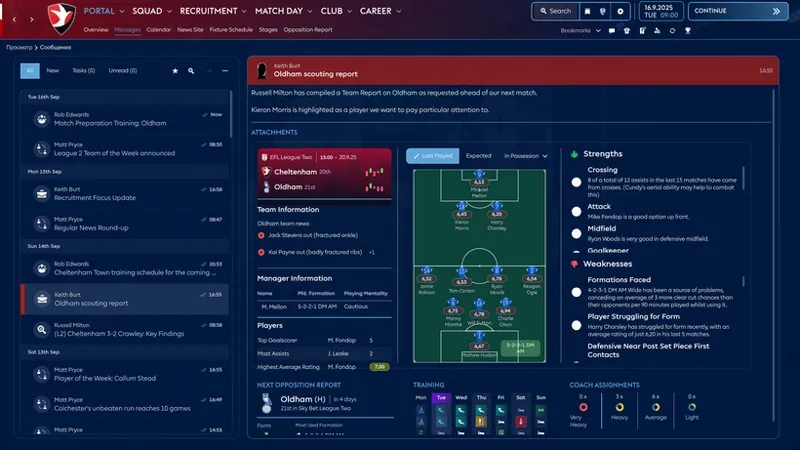
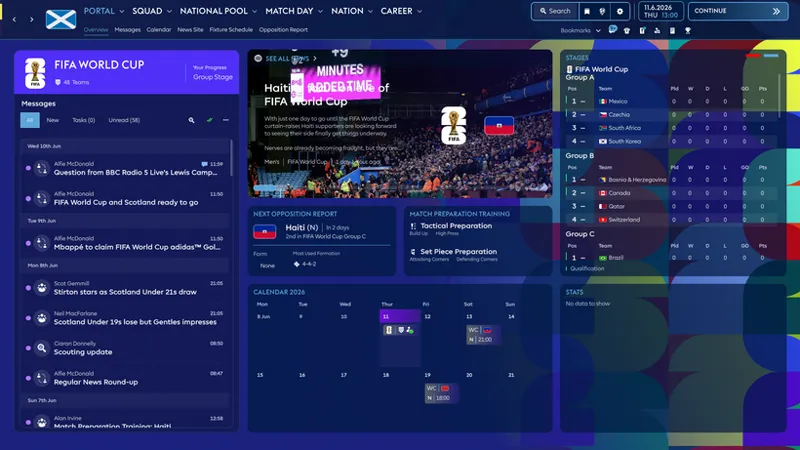

ASF skin FM26 Patch 26.3.2 World Cup 2026 update 28/07/2026
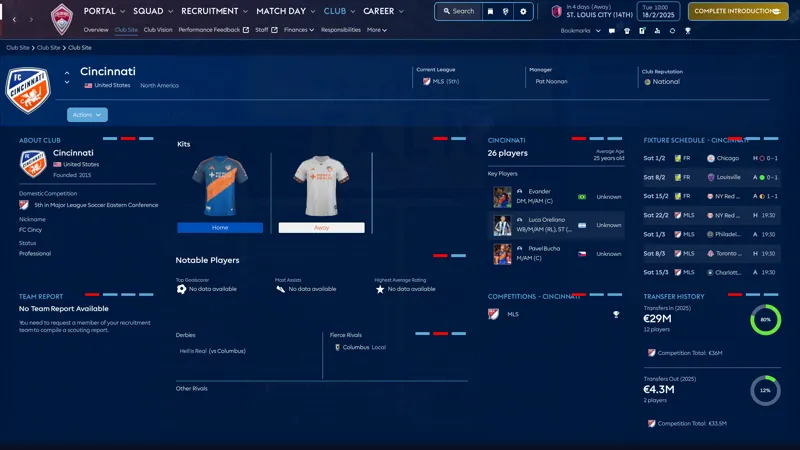
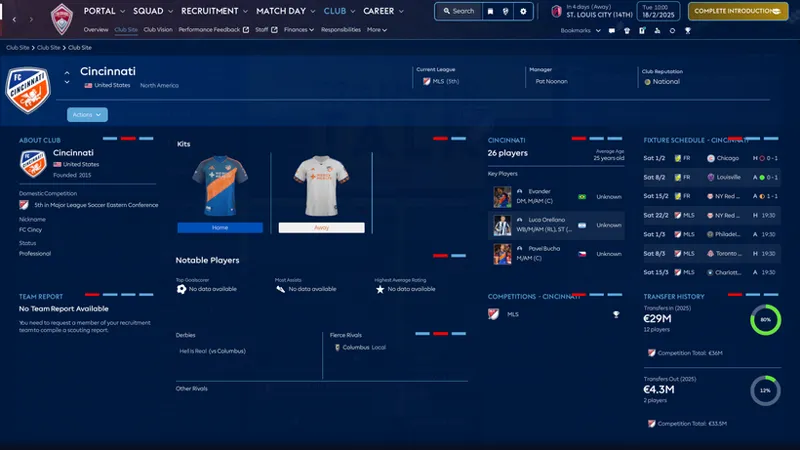
Update 28/07/2026: An issue with the third kits display on the club's site has been identified. This issue has been resolved. Sorry for the inconvenience. Please check and write a comment in the chat that the problem has been resolved.
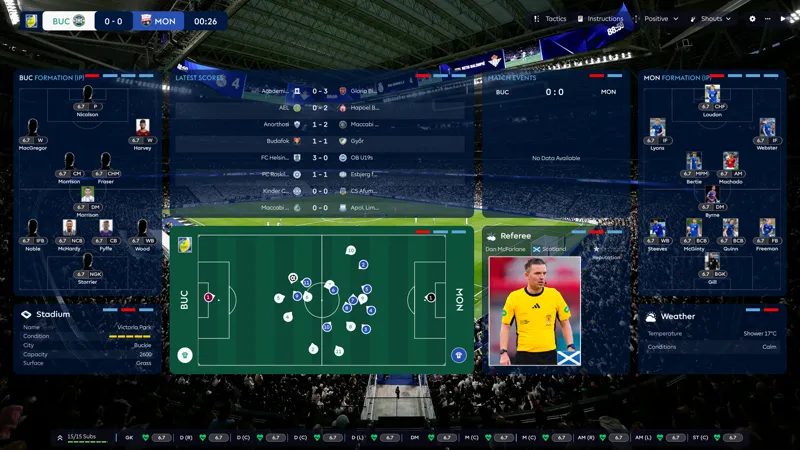
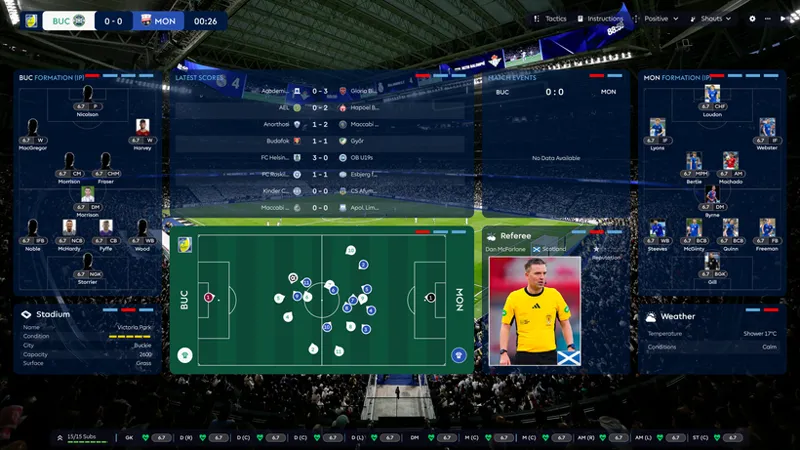
Update 22/07/2026: The Referee panel has been edited. You can order photos of referees. If they are in the database, they can be added. Stadium and weather information has also been added to the main match panel. It will liven up the game viewing experience a bit. Well, of course, someone needs it.
Update 05/07/2026: fixed scoreboard for international matches
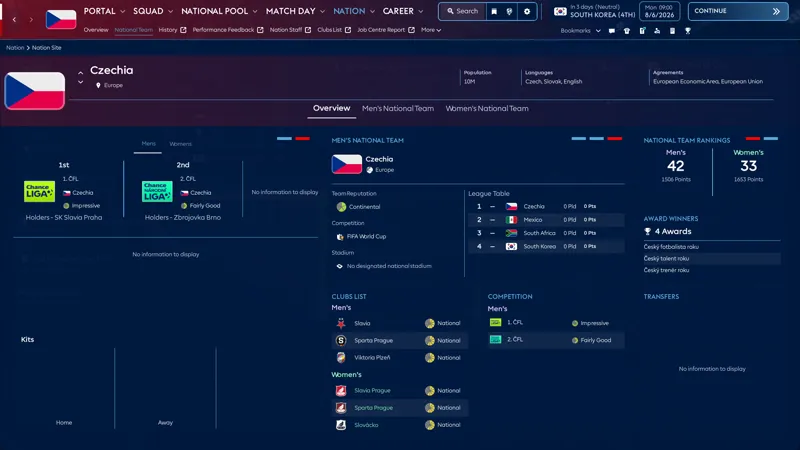
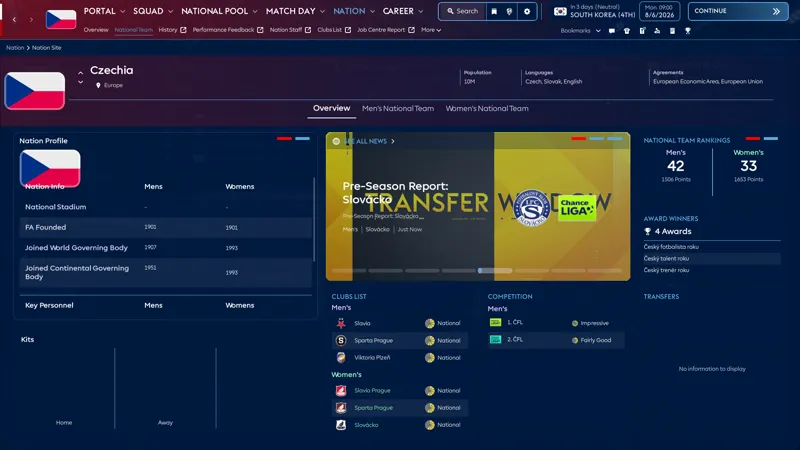
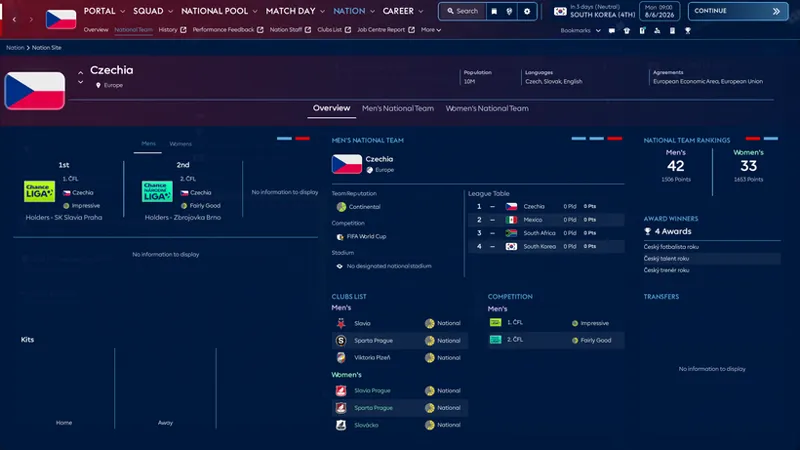
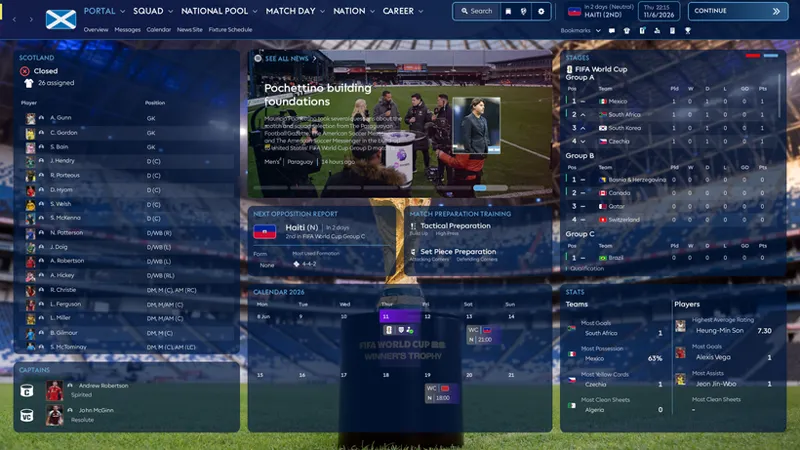
Update 27/06/2026: I rebuilt the websites for MLS and for the national teams (added tiles for 2D kits). Perhaps!!! One modder will be able to fix this, and 2D kits for national teams will become available. This version is available only to subscribers. More changes are possible. The free version will be available after the World Cup.
Enjoy the game!
Short guide for verifying Football Manager 2026 files in Steam:
Open your Steam Library
Right-click on Football Manager 2026
Select Properties
Go to Installed Files
Click Verify integrity of game files
Wait for the process to finish — Steam will automatically replace or download missing/corrupted files
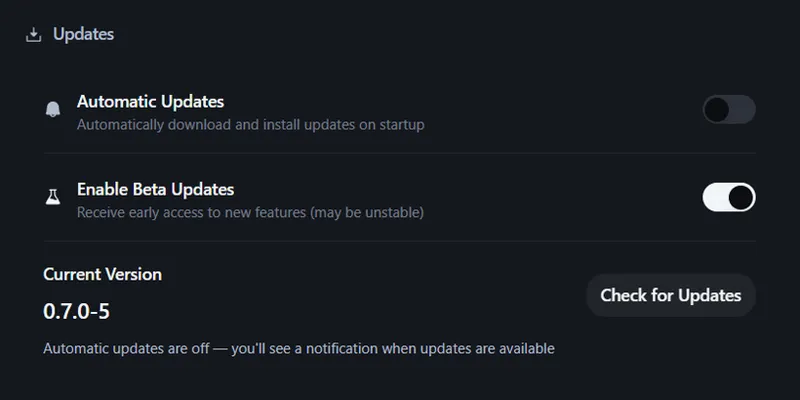
The skin can be installed using the program FM Skin Builder. You will be able to create your own colors and much more. https://fmskinbuilder.com/
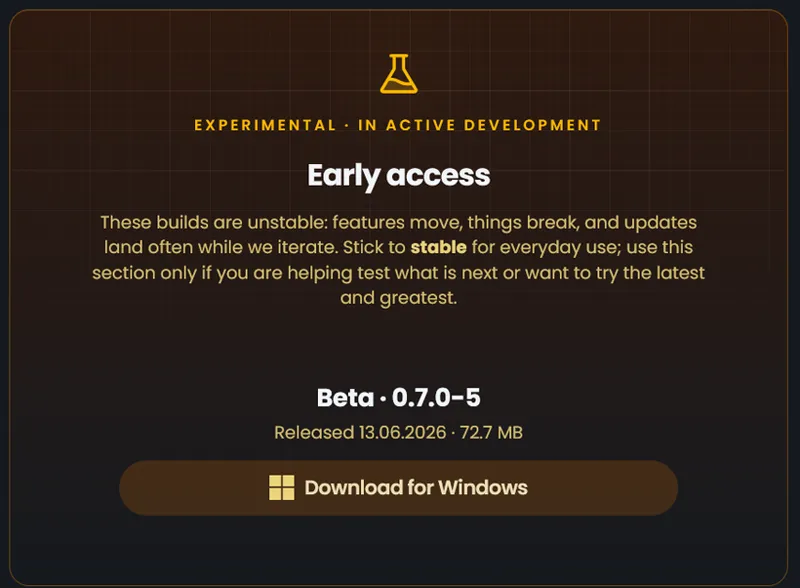
To build using the program, be sure to download the version of the program that is specified in the skin version. At the moment beta 0.7.0-5
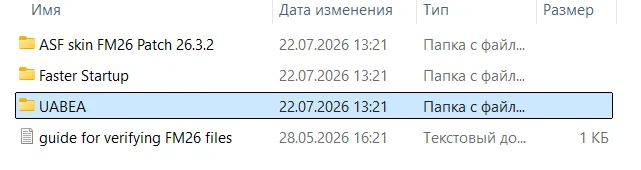
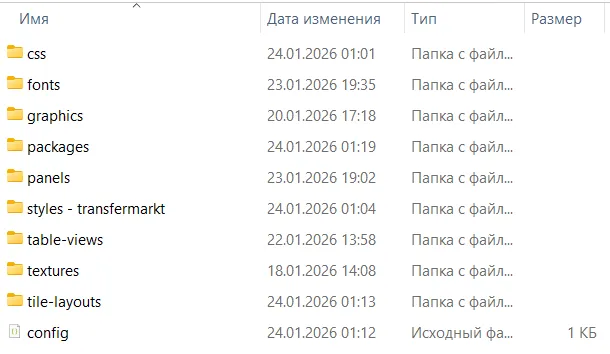
You can install it manually by put the files from the folders packages and UABEA:
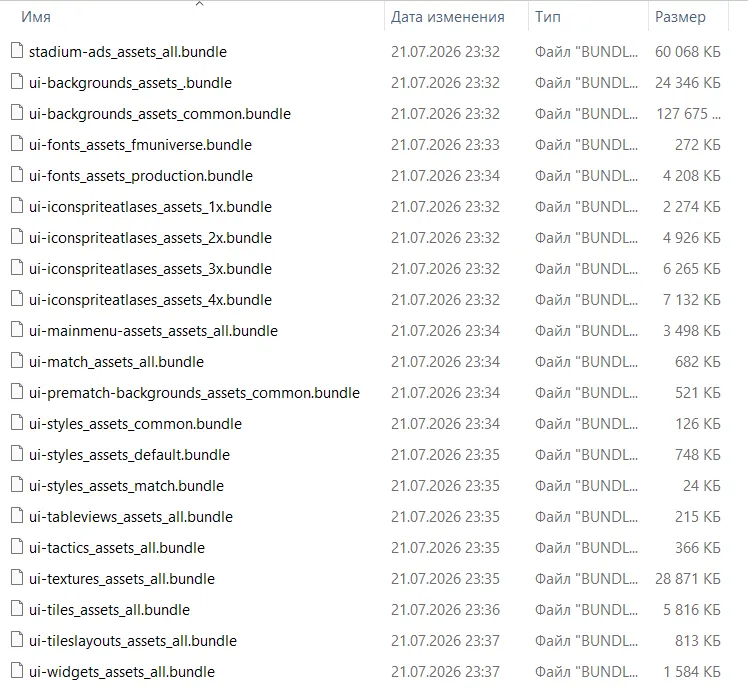
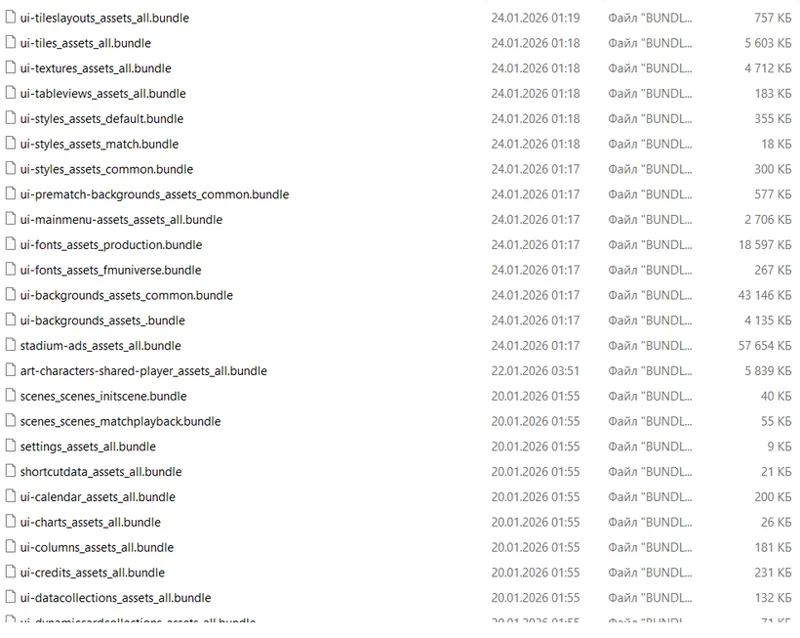
This folder contains bundles that are edited using this program (UABEA AND UABEA NEXT):
and put them in the folder with the replacement files
C:\Program Files (x86)\Steam\steamapps\common\Football Manager 26\fm_Data\StreamingAssets\aa\StandaloneWindows64
CAUTION!!!! Make a backup of the original game files!!!!
Before installing I strongly recommend restoring the game files via Steam
For proper display of player photos in:
Player Profile, Player Report
you must manually install the following 2 bundle files:
ui-styles_assets_default.bundle
ui-tiles_assets_all.bundle
Even if you are using FM Skin Builder, these two files must be replaced manually.
First install all files - then install these two with replacement in the folder StandaloneWindows64
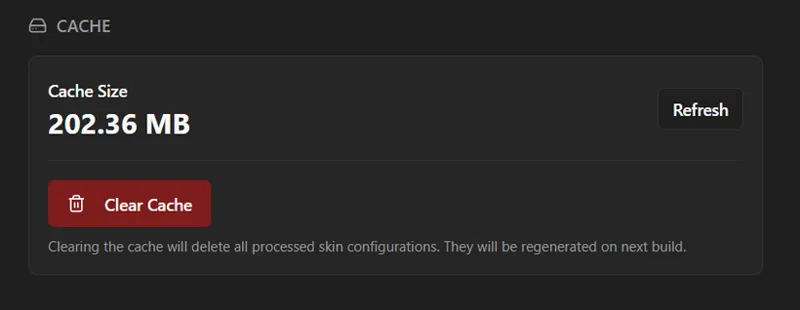
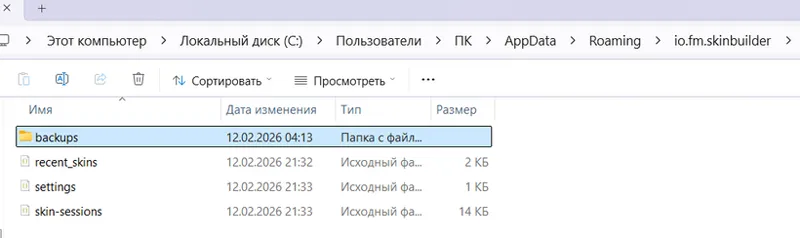
Before installing using FM SKIN BUILDER, I strongly recommend restoring the game files via Steam - delete the folder "backups" and clear the cache.
Thanks to the entire FM Skin Builder community for their help and support in creating this skin. Special thanks to xxx Darkside xxx (@Kritiker2022), Tom (@LotsgonYT), MW90, (sic), TangFU and MrTini23 (@MrTini23). Without your help, I wouldn’t have been able to do it.
Comments (32)
Can i join discord server i cant find the link
https://discord.com/channels/1528387039903481909/1528387276021829652
How I install it on Mac I try but whenever I open international it crashes
https://discord.com/channels/1338139048979595344/1449826223390851236
Hi mate, on Mac and for some reason certain bits of text are completely blank, or are showing as placeholder text with the word 'item' on the overhead HUD. whenever clicked on they either dont respond or crash the game. appreciate all your work, cheers.
Actually I downloaded and tried to use both may 27 and may 28 versions of the skin and there is a huge problem on the messages section on the left. Basically I only see a tiny windows with scrollbar that make the skin unusable. Please fix this!
An error has been found. A fixed version will be available soon. I apologize for any inconvenience.
Not sure if your aware mate but for some reason the background is not coming through on my game. It's pure white.
Great work as usual mate, skin it truly a work of art
hi i downloaded the patch and applied it succesfully but ive noticed during team talks that the individual talk to players eg defenders midfielders and attackers are meshed together and making the words unreadable
Hi I joined yesterday! The pack is great. Is the welcome pack everything to date?
I didn't quite understand the question. Sorry. Message me privately if anything isn't clear.
Hello, buddy, the super-large avatar on the left of the previous version of the personal information is very useful, but now it is not a super-large avatar. The avatar is in the upper left corner. I hope you can recover.
The skin has been updated.
Hello! I downloaded your latest skin and followed all the instructions, but the player photos in the player profile are still the same small size as the original. I’m using the DF11 Facepack. Does it only work with your facepack?
My profile was broken after the last update. I'm currently testing a new build with a normal player photo. Stay tuned for news. And subscribe at least once—it will help me survive in Ukraine. It's important to me. Having a normal profile photo is important to you. It's hard for me to survive. If you can, please support me with at least a one-time subscription. Thank you for your attention.
With FM update 26.2 it doesn't work anymore, right? Or am I doing something wrong? How about you guys?
I'll make a temporary release now. It will most likely only work as a building version and without a proper player profile. But it's still better than nothing.
Hello,I have a question why I don’t see the game editor on this skins I installed the the game editor but I can’t find in this skins?
Try asking here - I really don't know. https://discord.com/channels/1338139048979595344/1449826223390851236
Hell is there any way to change the background images that pop up while loading through days?
I don't understand - give me a screenshot Do you mean news pictures?
Hi, cool skin. One question: I saw that you posted a screenshot showing Inter Milan, and I see that the real kits appear. I can't see Inter's kit, all the others are fine but Inter's isn't there, and I don't know why. I put in the real names file, I downloaded the Italian kits from the fmslovakia website, but nothing, I get the generic Inter kits. What could it be?
Most likely, it's a config issue. The engine doesn't understand it because, for example, you have the same config for 3D kits. Rename the kit names in the kit itself and in the config.
Definitely would love to see a Mac build for this. Am not quite getting my head round how to configure the builder to do this myself yet (so will have a go with the MrTIni23 one - but this layout looks way more me). Really nice work.
https://fmskinbuilder.com/ try to compile it using the program. Or ask for help on Discord, let someone who has a Mac find it - I don't know how to help https://discord.com/channels/1338139048979595344/1341841873383194709
hello the button to pause and continue while being on a match is "white" so it cannot be seen and on the player profiles the shirt number that the player uses sometimes pops up on top of each other instead of next to each other for example the number 26 will appear with the 2 on top of the 6
I know. If I find the button, I'll change it. I don't want to change the font—I don't care about the number. SI made a piece of crap, so it's difficult to change everything.
fantastic skin, thanks!!!!!
hey, im having issues installing, can anyone help me??
Try verifying the game files on Steam. Then install it. Or go here and read up on it. It's not that hard.https://discord.com/channels/1338139048979595344/1449826223390851236
Really nice!! Well done