





























Qwen Image 2512 Is The Very Best Model To Train - New King Absolutely
Full tutorial: https://www.youtube.com/watch?v=RcoXd9v1t_c
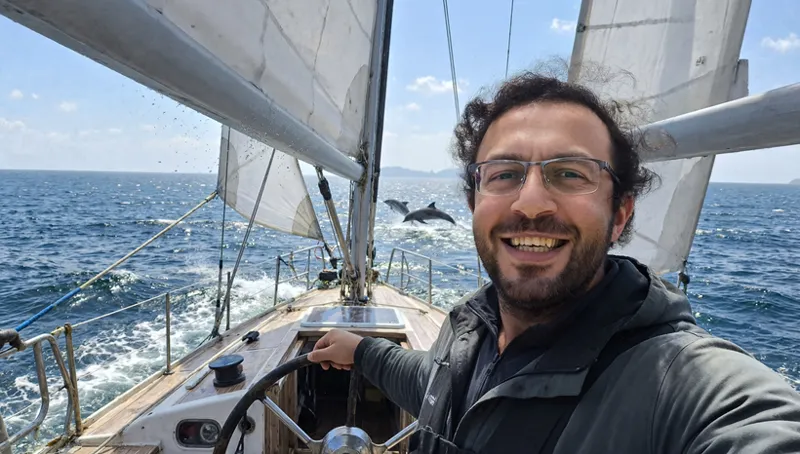
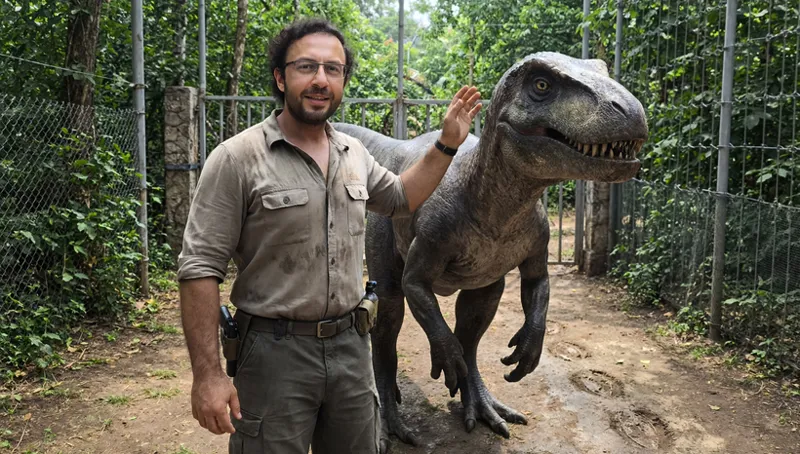
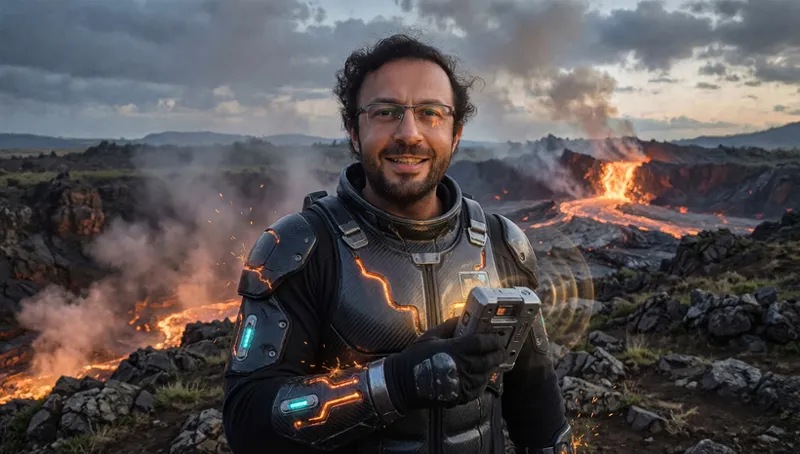
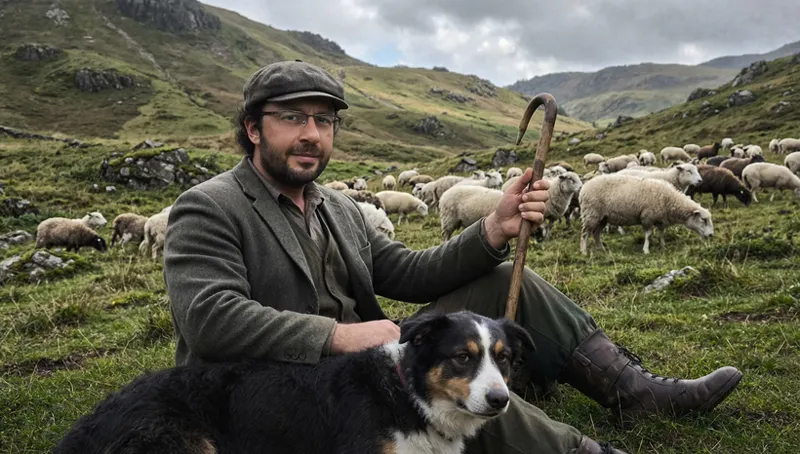
Qwen Image 2512 Text to Image model is a massive upgrade in quality just as Qwen Image Edit 2511 was for image editing tasks based on commands. I have trained both Qwen Image older Base, Qwen Image 2512 new base, Qwen Image 2509 older edit model and Qwen Image 2511 newer edit model and compared them in this video. The results are astonishing. Moreover, we have converted all of our premium SwarmUI image and video generation presets into ComfyUI workflows. Just drag and drop the workflow and start using immediately. All models are downloaded with our premium 1-click to use model downloader app. ComfyUI and SwarmUI are also installed with 1-click installers and our ComfyUI fully supports Sage Attention, Flash Attention, xFormers, Triton and more with RTX 5000 series and all GPUs like 3000, 2000, 4000 series, etc for both Linux and Windows.
📂 Resources & Links:
ComfyUI Installer: [ https://www.patreon.com/posts/ComfyUI-Installers-105023709 ]
SwarmUI Installer, Model Auto Downloader and Presets: [ https://www.patreon.com/posts/SwarmUI-Install-Download-Models-Presets-114517862 ]
SwarmUI & ComfyUI Setup Guide for Windows: [ https://youtu.be/c3gEoAyL2IE ]
SwarmUI & ComfyUI Setup Guide for RunPod & Massed Compute: [ https://youtu.be/bBxgtVD3ek4 ]
Qwen Image Models Training Tutorial: [ https://youtu.be/DPX3eBTuO_Y ]
Wan 2.2 Model Training Tutorial: [ https://youtu.be/ocEkhAsPOs4 ]
Z Image Turbo Model Training Tutorial: [ https://youtu.be/ezD6QO14kRc ]
FLUX Models Fine Tuning / DreamBooth Training Tutorial: [ https://youtu.be/FvpWy1x5etM ]
FLUX Models LoRA Training Tutorial: [ https://youtu.be/nySGu12Y05k ]
Upload / Download Big Files Guide for RunPod & Massed Compute: [ https://youtu.be/X5WVZ0NMaTg ]
⏱️ Video Chapters:
00:00:00 Introduction to Qwen Image Base & 2512 Model Training Findings plus Qwen Image Edit 2509 & 2511 News
00:00:16 Announcement of Training Support for Qwen Image Edit Models & Upcoming Training Guide Overview
00:00:32 New FP8 Quantization Feature in SECourses Musubi Tuner & Full ComfyUI Preset Support Announcement
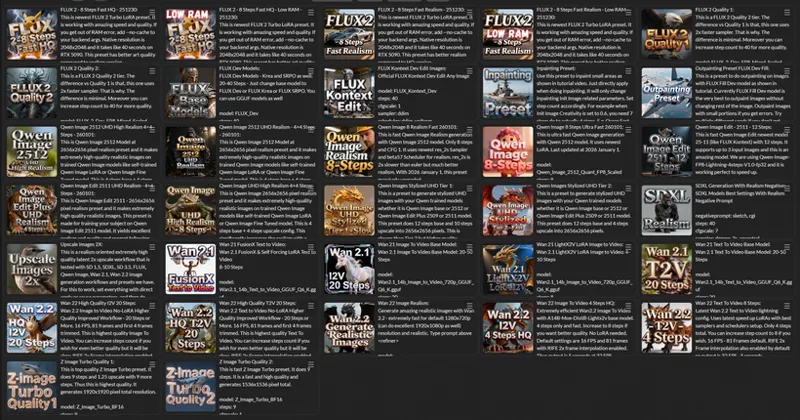
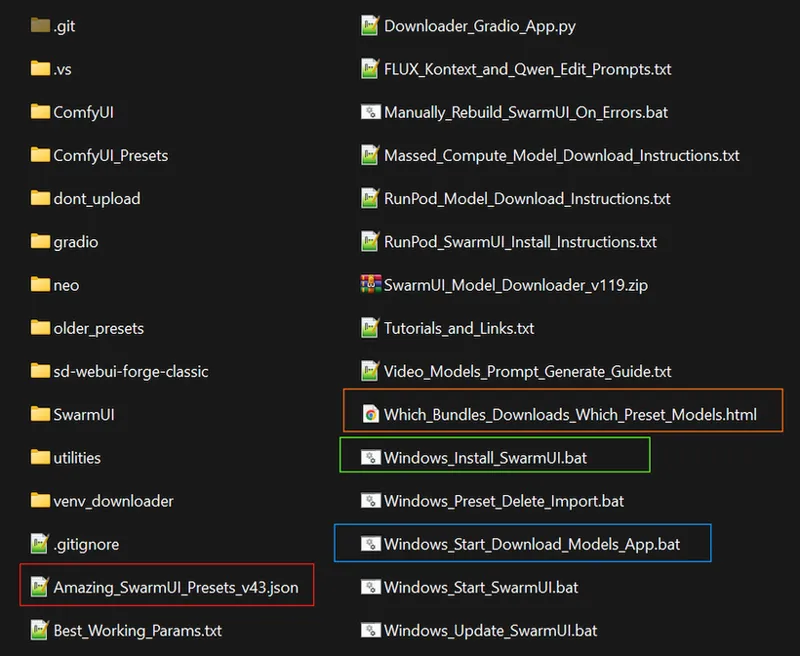
00:00:48 Converting All SwarmUI Presets into Drag-and-Drop ComfyUI Workflows & HTML Helper File Introduction
00:01:10 How to Use the New HTML File to Identify and Download Necessary Model Bundles via SwarmUI Downloader
00:01:24 Qwen Image Base Model Training Analysis: Observing Overfitting and Quality Degradation at 240 Epochs
00:02:04 Qwen Image 2512 Model Training Results: Massive Quality Boost & Reduced Noise Compared to Base Model
00:02:38 Showcasing New Qwen Image 2512 UHD Realism Presets Available in Both ComfyUI and SwarmUI
00:03:01 Visual Comparison: The Massive Leap in Realism Quality Between Previous Models and New 2512 Model
00:03:38 Instructions on Updating the Training Application via Bat File to Unlock New Qwen Model Support
00:04:03 Selecting Specific Model Versions in the Trainer: Text-to-Image vs Image Edit Plus 2509/2511 Variants
00:04:24 Using the Updated Model Downloader Application to Fetch New Qwen 2512 & 2511 Checkpoints Automatically
00:04:40 Wan 2.2 Training Tutorial Reference & Overview of Recently Updated High-Quality Pr- sets for All Models
00:05:05 Training Dataset Configuration: Using Medium Quality Settings & OHWX Caption St- ategy for Best Results-
[00:05:22](https://youtu- be/RcoXd9v1t_c?t=322) Testing Qwen Image Edit 2509 vs 2511 Models with GTA 5 Style Transfer Training on 120 and 180 Epochs
00:05:46 Analyzing GTA 5 Style Reproduction Accuracy on Both Edit Models Without Using Any Control Images
00:06:11 Style Transfer Experiment: Converting Input Image to Learned Style Using Edit Models Without Image-to-Image
00:06:40 Critical Findings on Edit Models: Lower Epoch Requirements & How Overtraining Alters Input Image Fidelity
00:07:09 Resolution Limitations for Style Transfer: Why 1328x1328 is the Optimal Sweet Spot for Editing Tasks
00:07:30 Reviewing Specific Presets Used for Qwen Image Edit Text-to-Image Generation vs Image Editing Tasks
00:08:02 How to Install and Update ComfyUI with the Latest Standalone Installer Script & Overwriting Old Files
00:08:15 Downloading Model Bundles for ComfyUI Presets Using the SwarmUI Downloader Tool & HTML Guide
00:08:39 Navigating the HTML Guide to Select Correct Model Bundles like Flux 2, Z Image Turbo or Qwen Core
00:09:12 Understanding Preset Limitations: Why Inpainting & Outpainting Workflows Require SwarmUI Editing Tab
00:09:57 Live Demonstration: Dragging and Dropping Flux SRPO Preset into ComfyUI Interface for Instant Setup
00:10:11 Configuring the Model Downloader to Target Your Specific ComfyUI Installation Path for Direct Downloads
00:10:47 Handling Potential VAE Subfolder Issues & Verifying High-Speed Downloads with 100% Hash Verification
00:11:06 Generating Images in ComfyUI: Python 3.10-3.13 Support, RTX 5000/4000/3000 Compatibility & Speed
00:11:54 Recommendation to Use SwarmUI with ComfyUI Backend for Best Experience & Access to All Features
00:12:20 Upcoming Tutorials Teaser: Trellis 2 3D Models & Video/Image Upscaler Guides Coming Soon
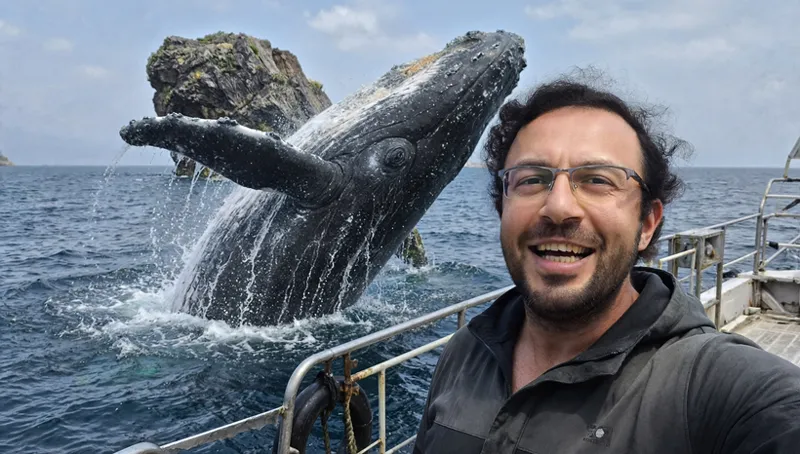
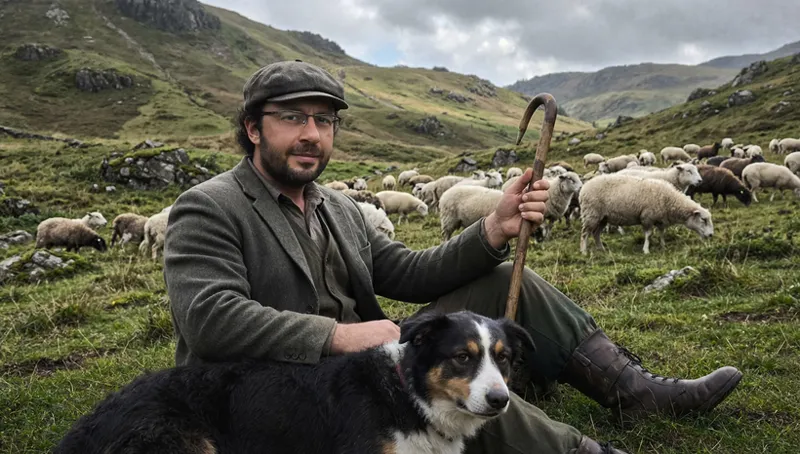
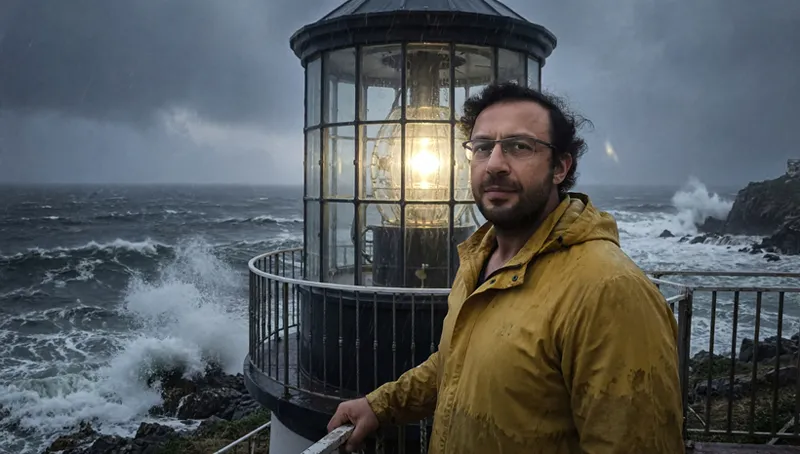
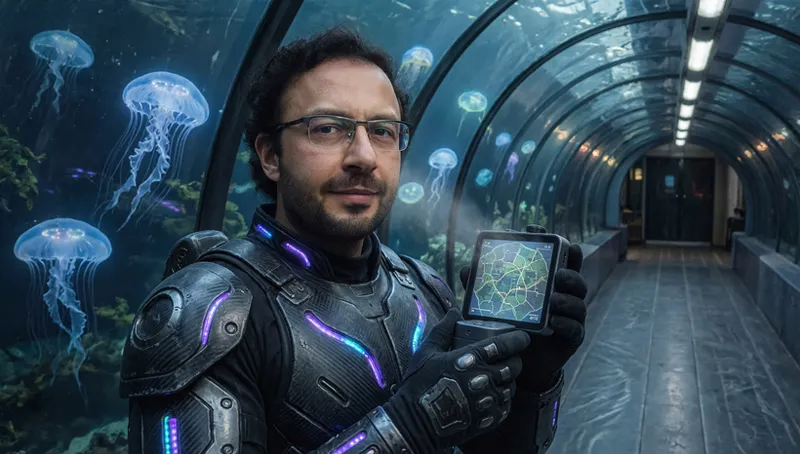
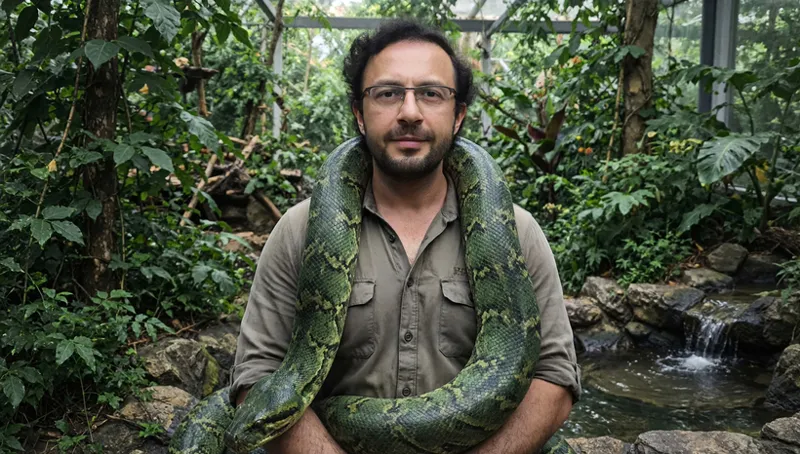
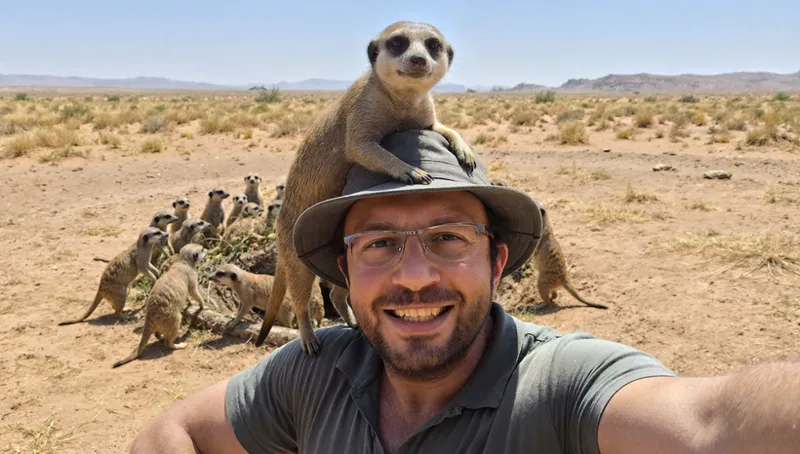
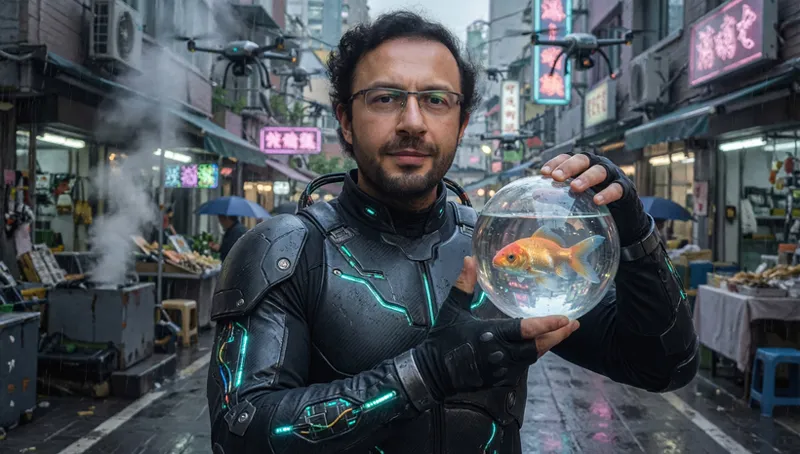
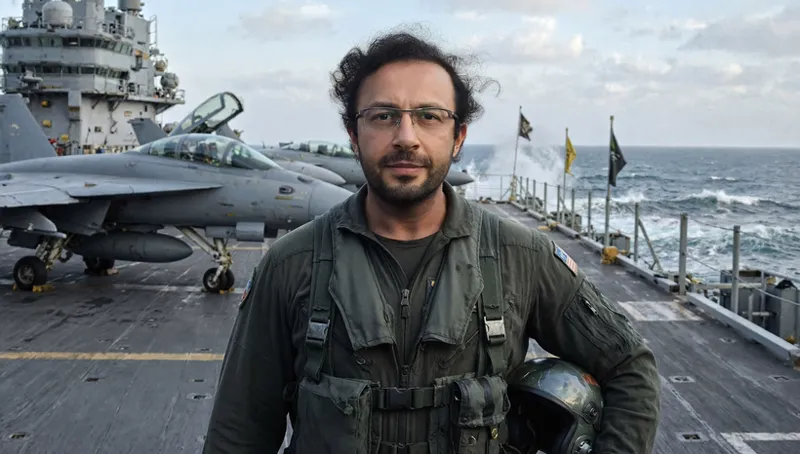
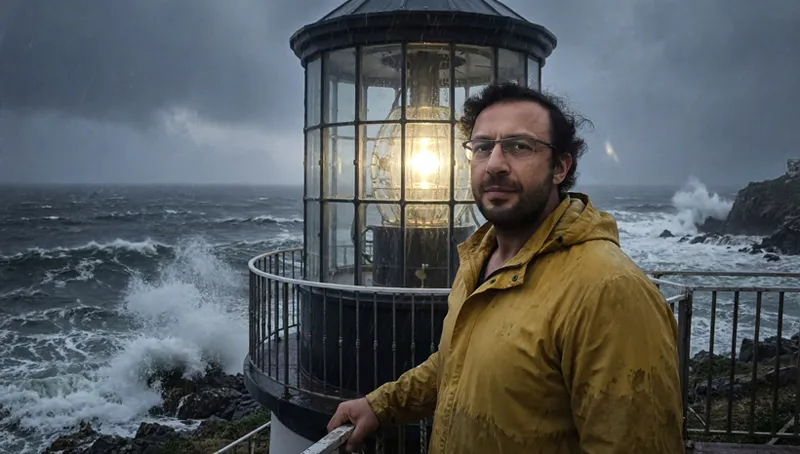
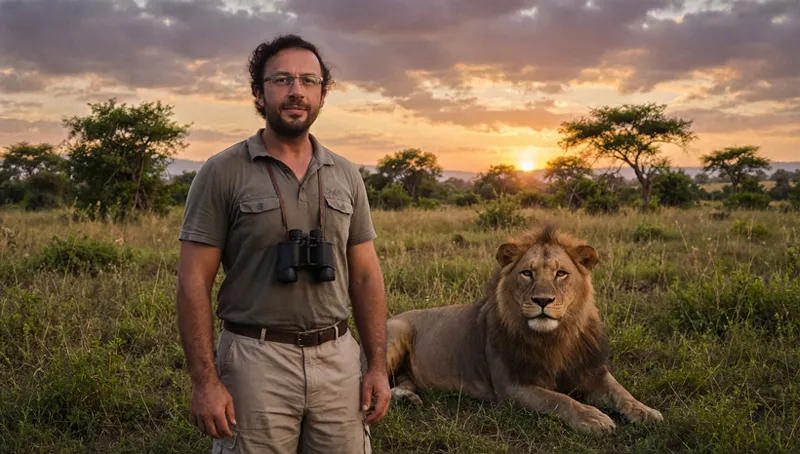
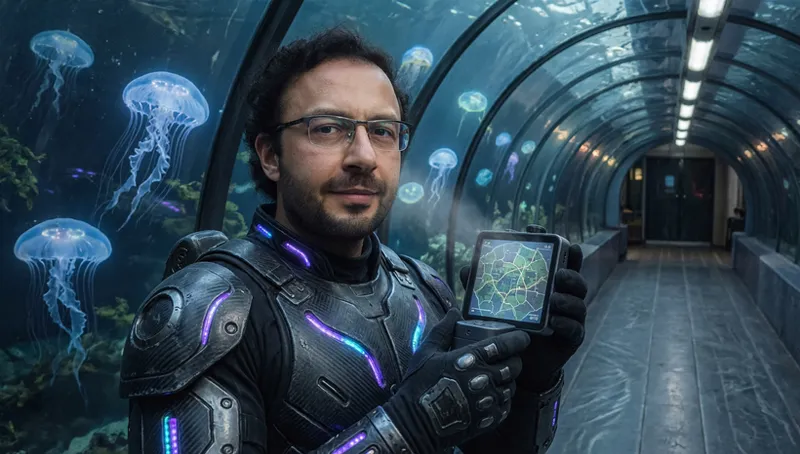
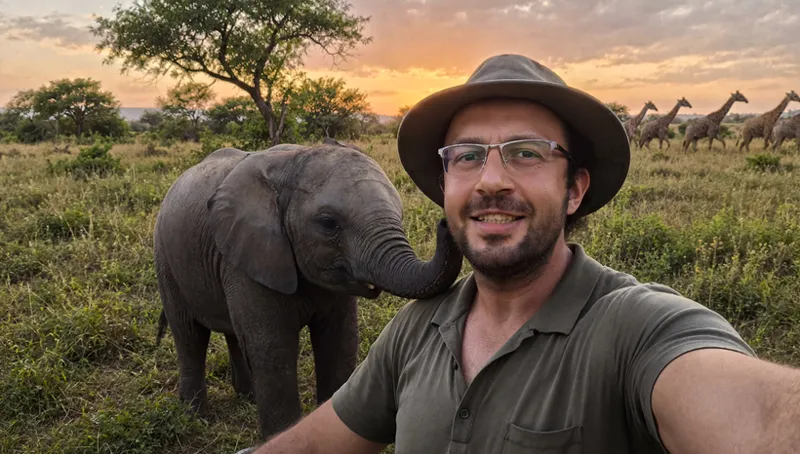
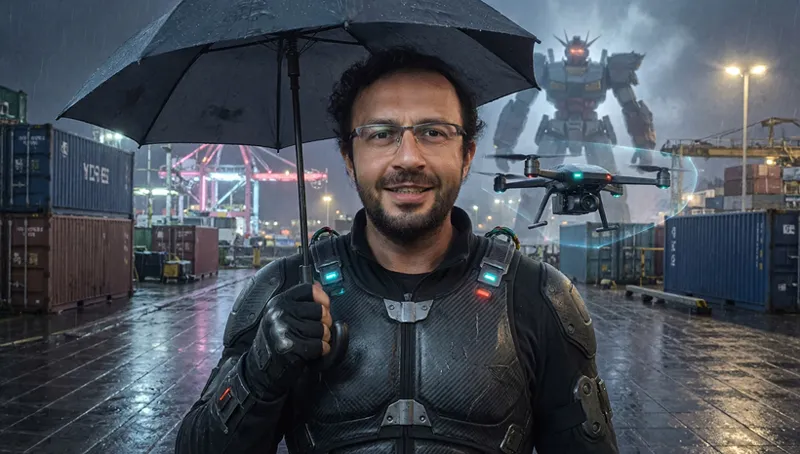
Some Generated Images
Comments (14)
GEE, THANKS A BUNCH. Finally worked out the python11 switch and your installer was screwed anyway! What, now I have to subscribe again just to get the fix. 26 May 2026 - Version 12.0 With new zip file below errors fixed Token: not provided Note: pyannote gated files require --token or HF_TOKEN on first download. [ERROR] Dependency source does not expose pytorch_model.bin: MonsterMMORPG/Wan_GGUF/pyannote_segmentation3 2 May 2026 - Version 11.1 Some installer bugs fixed Enable Background Music Remover Filter - fixed Enable Silero VAD Filter - fixed
welcome back. if any issues let me know i shall fix ASAP. sorry for errors
Would you say it's better training Qwen 2512 with about 60-80 high quality dataset, or WAN 2.2 - what you think which models performs over all better? when model size and generation speed are irrelevant, because renting GPUs?
Qwen 2512 is better for image training.
I have 2 questions: 1) Why is it that when I use a LoRA, even with a low weight like 0.7, it still makes other people in the image resemble that LoRA’s face? 2) When I apply two LoRAs, why does it blend them together, like one’s hair and the other’s face, instead of keeping them distinct? I trained with Qwen 2512.
due to this models training internal structure. they bleed into all tokens of trained images even if you dont caption. that is why we just use ohwx it will both bleed and blend and sometimes not. sadly no way to fix this issue atm except during training have 2 person in same photo for it to learn seperately
I'm running Qwen_Image_2512_Quant_FP8_Scaled on my RTX 5090 and getting nothing but static with the Presets. Any suggestions?
you are not using our comfyui installer. make a fresh install with python 3.10 and use it as a backend. use latest zip file
Are the image examples shown here from LoRA or full finetuning? What tier of your configs?
These are bf16 fine tuning. but fp8 and lora are almost same. i used 200 epoch : Tier1_29400_MB.toml
This is absolutely amazing. The advantage in image quality is a big step forward. You think LORA training for Qwen 2512 needs completly new parameters/settings or can they be trained with same settings as previous 2509 model?
exactly same no changes
I was doing a LoRA training with Qwen 2512 on an RTX 5090 and kept hitting a CUDA illegal memory access crash around step ~70. The issue was caused by torch.compile / TorchDynamo with dynamic shapes becoming unstable in the attention path. Disabling torch.compile (and dynamic shapes) fixed the problem completely. After that, the training runs stable well past the original crash point, can be useful for someone 😬 9 hours and it's done. I haven't applied further optimizations yet, but I'll experiment later to see if the training time be reduced 👍🏽
thanks for info. i hope this issue gets fixed