


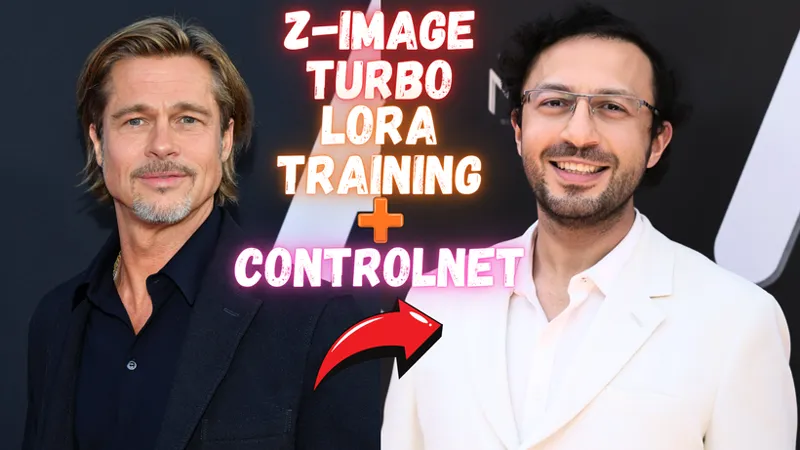



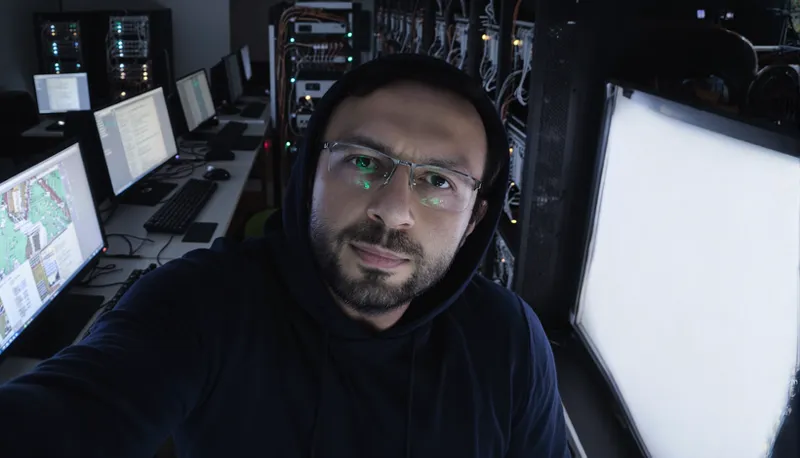


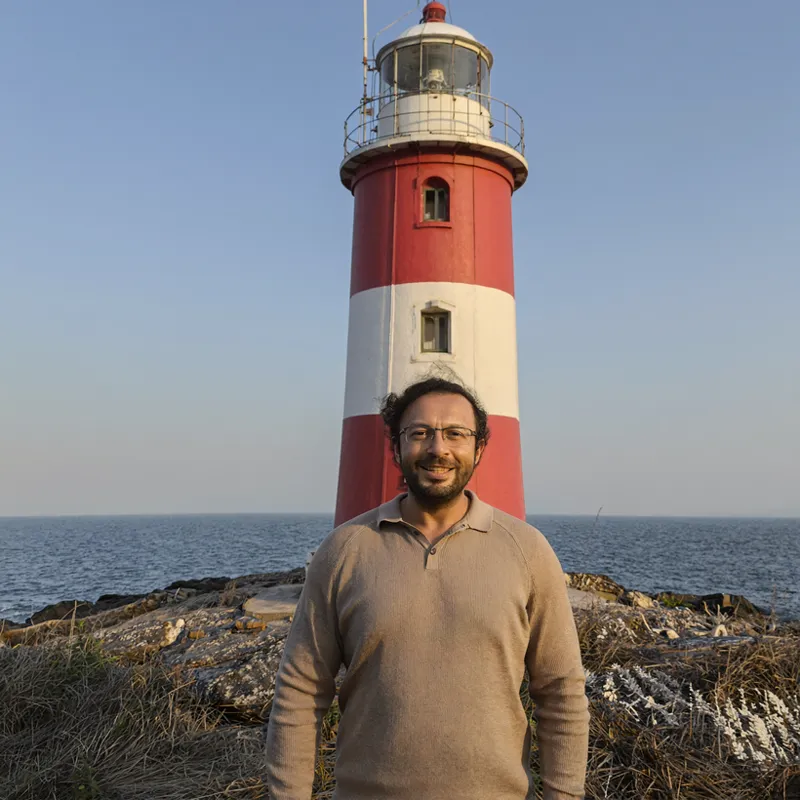







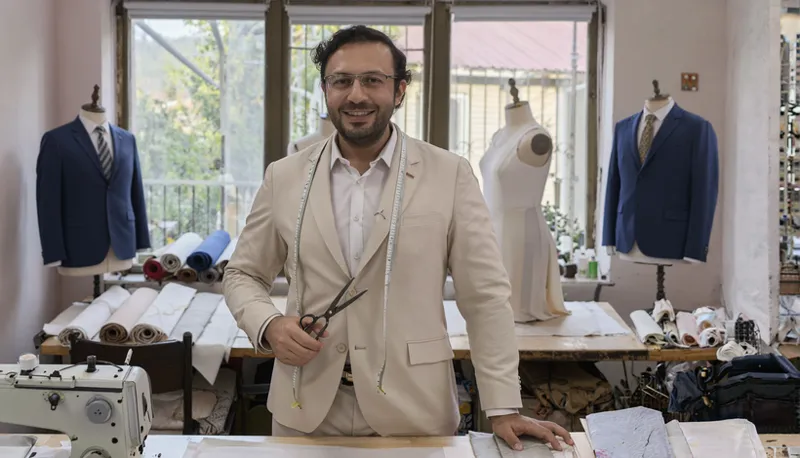
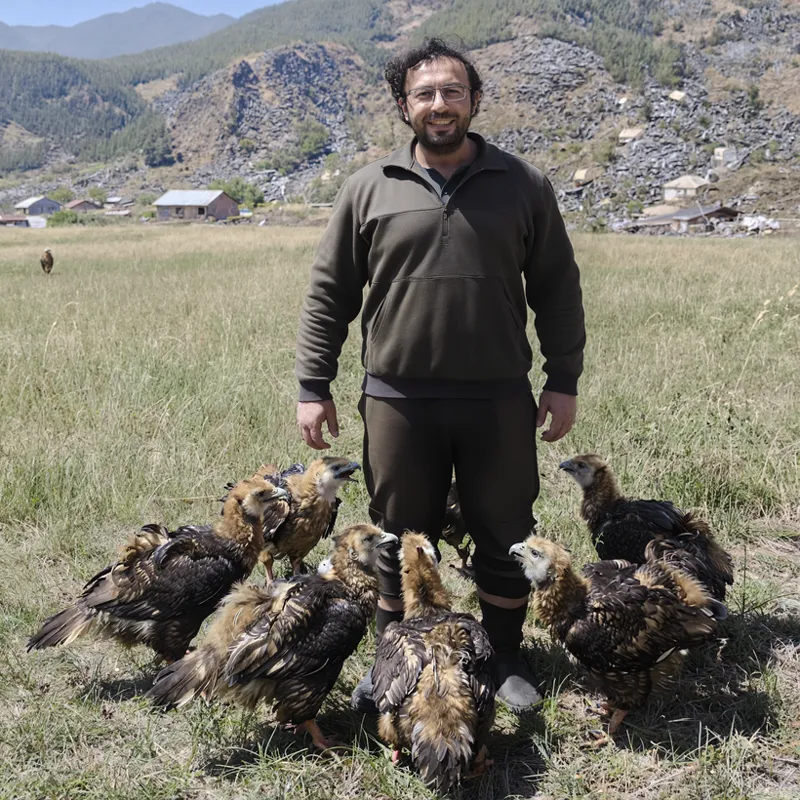

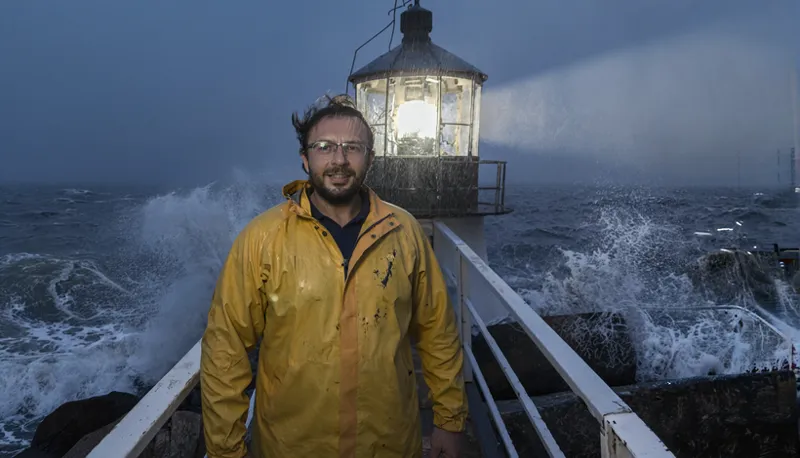
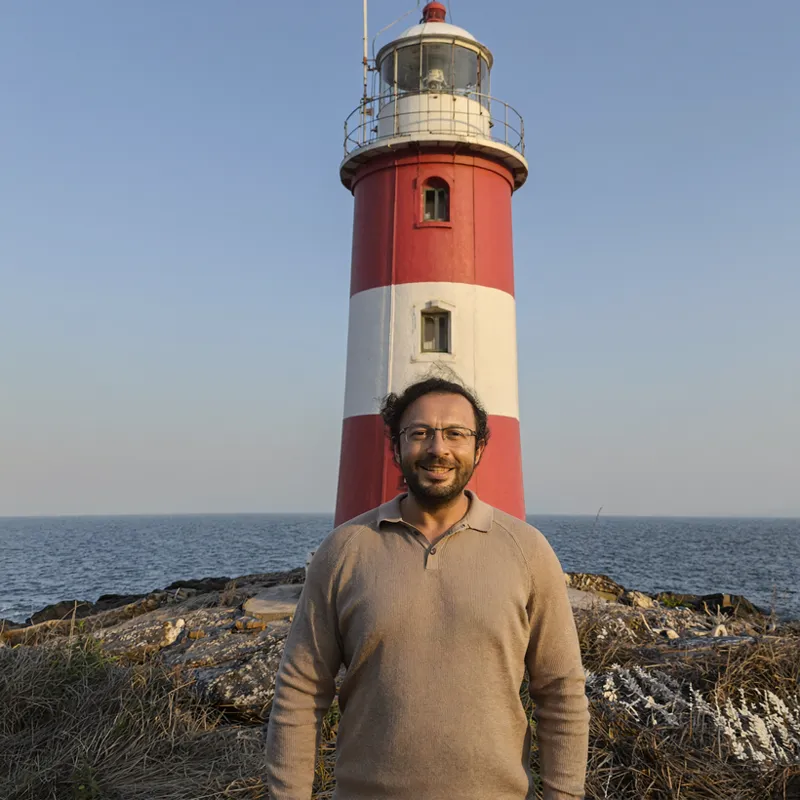


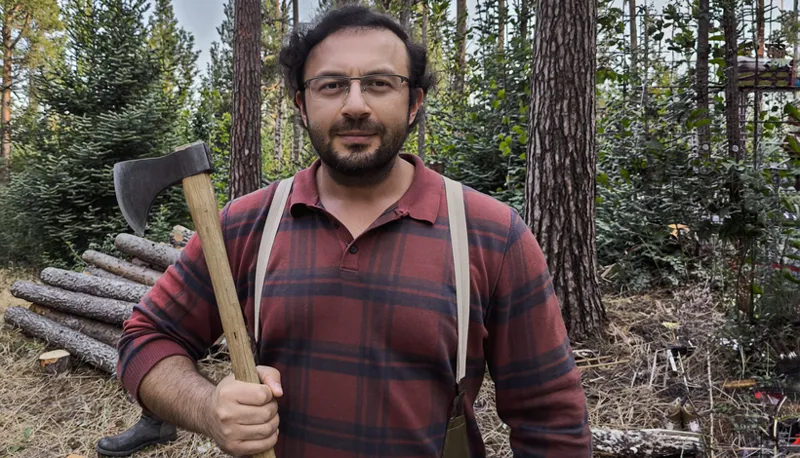

Z-Image Turbo LoRA training with Ostris AI Toolkit + Z-Image Turbo Fun Controlnet Union + 1-click to download and install the very best Z-Image Turbo presets full step by step tutorial for Windows, RunPod and Massed Compute - As low as 6 GB GPU
Full tutorial: https://www.youtube.com/watch?v=ezD6QO14kRc
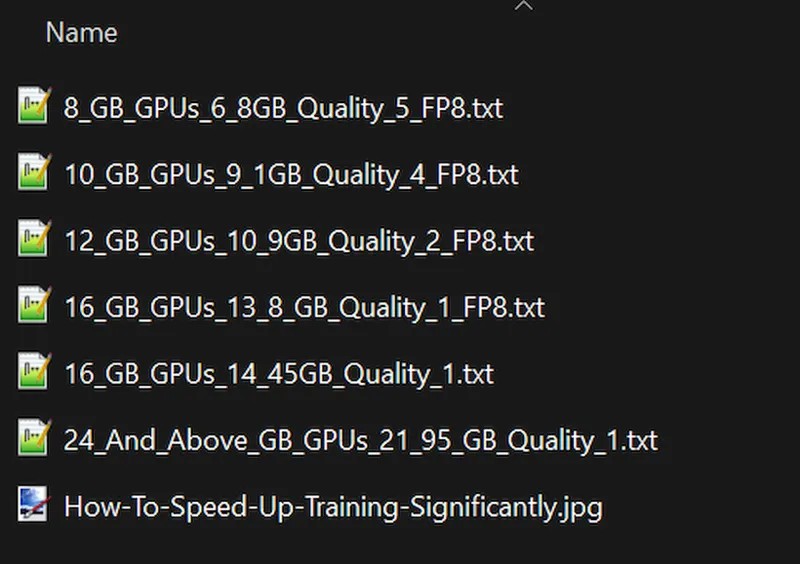
Z-Image Turbo LoRA training with Ostris AI Toolkit + Z-Image Turbo Fun Controlnet Union + 1-click to download and install the very best Z-Image Turbo presets. In this tutorial, I will explain how to setup Z-Image Turbo model properly in your local PC with SwarmUI and download models and use them with highest quality via ready presets. Moreover, I will show to install Z-Image Turbo Fun Controlnet Union to generate amazing quality images with ControlNet preprocessors. Furthermore, I will show how to 1-click install AI Toolkit from Ostris and train Z-Image Turbo model LoRAs with highest quality configs made for every GPU like 8 GB GPUs, 12 GB GPUs, 24 GB GPUs and so on. I did a massive research to prepare these Z-Image Turbo model training configurations.
👇 Links & Resources Mentioned:
Download SwarmUI & Models: [ https://www.patreon.com/posts/Download-SwarmUI-Models-114517862 ]
Ostris AI Toolkit (SECourses Version): [ https://www.patreon.com/posts/Ostris-AI-Toolkit-140089077 ]
Ultimate Batch Image Processing App: [ https://www.patreon.com/posts/Ultimate-Batch-Image-Processing-App-120352012 ]
SwarmUI with ComfyUI Backend Windows Tutorial: [ https://youtu.be/c3gEoAyL2IE ]
SwarmUI with ComfyUI Backend RunPod and Massed Compute Cloud Tutorial: [ https://youtu.be/bBxgtVD3ek4 ]
⏱️ Video Chapters:
00:00:00 Introduction to Z-Image Turbo Model
00:00:54 FP8 Scaled Version 5.7GB for Low VRAM
00:01:10 ControlNet Union with Z-Image Turbo
00:01:30 LoRA Training with Ostris AI Toolkit
00:02:00 Default vs Custom Training Preset Quality Comparison
00:03:00 RunPod Cloud Training Preview
00:03:40 MassedCompute Cloud Training Preview
00:04:16 Downloading Z-Image Models via SwarmUI
00:05:00 Z-Image Turbo Core Bundle & ControlNet Files
00:05:58 FP8 Scaled Model & Musubi Tuner Converter
00:07:13 Updating ComfyUI for Sage & Flash Attention
00:08:13 Updating SwarmUI & ControlNet Preprocessors
00:08:52 Updating & Importing Latest SwarmUI Presets
00:09:20 Generating with Quality 2 Fast Preset
00:10:48 Generating with Quality 1 Upscale Preset
00:11:35 Quality 1 vs Quality 2 Visual Comparison
00:12:13 Setting up ControlNet Input & Aspect Ratio
00:13:41 ControlNet Strength Settings & Canny Test
00:15:26 Using Depth Preprocessor with Z-Image
00:15:58 Coloring Lineart Drawings with ControlNet
00:16:58 Lineart Preprocessing Comparison
00:17:50 Ostris AI Toolkit Installation Prerequisites
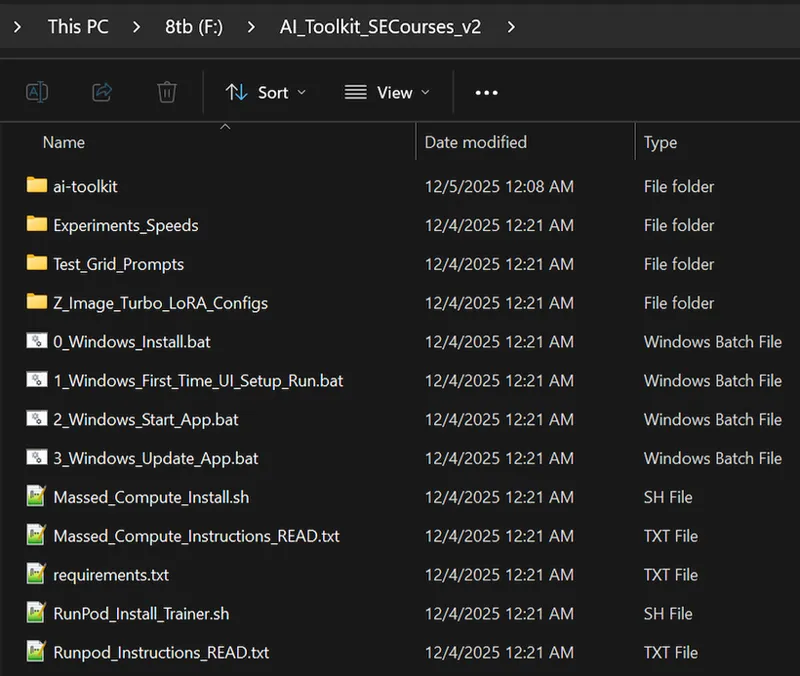
00:19:12 Installing Ostris AI Toolkit on Windows
00:20:02 First Time UI Setup & Launching Interface
00:21:04 Loading Custom Training Configs
00:21:38 Creating a New Dataset Structure
00:22:24 Ultimate Batch Image Processing App Install
00:23:17 Dataset Prep Stage 1: Auto-Zooming with SAM2
00:26:08 Dataset Prep Stage 2: Resizing to Exact Resolution
00:28:12 How to Select Best Training Images
00:30:24 Importance of Emotions & Angles in Datasets
00:31:44 Z-Image Resolution & Aspect Ratio Rules
00:33:21 Configuring Training Parameters & Epochs
00:36:52 Resolution Impact on Training Speed
00:37:46 Starting the Training Job on Windows
00:38:39 Monitoring Training Progress & VRAM
00:39:43 Checkpoint Generation Settings
00:40:40 Resuming Training from Last Checkpoint
00:42:09 Training Speeds on RTX 5090 vs 4090 vs 3060
00:43:01 Training Quality: Default vs Custom Preset Comparison
00:44:21 Testing LoRAs with SwarmUI Grid Generator
00:46:04 Fixing ControlNet Error in Grid Generation
00:47:09 Comparing Generated LoRA Checkpoints
00:47:38 Using Trained LoRA with ControlNet Union
00:48:10 RunPod: GPU Selection & Template Setup
00:50:32 RunPod: Port 8675 Config & Initialization
00:51:36 RunPod: Uploading Installation Files
00:52:01 RunPod: One-Click Installation Command
00:54:07 RunPod: Starting AI Toolkit & Proxy Connection
00:54:38 RunPod: Uploading Dataset via Interface
00:55:32 RunPod: Starting the Training Job
00:56:24 RunPod: Speed & Cost Analysis
00:57:28 RunPod: Auto-Stop Command Setup
00:58:24 MassedCompute: GPU Selection & Coupon Code
01:00:16 MassedCompute: ThinLinc Client Setup
01:01:21 MassedCompute: Transferring Files to Shared Folder
01:02:55 MassedCompute: Installation Command
01:05:49 MassedCompute: Connecting via Public URL
01:06:54 MassedCompute: Starting Training Job
01:08:43 Downloading Checkpoints & Stopping Instance
🚀 Master Z-Image Turbo & LoRA Training: The Ultimate Guide!
In this comprehensive tutorial, I show you how to generate ultra-realistic images in seconds using the lightweight Z-Image Turbo model. We cover everything from 1-click installation on SwarmUI (ComfyUI backend) to mastering ControlNet Union for precise image control.
But that’s not all! I also reveal how to train your own high-quality Z-Image Turbo LoRAs using the Ostris AI Toolkit. I have developed a custom training preset that significantly outperforms the default settings—you have to see the comparison to believe it! Whether you are on a local PC, RunPod, or MassedCompute, this guide has you covered.
🔥 What You Will Learn:
Z-Image Turbo Setup: How to run this fast, 6GB model (FP8 included) on almost any GPU.
ControlNet Mastery: Use Canny, Depth, and Lineart to control your generations perfectly.
LoRA Training: Step-by-step guide
Comments (10)
I could never get AI-Toolkit to run reliably, thanks for getting it working. Any chance you can come up with AI-Toolkit configs for other models? That was super easy to setup with your config settings.
thanks a lot. i may do. currently i am researching wan 2.2 on our secourses musubi tuner premium app
Greetings. I wanted to know. Is there any way to speed up the lora training process on the 3060 ti video card? I set the training parameter to a resolution of 1024 x 1024, set 4000 steps on 20 images, and the training process took me more than 16 hours. Is there any way to get around this?
yes. set resolution to 768px or 512px. it will be even faster
Hey Proffesor, I was wondering what do you think has best likeness for realistic photos. Flux SRPO, FLux2, Qwen, or ZImage? Lora and dreambooth ig too Thanks!
100% depends on prompt. Qwen is the most strongest one for so many prompts. but if your prompts are suitable FLUX SRPO and ZImage will work great. I haven't trained FLUX 2 yet waiting Kohya to add Musubi repo to add your app hopefully
Seem to always have issues installing the sageatt wheel.
you have to follow this video first and you wont have any issues : https://youtu.be/DrhUHnYfwC0
This time it feels like when Qwen came out, except the uptake on civitai is insane. We're in for SDXL round 2 I think.
true