


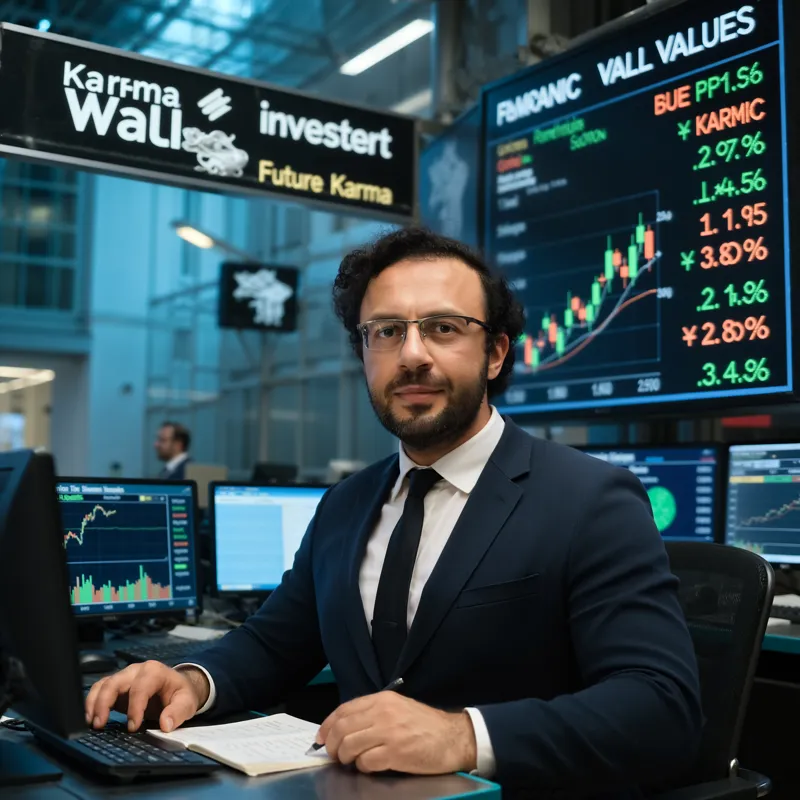





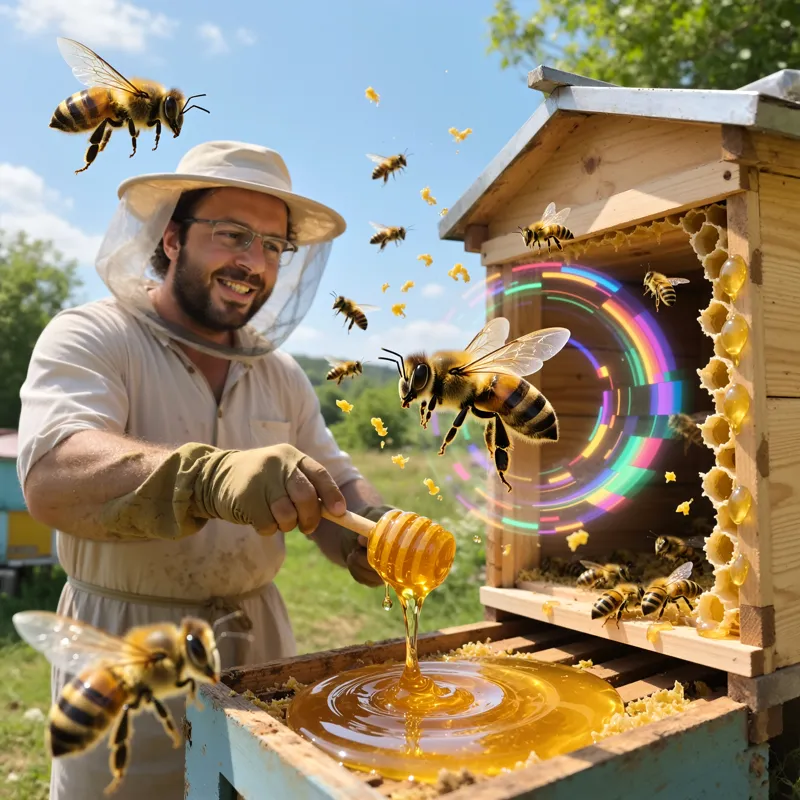


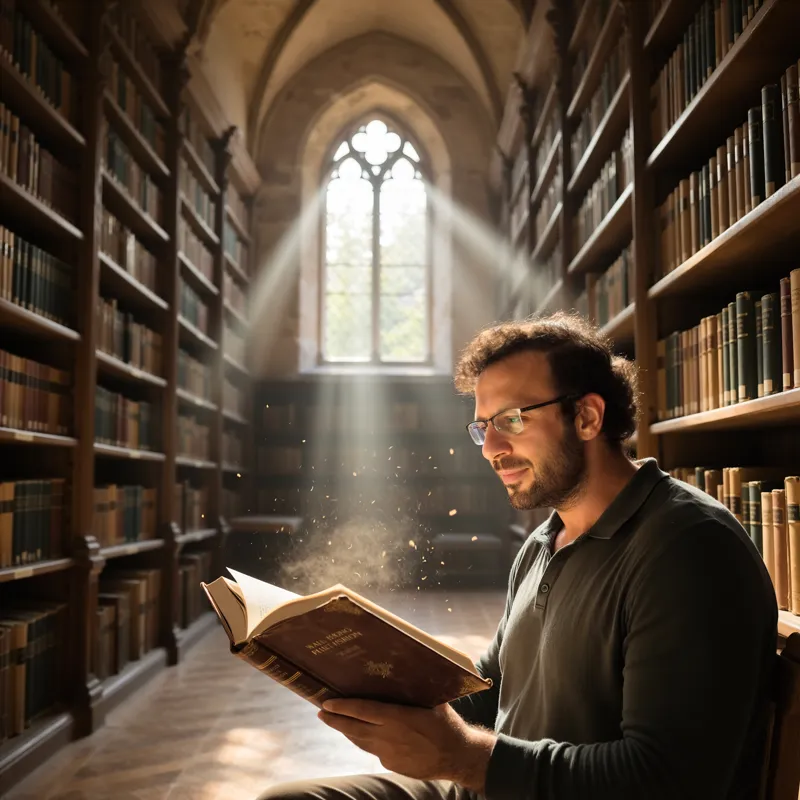


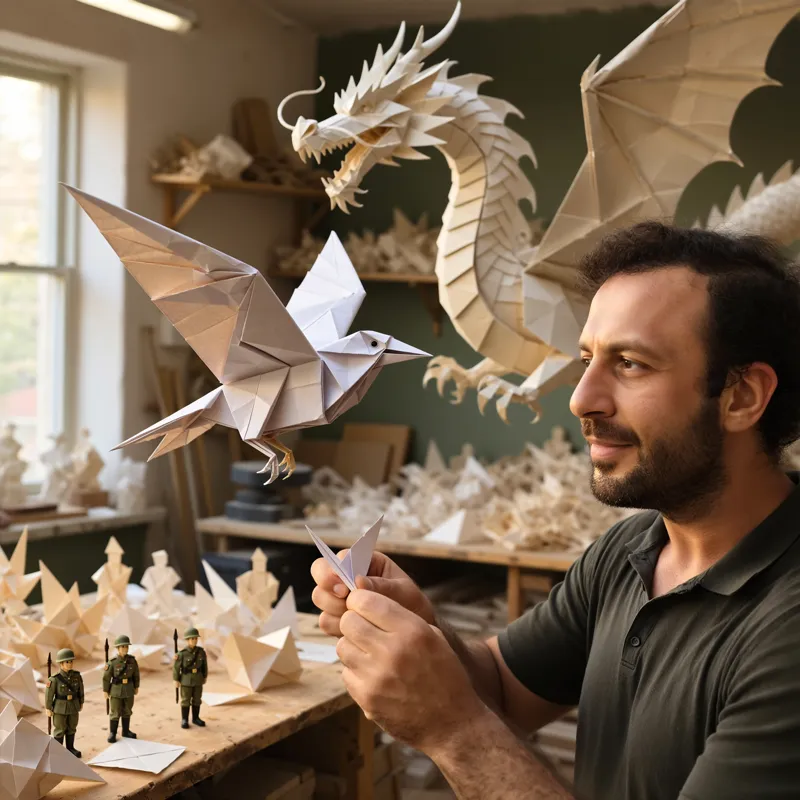


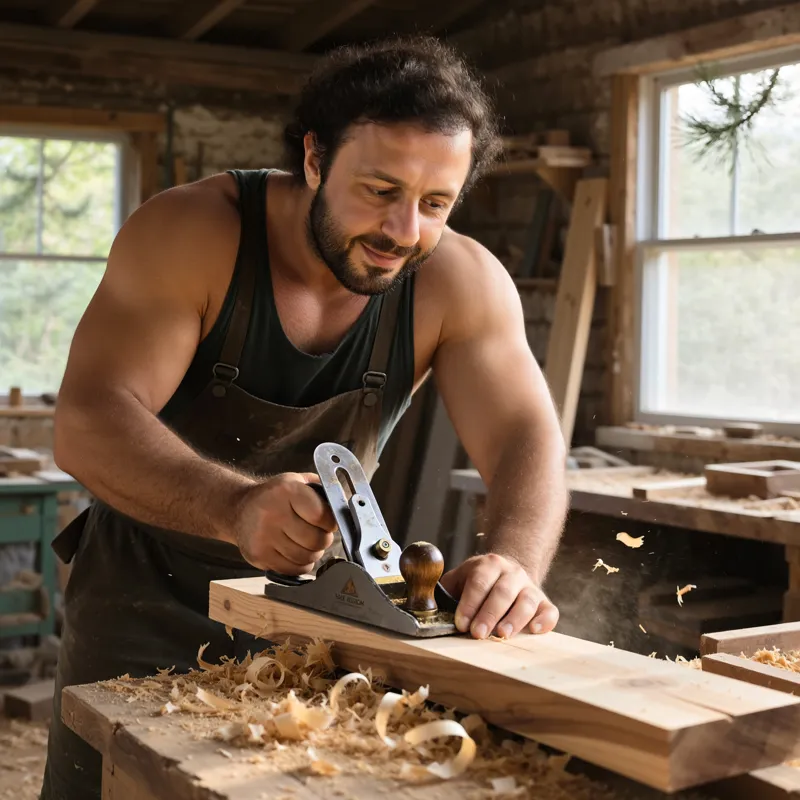

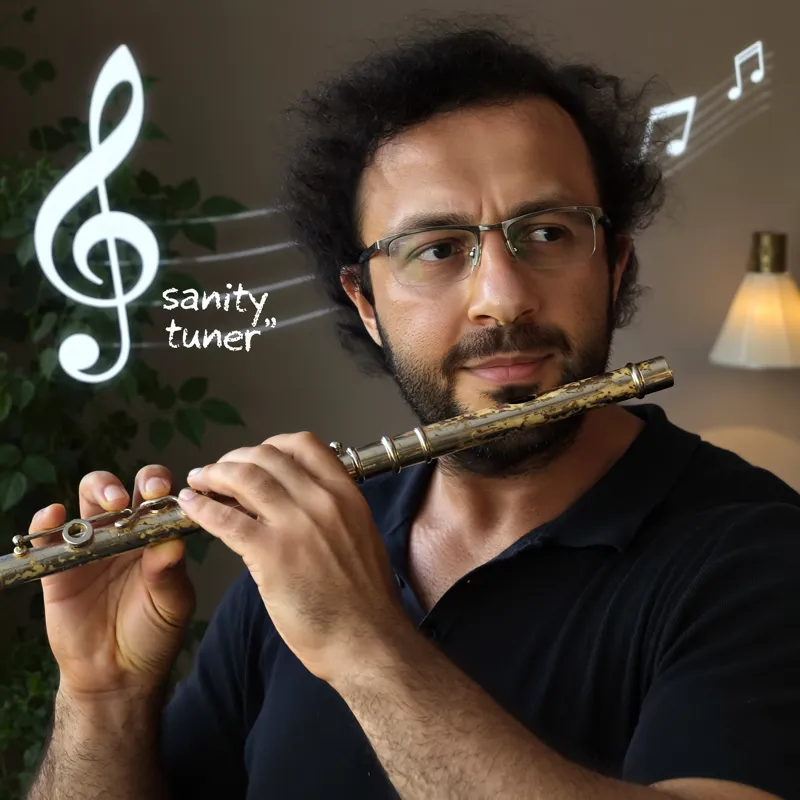


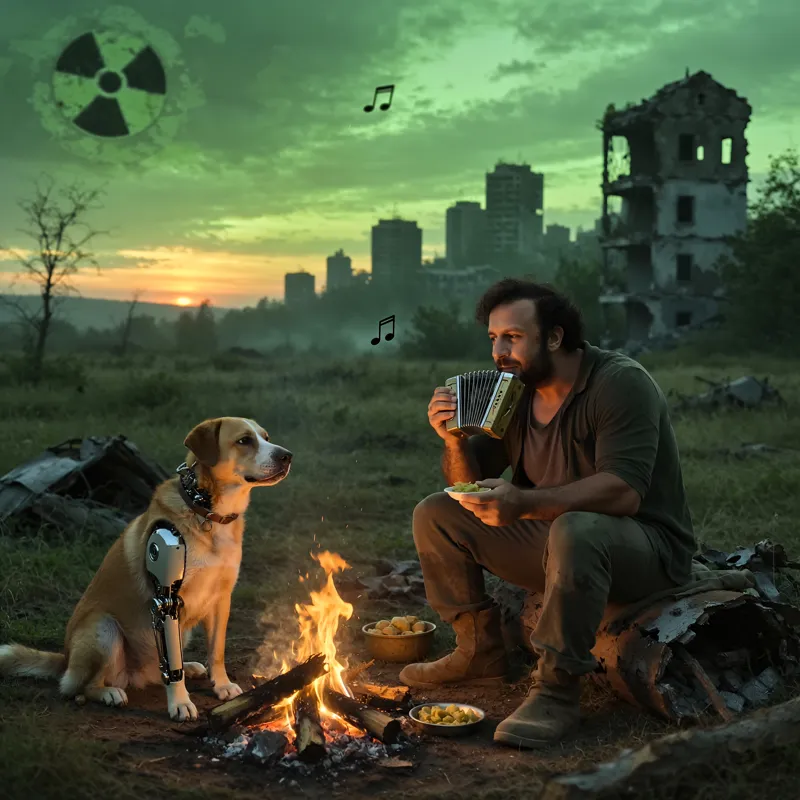
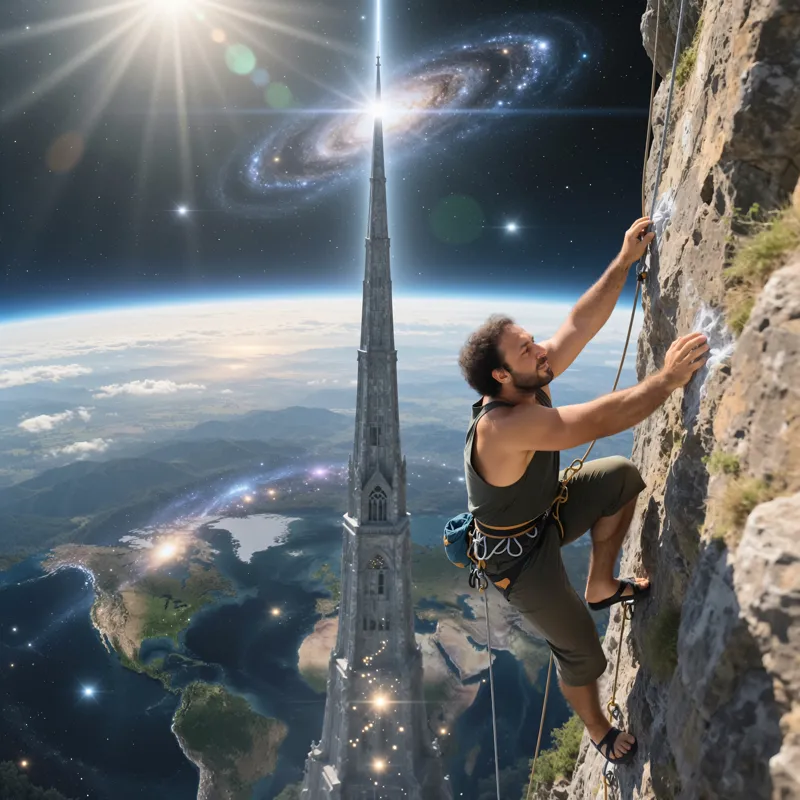
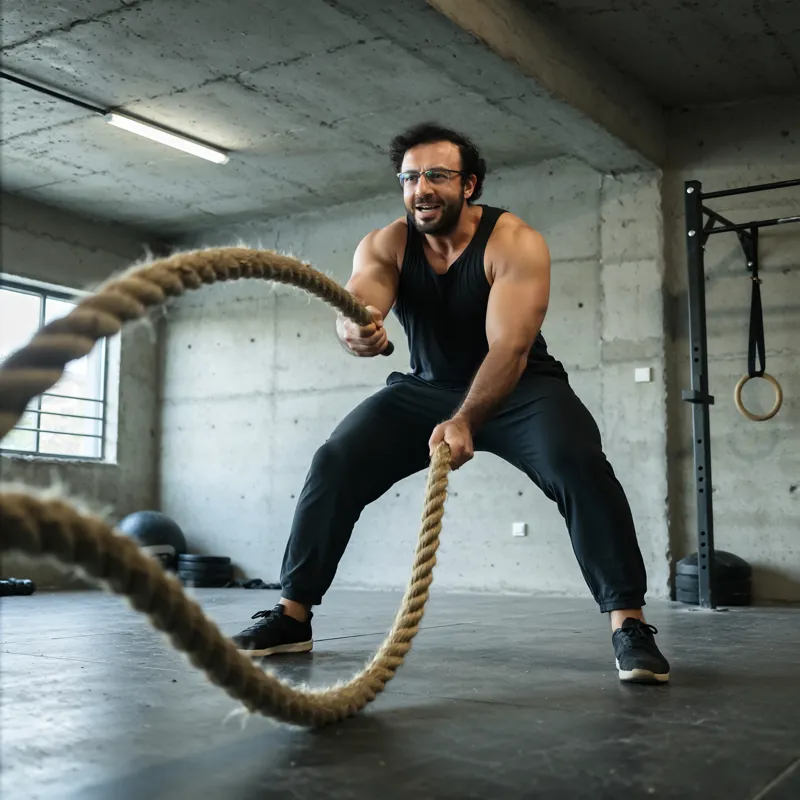
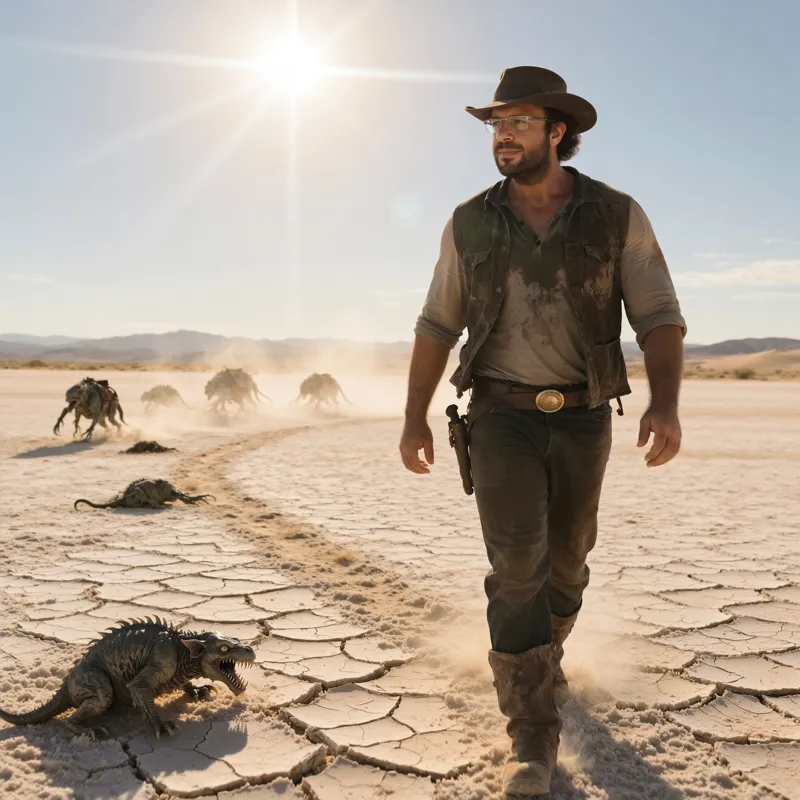

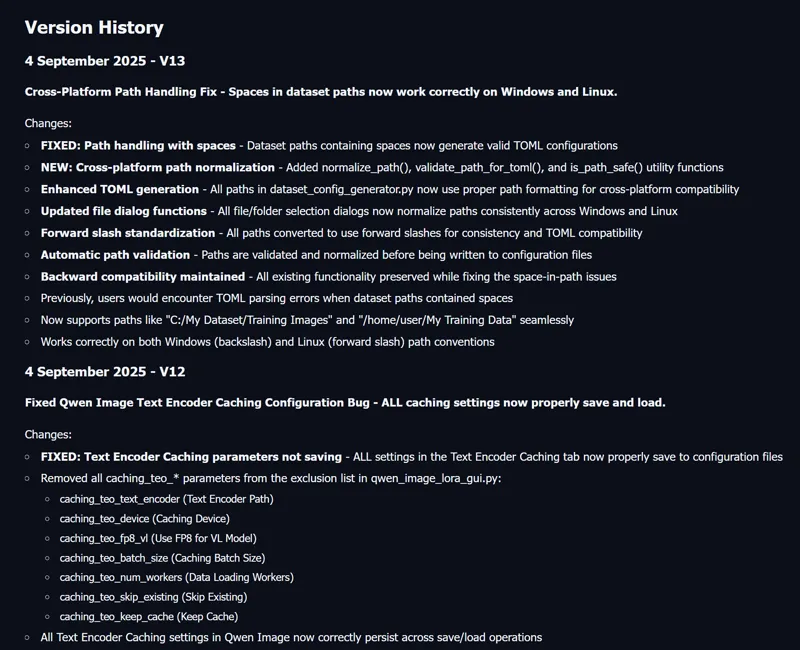

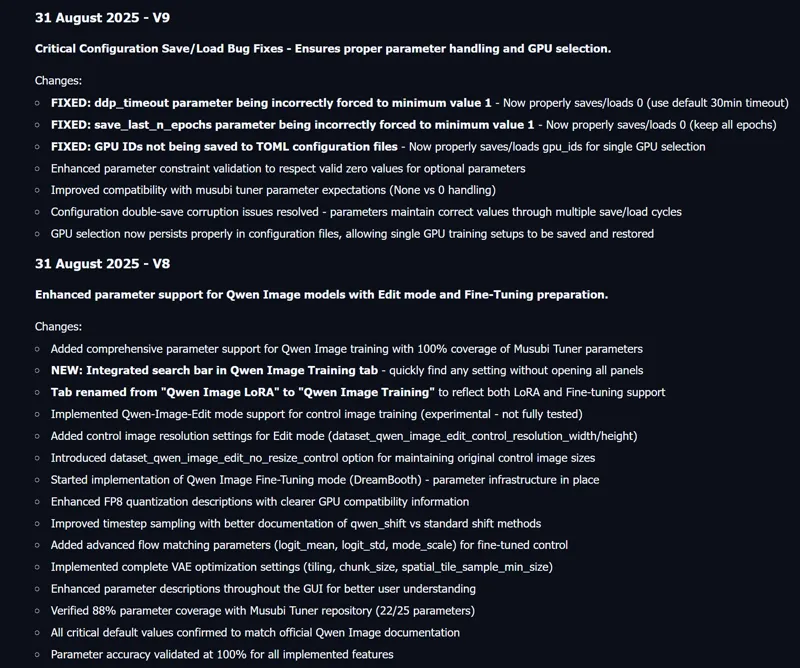
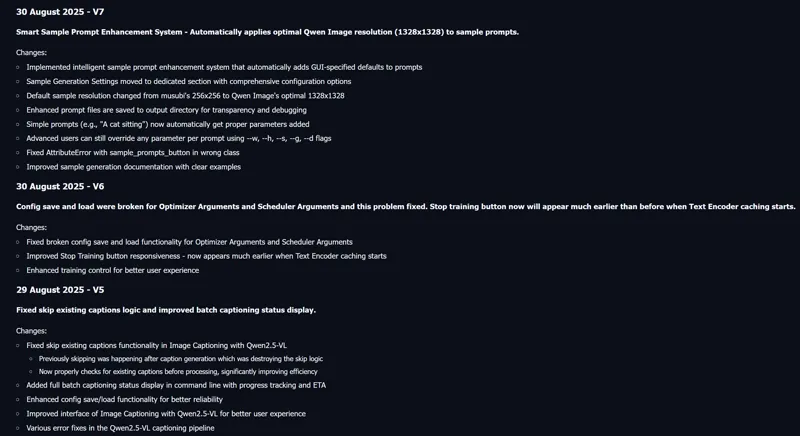


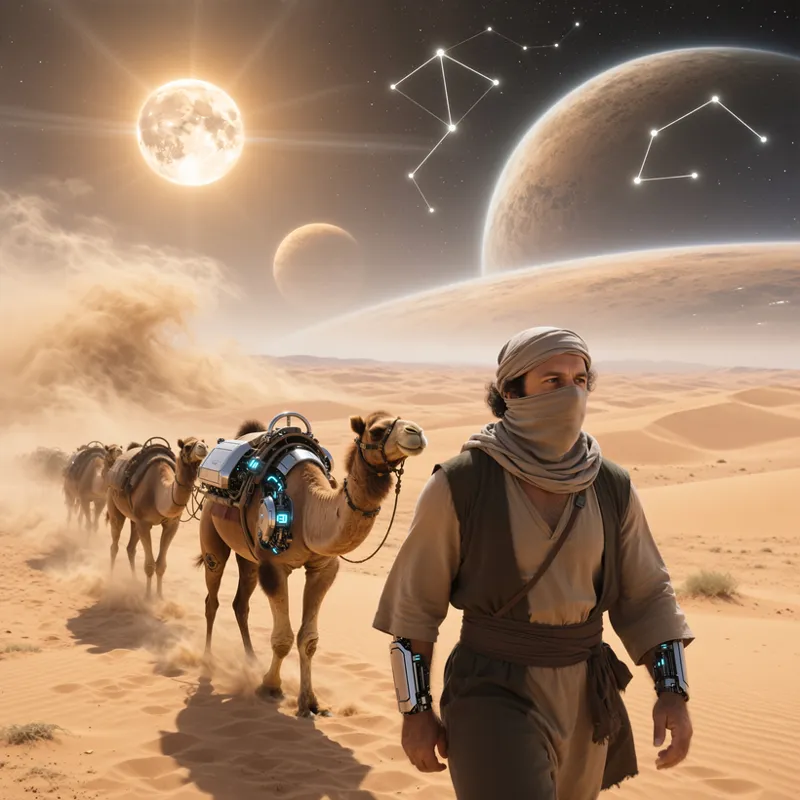


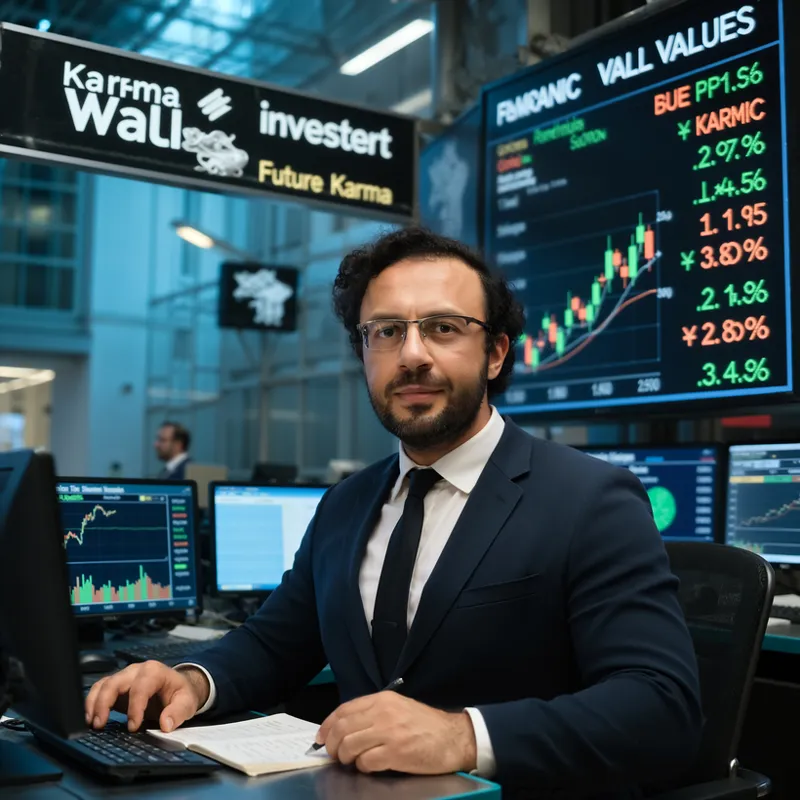
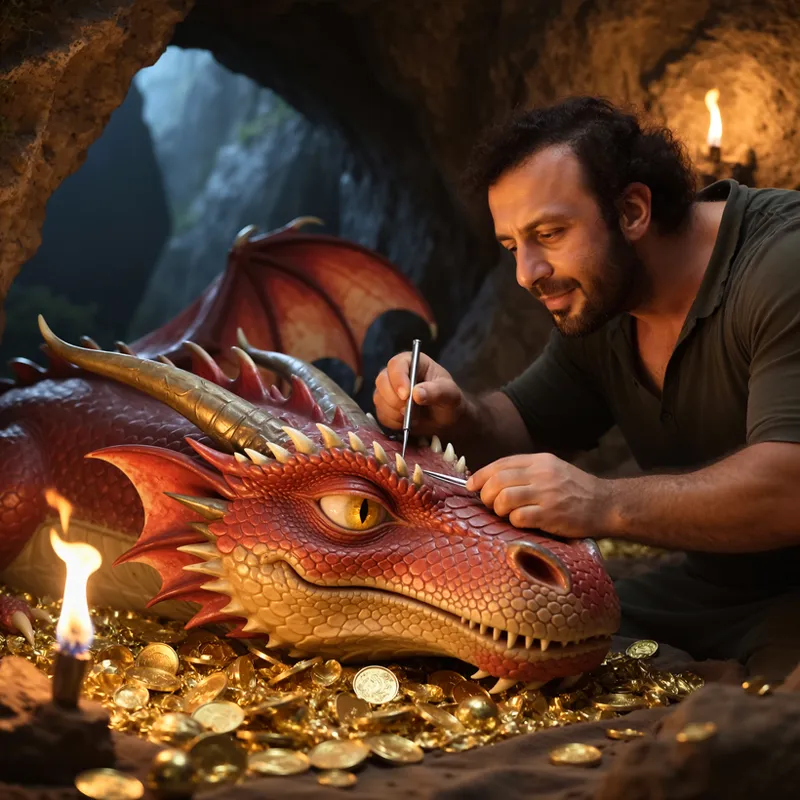

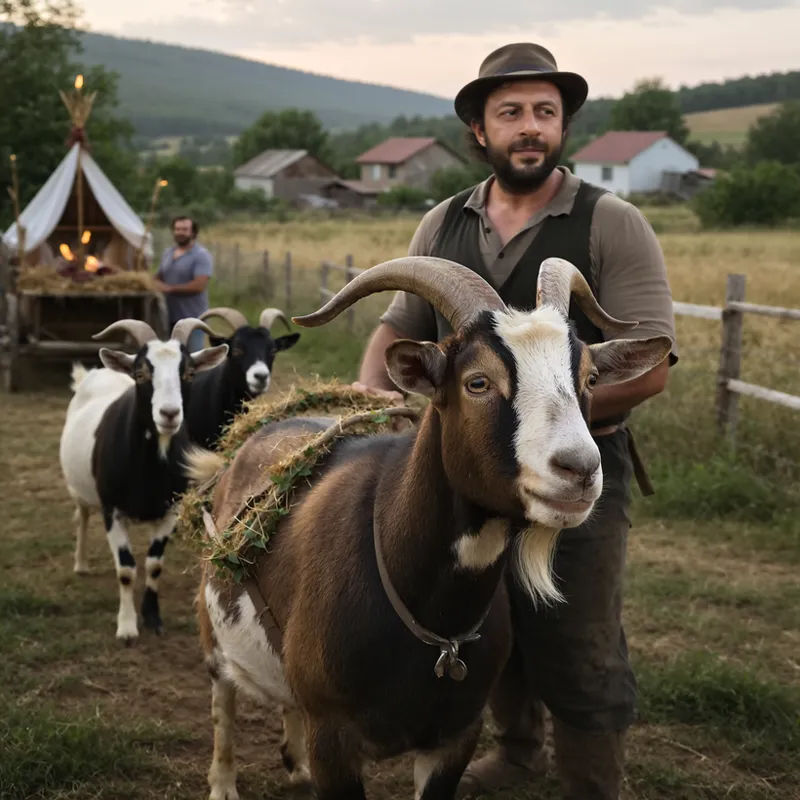


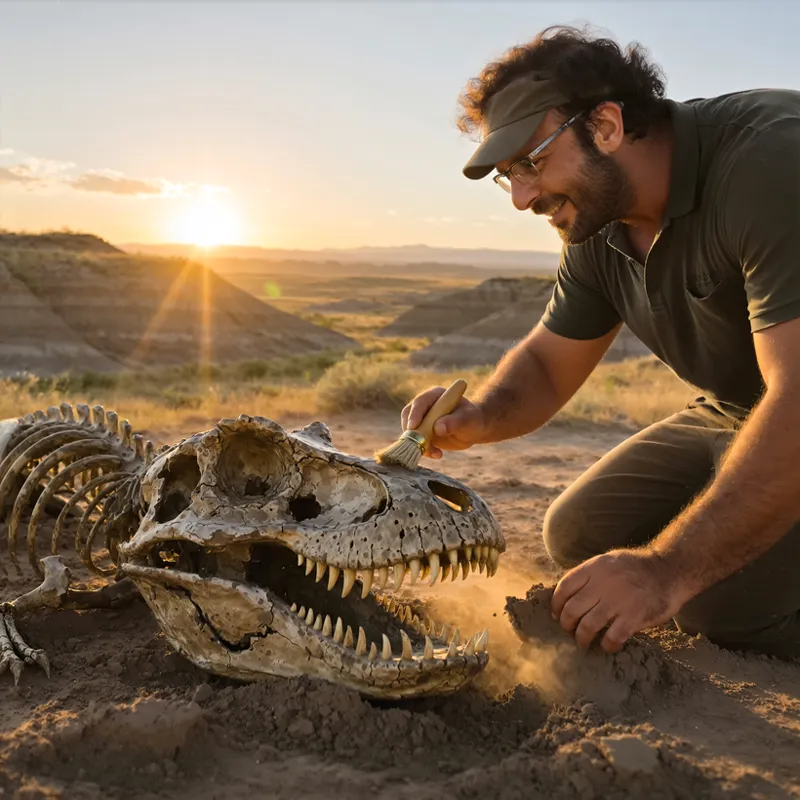

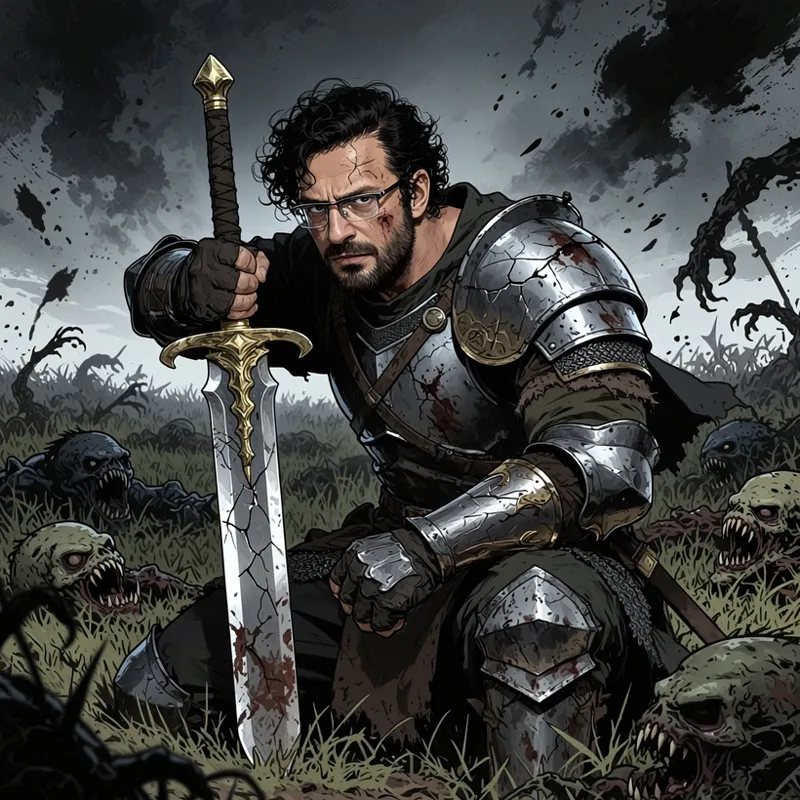
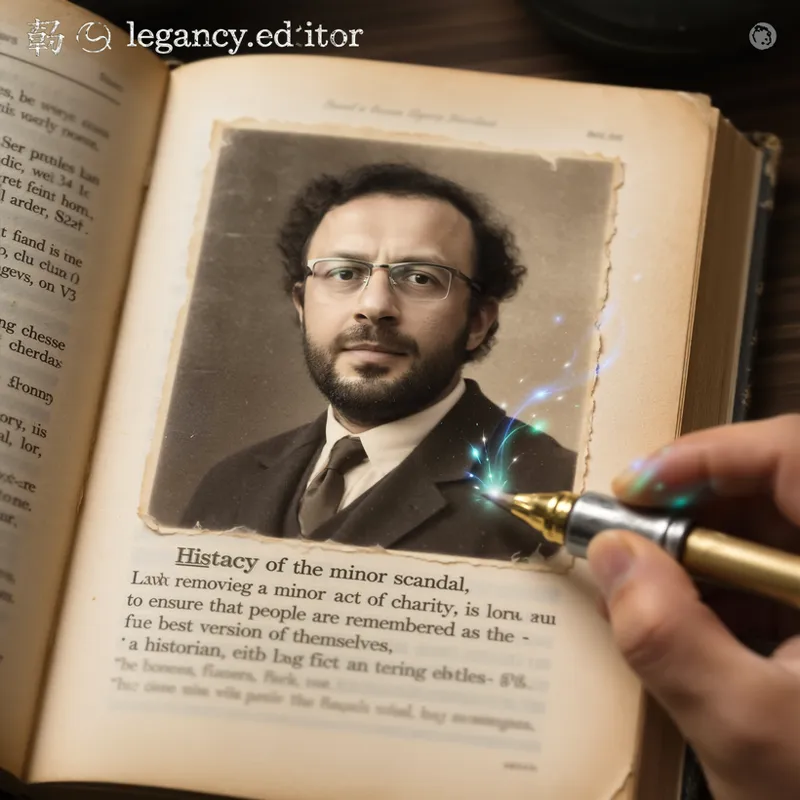
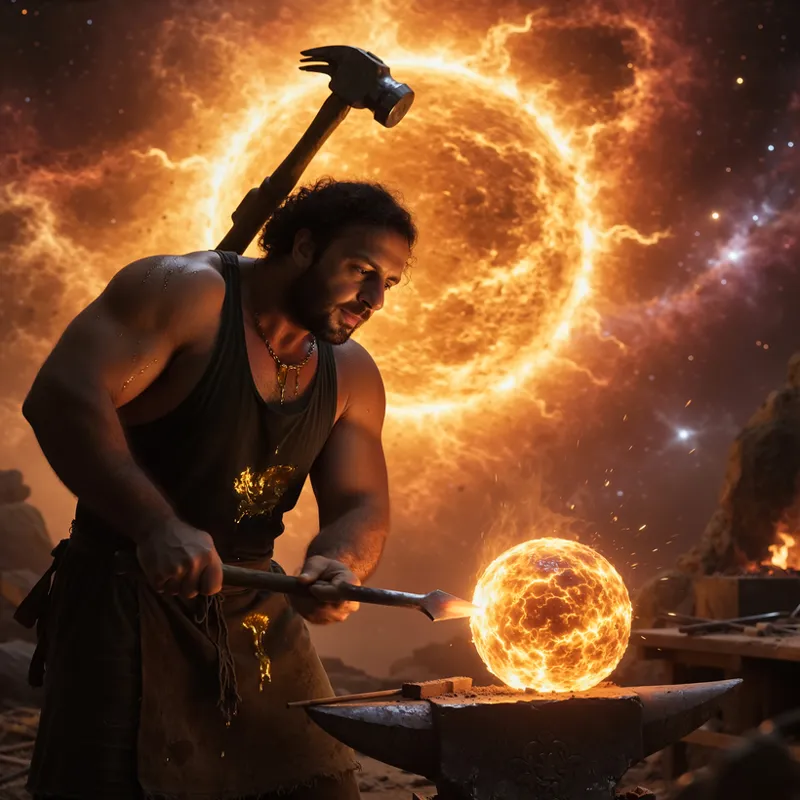


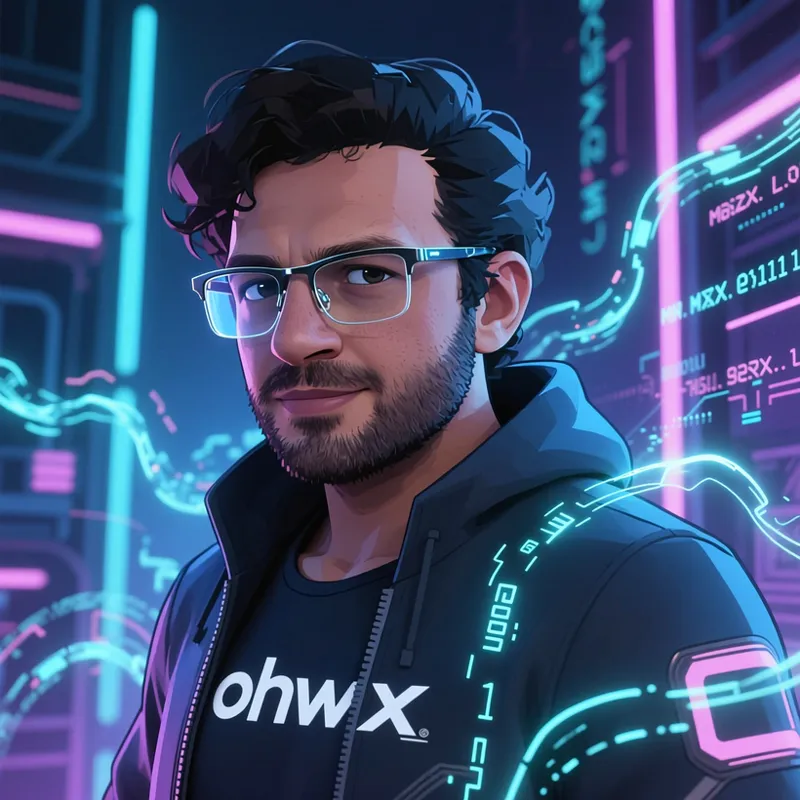


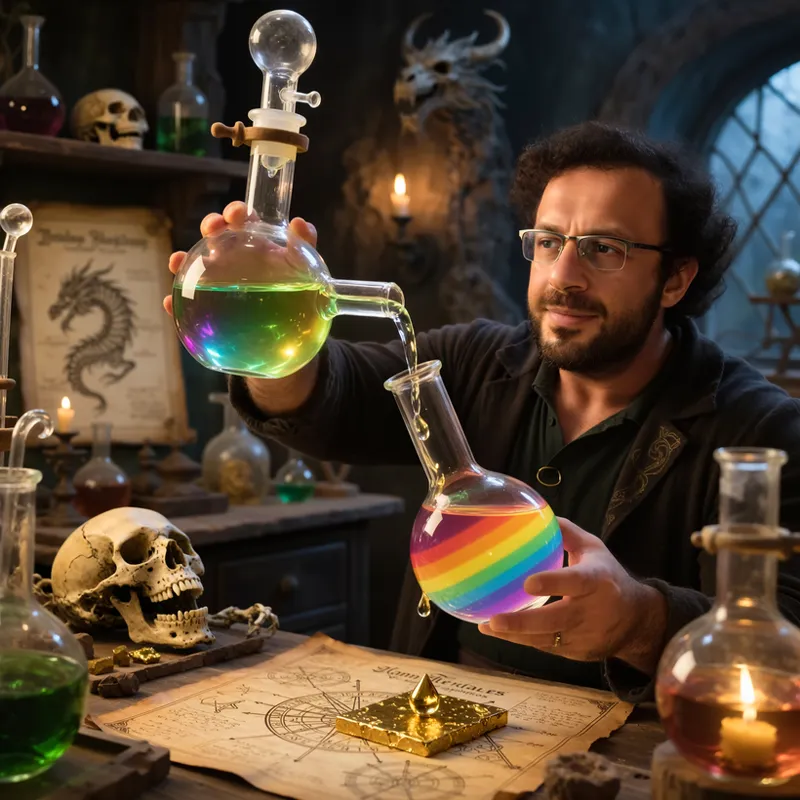

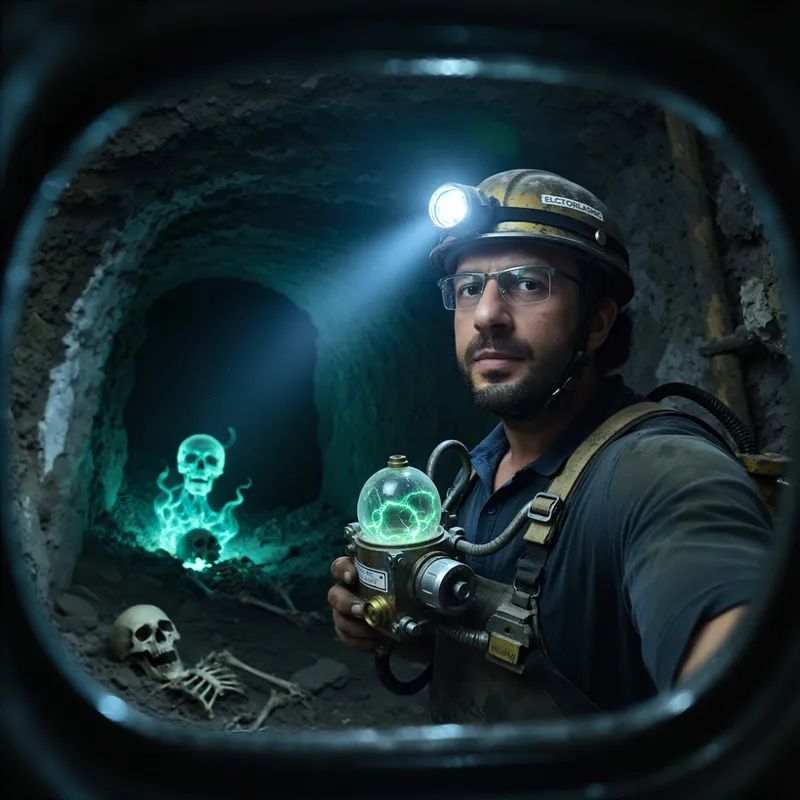


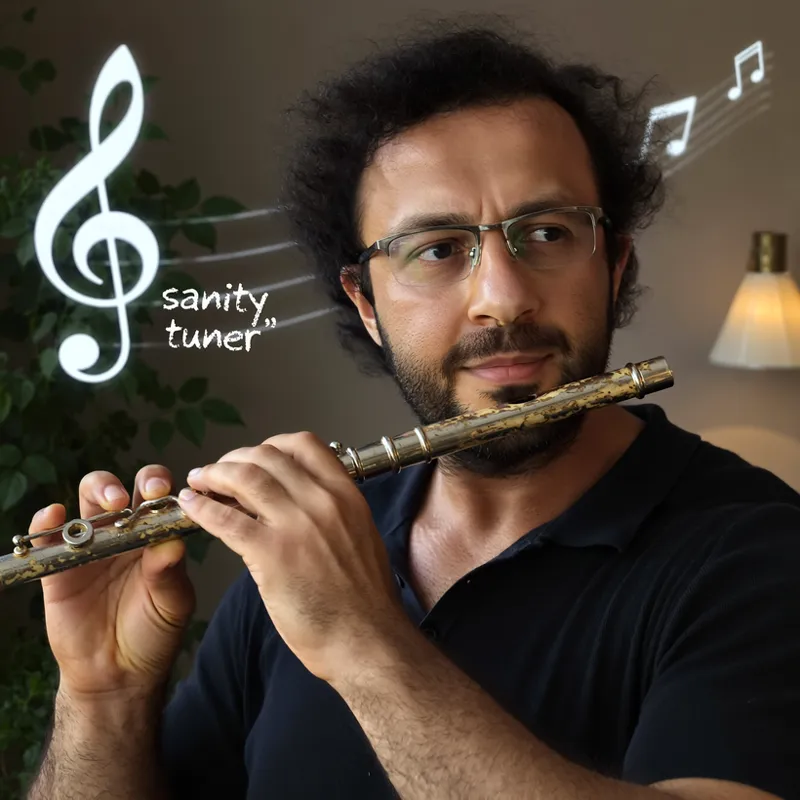

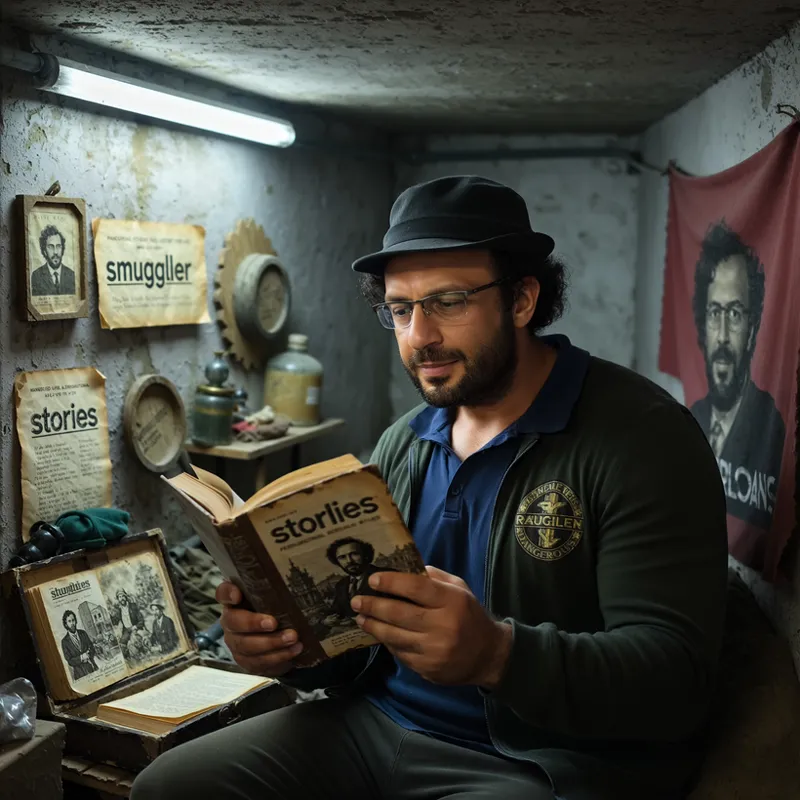

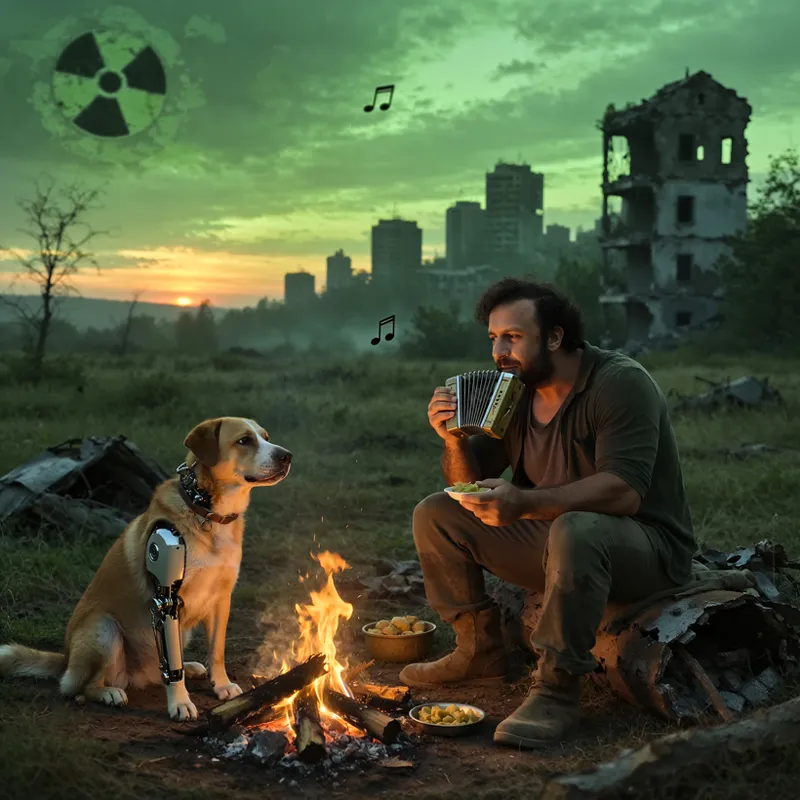
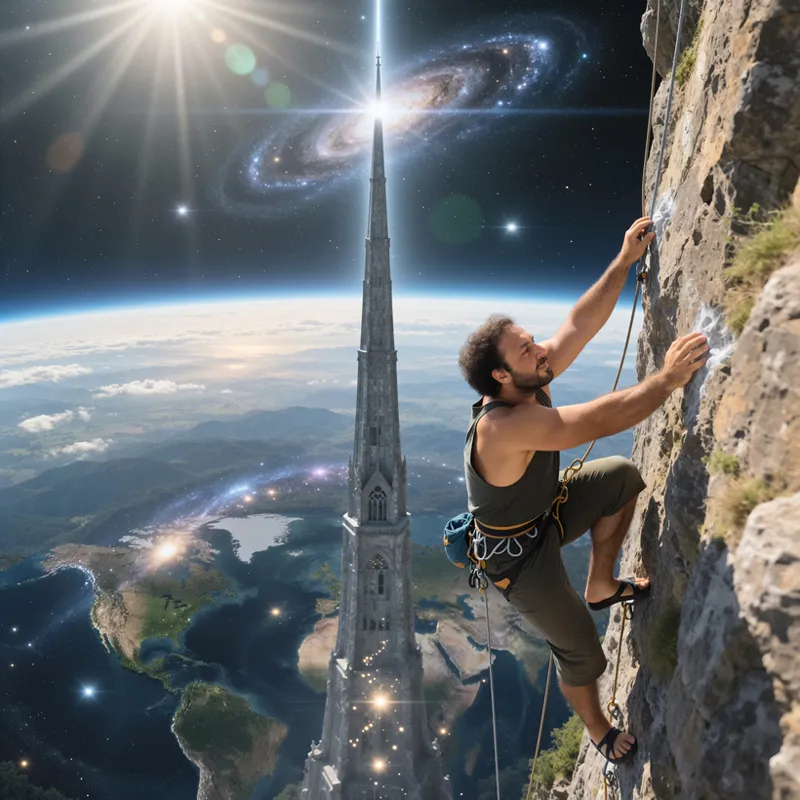

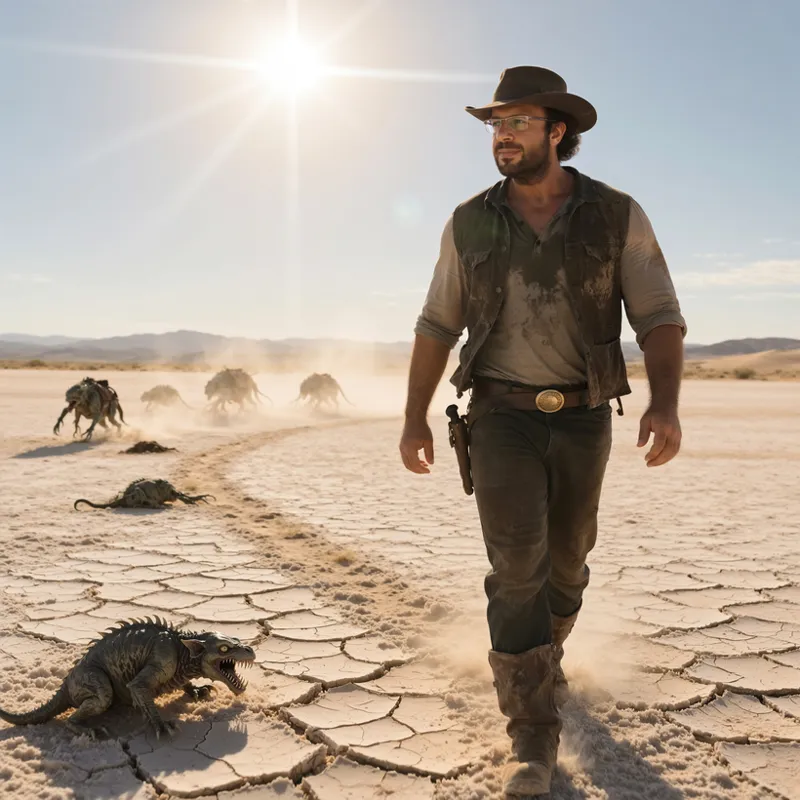




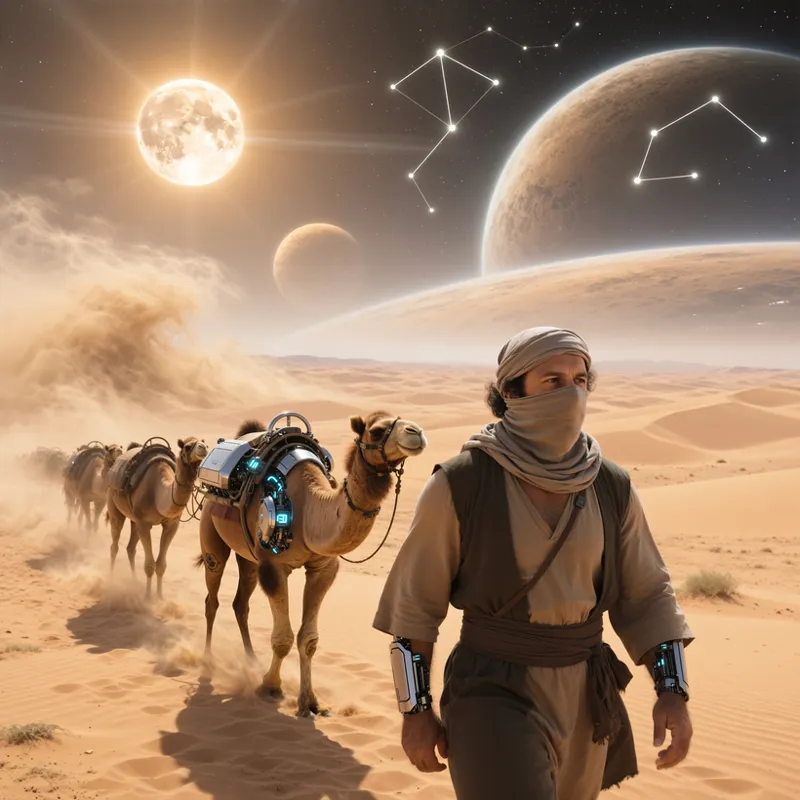




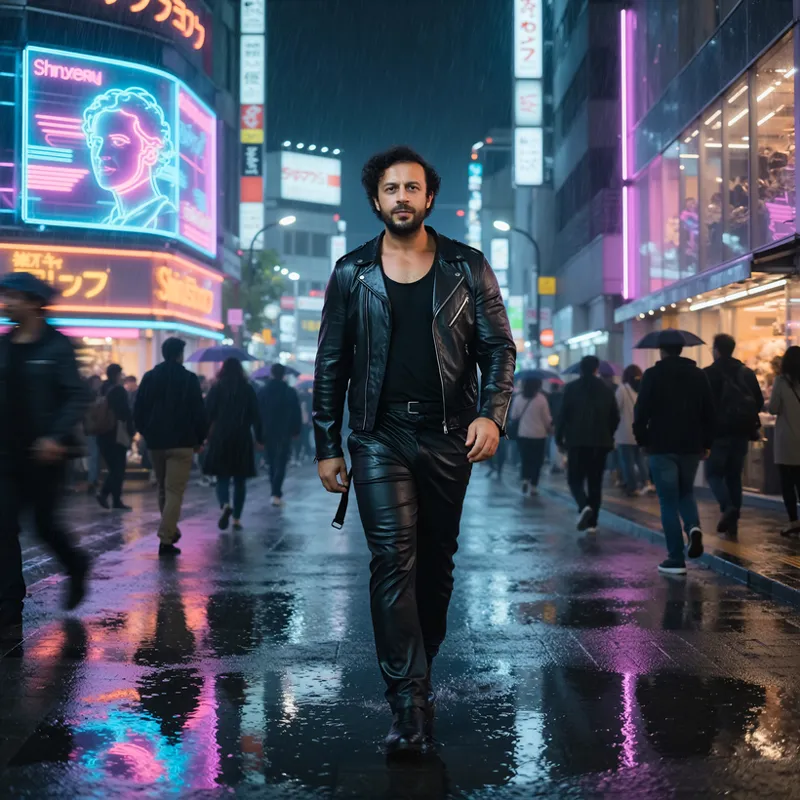


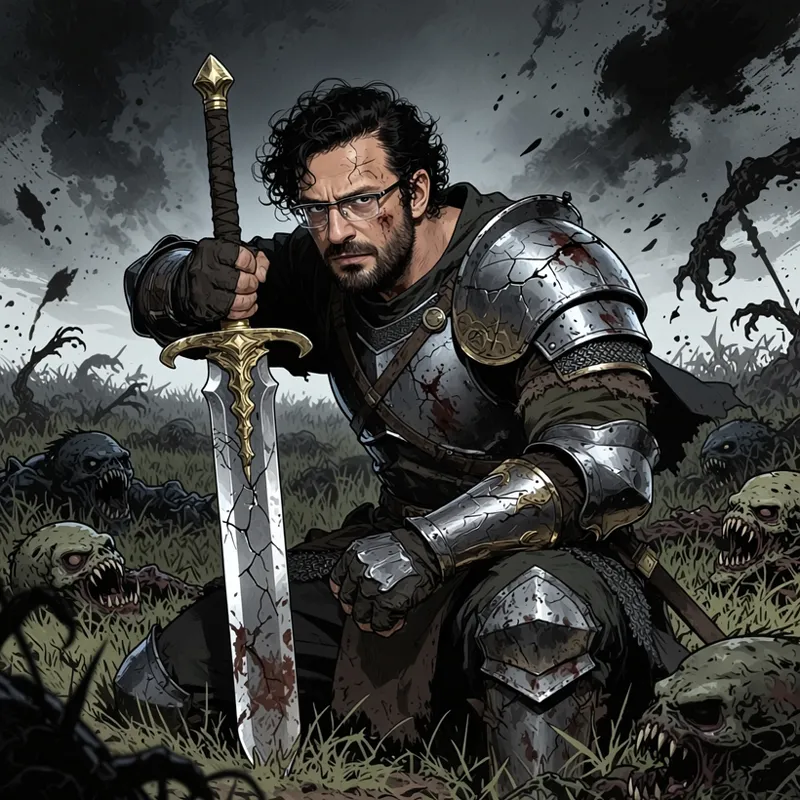


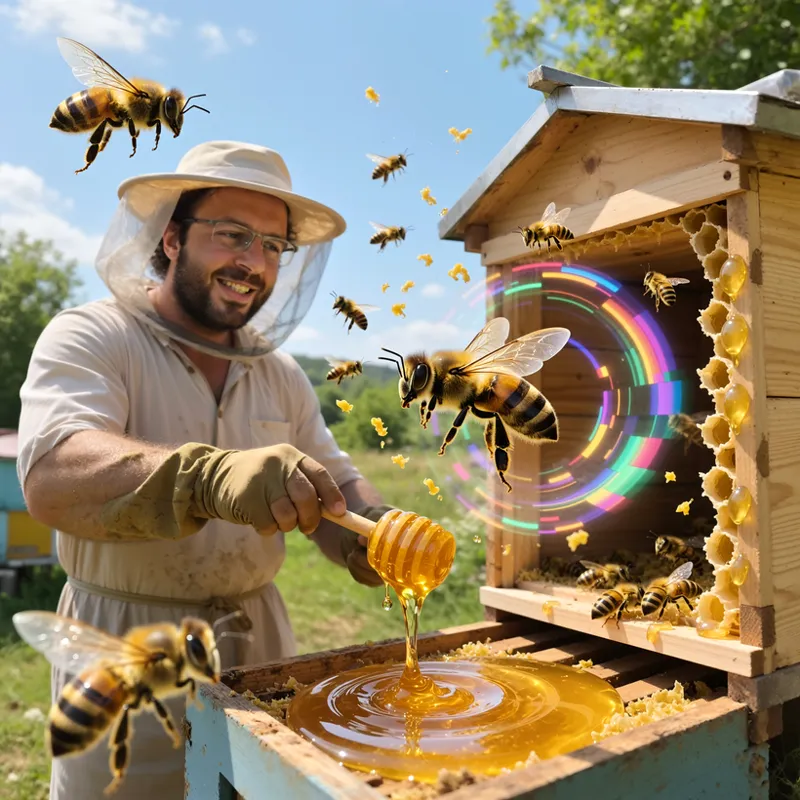


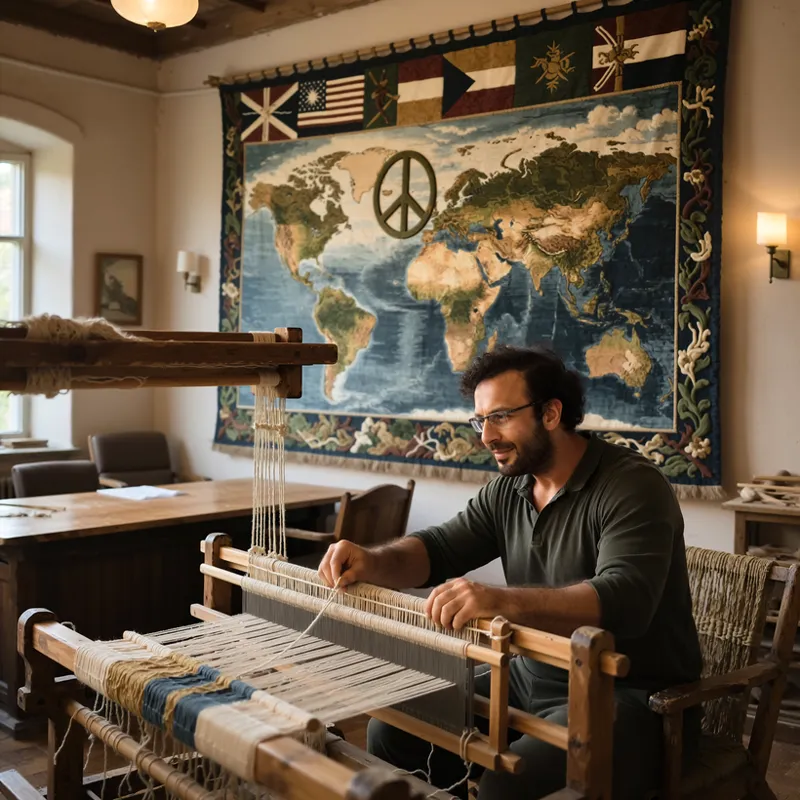
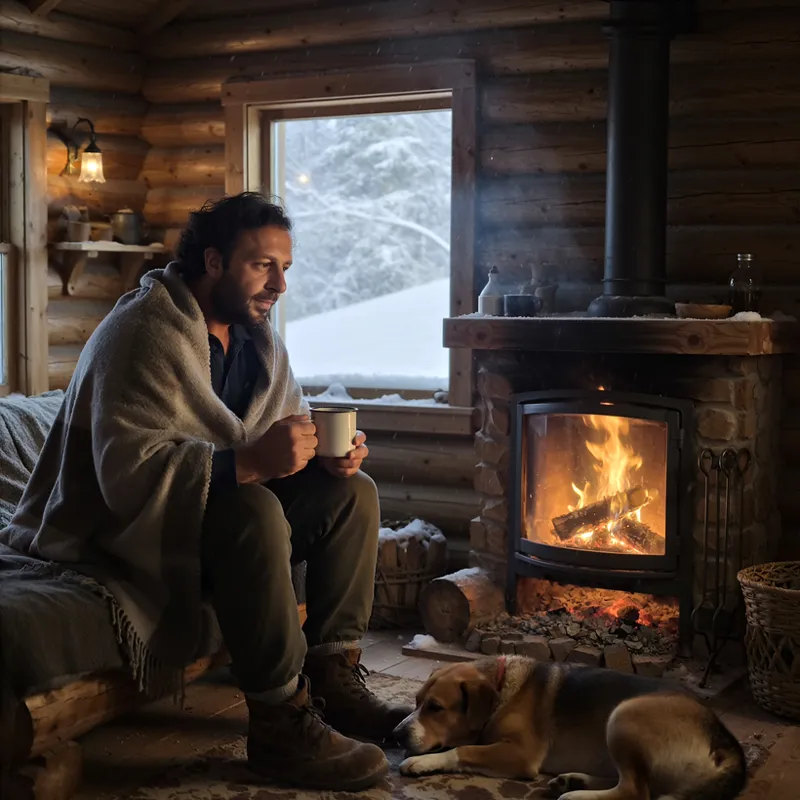
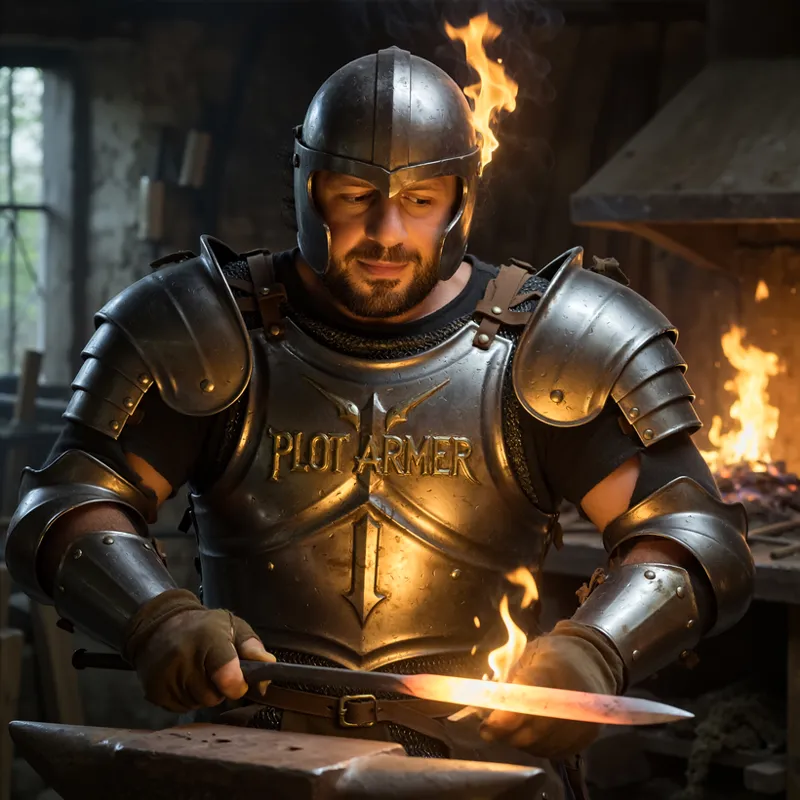

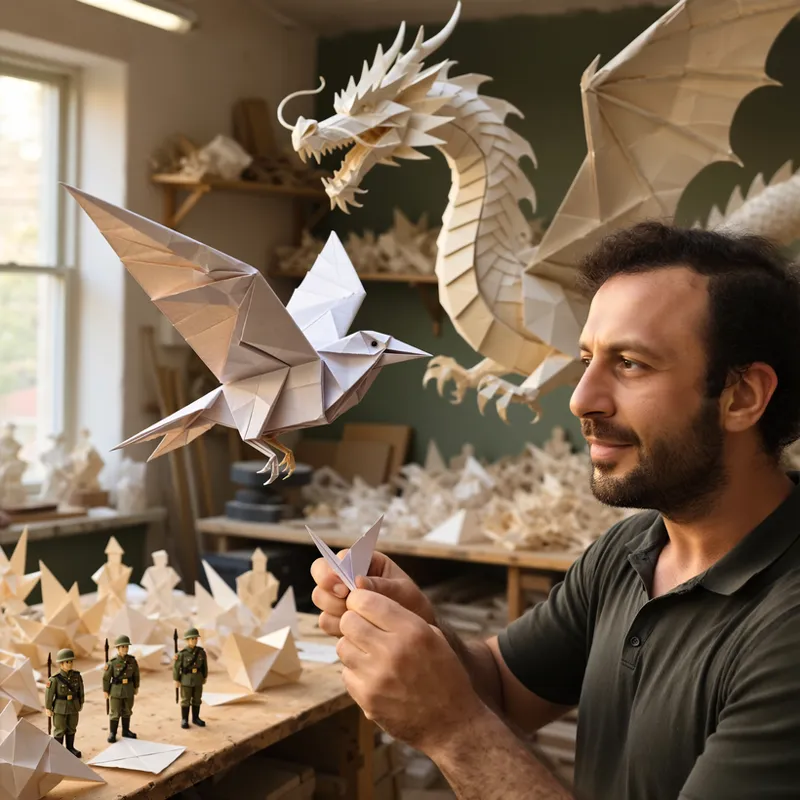


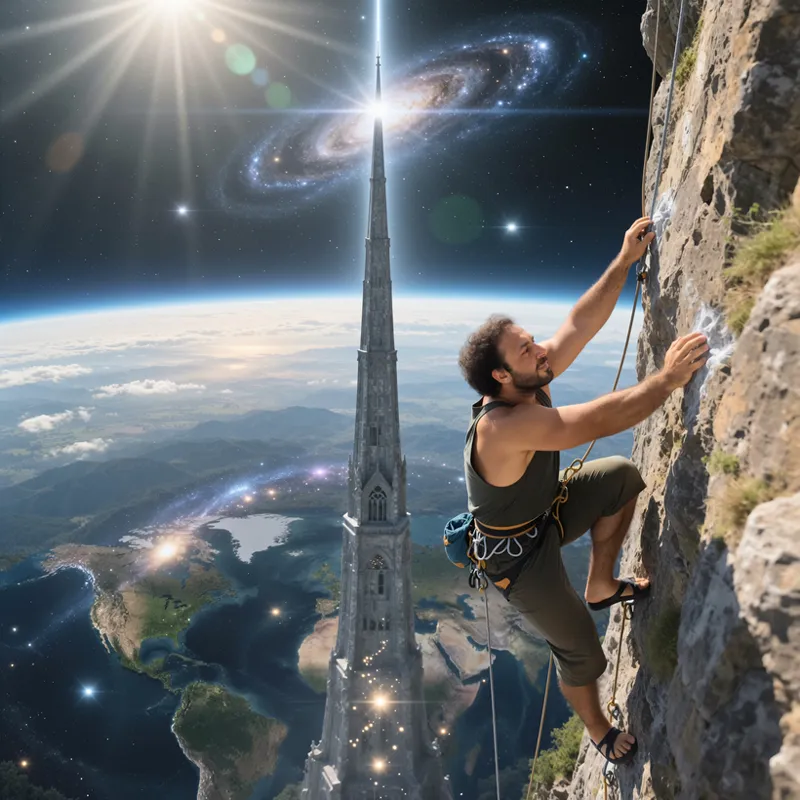


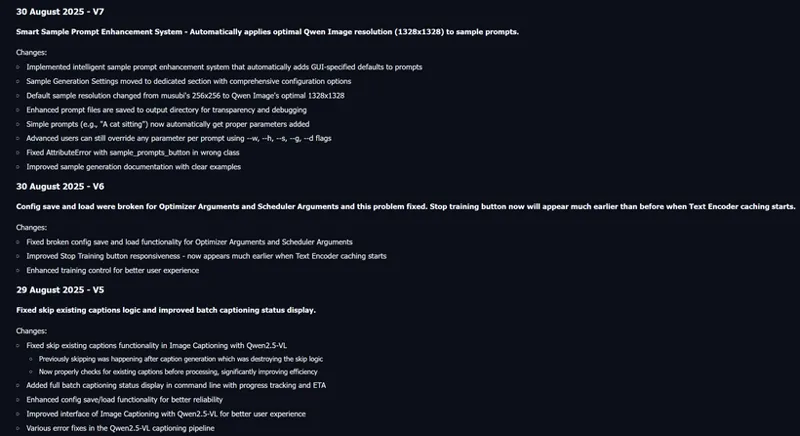
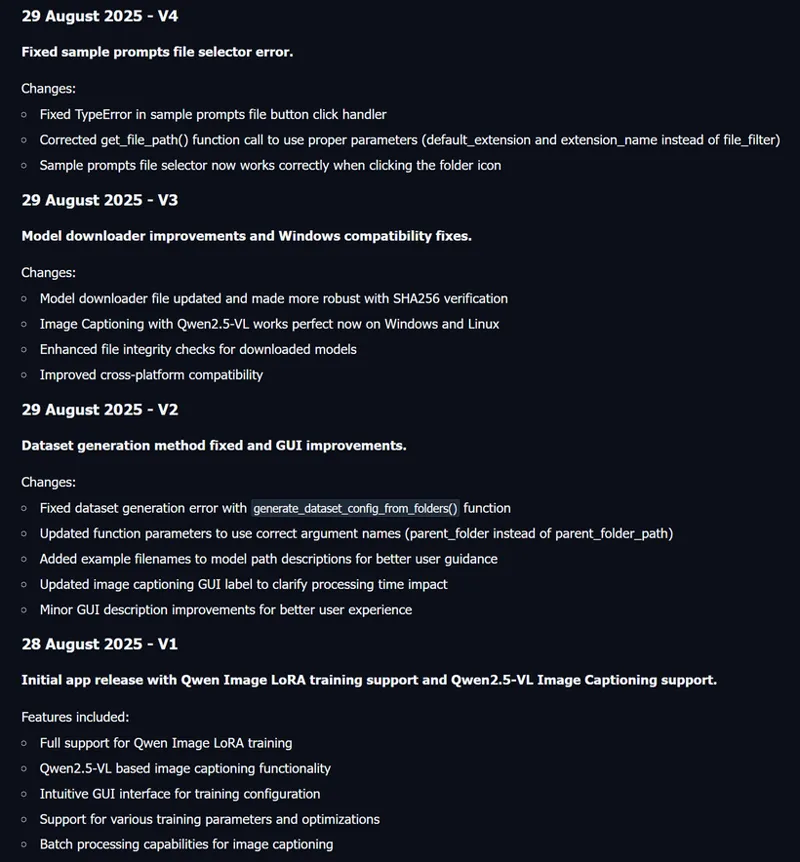
Qwen Image LoRA trainings Stage 1 results and pre-made configs published - As low as training with 6 GB GPUs - Stage 2 research will hopefully improve quality even more - Images generated with 8-steps lightning LoRA + SECourses Musubi Tuner trained LoRA in 8 steps + 2x Latent Upscale
Qwen Image LoRA trainings Stage 1 results and pre-made configs published - As low as training with 6 GB GPUs - Stage 2 research will hopefully improve quality even more - Images generated with 8-steps lightning LoRA + SECourses Musubi Tuner trained LoRA in 8 steps + 2x Latent Upscale
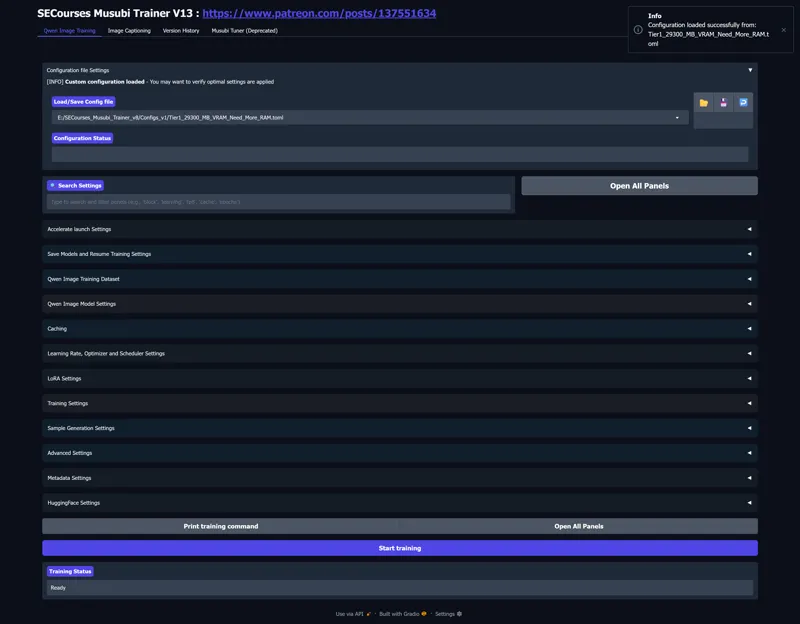
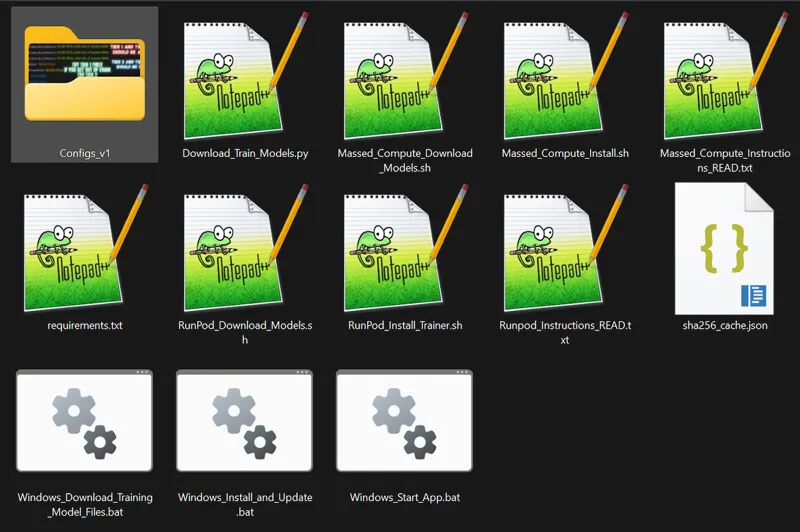
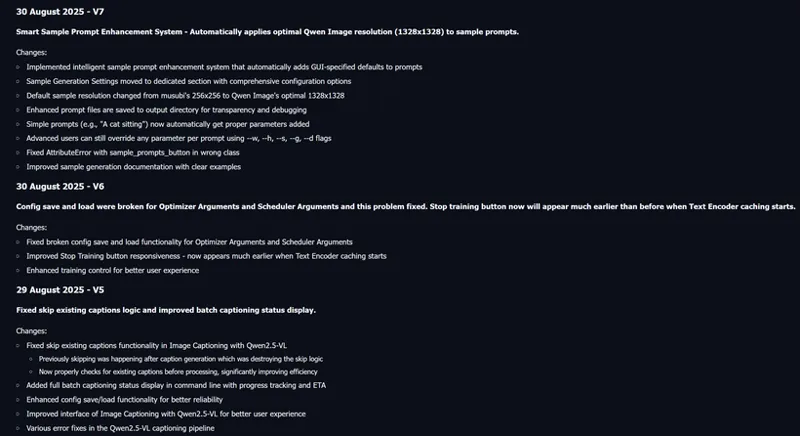
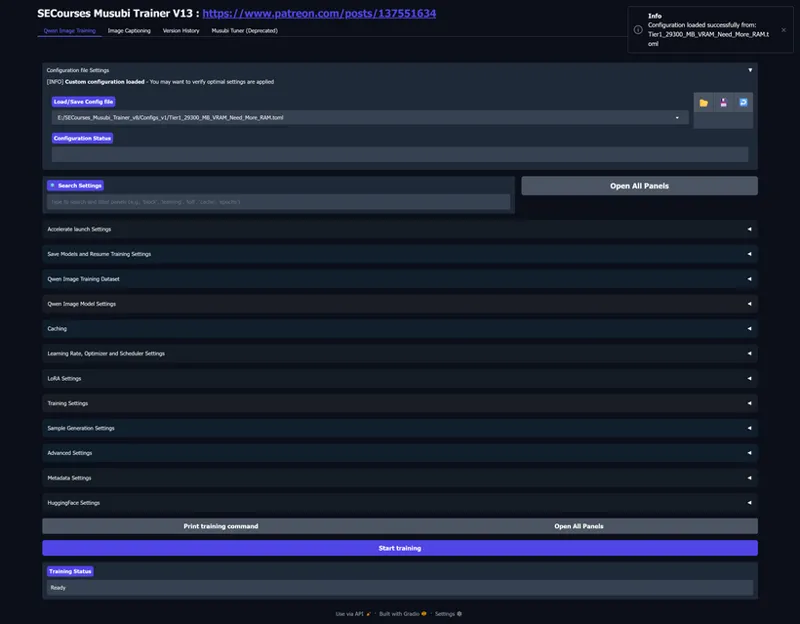
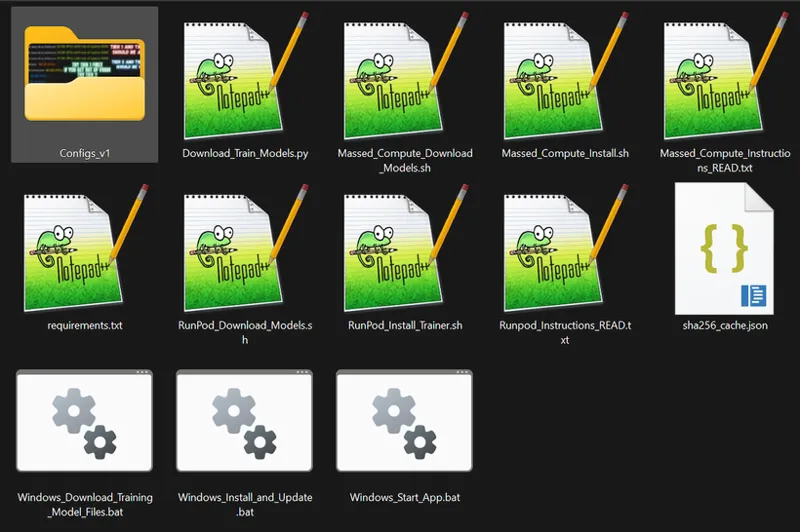
1-click to install SECourses Musubi Tuner app and pre-made training configs shared here : https://www.patreon.com/posts/137551634
Hopefully a full video tutorial will be made after Stage 2 R&D trainings completed
Example training made on the hardest training which is training a person and it works really good. Therefore, it shall work even much better on style training, item training, product training, character training and such
Stage 1 took more than 35 unique R&D Qwen LoRA training
1-Click installer currently fully supporting Windows (local), RunPod (Linux & Cloud) and Massed Compute (Linux & recommend Cloud) training for literally every GPU like RTX 3000, 4000, 5000 series or H100, B200, L40, etc
28 images weak dataset is used for this training
More angles having dataset would perform definitely better
Moreover, i will make a research for a better activation token as well rather than ohwx
After Stage 2, I am expecting hopefully much better results
As a caption, i recommend to use only ohwx nothing else, not even class token
Image prompts randomly generated with Gemini 2.5 in Google AI Studio for free
Download app and configs : https://www.patreon.com/posts/137551634
How to Generate Images
In the zip file of this post : https://www.patreon.com/posts/114517862
We have Amazing_SwarmUI_Presets_v21.json made for SwarmUI
Import it and i am using Qwen Image 8 Steps Ultra Fast to generate images and then apply Upscale Images 2X to make them 4x resolution (1328x1328 to 2656x2656)
Of course in addition to preset don't forget to select your trained LoRA - I used LoRA strength / scale = 1
This tutorial shows it : https://youtu.be/3BFDcO2Ysu4
Comments (23)
For the dreambooth option that's being worked on in the merged main branch, I think it was said works as low as 5 GB VRAM. But doesn't that slow it down a lot? Will there be the option to have it run at the higher VRAM but without going over the amount in our GPUs (eg. say an option for about 20 or 22 GB VRAM use for 24 GB GPUS, whatever would be best). Would it also be possible to have the app so that if you stop a training (either Lora or Dreambooth) that the step and epoch counts will continue from where they left off when resuming from a state file? eg. currently what happens is, if you stop a lora training after eg. 1 epoch or 800 steps, that if you tell it to resume from the last saved state (say from saved epoch 1's state), then it starts the step counts again at 1, and it thinks it still needs to go to from step 1 to the same total steps as before (which it doesn't) and gives a low % complete after restarting. If I stopped it after step 800's state was saved and then resumed it with that state, it would be better I think if the first step it shows after resuming is step 801, and so the % complete it shows would be about the same as it was on the state you're resuming from.
yes it doesnt keep step count you have to recalculate. ofc there will be configs for every gpu same as lora hopefully
Are the results of the newer Lora training tests coming soon? Is that still being tested or the results checked? Is dreambooth training possible with it? Someone said on on github that he'd run Qwen fine tuning with Musubi trainer (though he originally got out of memory errors). So maybe it could be added to a GUI. Though I don't know if it needs to be done at lower res for <=24 GB VRAM PCs. Though there's also the Hunyuan 2.1 that might be good/better for Loras in future if it's higher res and if it can run and train with the quantization.
lora done i will update the post. i am working on dreambooth / fine tuning.
In your testing have you tried any tests with net rank >128 if it supports that? kohya ss GUI supported over 128 net rank. Though your previous GUI used to say under the net rank "[RECOMMENDED] LoRa rank/dimension. 16 for Qwen Image. Higher = more capacity bug larger files. Range: 8-128". It no longer shows a range under it now. I assume the text was removed because qwen image should likely have net rank >16. But if it supports>128 net rank I assume that could give better quality for the Lora, even though i twould probably increase VRAM/RAM and training time to increase it a bit above 128. I assume the "recommended" in it meant those were only the recommended settings, and if so maybe it's worth trying over 128.
over 128 should work but i didnt test. the reason is that when you go over 128 the benefit is so little. i think above 128 doing fine tuning / dreambooth more logical
I'm getting RuntimeError: Latent caching failed with return code 1 -- and I created cache_dir to match the toml
please look screenshots. give parent folder path and click generate dataset button
Can I run this locally? How long will it take to train a character on 10 photos with 24 GB VRAM? I don’t know whether to rent a server or if it could finish overnight
yes you can run. it is not very long try preset. it depends on steps count
In the tab for "Image Captioning with Qwen2.5-VL" it seems like: 1) It doesn't seem to generate captions that are as long as you ask it to, and 2) Unlike Joycaption beta 1 and COGVLM2 there's no custom prompt option to tell the captioner how to create the caption (where you can give it extra information like the person's name or tell it what things to caption or what the location is etc.). In the "Image Captioning with Qwen2.5-VL" option if you ask it to caption cityscape-8027996.jpg from pixabay (this was just used as a test/example), with use fp8 precision = false, max image size (for processing) =1280 max new tokens=2048, do sample =true the caption it generates is only 69 to 84 words in the few tests I did. -- The same image with Joycaption beta 1 caption type: descriptive caption length: 260 max new tokens 512 generated 214 words -- The same image with COGVLM2 (v4 of the gradio app) max new tokens: 512 enable sampling: false generated 135 words So the qwen 2.5 vl for some reason generates a lot shorter captions than you ask it to (ask it for 2048 tokens max, giving it a detailed image, and it generates only up to about 84 words, when for the same image joycaption beta 1 (with the "up to 260 words" option) generates 214 words. For 2) allowing a custom prompt for captioning, perplexity.ai said "Qwen2.5-VL itself supports prompts but that functionality might not be fully exposed in that interface.". So if qwen 2.5 VL allows custom prompts for captioning, could that functionality please be added to the GUI?
there is literally custom prompt option Custom Prompt
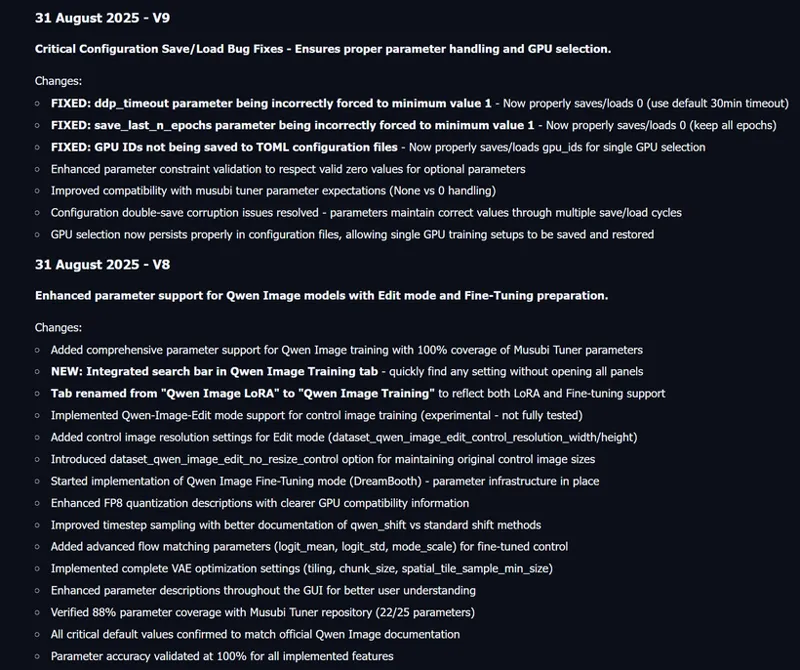
The "keep last N Checkpoints" doesn't seem to be working properly for Loras. I had that set to 3 but it left 8 loras there (saved every 400 steps), and "Keep last N state files" was set to 3 too, but it kept all 8 state folders (saved every 400 steps).
Keep Last N Checkpoints (Alt) Alternative checkpoint cleanup for step-based saves. Keep only last N checkpoint files. 0=keep all. Only active if 'Save Every N Steps' is used
Now when I try running it after re-starting training (after I set net alpha to 128 instead of 1 and reduced the number of prompts in the prompt.txt because for some reason it isn't re-loading the prompt.txt at each time it starts outputting the samples), after re-starting it it now gives the error: "ValueError: Unsupported logging capability: (none). Choose between ['all', 'aim', 'tensorboard', 'wandb', 'comet_ml', 'mlflow', 'clearml', 'dvclive']" when "(none)" is in the logging section (which was the default). Yet it worked with that before. I don't know what each of those different log types do or the benefit of each. Though I've now changed "(none)" - what was the default to tensorboard and it's started training now. Though I don't see why it's needed when it wasn't before. Also I don't see how I can see that logging info (it's not outputting a log file yet). Maybe it's some command prompt thing you need to run to see it I think but it doesn't show that info in the GUI. edit: also it would help if the filenames of the output samples were named in a sequential order so that the new ones always appeared after the earlier ones when you sort by filename. eg. if you enable "sample at first" the first samples are appearing in the folder further down than the more new files (when they would be better if they didn't).
ye i dont know exact details you need to ask kohya
Thanks for adding the new presets/configs and the new testing. In the 24 GB preset, the bucketing is disabled. If we have multiple aspect ratio training images I assume we should set it to enabled, though I assume it could also increase VRAM/RAM usage and so possibly go over the 24 GB preset VRAM usage. Hopefully using bucketing won't slow it down. I can check the debug info you said you added I think. Also in the 24 GB preset the network alpha is set to 128 (as well as network rank). Though the help says "1.0 for Qwen Image on the Network Alpha field". So I assume the 128 should be set to 1 if I'm training a Qwen image lora? edit: mine's a lot faster with your config than my previous tests, thanks. It's at 19.15 secs /it as of step 10 (so faster than the multiple minutes it was taking on my try. (edit: and sample images output a lot quicker than previous tests of this). I did also move the main base model to a faster drive but I assume that's not what's speeding up each step. Slower than Flux1 dev training but I assume it's expected when it's 1328x1328 and a bigger base model/better prompt understanding.
no dont change anything in preset unless you know like changing alpha. those info were written based on musubi tuner. i will remove them. and yes you need to enable bucket but it shouldnt increase vram unless your total resolution be bigger than 1328x1328
Thanks a lot. But honestly I am very disappointed. These images scream "generated with ai", they so far from photorealistic photos
Maybe the skin texture is a bit smooth compared to flux1 dev/krea? Though it's a higher res model so in theory it shouldn't. Though maybe it does different art styles better than flux1 dev, and it is supposed to be better at text/prompt following. I'll try the latest config for 24 GB cards. Hopefully it will be a lot faster than the >= 15 or 18 mins ones I tested previously. Ideally the same image prompts could be compared with the flux models so we can compare how real looking both are and ideally the expected time per training step could be shown in the different GPU presets (though it would likely need to be tested on those first).
Amazing work. Thank you.
you are welcome thanks for comment
1-click to install SECourses Musubi Tuner app and pre-made training configs shared here : https://www.patreon.com/posts/137551634