




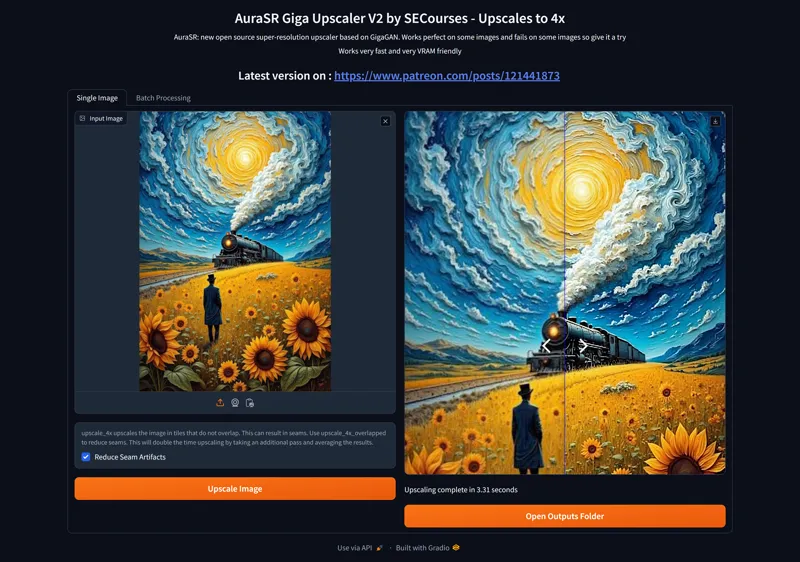

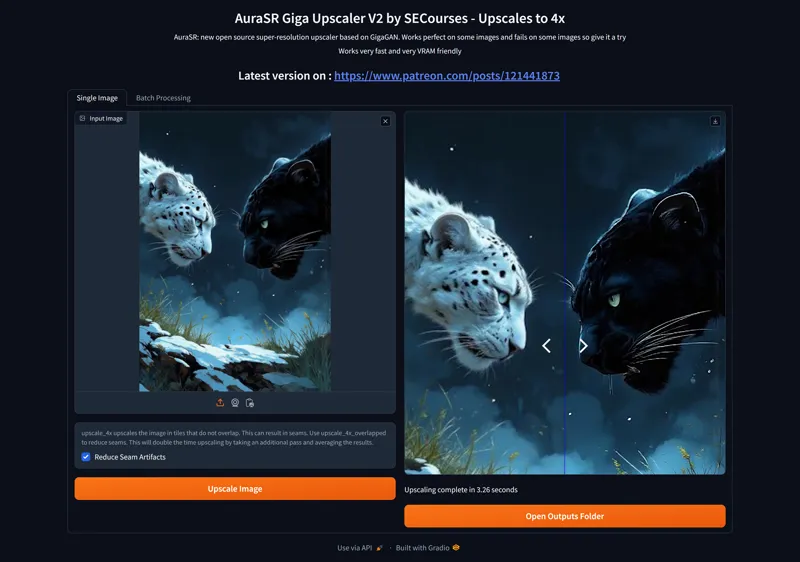



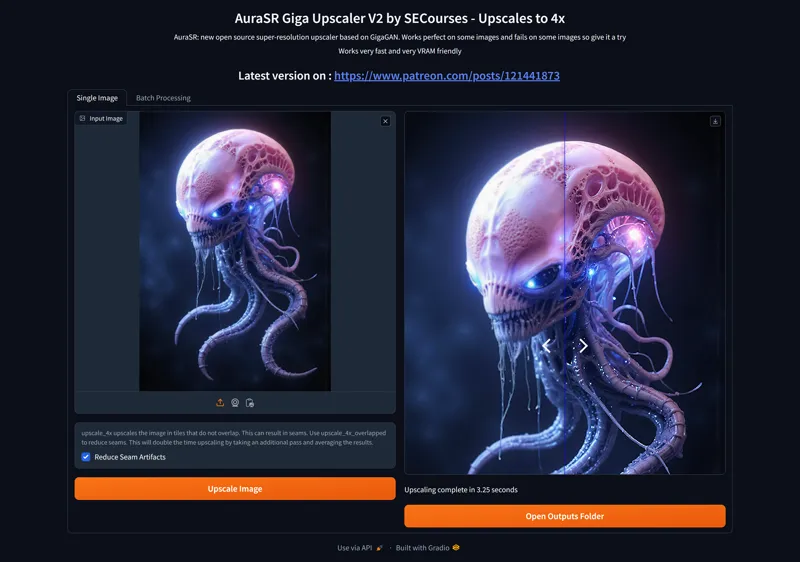


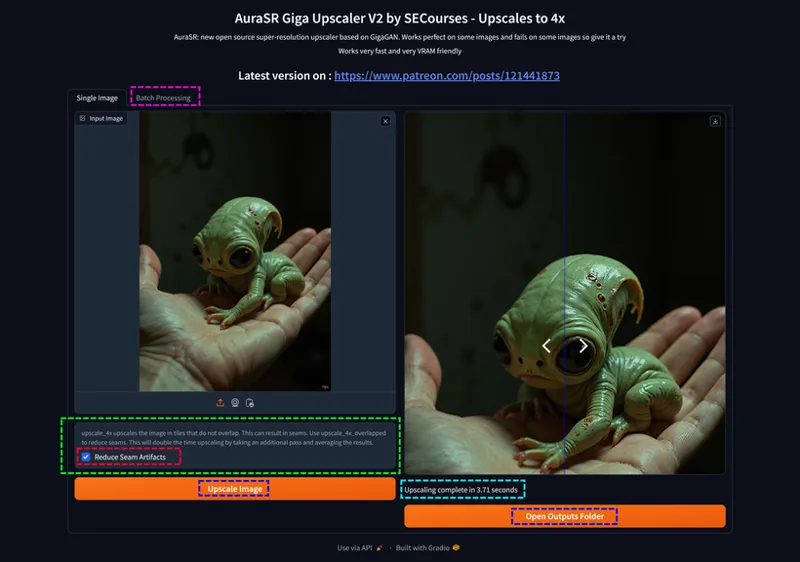









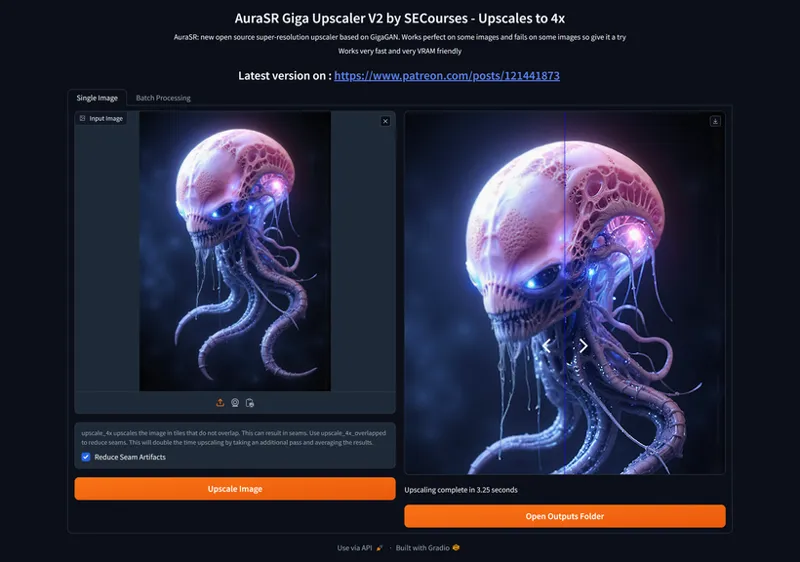


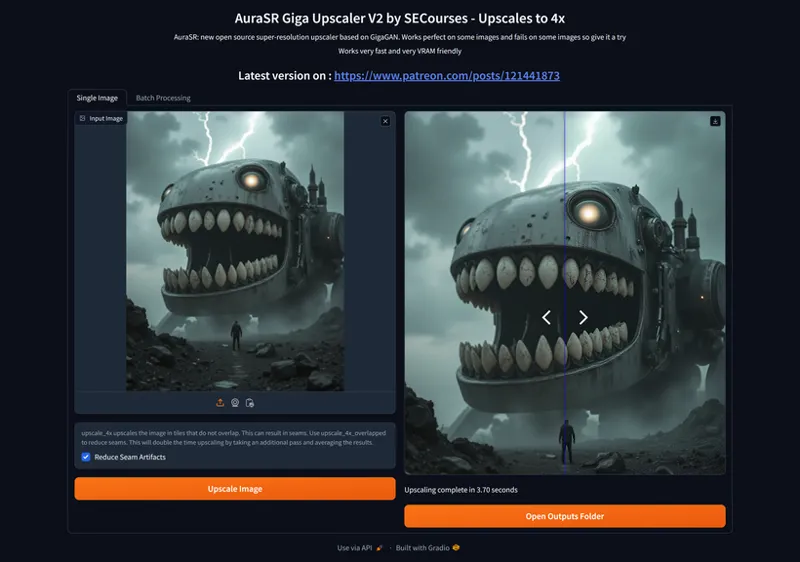

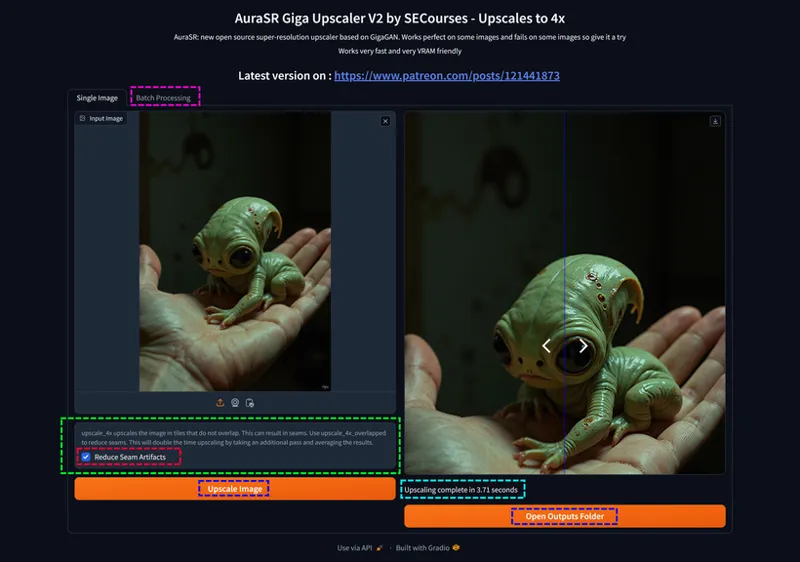


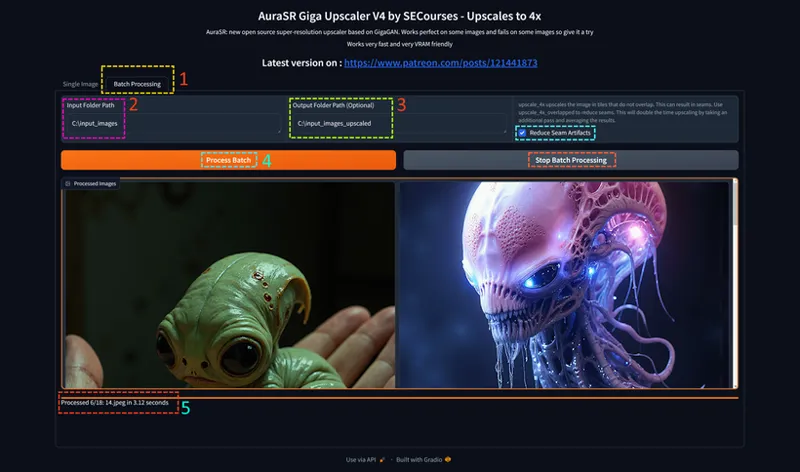


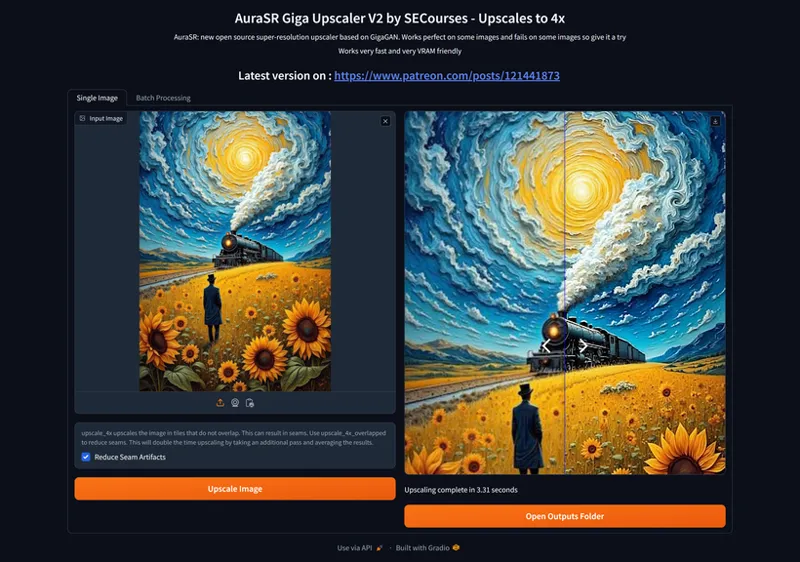

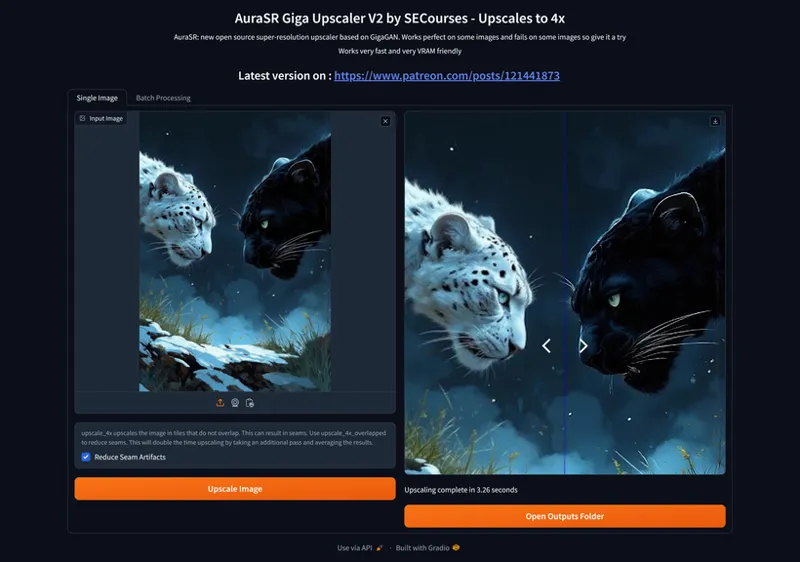





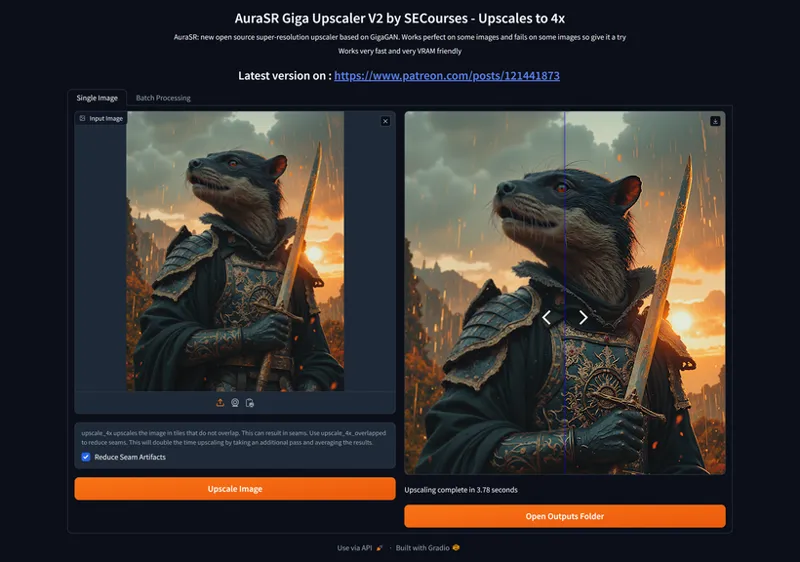

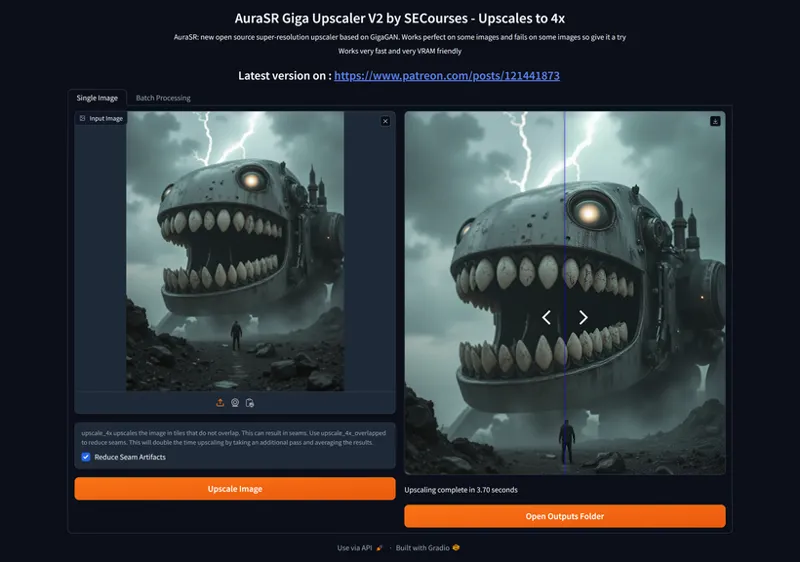

AuraSR GigaGAN 4x Upscaler Gradio APP Published - Batch Upscale - Best GAN Model - Fast and Low VRAM
The Installer files and app file published here : https://www.patreon.com/posts/121441873
Installers
Info
Developed by SECourses AuraSR GigaGAN APP is based on below repo :
https://github.com/fal-ai/aura-sr
GAN-based Super-Resolution for real-world images, a variation of the GigaGAN paper for image-conditioned upscaling.
We have published 1-Click Installers for
Windows
RunPod
Massed Compute
A free Kaggle account notebook
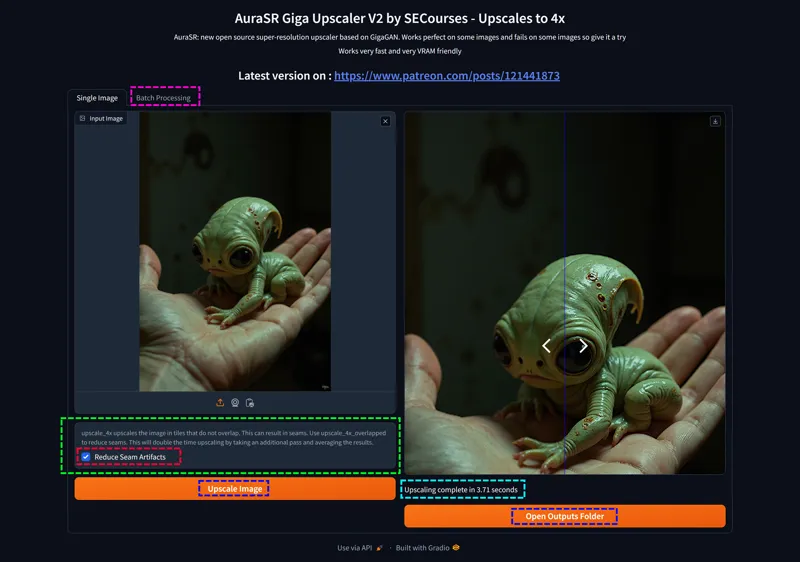
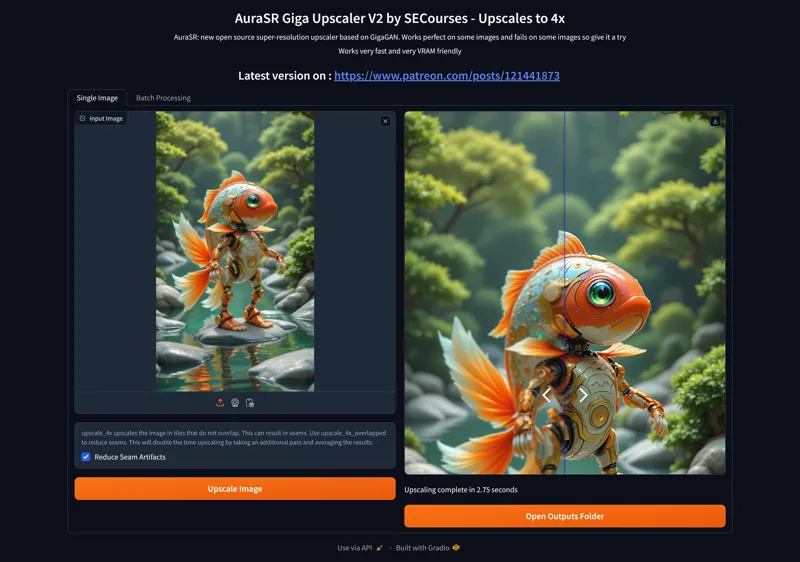
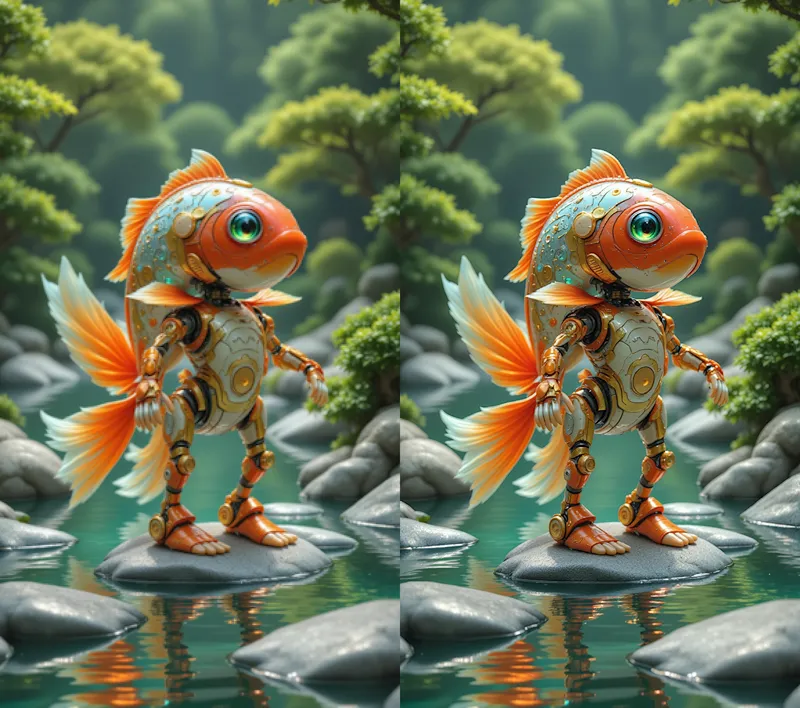
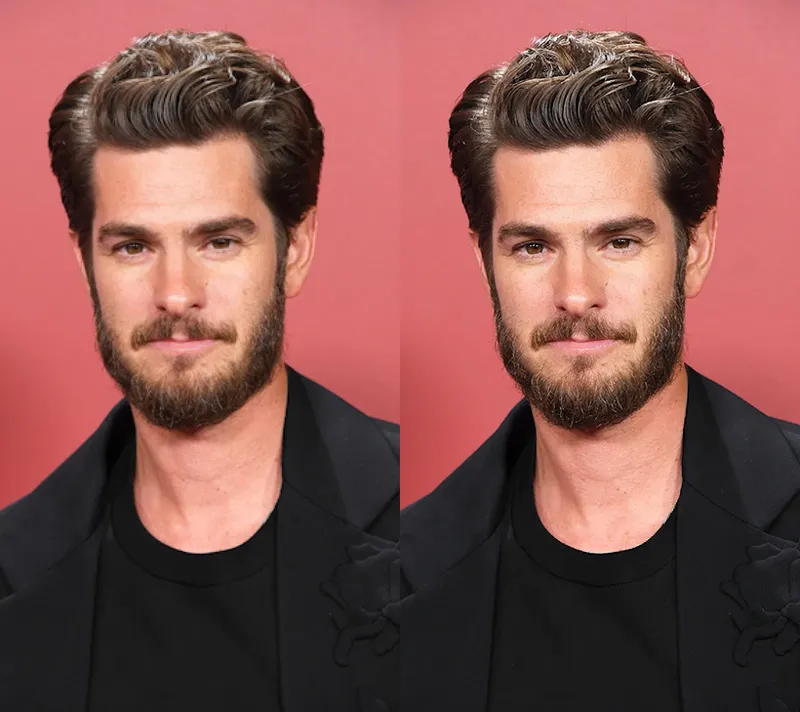
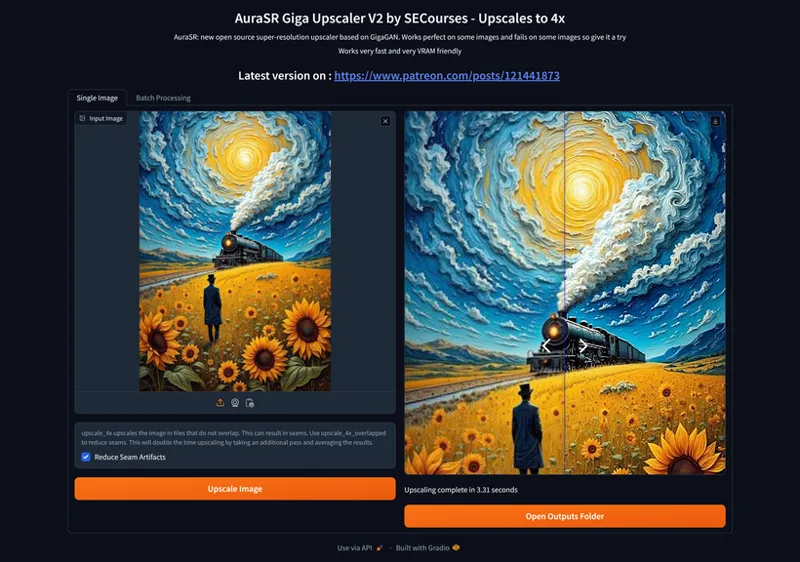
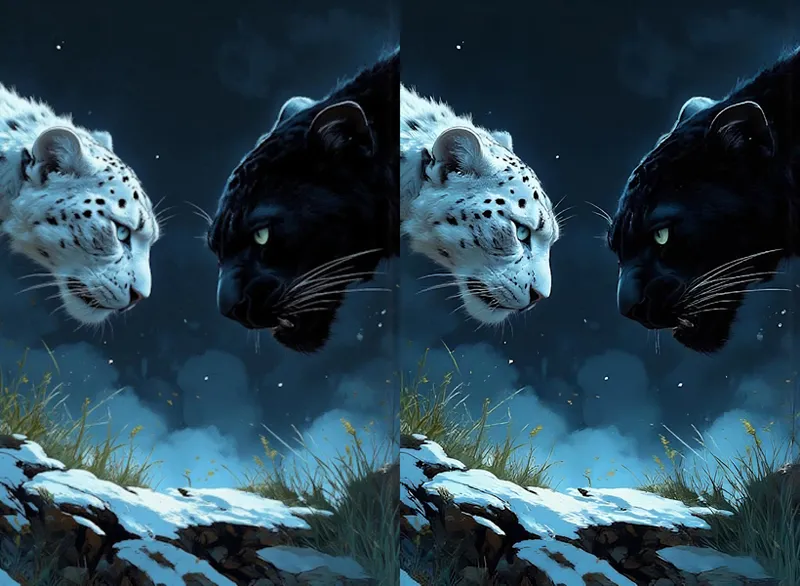
The APP requires minimal amount of VRAM - less than 5 GB and upscales each uploaded image into 4x resolution
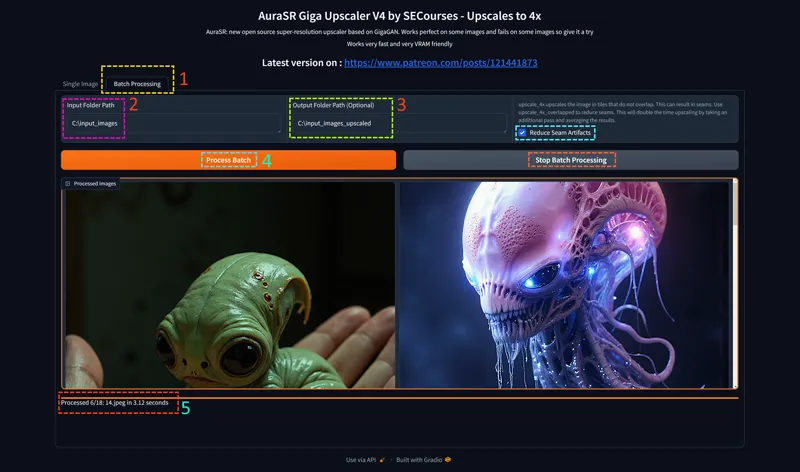
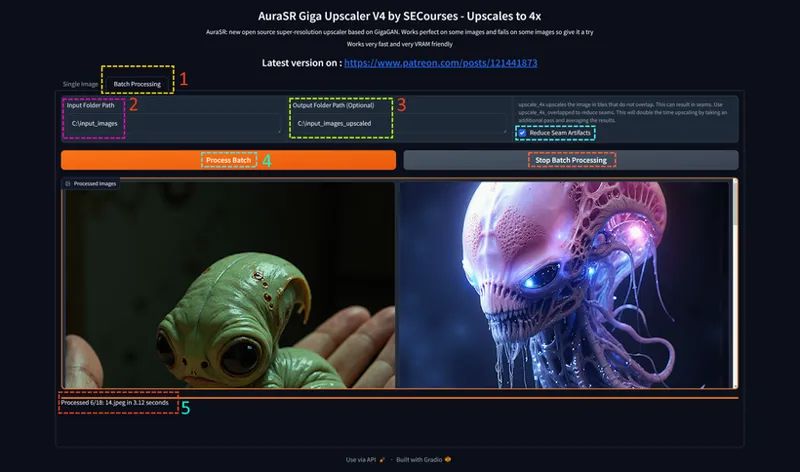
We have got batch folder processing feature as well
The upscaling process is pretty fast since it is GAN based upscaler
We have implemented Reduce Seam Artifacts feature as well and it works great
Comments (4)
Asalamualaikum, my cuda installation stopped at "configuring Visual studio settings" Please help me.
Aleykumselam. Impossible to know the reason. it is your windows related thing. try again.
Hi Dr., I seem to run into the same error, the download stops at different percentages, please help me, I'm not sure what is wrong: model.ckpt: 11%|███████ | 262M/2.47G [02:29<20:58, 1.75MB/s] Traceback (most recent call last): File "C:\Users\ShinOnii\Downloads\GigaGAN_Upscaler_v4\venv\lib\site-packages\huggingface_hub\file_download.py", line 426, in http_get hf_transfer.download( Exception: Error while removing corrupted file: The process cannot access the file because it is being used by another process. (os error 32) The above exception was the direct cause of the following exception: Traceback (most recent call last): File "C:\Users\ShinOnii\Downloads\GigaGAN_Upscaler_v4\app.py", line 41, in aura_sr = AuraSR.from_pretrained("fal/AuraSR-v2") File "C:\Users\ShinOnii\Downloads\GigaGAN_Upscaler_v4\venv\lib\site-packages\aura_sr.py", line 807, in from_pretrained hf_model_path = Path(snapshot_download(model_id)) File "C:\Users\ShinOnii\Downloads\GigaGAN_Upscaler_v4\venv\lib\site-packages\huggingface_hub\utils\_validators.py", line 114, in _inner_fn return fn(*args, **kwargs) File "C:\Users\ShinOnii\Downloads\GigaGAN_Upscaler_v4\venv\lib\site-packages\huggingface_hub\_snapshot_download.py", line 294, in snapshot_download _inner_hf_hub_download(file) File "C:\Users\ShinOnii\Downloads\GigaGAN_Upscaler_v4\venv\lib\site-packages\huggingface_hub\_snapshot_download.py", line 270, in _inner_hf_hub_download return hf_hub_download( File "C:\Users\ShinOnii\Downloads\GigaGAN_Upscaler_v4\venv\lib\site-packages\huggingface_hub\utils\_validators.py", line 114, in _inner_fn return fn(*args, **kwargs) File "C:\Users\ShinOnii\Downloads\GigaGAN_Upscaler_v4\venv\lib\site-packages\huggingface_hub\file_download.py", line 860, in hf_hub_download return _hf_hub_download_to_cache_dir( File "C:\Users\ShinOnii\Downloads\GigaGAN_Upscaler_v4\venv\lib\site-packages\huggingface_hub\file_download.py", line 1009, in _hf_hub_download_to_cache_dir _download_to_tmp_and_move( File "C:\Users\ShinOnii\Downloads\GigaGAN_Upscaler_v4\venv\lib\site-packages\huggingface_hub\file_download.py", line 1543, in _download_to_tmp_and_move http_get( File "C:\Users\ShinOnii\Downloads\GigaGAN_Upscaler_v4\venv\lib\site-packages\huggingface_hub\file_download.py", line 437, in http_get raise RuntimeError( RuntimeError: An error occurred while downloading using `hf_transfer`. Consider disabling HF_HUB_ENABLE_HF_TRANSFER for better error handling. Press any key to continue . . .
hi edit the bat file via notepad editor. remove this and run again : set HF_HUB_ENABLE_HF_TRANSFER=1 this speeds up but some people computer causes errors