
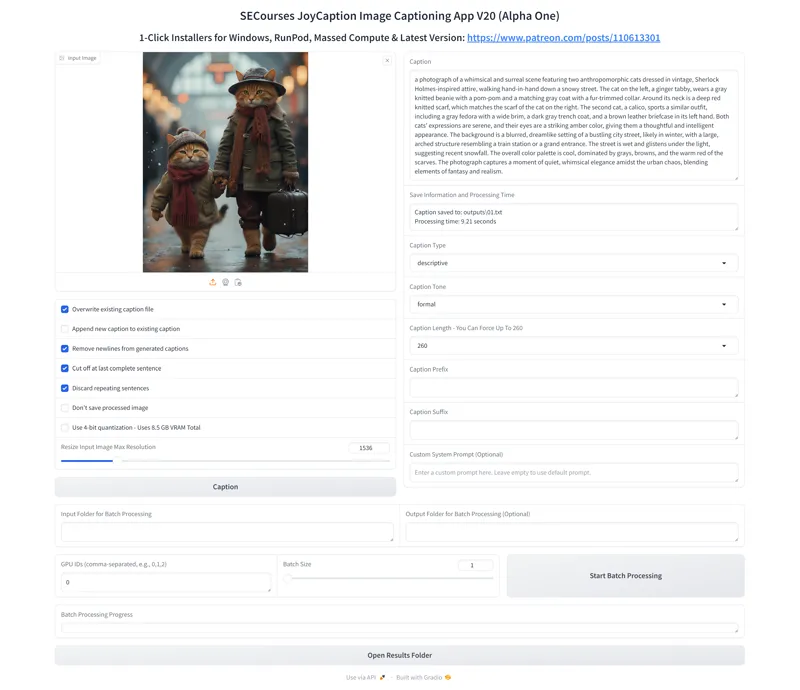


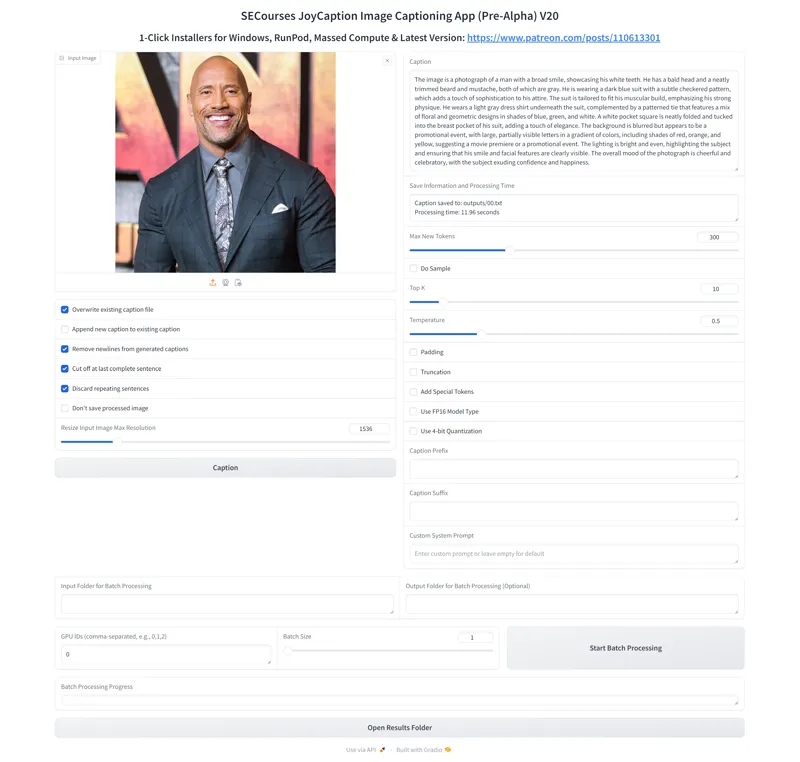
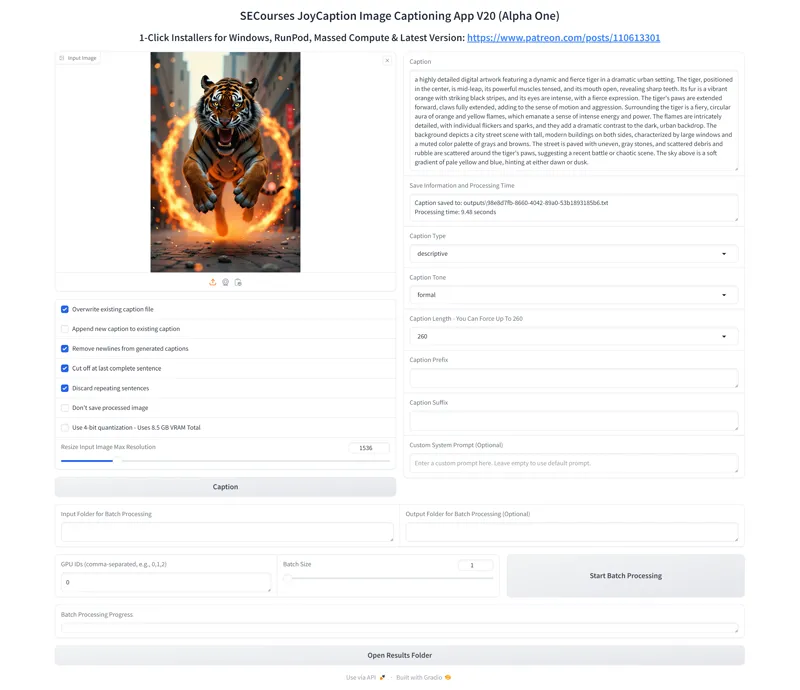
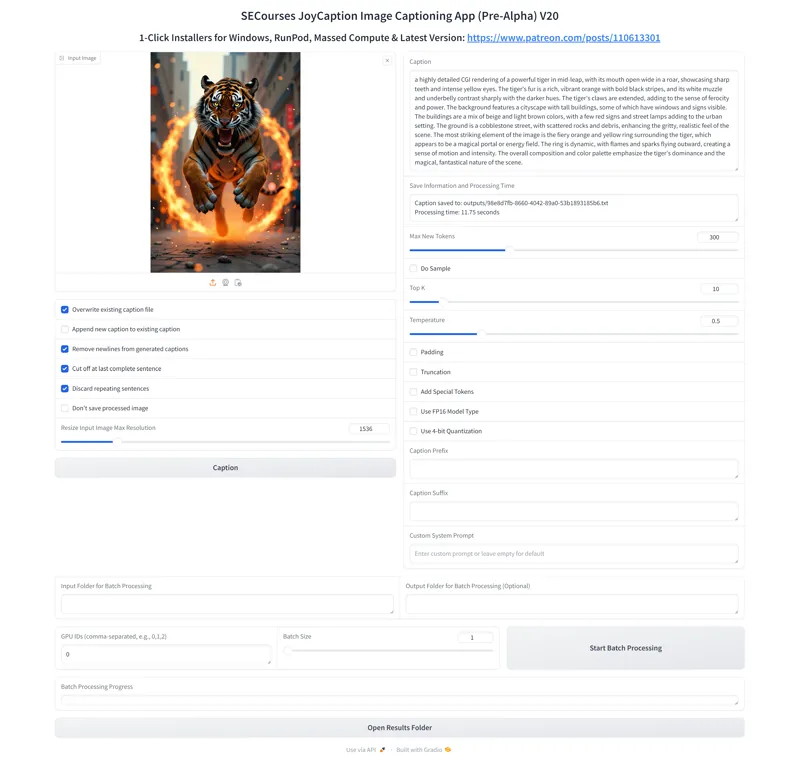
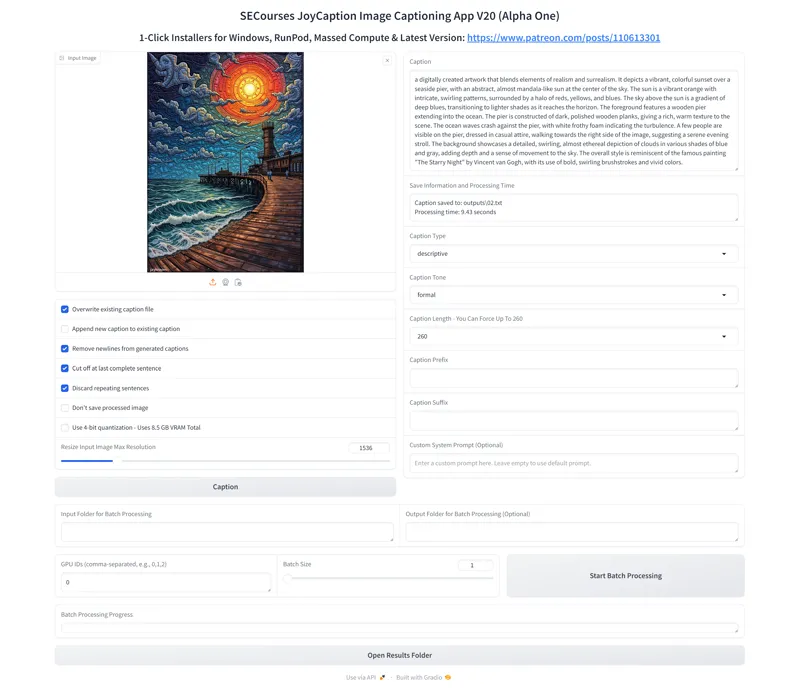

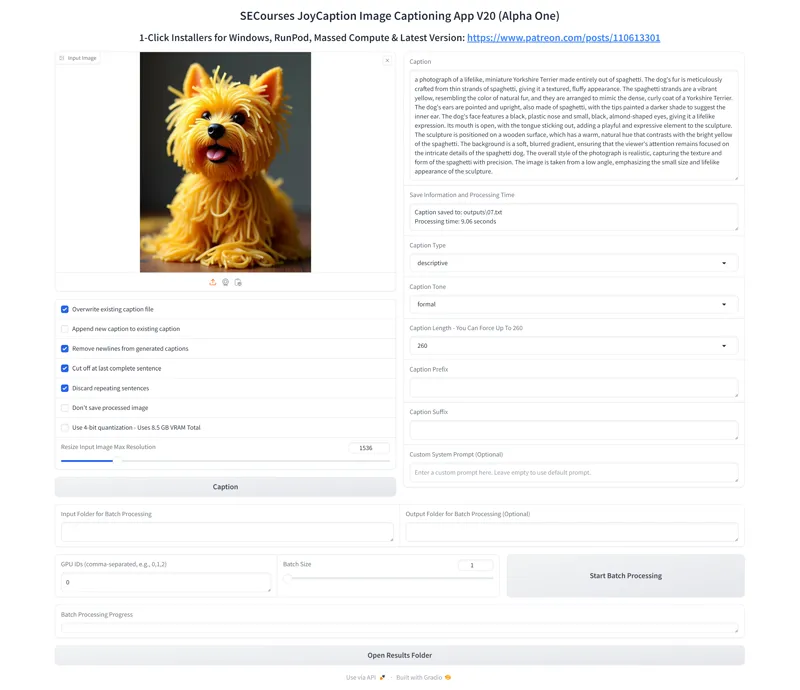

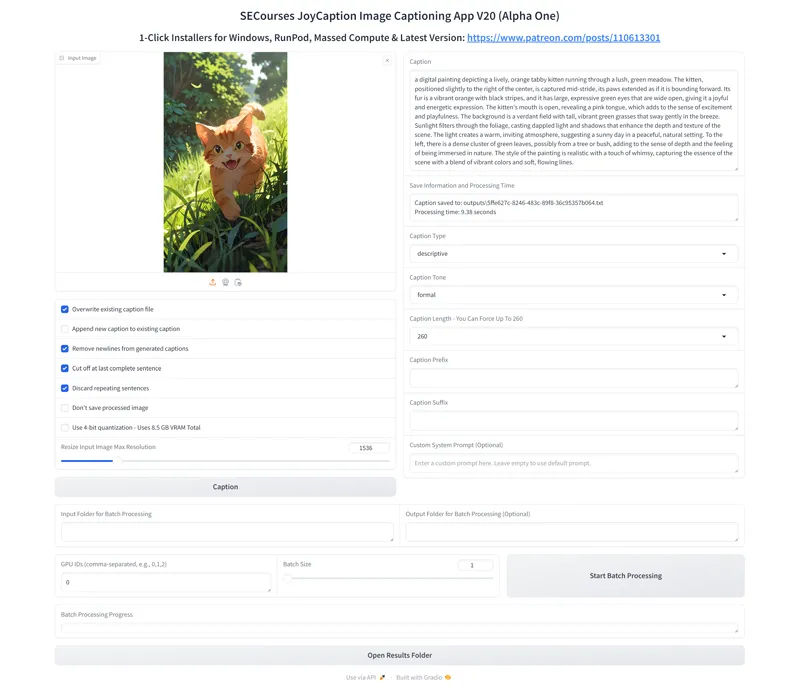


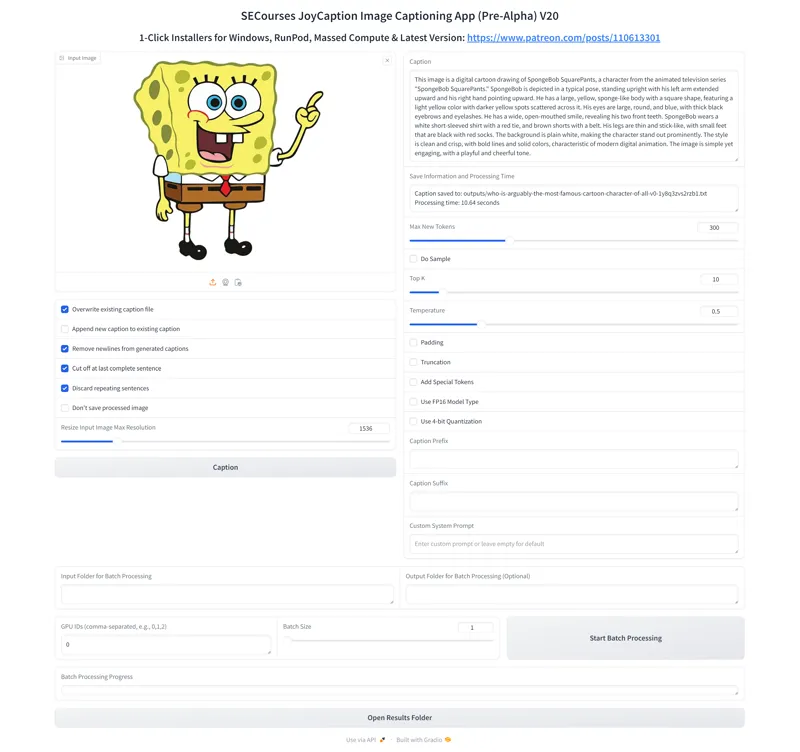
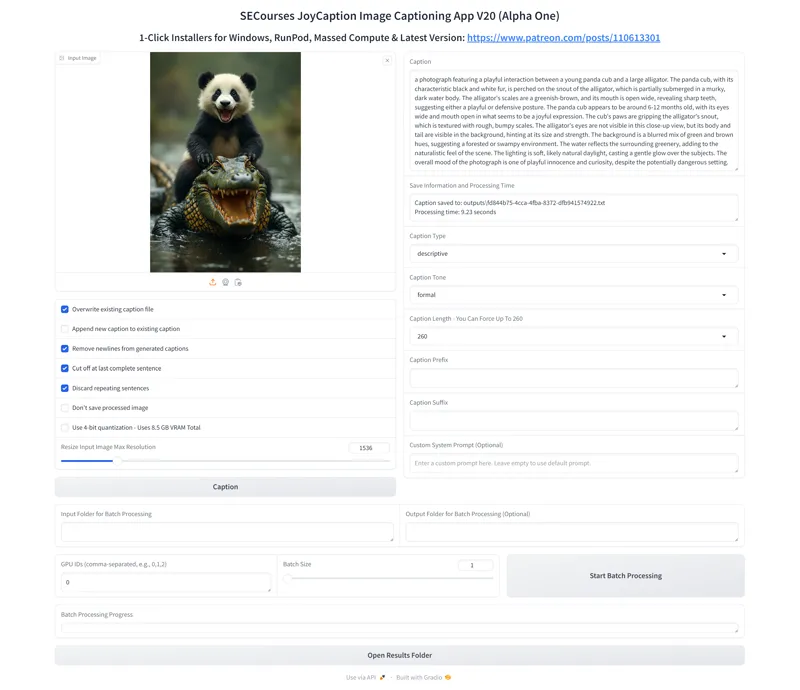


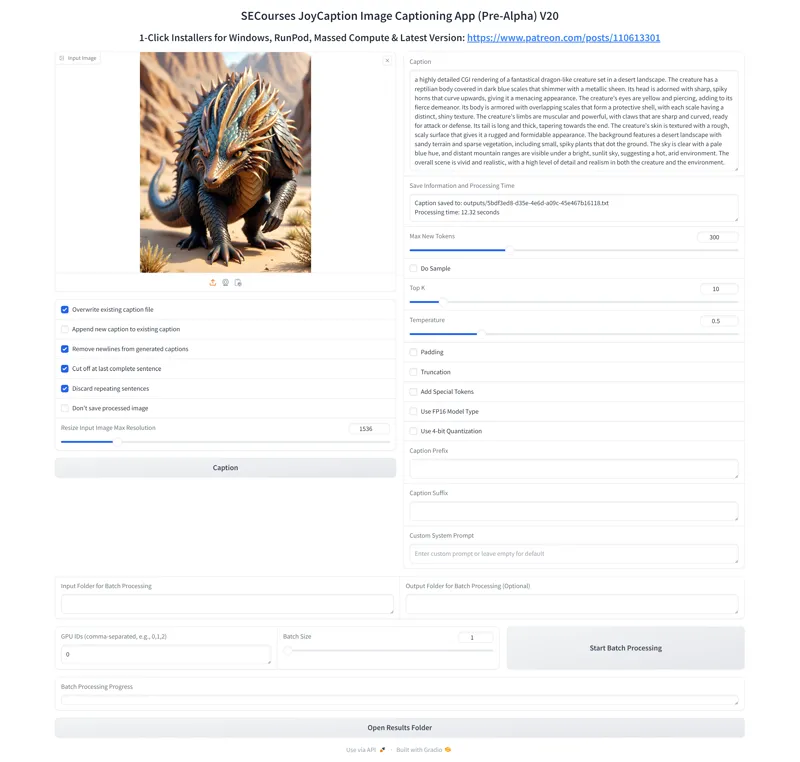
Detailed Comparison of JoyCaption Alpha One vs JoyCaption Pre-Alpha - 10 Different Style Amazing Images - I think JoyCaption Alpha One is the very best image captioning model at the moment for model training - Works very fast and requires as low as 8.5 GB VRAM
Where To Download And Install
You can download our APP from here : https://www.patreon.com/posts/110613301
1-Click to install on Windows, RunPod and Massed Compute
Official APP is here where you can try : https://huggingface.co/spaces/fancyfeast/joy-caption-alpha-one
Have The Following Features
Auto downloads meta-llama/Meta-Llama-3.1-8B into your Hugging Face cache folder and other necessary models into the installation folder
Use 4-bit quantization - Uses 8.5 GB VRAM Total
Overwrite existing caption file
Append new caption to existing caption
Remove newlines from generated captions
Cut off at last complete sentence
Discard repeating sentences
Don't save processed image
Caption Prefix
Caption Suffix
Custom System Prompt (Optional)
Input Folder for Batch Processing
Output Folder for Batch Processing (Optional)
Fully supported Multi GPU captioning - GPU IDs (comma-separated, e.g., 0,1,2)
Batch Size - Batch captioning
Comments (16)
There seems to have been a JoyCaption Alpha 2 released recently that's supposed to be more accurate I think than the last 2. Will there be a 1 click install for that at some point please (or is it best waiting for a fuller one)? In the demo it's got more checkboxes for different prompt instructions but the full instruction for those could also be entered into the "custom prompt" of the current one. eg. it has checkboxes for it to caption about image quality, though I'm not sure how accurate that would be if it's only seeing a lower res version of the image, not the full (eg. 1024px) version.
that version is not a general caption model i will skip it. waiting his next proper release
About 4 hours ago I used JoyCaption Alpha 1 to caption images in a folder, then after it finished closed the app. Then 4 hours later I restarted the app and asked it to caption a single image. It then starts downloading a 3.51 GB model.safetensors file and now it's downloading the multi-GB shards again. Have some model files been changed (or did it think there was some problem with the existing files, or is it caching the files somewhere instead of storing them more permanently?)? Couldn't it use the model files that were already installed (that it had been used before, including 4 hours ago) unless prompted to update to newer versions if possible? This would save having to wait ages while it downloads files again (where some version of those files had already been downloaded and used before). At one point it did say "Loading VLM's custom text model Error loading custom text model: We couldn't connect to 'https://huggingface.co' to load this file,". But the model files were already installed I'd been using them before it started downloading them again.
not possible. something else must have deleted your hugging face cache also with newest version we switched to a new repo
Batch processing does not work。 (Alpha One)
batch processing does i tested yesterday. can you give me details? you try batch size?
I can't find your discord. What happened?
it is here : https://discord.com/servers/software-engineering-courses-secourses-772774097734074388
I installed the new one and renamed my pre alpha folder. Though when I tried using the one in the pre alpha folder later it said it was missing "gradio". I don't know what did wrong there but I can use the pre alpha one for testing (against the Alpha One version) that's in the new Alpha One folder, so I should be able to remove the old folder. Does the captioning need to be done at certain lowish size and certain aspect ratio? In one place in the app when trying to generate the caption it seems to resize the image to 384x384 pixels? Does it do that for all images to caption them? When I tried captioning a picture frame (1028x1280 so taller than wide, but not that much) it said "a photograph of a black square set within a wooden frame". So it thought it was square. But I tried editing it to make it a lot taller and it correctly knew it was rectangular and gave rough dimensions (maybe it was how it was edited). Also if it resizes all images to 384x384 won't that effect the text it can read within images (wouldn't OCR be easier at higher image sizes if it was trained at that)? Is their model trained at 384x384 and no higher? Or is 384x384 resize only in some circumstances?
i find that 1536 x 1536 works best. smaller resolutions gave me worse results
I think the new version has too many illusions and is not much better than the old version
yes some people said same. so we have both apps :)
Hi, teacher!! First of all, thanks for all of your tutorials on youtube and for all your patreon posts, they are definitely eyes-opening, amazing content 👏🏻👏🏻👏🏻 Is there any way I can reduce the vram usage requirement? I have an 8GB GPU, therefore, I've been testing llama 8B through an app that lets the model run on VRAM + CPU + RAM. Is there anything similar to this process that I can use with JoyCaptioning? Thank you so much for your attention, have a nice day!!! 😉
thank you. not that i know at the moment. we already load some parts onto cpu. did you try the app? maybe this will work with 4bit quantization
Thanks. Hopefully it's better than the Pre Alpha versions, though I'm not totaly sure. On Reddit one person said it hallucinates more then the previous one. Hopefully with their increased training it's it will be able to better describe stuff, and there are more options for how it outputs the text. Though a few things I noticed: Max new tokens - in the new one (Alpha One) there's a selection box where it gives the option of 260 and it says "you can force up to 260" but the old one allowed a slider - where your captions examples on the old one show "300". It seems like they've reduce the choice now. They allowed more tokens before (you could select 400 if you wanted, now it's up to 260 it seems), and having a slider allowed you to be more specific but a selection box will only give a limited choice. I preferred the more specific slider (if there's other things in the selection box then maybe there could be a separate thing for them and have the more accurate slider too). In the example with the rose, the Alpha One version doesn't say the rose is CGI, but the Pre-Alpha one does, yet it does seem CGI, so the Pre-Alpha one seems more correct. In the alligator/crocodile one (not sure which is correct), the Alpha One (new) version says "The alligator's eyes are not visible in this close-up view" but that's incorrect. They are visible. The Pre-Alpha versions doesn't mention its eyes but also doesn't incorrectly say they're not visible. For the dragon, maybe the Alpha One is better as it mentions the teeth when the Pre Alpha one doesn't. though Alpha One says the tail is coiled, when it isn't really. It's slightly curved. The first images, with the cats, Pre Alpha says "sherlock holmes inspired". I'm not sure either of their clothes are really Sherlock Holmes inspired. Pre Alpha doesn't say it's CGI but the Pre Alpha does (and the cats are CGI). The image of "The Rock". The Alpha One says his name when the Pre Alpha doesn't, so they've added some famous people to the captions, but Alpha One doesn't specifically mention that it's a man, whereas pre-alpha one does (and saying that might help the training). The Pre Alpha says "dark blue suit" (which seems correct), the Alpha One says "dark grey, tailored suit". The RGB colours show dark blue is more accurate. So I'm not totally sure which is really more accurate, whether it's true that the Alpha One does hallucinate more, and I prefer the more specific slider of the old version (but don't know the other options there). But the more outpost options for text format might be good but I don't know if I'd actually use them yet (whether they'd help training).
i agree with you. i think over time it will get better but currently not a definitive winner we still have both older and newer version so you can use either