
Now You Can Full Fine Tune / DreamBooth Stable Diffusion XL (SDXL) with only 10.3 GB VRAM via OneTrainer
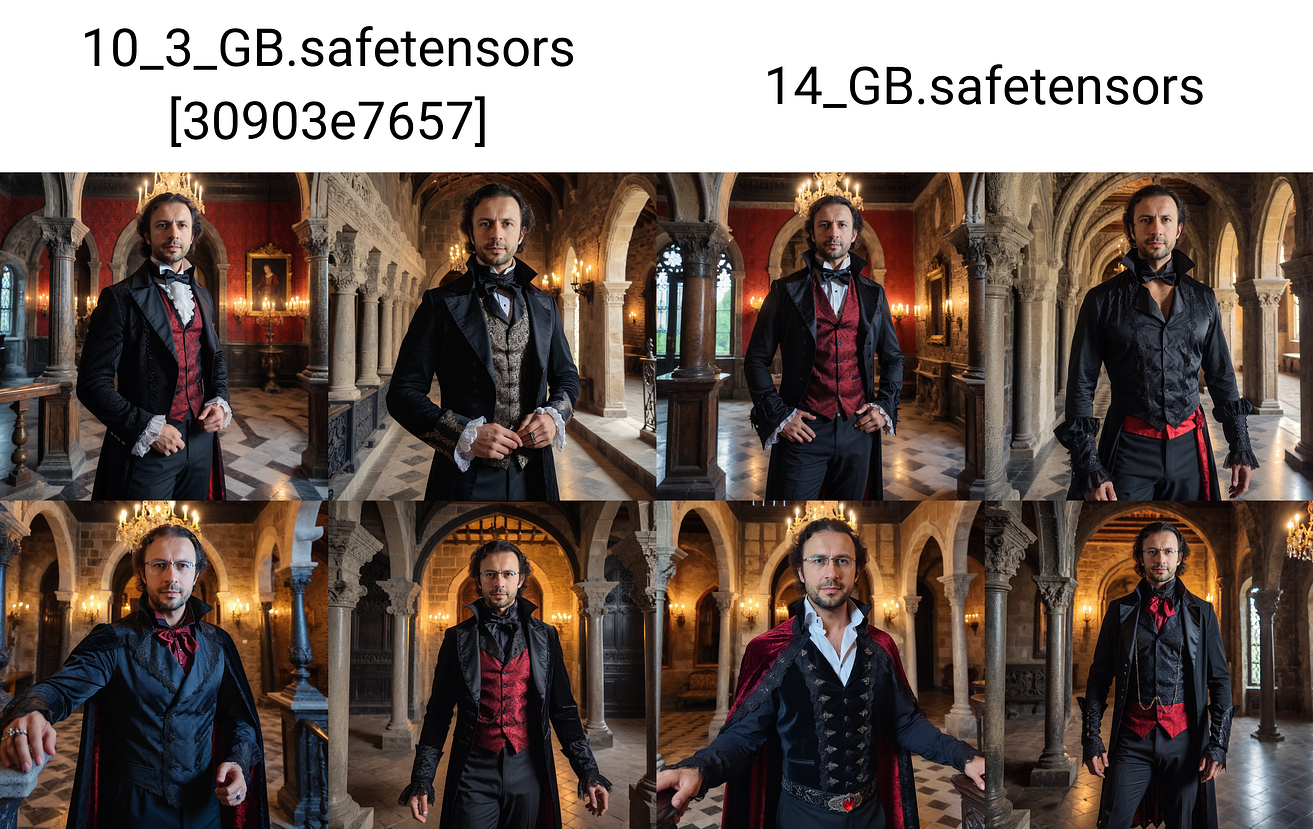
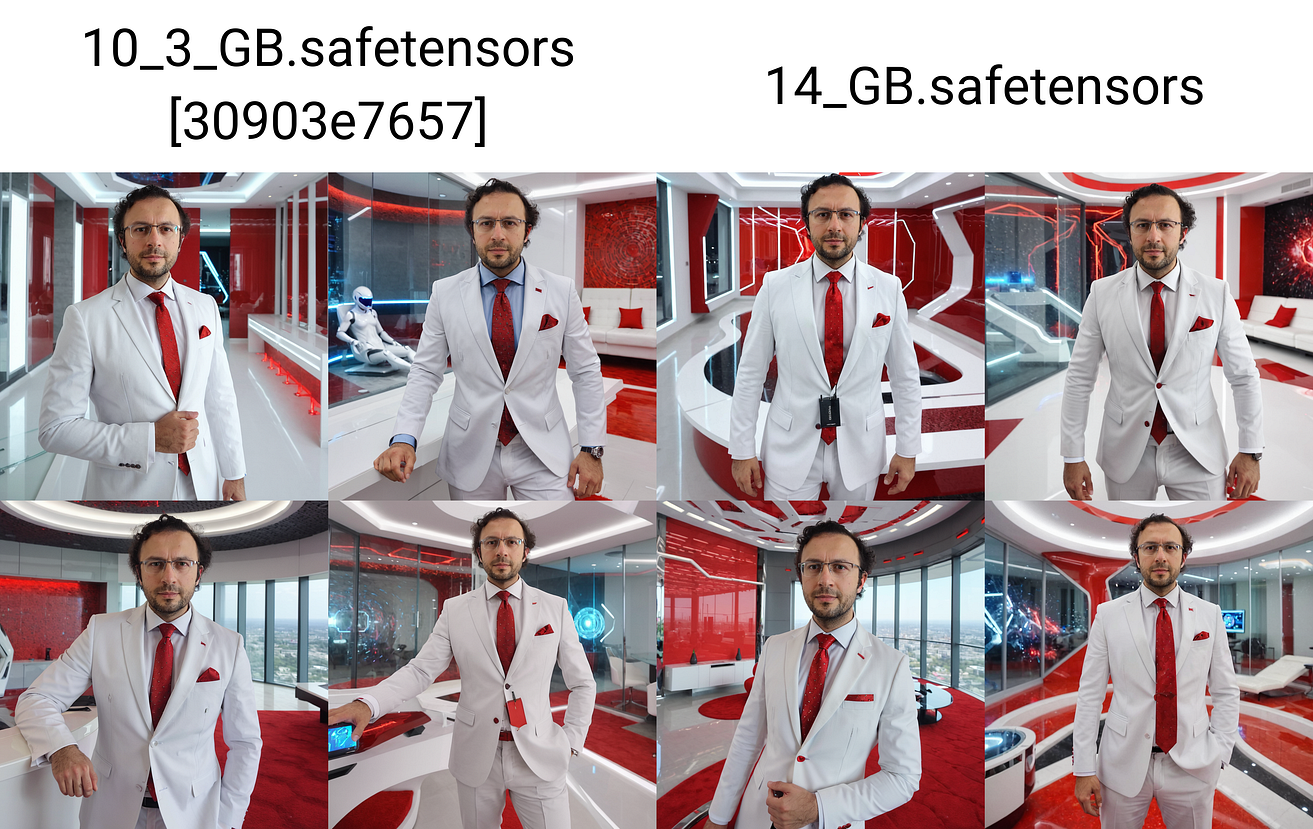
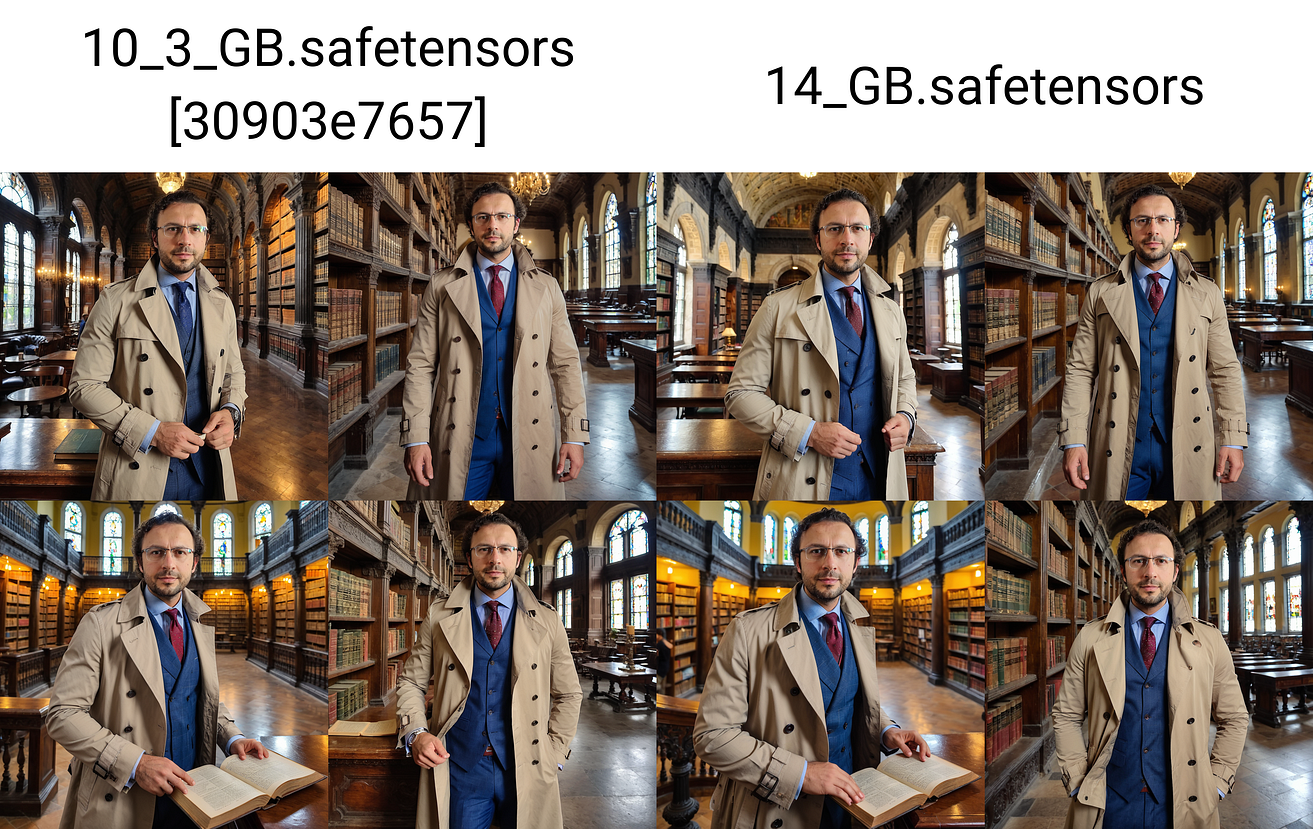
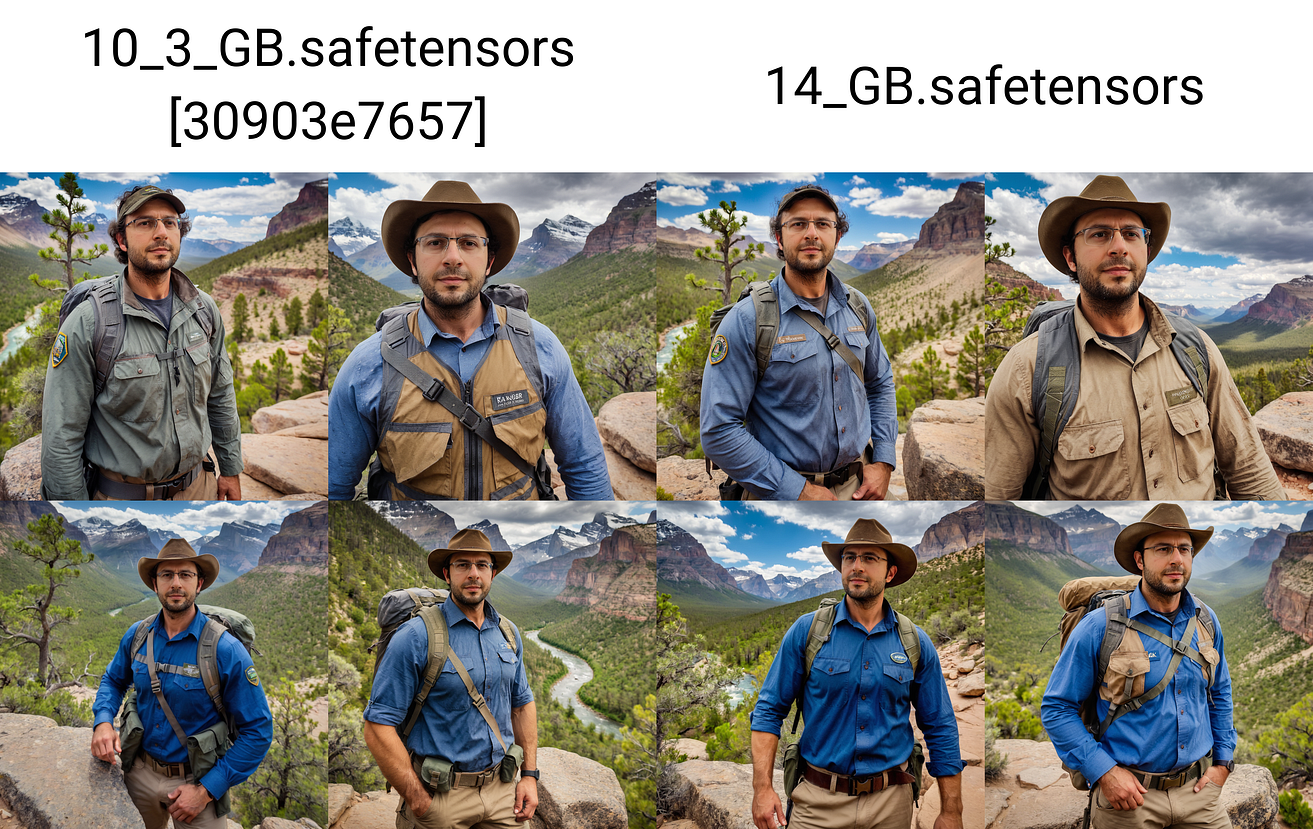
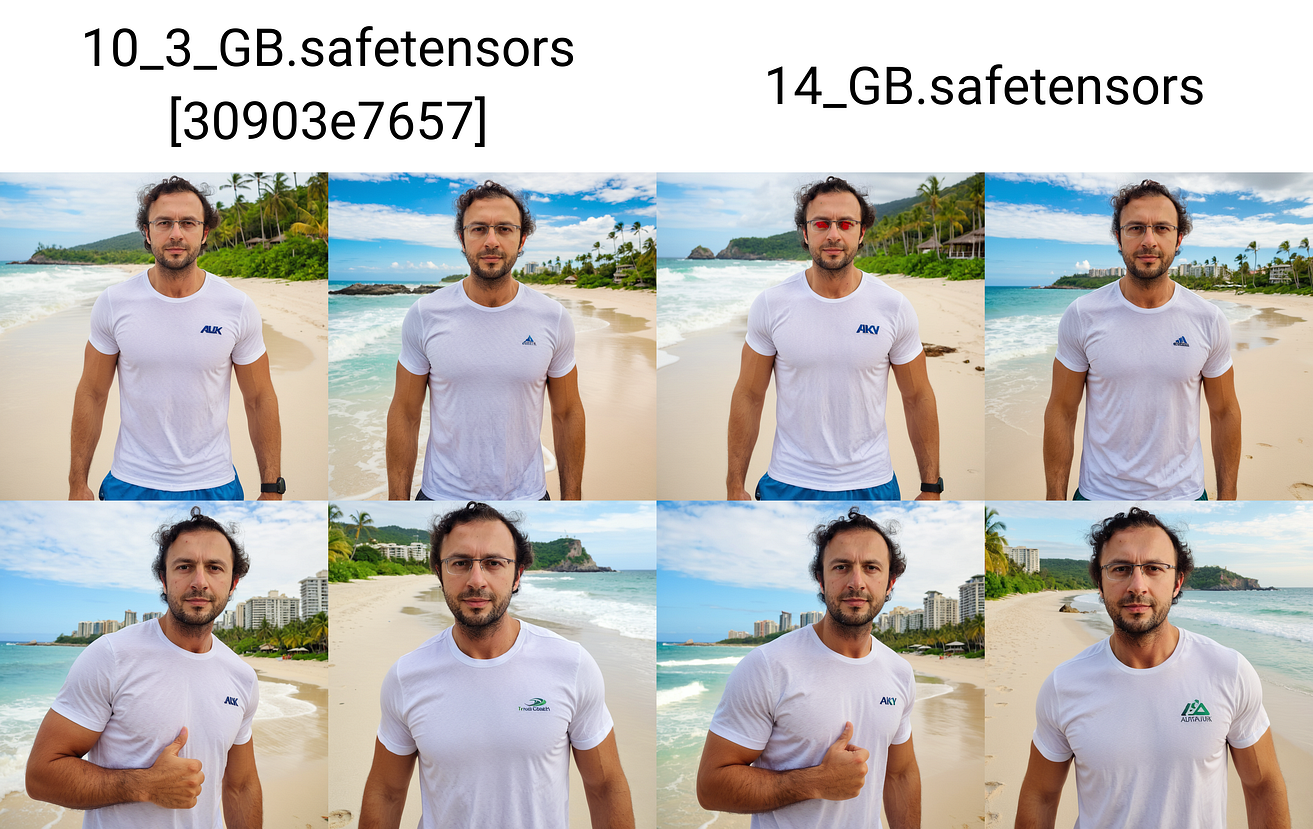
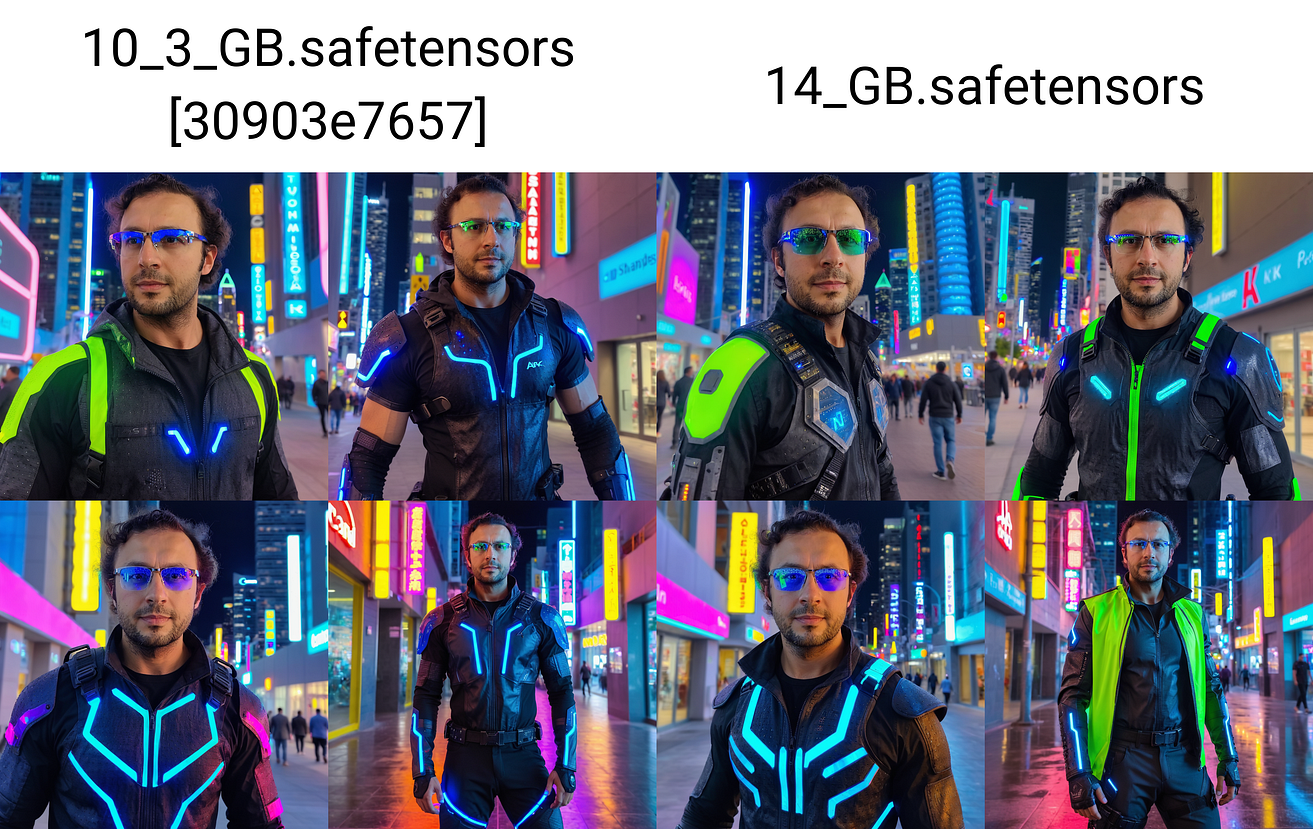
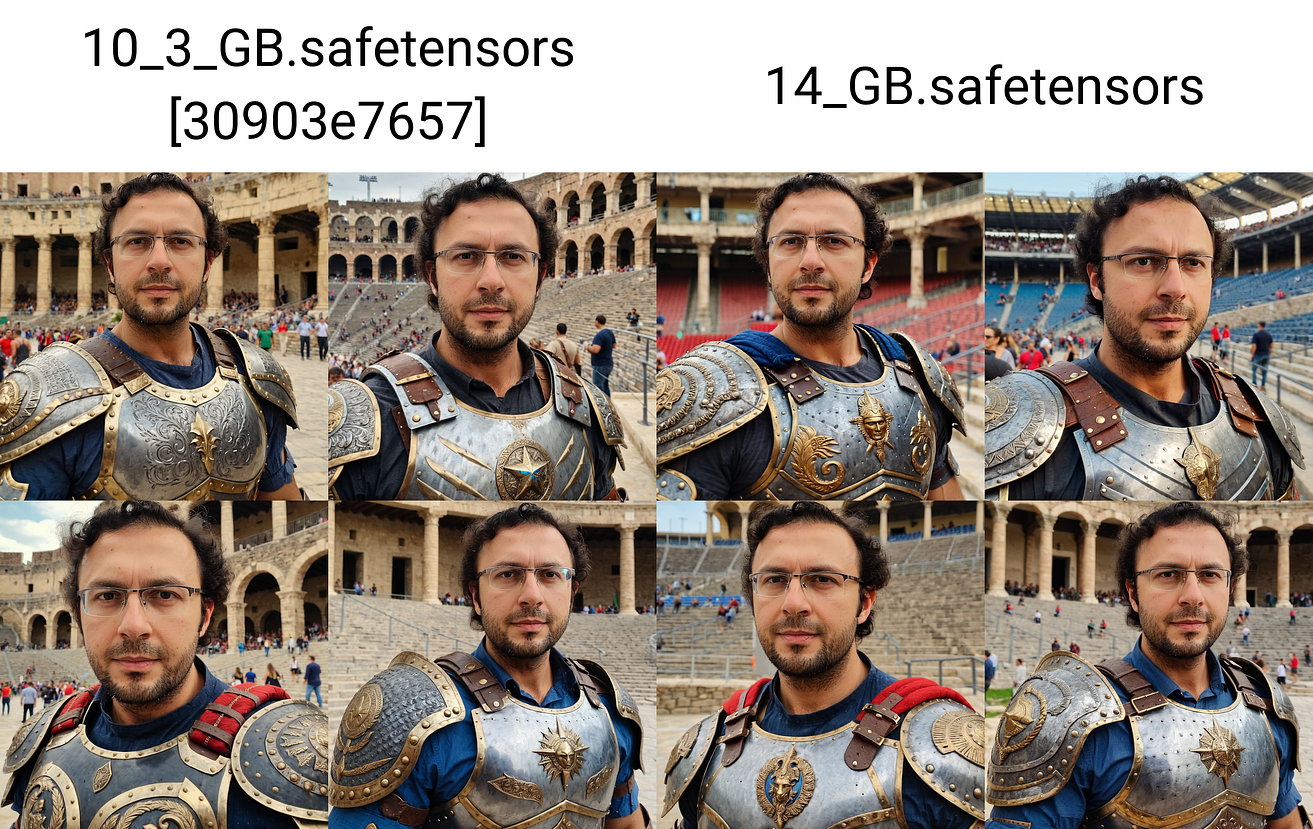
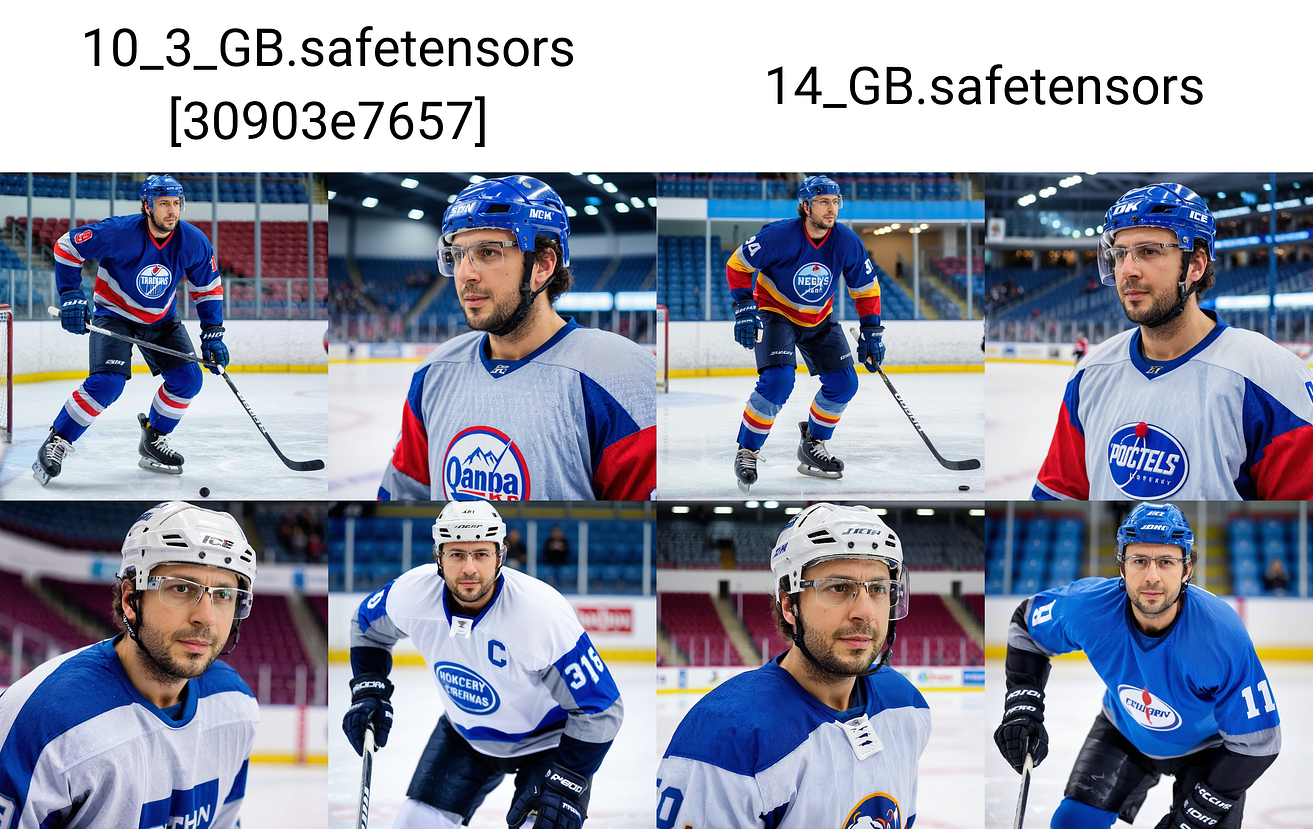
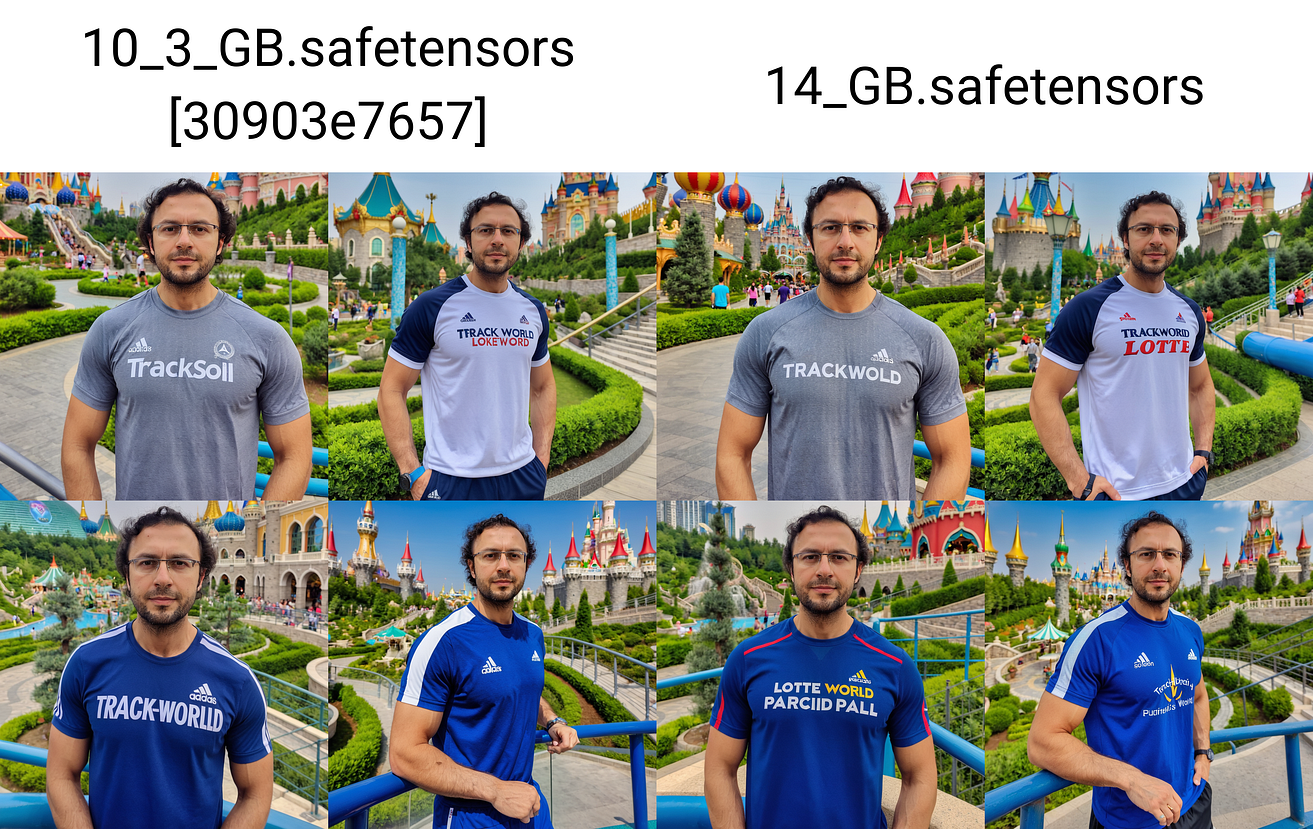
Now You Can Full Fine Tune / DreamBooth Stable Diffusion XL (SDXL) with only 10.3 GB VRAM via OneTrainer — Both U-NET and Text Encoder 1 is trained — Compared 14 GB config vs slower 10.3 GB Config
Full config and instructions are shared here : https://www.patreon.com/posts/96028218
Used SG161222/RealVisXL_V4.0 as a base model and OneTrainer to train on Windows 10 : https://github.com/Nerogar/OneTrainer
The posted example x/y/z checkpoint comparison images are not cherry picked. So I can get perfect images with multiple tries.
Trained 150 epochs, 15 images and used my ground truth 5200 regularization images : https://www.patreon.com/posts/massive-4k-woman-87700469
In each epoch only 15 of regularization images used to make DreamBooth training affect
As a caption only “ohwx man” is used, for regularization images just “man”
You can download configs and full instructions here : https://www.patreon.com/posts/96028218
Hopefully full public tutorial coming within 2 weeks. I will show all configuration as well
The tutorial will be on our channel : https://www.youtube.com/SECourses
Training speeds are as below thus durations:
RTX 3060 — slow preset : 3.72 second / it thus 15 train images 150 epoch 2 (reg images concept) : 4500 steps = 4500 3.72 / 3600 = 4.6 hours
RTX 3090 TI — slow preset : 1.58 second / it thus : 4500 * 1.58 / 3600 = 2 hours
RTX 3090 TI — fast preset : 1.45 second / it thus : 4500 * 1.45 / 3600 = 1.8 hours
A quick tutorial for how to use concepts in OneTrainer : https://youtu.be/yPOadldf6bI
Comments (22)
does this work with 1,5?
for SD 1.5 we have different config here : https://www.patreon.com/posts/very-best-config-97381002 please also watch this tutorial : https://youtu.be/0t5l6CP9eBg
Hello! I have this set up for SDXL using the "fast" option for fine tuning. I have a 4060ti with 16gb vram. With 150 epoch, Im looking at like 35 hours training time. Am I doing something wrong?
that means using shared vram. use lower speed. something else could be using your vram already
Hi doc! Does more images require more vram? I don't get the consistency that I have with sd1.5 using the same photos, especially in the shape and physiognomy of the face.
more images requires same vram it wont make difference. but more images would require lesser number of total epochs
With the latest version of onetrainer I get "AttributeError: 'str' object has no attribute 'is_wuerstchen'" while changing to the added preset and it doesn't load.
i get same error. the guy broken previous configs i have to remake
Hi Furkan, would you rather do a full training on SD1.5 with your preset for 12GB cards or a full training on SDXL with your new config? Which training ist better for realistic faces whilst still enabling flexibility in the generated pictures?
SDXL is better with 12 GB
are you tried on runpod?
no on computer but i am gonna introduce something better hopefully
Does this only work with diffusers
This is standalone app OneTrainer.
Thanks, I'll give it a try.
you are welcome
wonderful work, Furkan!
thank you so much
I want Stable Diffusion - Automatic11119 The latest one is 2024 at Run on Colab. Please send me some tutorials. Thank you very much.
Since I don't have premium colab I can't test. but our kaggle notebook should work fairly well on pro colab have you tested?
Thx for this. How does it compare to latest kohya db TE training? I get excellent realism on kohya. From your earlier post these are very good but maybe facial detail not as good w/onetrainer. Thoughts?
i think both are really good. i would compare both to see which one is better for you