
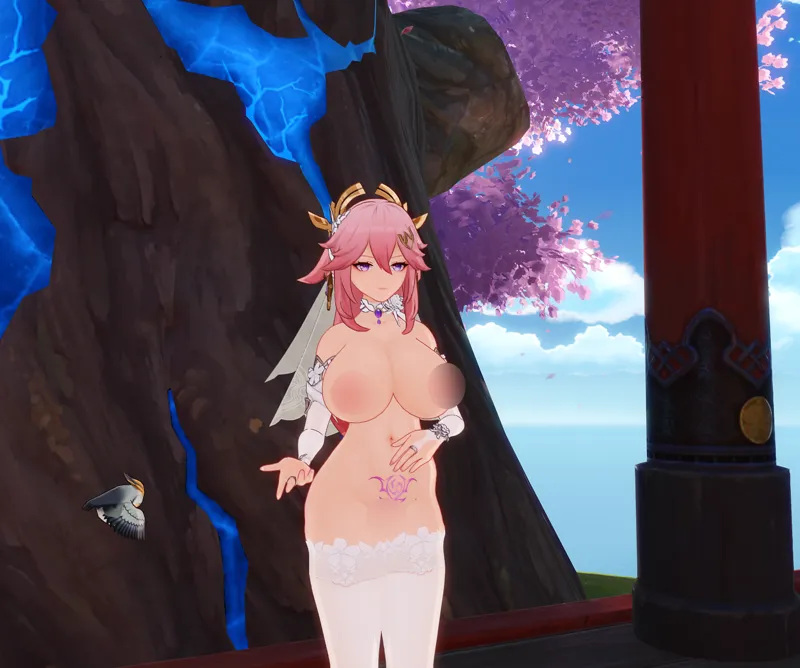
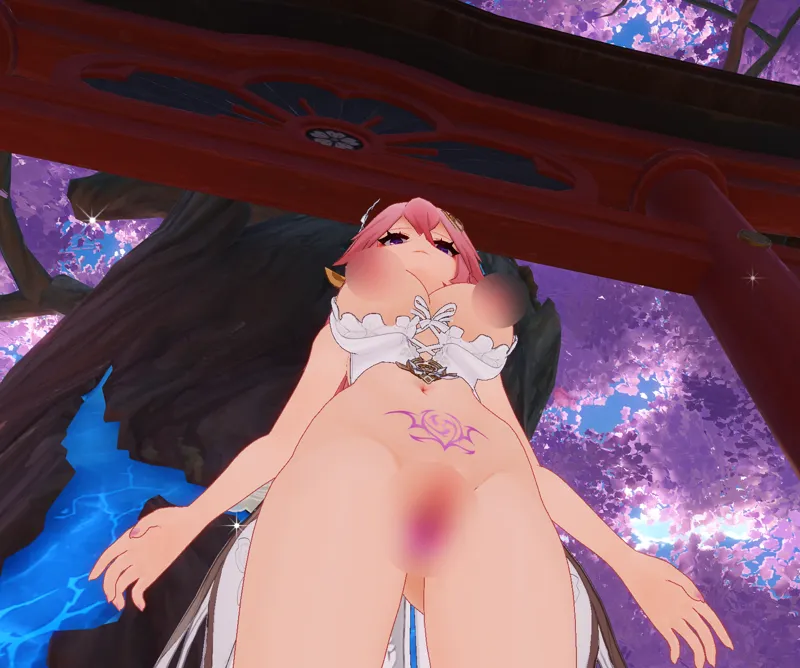
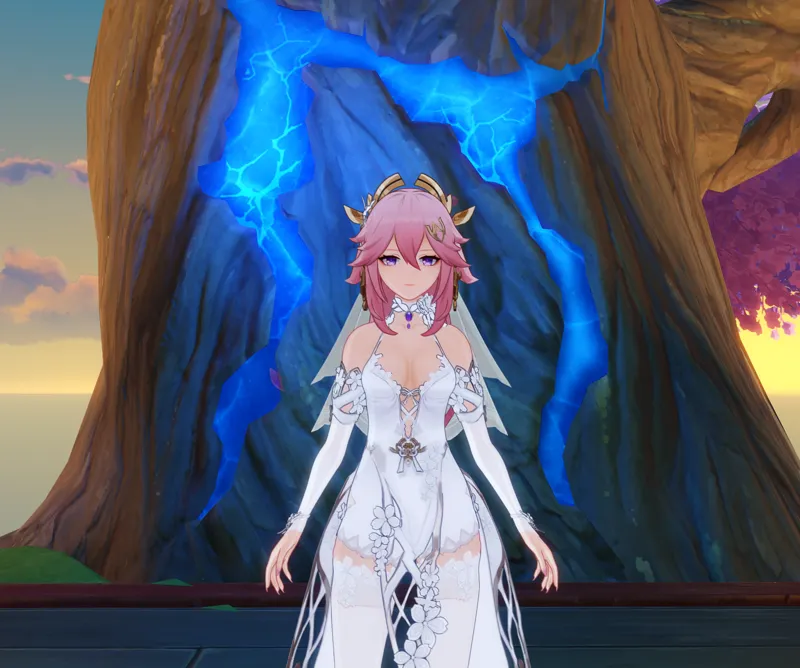
Bride Miko 2.0 Fully Lewded Megatoggle (Download)
Bride Miko 2.0 Fully Lewded Megatoggle (Gallery)
Modelled/designed/textured by Lewd Lad.
Base Body Skin by Satsuki Mei (Mei Mei) - https://satsuki-mei.info/
INFO:
The Bride Miko returns, in her best form yet! I've continued to renovate this Bride Miko since her last release, switching her over to the improved transparency method - you can see her headdress is properly transparent with thin white pattern lines shown more solid now. This improved transparency also carries through to her Vision Insertion - giving us the clearest view of Yae Miko's holy places to date!
It also allows us to toggle through multiple body forms (although couldn't manage to get tits and ass independent due to the huge increase in size that'd represent) - from her skinny OG proportions through to an extremely voluptuous and shapely (i.e. megathicc) form!
Whatever she's wearing, I'm sure the people of Teyvat will appreciate her fine form!
INSTRUCTIONS:
Press 'H' to toggle through her Wedding Dress
Press 'N' to toggle through her panties/insertions/prolapse
Press 'Y' to toggle her gloves & stockings
Press '6' to toggle her body sizes
Press '7' to toggle her Womb Tattoo
Press '-' to toggle quickNudes
Press '=' to toggle quickDressed
**To get transparency working, please download TexFx from here**
https://gamebanana.com/mods/485763
(copy and paste the TexFx folder into your mods folder)
To Remove the 'Remove Transparency Filter' (required to get TexFx working), check your 3DMigoto/ShaderFixes folder for these files
(Sort by Date Modified, then search for the top and bottom in the search box, the relevant files should be clustered up)
03e9873585ed2fde-ps_replace.txt
12ae8a564bf2681c-ps_replace.txt
20bb59f3e7b52e87-ps_replace.txt
32f182437a62034c-ps_replace.txt
42ed306337cebb10-ps_replace.txt
5d2f9a92d5f002c3-ps_replace.txt
70975104a09a3a6f-ps_replace.txt
742af2045e59d56b-ps_replace.txt
80c75c394de69211-ps_replace.txt
8f428d1fda524104-ps_replace.txt
91443888ff4df266-ps_replace.txt
97e4fd017aeeb054-ps_replace.txt
a8a49f5a334049e0-ps_replace.txt
b5669001c331f84d-ps_replace.txt
c16bc9c08d419f17-ps_replace.txt
d0639b102dd0e5c0-ps_replace.txt
d111eae8ce38442d-ps_replace.txt
dbe00d971f292a12-ps_replace.txt
e795de98764fb2b9-ps_replace.txt
eac761c0706dcd31-ps_replace.txt
ebc8ee29666487ae-ps_replace.txt
fdeb0b66140963cc-ps_replace.txt
Then Delete them.
Finally in the 3DMigoto/Mods folder delete the 'RemoveTransparencyFilter' folder
Mods
RemoveTransparencyFilter
CharacterShaders.ini
Underwater.ini
Comments (2)
How can I download this file?
Yet another reminder to me that I need to actually build my Yae Miko, especially after this previous spiral abyss. Thanks for fixing the transparency as well!