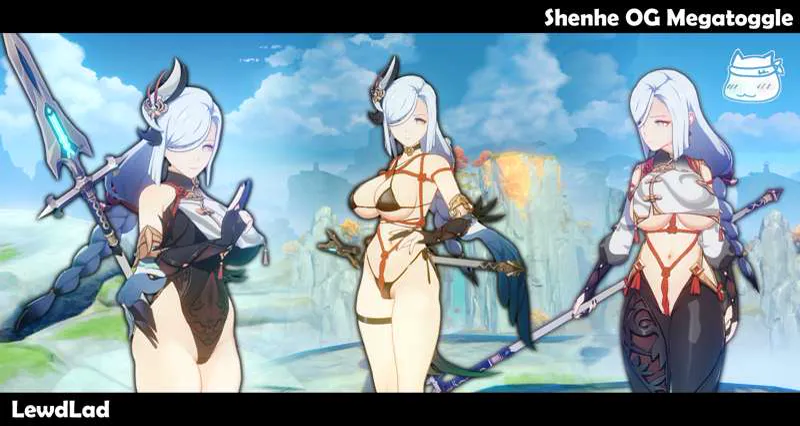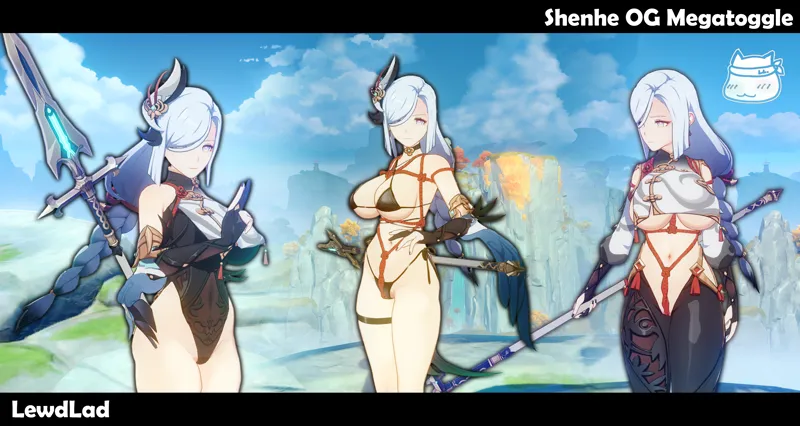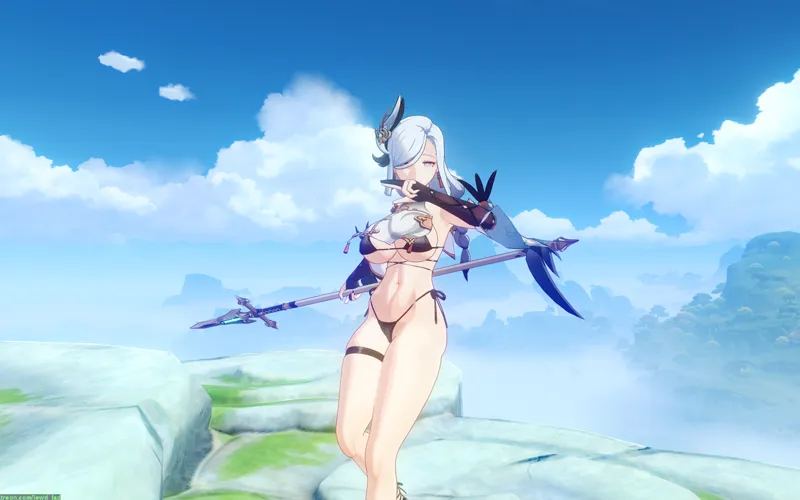

Shenhe OG + Bikini + Red Rope Megatoggle (Download)
Download Attachment Linked Below
CREDITS
Modelled/designed/textured by Lewd Lad
Additional Assistance by Never Sharkcat
INFO
Ahoy! I've got a Shenhe Megatoggle for everyone, but that's not the exciting part! It's the debut of a new feature for our Megatoggle and Ultimate mods in the future; The Outfit Save/Load System!
In the past, the most we had was using F10 to save a combination, but that is only for when you load back into the game, and the combination will be overwritten if you try to reload your mods again. This one is a more robust system that's also less complicated, just press SHIFT + Arrow Key Up to Save and Arrow Key Up to load the saved combination!
https://files.gamebanana.com/bitpit/lewdlad_shenhe_saveload.gif
Anyways this mod features all our previous Shenhe series + new leotard and reverse leotard variants!
The mod comes with 9 preset outfits: OG Redropes, Leotard, Reverse Leotard, Bikini Red Ropes, Bikini, Red Ropes, Nude, along with a Reset button to return to default~
https://files.gamebanana.com/bitpit/lewdlad_shenhe_og_megatoggle.gif
You can toggle her bodysuit, cutouts, bib-thingy, bikini top, bikini bottom, red ropes, hairpiece, sleeves and coattail all individually, so mess around and have fun!
INSTRUCTIONS
Hotkeys
< and > - Toggle Outfit Presets (9 variants)
BACKSPACE - Reset to Default
? - Toggle Help Menu
SHIFT + ARROW KEY UP - Save Current Outfit
ARROW KEY UP - Load Current Outfit
Outfit Keys
9 - Toggle Hairpiece on/off
8 - Toggle Coat Tail on/off
7 - Toggle Sleeves on/off
6 - Toggle Chest Cover on/off
Y - Toggle Red Ropes/Shibari Ropes on/off
H - Toggle Bodysuit (3 variants)
N - Toggle Bodysuit exposure (3 variants)
ALT + H - Toggle Bikini Top
ALT + N - Toggle Bikini Bottom
REQUIRED TOOLS
Uses ORFix and TexFx.
Requires 3DM GIMI (Genshin Impact Model Importer).
Available in the XXMI Launcher - which keeps it auto-updated.
Use XXMI Launcher to keep all your utility mods upto date! Also includes 120FPS mode for Genshin Impact (in the settings in the launcher)
https://github.com/SpectrumQT/XXMI-Launcher
Alternatively, GIMI is also available here: