
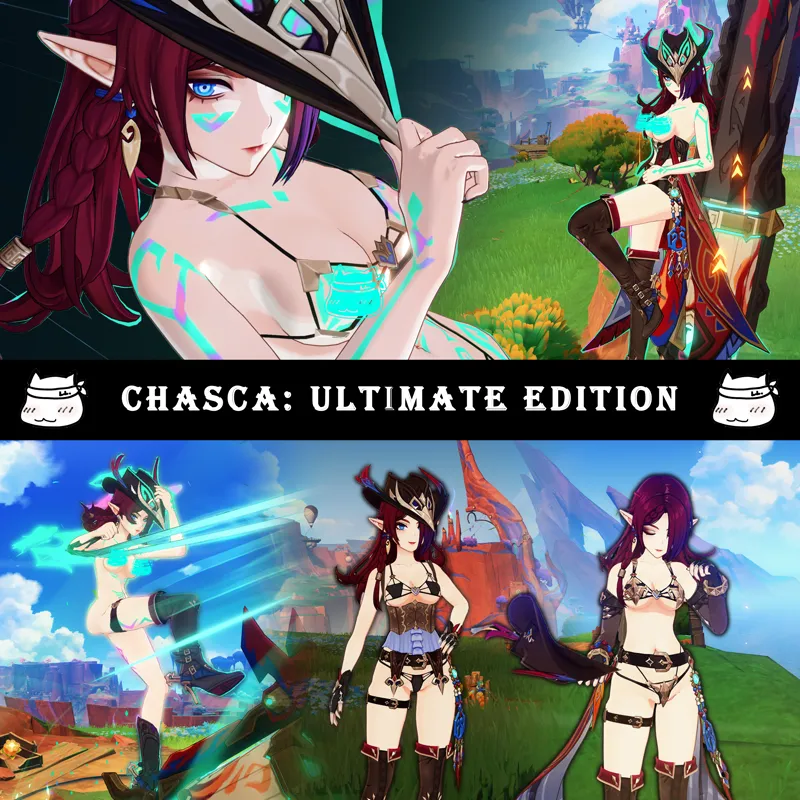
Chasca's Ultimate Edition (Download)
DOWNLOAD HERE
CREDITS
Modelled, Designed, Textured by LewdLad
Modelling and Texturing Assistance provided by Parrley
Screenshots and Writeup Assistance provided by Never
INSTRUCTIONS:
Function Keys
[BACKSPACE] to reset to Default Outfit
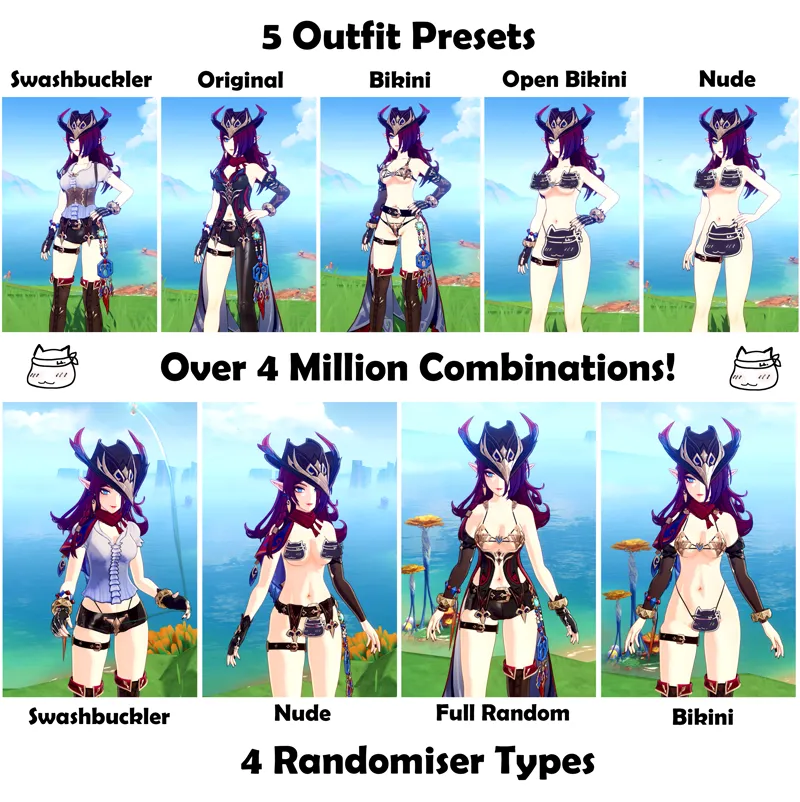
[ < ] and '[' > ] to toggle outfit presets (5 variants)
[ PgUp or ']' ] to Randomise All
[ SHIFT + PgUp or SHIFT + ']' ] to Randomise Swashbuckler
[ PgDn or '[' ] to Randomise Bikini Armor
[ SHIFT + PgDn or SHIFT + '[' ] to Randomise Nude
Main Keys
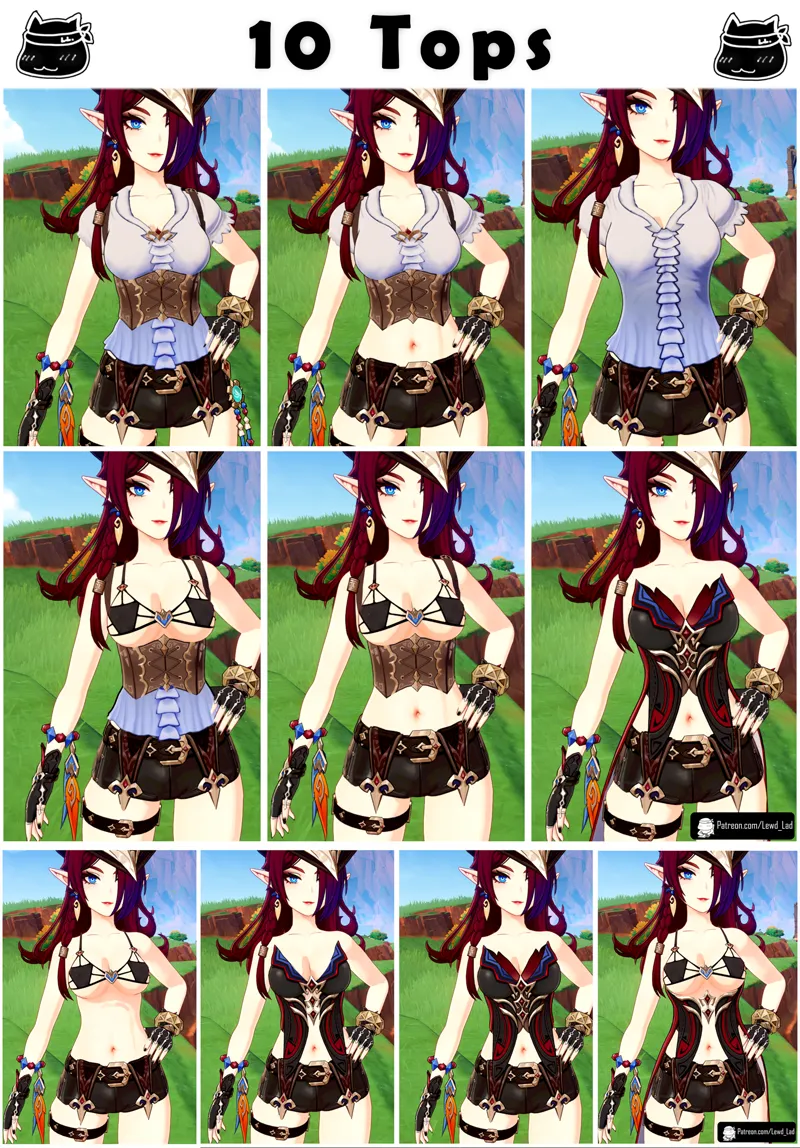
[Y] to toggle Tops (10 variants)
[H] to toggle Belt (4 variants)
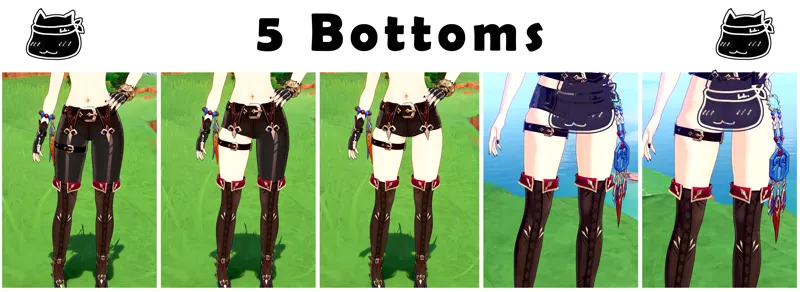
[N] to toggle Bottoms (5 variants)
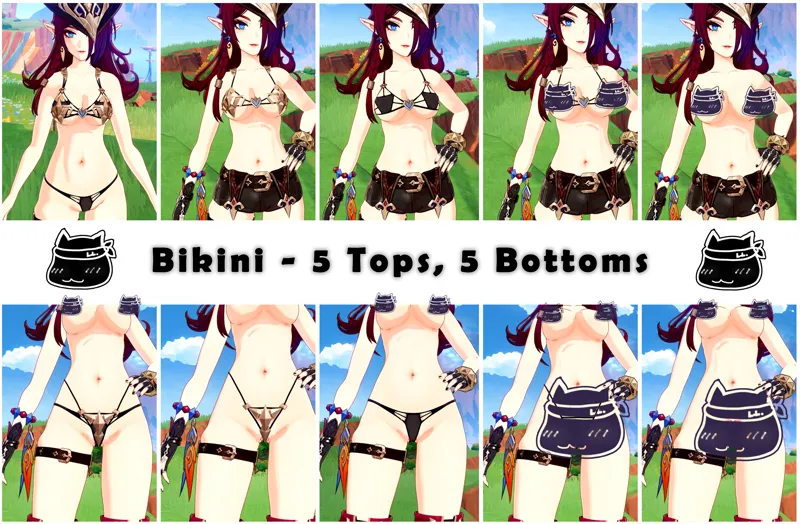
[Arrow Key Up] to toggle Bikini Tops* (5 variants)
[Arrow Key Down] to toggle Bikini Bottoms* (6 variants)
Accessory Keys
[6] to toggle Scarf (3 variants)
[7] to toggle Boots (5 variants)
[8] to toggle Gloves (6 variants)
[9] to toggle Bracelets (4 variants)
[0] to toggle Vision (2 variants)
*Bikini Tops and Bottoms may only be visible when using certain Tops and Bottoms
TOOLS REQUIRED
Uses ORFix and TexFx.
Requires 3DM GIMI (Genshin Impact Model Importer).
Available in the XXMI Launcher - which keeps it auto-updated.
Use XXMI Launcher to keep all your utility mods upto date! Also includes 120FPS mode for Genshin Impact (in the settings in the launcher)
https://github.com/SpectrumQT/XXMI-Launcher
Alternatively, GIMI is also available here:
Comments (1)
link broken