
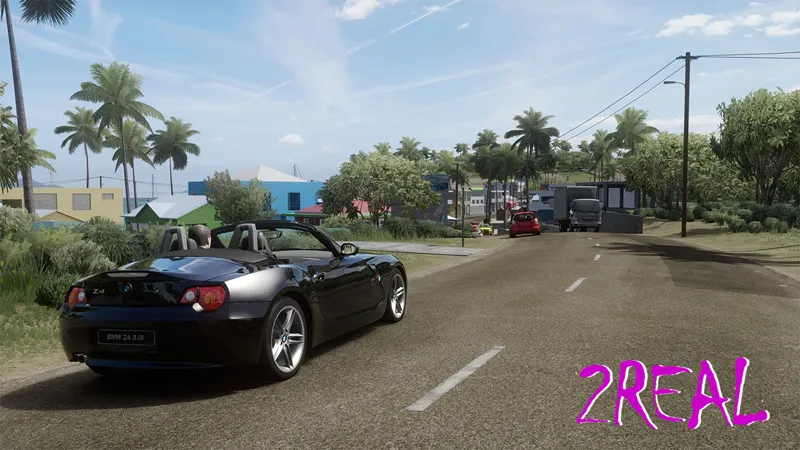
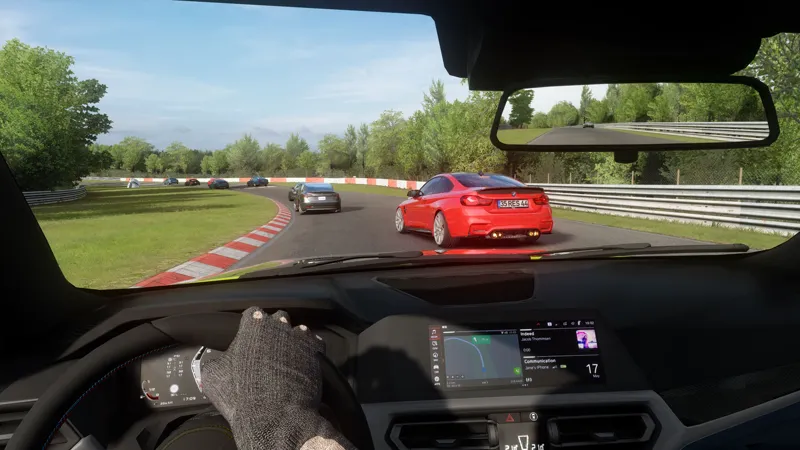
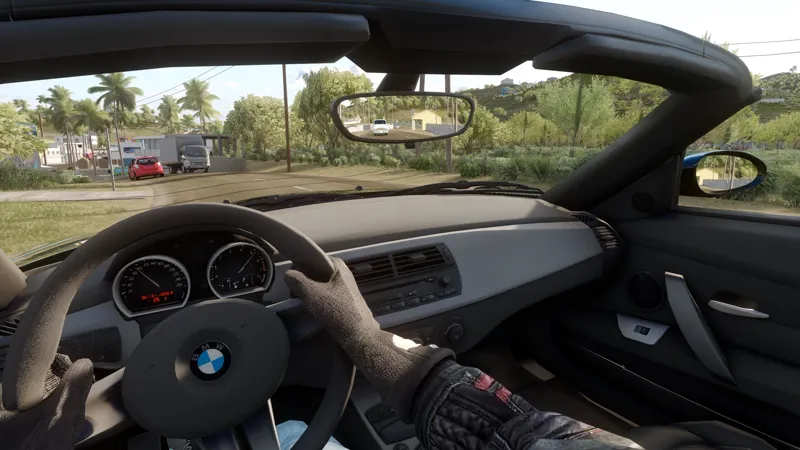
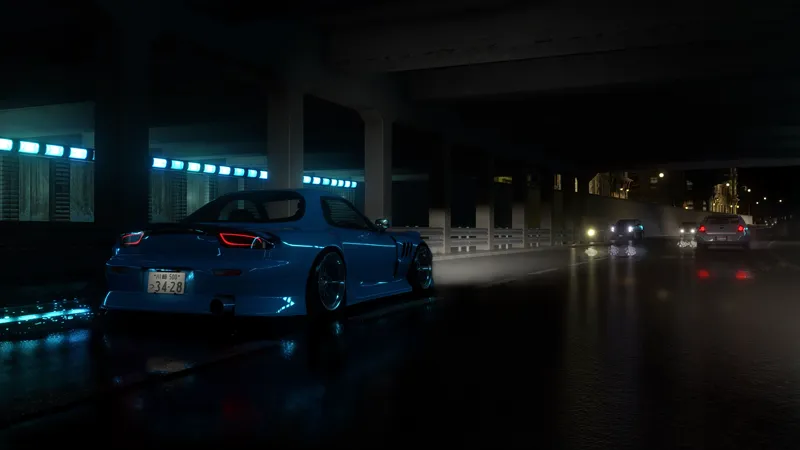
2REAL PP-Filter + CSP Settings (VR)
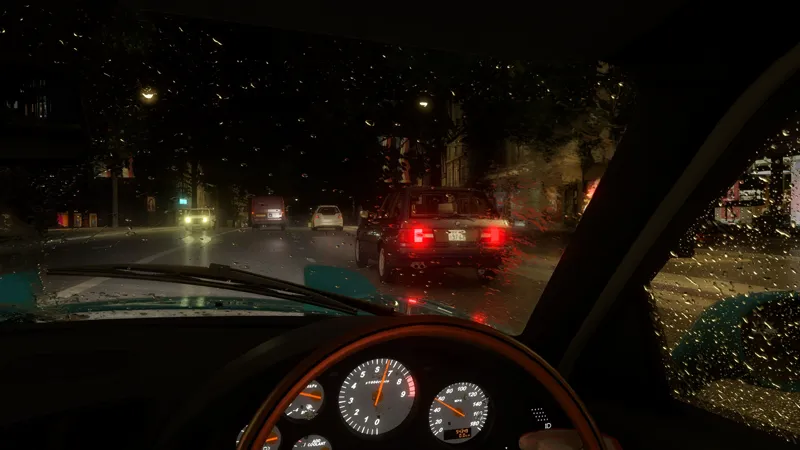
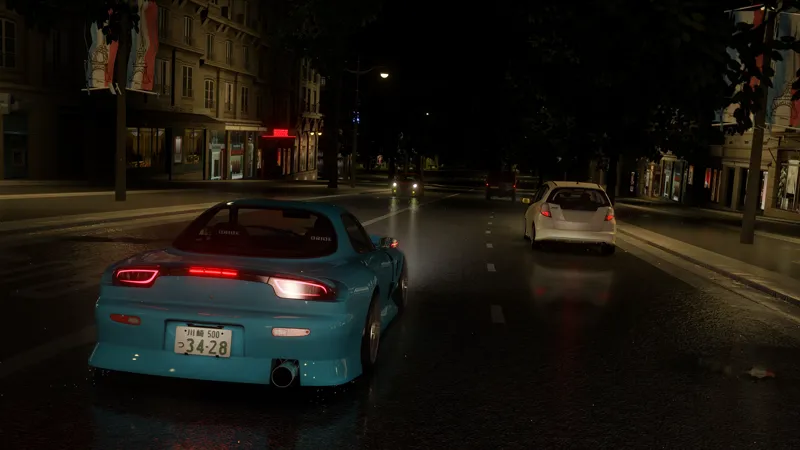
This filter I made expecially for VR users but you can also use without VR. This will give you a very natural look, dark colors and shadows are brighter, aswell as ambient light. Also night lightning should look alot better with a bit more headlight brightness and overall increased emissive lights & reflections. There is lots of other small adjustements and the result in the end depends on your device. I have tested this on Quest 2.
I also included some presets for your csp-settings, wich will give you huge performance boost (up to 25FPS). There is also some changed settings for the headlight bounce from other cars, because this was waaay to bright with standard settings. For more information see the PDF Guide.
Requires: CONTENT MANAGER + SOL + PURE
DONT FORGET TO IMPORT + SAVE THE 2REAL PURE PRESET !
Install: please see the PDF Guide attached to this post
Comments (11)
it is horribly bright ive tried virtual desktop options and tried messin with settings can someone help please
The pictures look great, however I cant fully get it to work, i followed the steps in the pdf but everytime i use the vr pp filter i get an error in game that the pp filter has no pure scripts.
this mod is a bit outdated now and maybe does not seem to be working with newer pure or csp versions sadly...
its very bright any tips using quest 2 with 2070 super
if you using virtual desktop there is an option for making darker colors darker i think that might help :) besided that maybe play around a bit with lightning settings in pure
What map is in the first picture
it is union island :)
Would it work, without pure, only running csp preview and sol 2.27?
it should ''work'' but this is made for using pure, if you dont use pure it will not look like in the pictures
Thanks I’ve been needing a vr preset
Much appreciated man