



Basemental Drugs 7.15.187
Changing World
Changed prices on a regional basis
New MDMA batches on the streets
Dispensary
Send application to get a dispensary license
Various outcomes from application
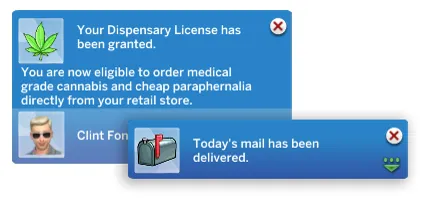
Get cheaper prices with acquired license
Scenarios
Removed old scenarios out of rotation
Re-added and updated Cocaine Cowboy
Re-added and updated Psychedelic Explorer
Bugfixes
Lean is now usable everywhere, even standing
Homework Books now deliverable by mail
Sparkle effects removed from shrooms
Shrooms no longer stack along with regular mushrooms
Removed possible paranoia from weak weed buffs
Fixed issue with dealing MDMA on lower levels
Fixed issues with Rehab
Fixed issue when selling to high level celebrity clients
Other
Fixed minor issues with the Drugs Log
Fixed possible conflict with SimRealist - SNB
Dispensary
Apply for License
To apply for a legit Cannabis Dispensary license you must first make sure that your Sim owns a retail store and the region the retail store is in must be legalized. To legalize Cannabis in various regions click on your Sim, then click on Drugs then Settings, then Legalize. From here you select which regions you want to legalize Cannabis in. They are all set to Criminalized by default.
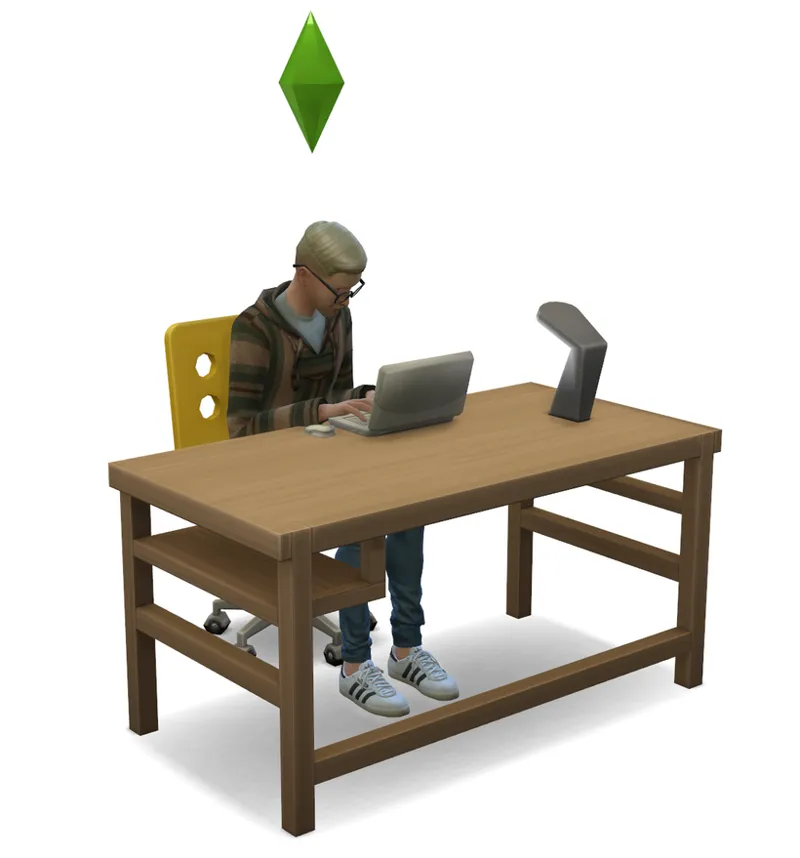
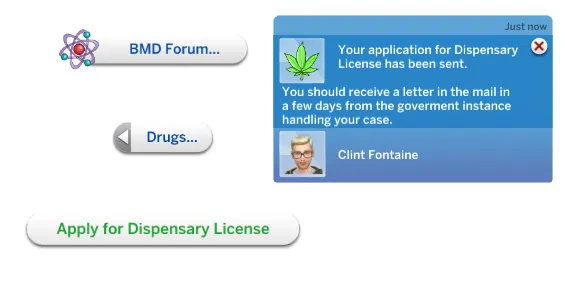
Once you have done that make sure you have a computer in your Sims retail store, click on the Computer, head over to the Drugs tab and select Apply for Dispensary License.
That is all there is to it. Now all you have to do is wait it out.
Rejected or Approved Application
After you have patiently waited for a few days, your Sim will receive an email from the government, either rejecting or approving your application.
The reasons for rejection can be related to prior prison sentencing, or ties with organized crime. You are however free to send in a new application if you are so unlucky that you get a letter of rejection.
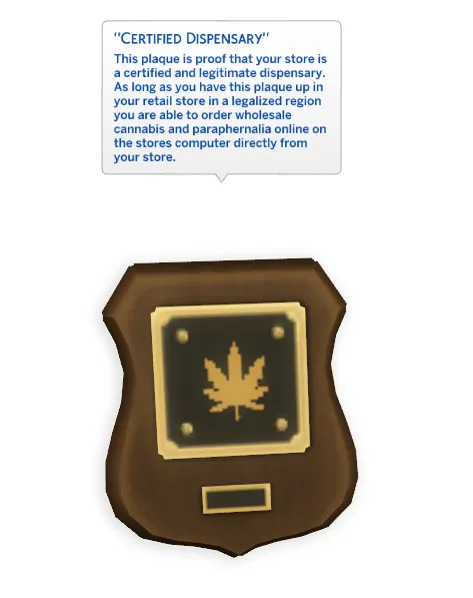
If your application is approved however, your Sim will get a letter of approval in the mail along with a plaque stating that your business is a legit Dispensary.
This next step is important:
Head over to your retail store and hang the plaque on the wall somewhere.
Ultracheap Wholesale Prices
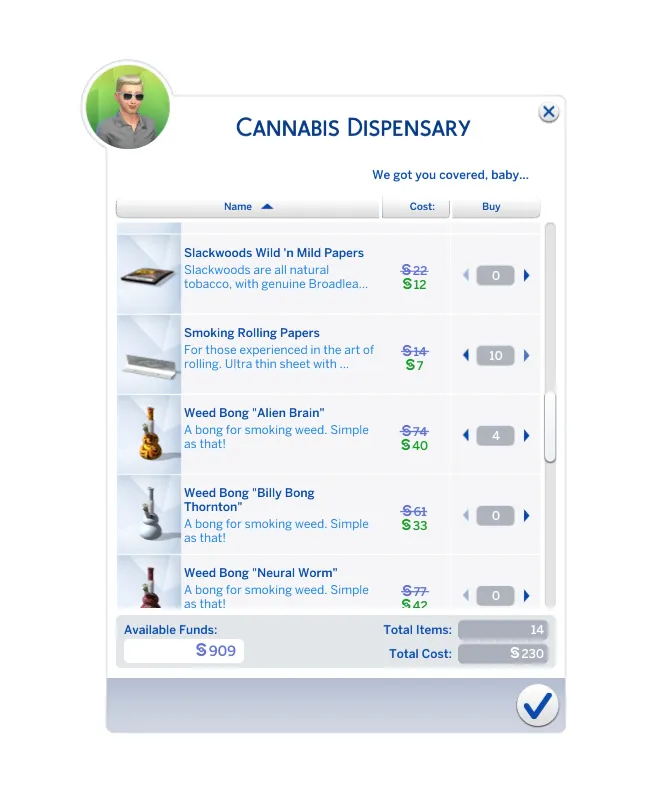
Now that your business is a legit Dispensary, all you have to do is head over to the computer in your store again and click the Drugs tab, then Purchase Dispensary Items.
As you can see the prices are super cheap, and instead of being sent to the mail they go directly to your Sims inventory.
Congrats with having a legit Dispensary up and running!
Venue List
To make sure this works you need to download the updated Basemental Drugs venue list provided in this post. I recommend installing this venue list in a separate folder directly in your Mods folder called: Basemental Venue List.
Choose one of these 2 installation methods. Not both.
Basemental Drugs Installer (WINDOWS ONLY)
Delete all the old Basemental Drugs files from your Mods folder.*
Download this Basemental Drugs.exe file.
Run the Basemental Drugs.exe file.
Choose which Optional Packages you want included.
Delete your localthumbcache.package
* If you installed from the installer previously, you can delete the old files by launching the file called unins000.exe in your Basemental Drugs folder.
Basemental Drugs Zip (WINDOWS OR MAC)
Delete all the old Basemental Drugs files from your Mods folder.
Download the Basemental Drugs zip file.
Unzip the Basemental Drugs zip file.
Place the files in a folder titled Basemental Drugs in your Mods folder.
Delete the Basemental Drugs zip file.
Delete your localthumbcache.package