



September 12, 2024
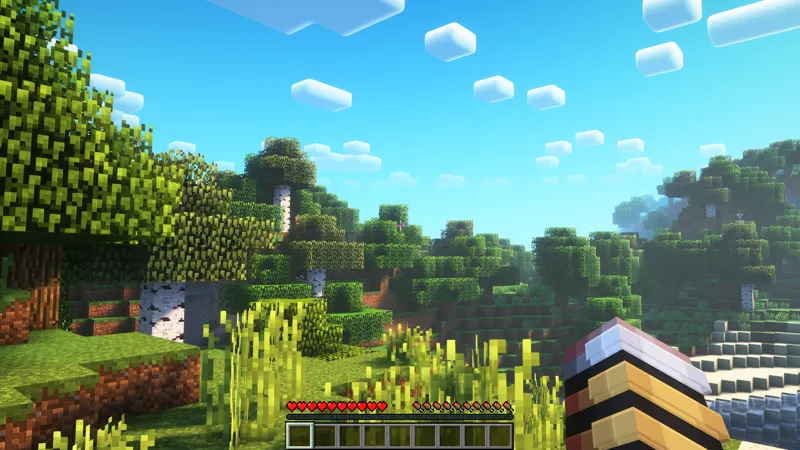
Complementary Shaders Custom Settings FREE Download
Hello everyone! Here you can grab my custom settings for Complementary shader ver "ComplementaryUnbound_r5.1.1"
To Use this settings :
1) Download Complementary shader at https://modrinth.com/shader/complementary-unbound
2) Place shaders zip file in the shader folder at: %appdata/roaming/.minecraft/shaderpacks
3) Rename the shader zip file from "ComplementaryUnbound_r5.1.1" to "ComplementaryUnbound_r5.1.1 Custom by Zediaph"
4) Download txt file from this post and place it in the same folder.
MAKE SURE that both files have the same name, otherwise it won't work!
5) Load the game and enjoy :)
Comments (6)
m
mipha · December 10, 2024
good
J
Jose · October 22, 2024
Hola
L
Lucas Peniche · October 13, 2024
no
J
Jatt Randhawa · September 28, 2024
Does it work on pe ?
m
mipha · December 10, 2024
no, its for Java
J
Jatt Randhawa · September 28, 2024
Hi?