
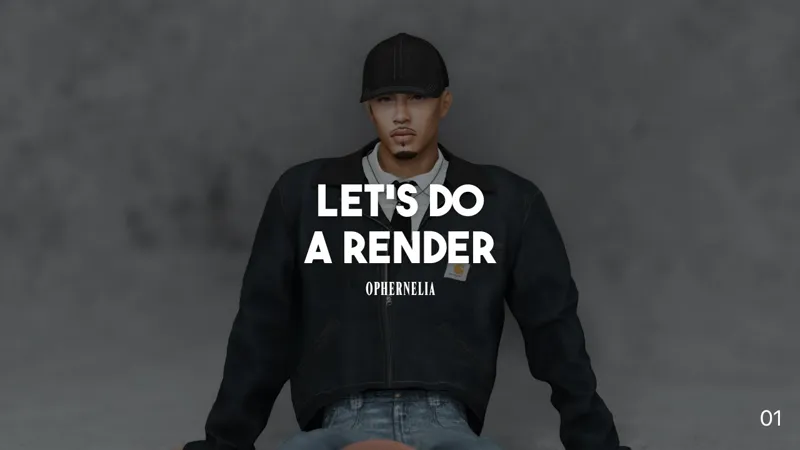
Let's Do a Render! | FULL BLENDER WALK-THROUGH
It only took me a year but it's here! I've finally filmed the blender tutorial that so many people have asked me for. Since it took so long I didn't cut corners either- it's a full almost one hour and a half walk-through.From CAS to a rendered image, I showed you one way I do renders. This is the first of many videos that I'll do, so just bare with me as I take my time learning how to do them lol. If you have any questions or comments then feel free to drop them below. (Or send me an anon message on Tumblr if you're shy. It's fine!) Also- I'm sick currently so excuse my voice! It's hard to breathe, girl!
REQUIRED PROGRAMS: The Sims 4, SimRipper, Sims 4 Studio, & Blender 4.5.
BLENDER ADD-ON MENTIONED: Blenderkit
—————————
⭐️ Keep up with the Lykaia!
YouTube: https://www.youtube.com/@ophernelia/featured
—————————
🎵Music
Epidemic Sound
(Sign up for a 7 day free trial with the following link: https://share.epidemicsound.com/sq9f83)
Disclaimers:
The video may contain affiliate links.
If you buy something through these links, I might earn a commission. This won't impact your purchase in any way.
Comments (1)
I have a question. I imported a sim from my game into blender like you showed in the tutorial and it all worked. BUT I can't pose the sim. I wanted to make my own pose but I can't move the bones in pose mode even though I selected them in object mode and then switched to pose mode... do you have any idea why?