
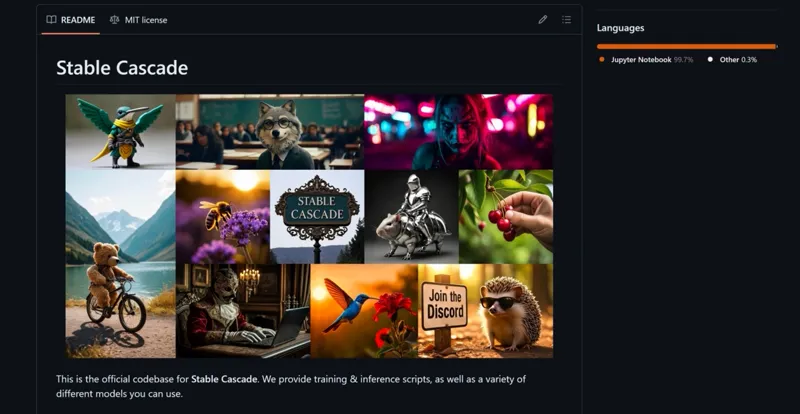
Stable Cascade - The Future of Text-to-Image AI Models!
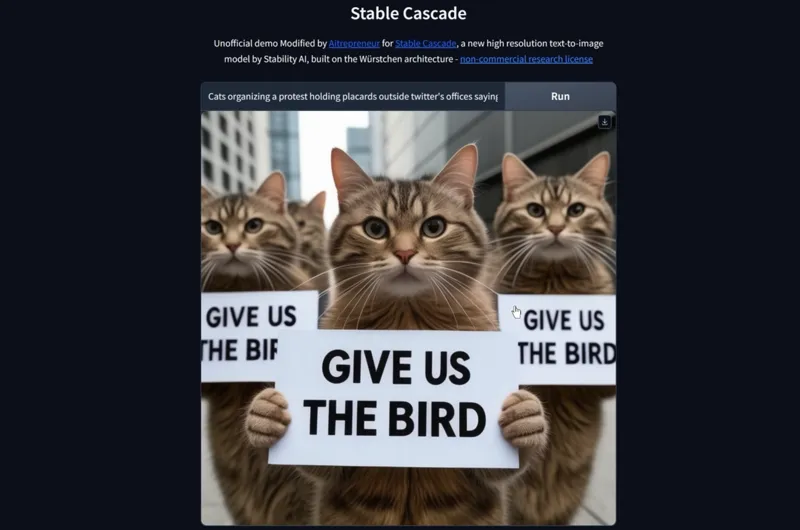
Hey everyone! I've just released a new video on how to install and run the latest Ai model from Stability Ai called "Stable Cascade". An incredible new text-to-image ai model that will probably be the future of open-source text-to-image Ai models. With better prompts understanding, better text, better hands, better overall aesthetic, etc.
You can check out the video right here: https://youtu.be/YMxXtaiVHks
I also created a 1-click installer for the Webui for my Patreon supporters, that you can find right here: https://www.patreon.com/posts/98596041
As always, supporting me on Patreon allows me to keep creating helpful resources like this for the community. Thank you for your support - now go have some fun😉!
Comments (14)
Do you know which flags or environment variables to set to use two GPU? After the "Loading pipeline components" output I get "CUDA out of memory" error with 8 GB VRAM on one GPU used while the other GPU with additional 8 GB VRAM idles.
In this demo, you simply can't but wait a little bit, sd3 is coming soon :)
mine just returns an error whenever I run it
what error?
is this slow for everyone else. I'm only running a 3080 but takes 3-4 minutes to generate a single 1024x1024 image.
if you have less than 16gb of vram, it will work but it will be slower, all depends on how much vram you got
Stable Cascade - The Future of Text-to-Image AI Models! - this didnt age well :D #SD 3
😂 true but hey sd3 seems to go in the same direction as cascade so I was kinda right 😄
Extremely slow
if you have less than 16gb of vram it will be slower, altough once again, it's just a preview, we'll have even better, more optimized models coming verrry soon
thanks :)
just an enquiry not a criticism :)
does this not have an output folder? i was playing with the cli version yesterday and that output both images to /output.
it saves images like instantid, in the C:/Users/USERNAME/AppData/Local/Temp/gradio folder